You can significantly boost your home security as a renter without drilling a single hole or violating your lease agreement by leveraging the 2026 generation of plug-and-play wireless smart technology.
Three Key Takeaways for Renters
- Wireless is Mandatory: Modern adhesive-backed sensors and battery-powered hubs offer the same protection as wired systems without the need for landlord approval.
- Data Privacy Matters: In 2026, prioritize devices with local storage options to ensure your family’s daily routines aren’t uploaded to the cloud unnecessarily.
- Portability is Power: Choose modular, ecosystem-agnostic devices that you can easily pack up and take to your next home when your lease expires.
If you are in your 30s or 40s, you likely know the specific anxiety of living in a rental. You want the peace of mind that comes with a high-end security system, but you also have to navigate the reality of security deposits, strict lease clauses about “permanent modifications,” and the constant, nagging question: “Is this going to be worth the trouble if we move in a year?”
Back in the day, security meant an alarm technician drilling holes in your walls and running wires through your baseboards. For renters, that was a non-starter. Today, the landscape has shifted entirely. We are no longer limited to basic battery-operated alarms that just make a loud noise. We are now in an era of AI-driven, highly portable, and deeply integrated smart security that lives in your ecosystem, not your walls.
Why 2026 is the Best Time to Upgrade Your Rental Security
The biggest change we have seen leading into 2026 is the commoditization of high-end sensors. A few years ago, you had to choose between “cheap and unreliable” or “expensive and professionally installed.” Now, the middle ground has exploded. You can buy sensors that detect motion, vibration, glass breaks, and even water leaks for a fraction of the cost of legacy systems.
Furthermore, interoperability has reached a tipping point. With the stabilization of standards like Matter—the industry protocol that allows different smart brands to talk to each other—you aren’t locked into a single ecosystem. If you buy a smart lock today, you can be fairly confident it will integrate with the security camera you buy next year, even if they are from different manufacturers.
However, this abundance of choice brings its own set of challenges. When every device is “smart,” it’s easy to end up with a fragmented mess of apps on your phone. For busy parents, the last thing you need is another five apps to check before you leave for school drop-offs or head to the office.
The Essential Renter’s Security Toolkit
When building a security plan for a rental, you should categorize your needs into three distinct layers: Perimeter, Interior, and Digital.
1. The Perimeter: Protecting the Entry Points
In a rental, you cannot replace the deadbolt with a high-end smart lock without permission. Instead, look for retrofitted smart locks that attach to the inside of your door. These devices turn your existing thumb-turn mechanism, meaning you keep your original key for the landlord, but you gain keypad entry, remote access, and activity logs.
For your windows, stick-on magnetic sensors are your best friend. In 2026, these are thinner than a credit card and use low-energy Bluetooth or Thread protocols, meaning their batteries last for years, not months. You simply peel the backing, stick them to the frame, and you have an instant alarm system that alerts your phone if a window is opened while you are out.
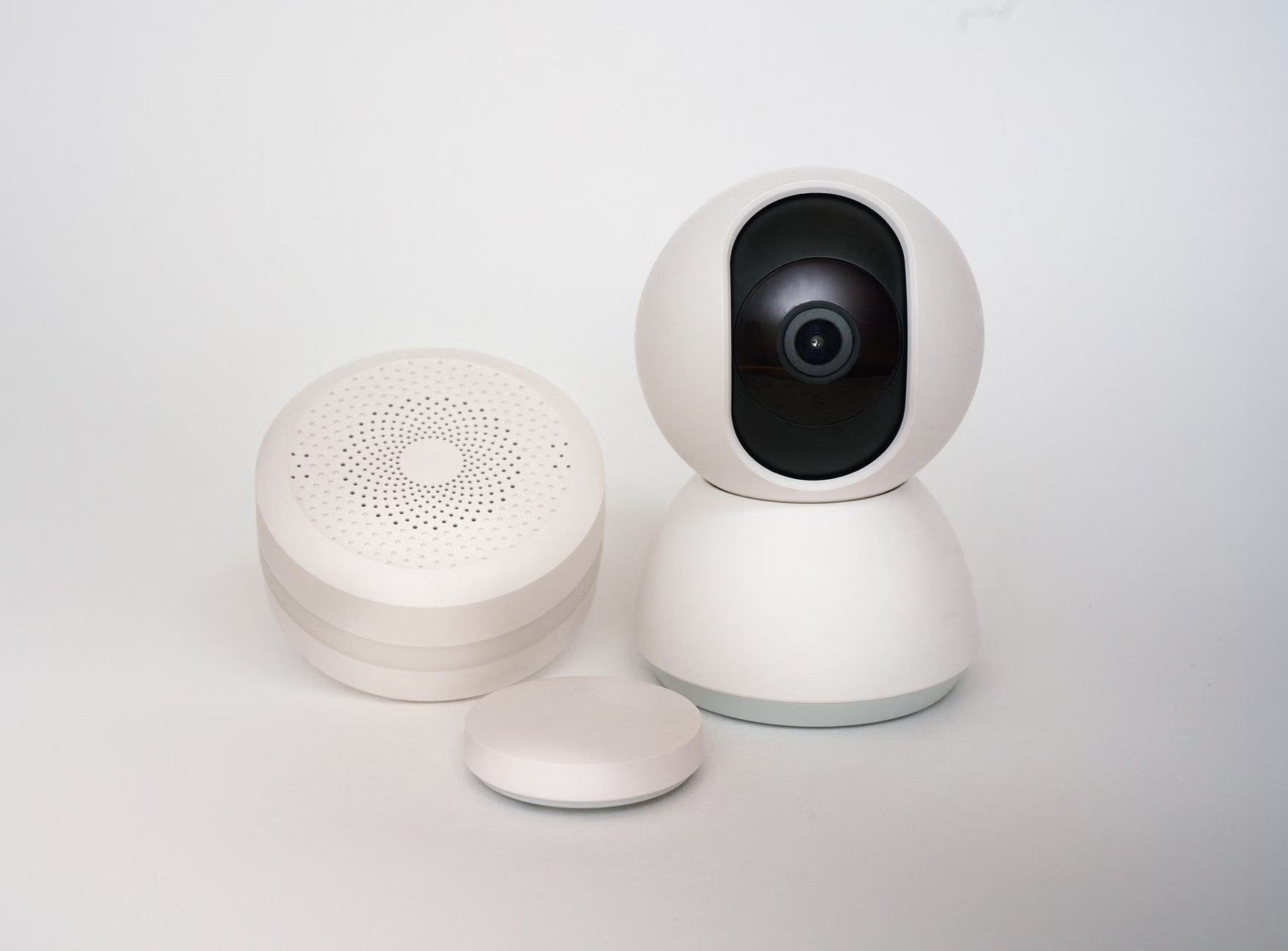
2. The Interior: Cameras with a Conscience
Indoor cameras are the most sensitive part of a renter’s setup. When you live in a smaller footprint, your camera likely spends a lot of time pointing at your living room or kitchen. This is where privacy features become just as important as security features.
Look for cameras that feature a physical privacy shutter. When you are home, the lens doesn’t just “turn off” in software; it physically closes. This provides visual confirmation that your private life remains private. Additionally, look for AI-enabled local processing. This allows the camera to distinguish between a person, a pet, or a swaying curtain without sending every frame of video to a cloud server.
3. The Digital Perimeter: Your Network
Often overlooked, your home Wi-Fi is the biggest security vulnerability. If someone hacks your router, they can potentially access your security cameras. As a renter, you might be stuck with the router your ISP provided. If possible, add a secondary, secure router behind your ISP’s device, or at the very least, ensure you have changed the default administrative password on your ISP-provided hardware.
Evaluating the “Smart” Ecosystems
Choosing a platform is the most critical decision you will make. You are essentially choosing your “digital landlord.” Here is a comparison of how the major approaches differ for the average renter.
| System Type | Pros | Cons | Best For |
|---|---|---|---|
| Integrated Platforms (e.g., Apple Home, Google Home) | Unified app experience, great automation | Higher cost, less privacy control | Families already using one ecosystem |
| DIY Modular (e.g., Aqara, Eufy) | No monthly fees, highly portable | Requires more setup work | Tech-savvy renters on a budget |
| Professional Managed (e.g., SimpliSafe) | Zero setup, 24/7 monitoring | Ongoing subscription costs | Those who want “set it and forget it” |
The “No Monthly Fee” movement has gained significant traction by 2026. Many manufacturers now offer local storage via microSD cards or local network-attached storage (NAS). For a renter, this is ideal. You aren’t paying a subscription for a house you don’t own, and your data remains in your control.
Living in an apartment or townhome adds a layer of complexity. What happens if your smart doorbell accidentally captures your neighbor’s front door? Or what if your smart leak detector triggers an alarm that goes off while you are away?
First, always check your local laws regarding video recording. In many jurisdictions, recording public spaces or common hallways is restricted. If you use a video doorbell, angle it specifically toward your doormat. Most modern smart doorbells come with “privacy zones” in their software that allow you to black out the neighbor’s walkway.
Second, be a good neighbor. If you are installing an outdoor device, give your neighbor a heads-up. Say something like, “I’m setting up a security camera to keep an eye on packages. It’s strictly pointed at my door, but I wanted to let you know.” Transparency goes a long way in avoiding petty complaints that could reach your landlord.
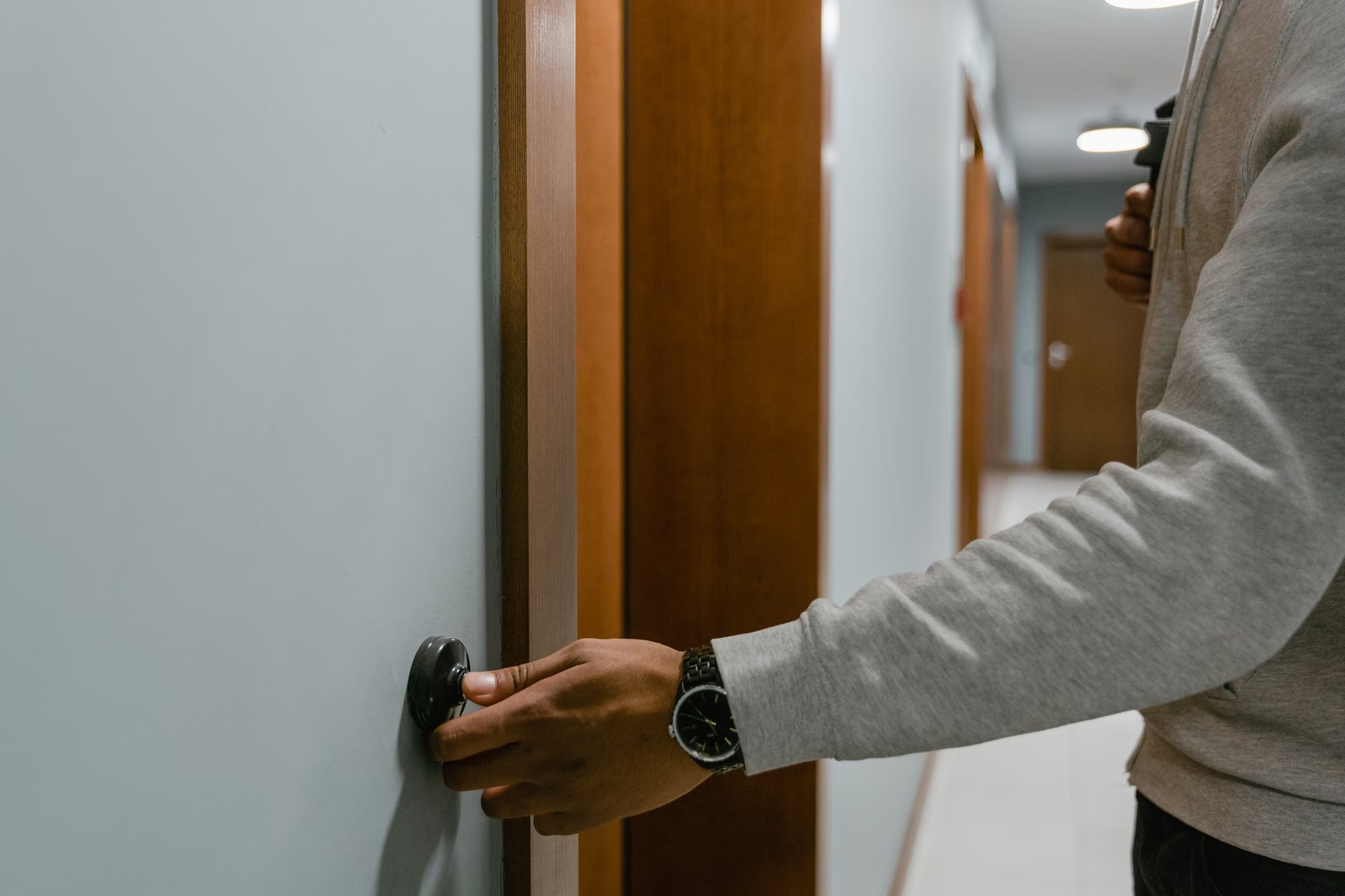
When it comes to your landlord, keep it professional. Most landlords don’t care if you have a smart lock as long as you can provide them with a key in an emergency. If you are worried about a specific installation, just ask: “I’m looking to add a temporary security measure that requires a small adhesive strip. Is that acceptable?” Most will say yes, provided you agree to remove it and touch up any paint when you move out.
The Hidden Costs of “Smart” Living
It is easy to get caught up in the excitement of new gear, but there are hidden costs to consider. Maintenance is the biggest one. You are now the IT department of your own home. If a sensor goes offline, you have to troubleshoot it. If a battery dies, you have to remember to replace it.
For parents in their 30s and 40s, time is the scarcest resource. Do not overcomplicate your system. A system with 50 sensors is a nightmare to maintain. A system with five well-placed sensors—a front door contact, a back door contact, a living room camera, and a smoke/CO listener—is often enough to provide 90% of the security benefit with 10% of the headache.
Also, consider the “smart fatigue.” If your phone is constantly pinging with notifications because the cat walked past the motion sensor, you will eventually start ignoring the alerts. That is when real security risks get missed. Fine-tune your notifications to only alert you for high-priority events, like the front door opening or a smoke alarm triggering.
Privacy-First Security
In 2026, we are more aware than ever of how our data is used. When you buy a cheap, unbranded camera from a random marketplace, you have no idea where that video feed is going. Stick to established brands that have a track record of security updates.
Look for companies that explicitly state they offer End-to-End Encryption (E2EE). This means that even the company that made the camera cannot view your footage. Your password is the only key. While this can make troubleshooting slightly harder (if you lose your password, they can’t reset your footage access), it is the gold standard for personal privacy.

Planning for the Future: Moving Out
One of the best parts about the 2026 approach is the portability. Because you haven’t wired anything into the walls, moving day is simple. You peel off your sensors, pull the adhesive strips, and pack them in a box. In an hour, you’ve “uninstalled” your security system.
When you get to your new place, you just reset the system and configure it for the new floor plan. This makes your investment a long-term one. You aren’t buying security for your apartment; you are buying security for your family, which travels with you wherever you go.
Final Thoughts on Rental Security
Security is not just about catching an intruder; it is about the mental clarity that comes from knowing your home is monitored. As a renter, you deserve that peace of mind just as much as a homeowner. By focusing on wireless, modular, and privacy-focused technology, you can create a safe environment that respects your lease, your budget, and your time.
Start small. Buy one or two components, get used to how they work, and expand as you feel comfortable. You don’t need a fortress; you just need a home that tells you what is going on when you are not there. Keep your devices updated, keep your passwords strong, and enjoy the convenience of modern home management.
Frequently Asked Questions
Q: Will my landlord be upset if I use a smart lock?
A: Most landlords are concerned with physical damage and access. If you choose a “retrofit” smart lock that works with your existing deadbolt and allows you to keep your physical key, there is typically no issue. Always check your lease agreement for clauses regarding “unauthorized locks,” but usually, these devices are considered non-permanent furniture.
Q: How do I handle security camera privacy if I have roommates?
A: Privacy is paramount in shared living spaces. Never place cameras in private areas like bedrooms or bathrooms. If you have cameras in common areas, be fully transparent with your roommates about where the cameras are, what they record, and who has access to the footage. It is best to stick to outward-facing security cameras for the perimeter of the home.
Q: What happens if the internet goes down?
A: This is a common concern. Many modern systems have “offline” capabilities. Some local hubs can continue to trigger local alarms and record to local storage even without an internet connection. Check the specific device specs for “local control” or “offline recording” features. If 24/7 monitoring is a must-have for you, consider a system with a cellular backup module.
Useful Resources for Further Research:
CISA: Securing Internet of Things (IoT) Devices
Connectivity Standards Alliance (Matter Protocol)