The most important step you can take to protect your privacy in a rental property is to perform a factory reset on every smart device left behind by a previous tenant or landlord before you connect it to your personal network. Assuming that a “smart” rental is “secure” by default is the most common mistake renters make; these devices are often linked to accounts that you don’t control, creating a digital doorway into your private life that you never intended to open.
- The “Factory Reset” Rule: Never rely on the settings left by a previous tenant; physically reset every device to ensure no lingering administrative access remains.
- Network Segmentation: Use a guest network or a dedicated IoT (Internet of Things) VLAN to isolate smart devices from your primary computers, phones, and storage drives.
- Physical Privacy Overrides: If a device has a camera or microphone that you don’t use, physical covers or complete disconnection are the only 100% effective security measures.
We’ve all seen the listings: “Smart-Home Ready!” It sounds like a dream. You move in, and the lights, thermostat, and maybe even the doorbell are already connected. But for those of us in our 30s and 40s, balancing the chaotic demands of parenting, careers, and the general mental load of adulthood, this “convenience” can quickly become a security nightmare. When you move into a property where the technology is already baked into the walls, you aren’t just renting a space; you are inheriting someone else’s digital footprint.
Why Your Rental’s “Smart” Infrastructure Is a Privacy Liability
Most landlords and property managers view technology as a value-add. They install smart thermostats to save on energy costs or smart locks to make key exchanges easier. However, these systems are rarely managed with the same rigor as a corporate IT department. When a tenant moves out, the property manager might change the master code, but they often forget to clear the device history, linked cloud accounts, or third-party integrations.
In a real-life scenario, imagine moving into an apartment where the smart doorbell is still synced to the previous tenant’s mobile app. While they might not be able to unlock your door, they might still receive notifications when someone approaches your home. That is a massive breach of your family’s daily routine. Furthermore, many IoT devices are notoriously difficult to patch. If the hardware is three or four years old, it may no longer receive security updates, making it a “soft target” for anyone looking to gain unauthorized access to your home Wi-Fi network.
The core issue here is data persistence. Smart devices often store logs of when you leave, when you return, and even your temperature preferences. To a parent, this might seem like minor data, but in the wrong hands, it is a detailed schedule of your family’s movements. When you audit your rental, you are reclaiming ownership of these data streams.
Step-by-Step: The “Clean Slate” Protocol for New Tenants
Before you even unpack your boxes, you need a systematic approach to cleaning the tech environment. Do not assume the landlord has done this for you. Even if they claim the unit is “reset,” verify it yourself.
1. Identify Every Connected Asset
Walk through the property with a notebook. Look for:
- Smart doorbells and cameras.
- Smart thermostats (e.g., Nest, Ecobee).
- Smart lighting hubs or bridges.
- Connected appliances (fridge, oven, or laundry machines).
- Smart locks on the front or back doors.
If you cannot identify a device, look for a serial number or a brand logo and search for the model online. If it’s a camera or a microphone-enabled speaker, and you don’t need it, unplug it or disable it immediately.
2. Perform a Hard Factory Reset
A software reboot is not enough. You need a factory reset. Most devices have a small “reset” pinhole or a specific sequence of button presses (like holding the power button for 15 seconds). Consult the manufacturer’s support page—not the landlord’s manual—to find the exact procedure. This wipes the device’s memory of the previous user’s credentials and settings.
3. Verify Ownership Transfer
If the device requires an app, create your own account. If the device remains “claimed” by another account even after a reset, you have a problem. In this case, contact your landlord and demand that they remove the device from their cloud account. Do not use the device until you are the primary administrator. If they cannot or will not do this, ask for the device to be removed entirely.
Managing Your Home Network: The First Line of Defense
The biggest mistake renters make is connecting every single device to their primary Wi-Fi network. Your laptop, where you do your banking, and your child’s tablet should not be on the same network as a cheap, unpatched smart lightbulb you bought on sale. A compromised lightbulb can, in theory, act as a bridge to other devices on the same network.
The Solution: Network Segmentation
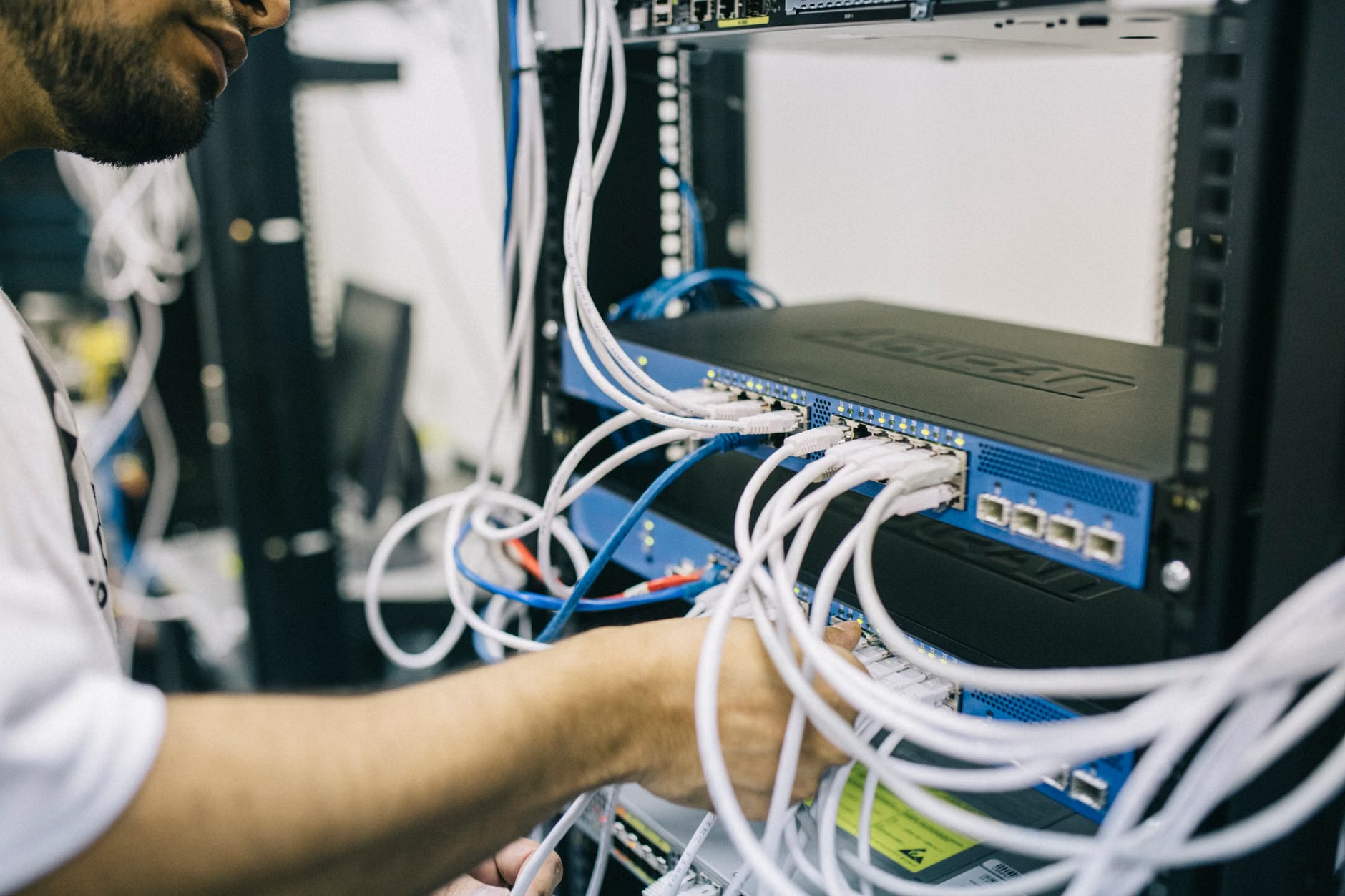
Most modern routers, even those provided by ISPs, allow you to create a “Guest Network.” This is your best friend.
- Primary Network: Use this for your laptops, phones, and high-security devices.
- Guest/IoT Network: Use this for all smart home gadgets.
By isolating your IoT devices on a guest network, you ensure that if one device is hacked, the attacker cannot easily pivot to your personal computers. It is an extra layer of “digital fencing” that takes ten minutes to set up but provides years of protection.
Common Mistakes in Network Security
| Mistake | The Consequence | The Fix |
|---|---|---|
| Using the default router password. | Easy access for anyone within range. | Change the admin password immediately upon move-in. |
| Connecting all devices to one Wi-Fi. | Lateral movement for hackers. | Use a dedicated IoT/Guest network for smart devices. |
| Ignoring firmware updates. | Known vulnerabilities remain open. | Enable “Auto-Update” in the device settings. |
Privacy Considerations for Parents in Smart Rentals
As a parent, your privacy concerns are doubled. You aren’t just protecting your data; you are protecting your children’s images and behavioral patterns. Smart baby monitors are a classic example. If you are renting a place that comes with a “built-in” monitoring system, be extremely cautious. Many of these systems use proprietary, low-security cloud servers.
If you use a smart monitor, ensure it has two-factor authentication (2FA) enabled. If the app doesn’t support 2FA, consider that a red flag. For cameras specifically, look for those with a physical shutter. If it doesn’t have one, a simple piece of opaque tape is a low-tech, high-reliability solution. It sounds paranoid, but in the context of digital security, it is simply being practical.
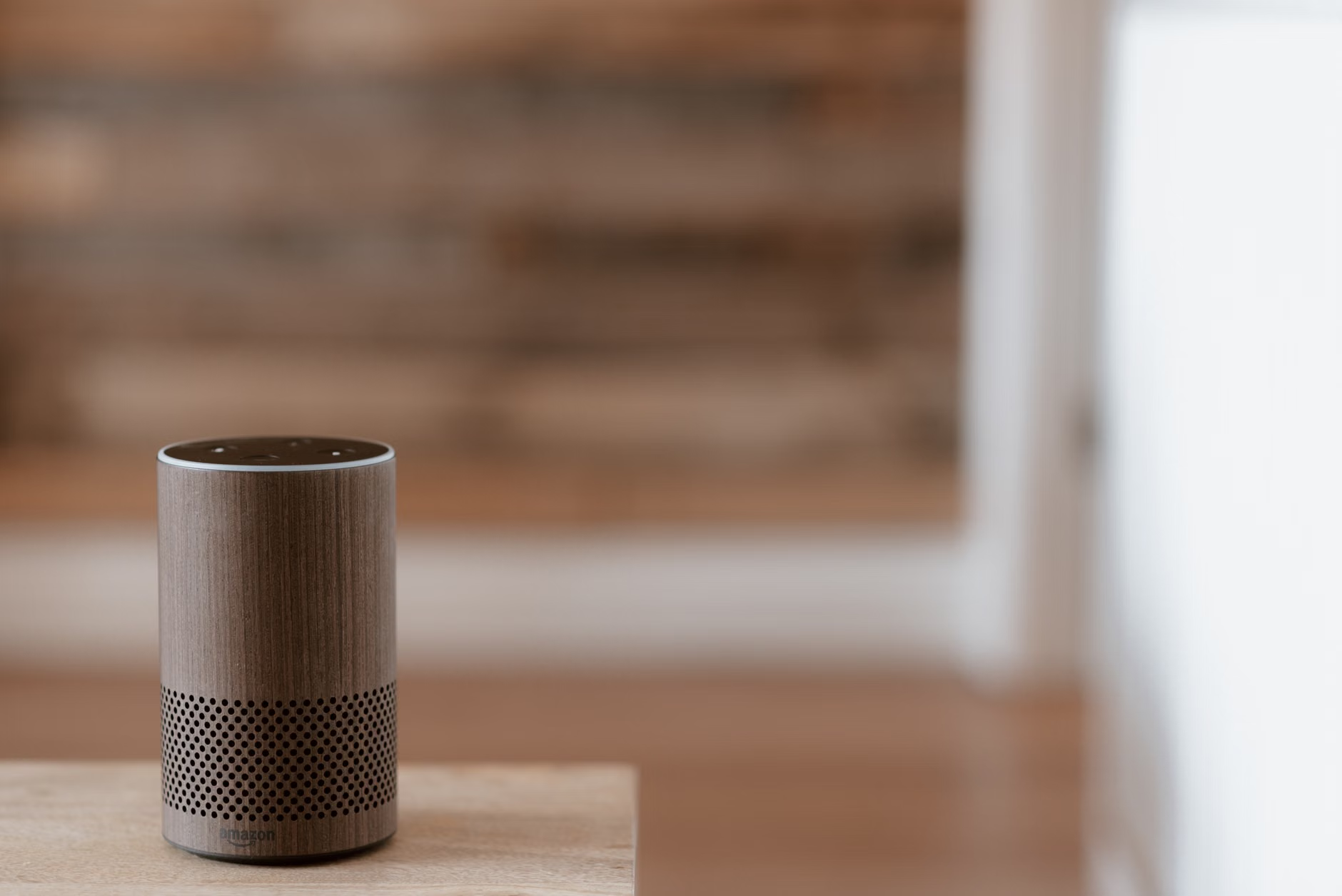
Also, consider the voice data. If your rental includes a smart speaker (like an Alexa or Google Home device), remember that it is always “listening” for a wake word. If you are uncomfortable with this, check the microphone mute button—usually found on the top or back of the device. When the mute is on, the ring light often glows red. This is your visual confirmation that the device is not transmitting audio.
The Hidden Costs of “Smart” Landlording
There is a hidden, often overlooked variable in smart rentals: The Data-Collection Trade-off. Many smart devices are designed to collect “telemetry”—data about how often you use a device, what times you are home, and even your voice patterns. This data is often sold or used to build a profile of your household for advertising purposes.
When you use a device provided by a landlord, you should ask: Who owns the data generated by this device? In some cases, the landlord might have access to aggregated reports about energy usage or occupancy. While this might be legitimate for energy efficiency, it can cross a line if it feels like surveillance. Check your lease agreement. If there is a clause stating that the landlord has access to “smart home data,” you have the right to ask for clarification on exactly what that entails.
Another issue is Device Obsolescence. If a device stops receiving security updates, it becomes a liability. If you are in a long-term rental, you might find yourself stuck with a “smart” lock that hasn’t been updated in three years. At that point, the “smart” feature is actually less secure than a standard, high-quality deadbolt. In these cases, don’t hesitate to ask your landlord if you can replace the device with a standard mechanical lock, provided you keep the original to reinstall when you move out.
Practical Decision Framework: To Use or Not to Use?
Not every smart device needs to be “smart.” Sometimes, the best privacy strategy is to turn off the connectivity and use the device as a “dumb” version of itself. Use this decision matrix when you find a connected device in your rental:
- Does the device provide a critical service? (e.g., HVAC control)
- Can it function without an internet connection?
- If it requires the internet, is the security reputation of the manufacturer high?
If the answer to 1 and 2 is “Yes,” you can safely use it. If the answer to 3 is “No,” you should consider disconnecting it from the internet. For example, a smart thermostat can often be controlled manually at the wall unit. You don’t need the app to change the temperature. By simply disconnecting the Wi-Fi from the thermostat, you maintain the utility without the privacy risk.
This approach—“Manual-First Connectivity”—is the gold standard for the privacy-conscious renter. It allows you to enjoy the physical benefits of the technology while keeping your digital life private. It also saves you from the frustration of apps that constantly demand permissions, location data, and email access just to turn on a lamp.
Frequently Asked Questions
1. Can my landlord see what I’m doing inside my home through smart devices?
In most jurisdictions, landlords are legally prohibited from monitoring tenants. However, technical access is different from legal access. If a device is still linked to the landlord’s account, they technically have access to the data. This is why a factory reset is non-negotiable.
2. What if my landlord refuses to let me reset or remove a device?
If the device is a security risk (like a camera) and the landlord refuses to let you disable it, you are within your rights to cover the lens or unplug it, provided you do not damage the hardware. Explain that you are concerned about your personal privacy and that you will ensure the device is returned to its original state when you vacate.
3. How do I know if a device is “unsupported” or insecure?
Check the manufacturer’s website for the product’s “End of Life” (EOL) status. If the device hasn’t received a firmware update in over 12–18 months, it is likely insecure. You can also search for the device model on sites like CVE Details (cvedetails.com) to see if there are known, unpatched vulnerabilities.
Final Thoughts: Your Home, Your Rules
The transition to smart rentals is inevitable, but it doesn’t mean you have to sacrifice your family’s privacy for the sake of a high-tech listing. By taking a proactive stance—resetting devices, segmenting your network, and choosing manual control when in doubt—you can enjoy the benefits of a modern living space without the digital baggage.
Remember, the goal of these systems is to serve you, not the other way around. If a device feels more like a surveillance tool than a helper, don’t be afraid to disconnect it. Your peace of mind is worth far more than the convenience of adjusting your lights from your phone. Start your audit this weekend; it’s a small investment of time that pays off in long-term security.
For more information on securing your home network, you can visit the Cybersecurity & Infrastructure Security Agency (CISA) guide on securing IoT devices at cisa.gov/securing-internet-things.