The secret to hassle-free international travel isn’t a bigger suitcase, but a smarter, more consolidated power strategy that replaces five bulky bricks with one high-performance, multi-port GaN adapter.
Three Key Takeaways
- GaN Technology is Essential: Gallium Nitride chargers are significantly smaller, lighter, and more efficient than traditional silicon-based power bricks.
- Prioritize Wattage: Ensure your main adapter provides at least 65W to 100W if you need to charge a laptop alongside mobile devices.
- Universal Doesn’t Mean “Do Everything”: Most universal adapters are for physical plug conversion; you still need a high-quality Power Delivery (PD) charger to handle the voltage and current safely.
If you are in your 30s or 40s, you likely remember the “travel kit” of the early 2000s: a dedicated camera bag, a laptop sleeve, and a tangled mess of proprietary power cables for every single device. Today, the problem has shifted. We aren’t carrying more devices, but we are carrying more fragile, power-hungry devices. When you are traveling with a partner and children, the “charging station” at the hotel desk inevitably becomes a chaotic battleground of cables, arguing over who gets to use the one outlet that actually works.
The universal adapter dilemma is real. You buy a cheap plastic block that claims to work in 150 countries, but it feels flimsy, lacks grounding, and definitely doesn’t support the fast-charging standards your smartphone demands. Meanwhile, your laptop sits in the corner, refusing to charge because the adapter doesn’t provide enough wattage. Let’s look at how to solve this for good.
The Physics of Power: Why Your Old Adapters Are Failing You
To understand why your current setup feels so clunky, we have to talk about the shift from Silicon to Gallium Nitride (GaN). For decades, we relied on silicon-based chargers. They were big because silicon is not particularly efficient at handling high power density; to prevent them from melting, manufacturers had to build them with large, bulky heat sinks and bulky transformers.
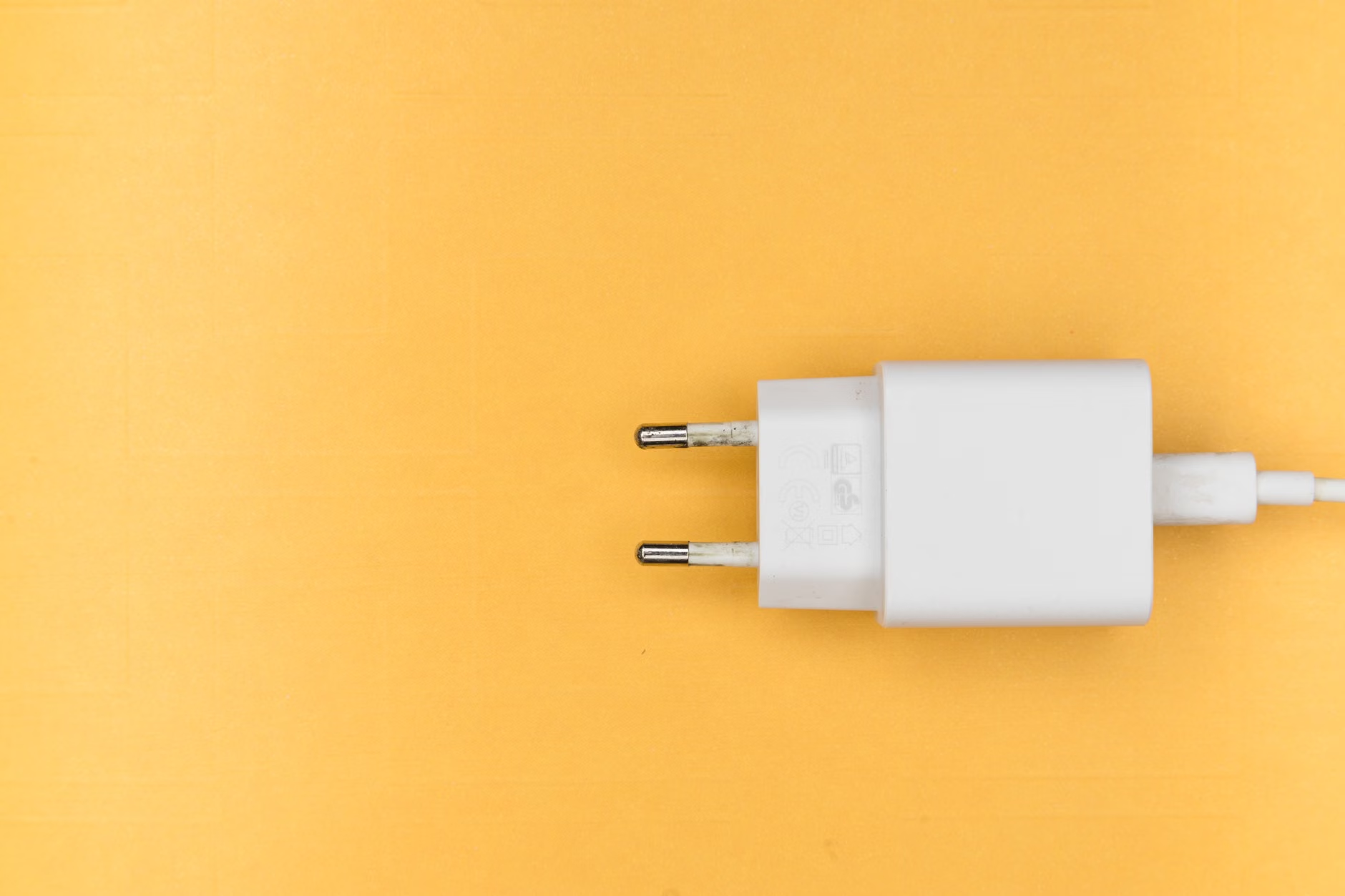
GaN changed the game. Gallium Nitride is a semiconductor material that can handle higher voltages and higher temperatures in a much smaller footprint. This is why you can now find a charger the size of a deck of cards that can power a MacBook Pro, an iPad, and two iPhones simultaneously. If you are still using the white “brick” that came in the box with your phone, you are carrying unnecessary weight and inefficiency.
When selecting your gear, you need to look for Power Delivery (PD) support. PD is the industry standard that allows a single USB-C cable to negotiate the correct voltage and current for whatever device is plugged into it. A modern 100W GaN charger will “talk” to your phone and give it exactly what it needs, preventing overheating while charging at maximum speed.
The Anatomy of a Modern Tech Kit
The goal is to move from “bag of bricks” to a “unified power system.” You should aim for a setup that relies on one high-wattage primary charger and a secondary, compact travel adapter for plug conversion. Here is how to break it down.
1. The Primary GaN Power Hub
This stays in your main bag. Look for a charger with at least three ports: two USB-C and one USB-A. Aim for a total output of at least 65W, but 100W is the “sweet spot” for families. Why 100W? If you plug in a laptop, a tablet, and a phone, a 65W charger will throttle the laptop’s charging speed significantly. A 100W charger ensures everything stays topped up even during a busy day of navigating, photo-taking, and video-streaming.
2. The Universal Plug Adapter
This is where people get confused. A “Universal Adapter” is just a physical piece of plastic that changes the shape of the prongs to fit a wall socket. It does not convert voltage. If you are traveling from a 110V country (like the US) to a 220V country (like most of Europe or Asia), you need to make sure your devices are “dual voltage.” Almost all modern laptops, tablets, and phones are, but it is worth checking the fine print on the back of your power brick.
3. The Cable Strategy
Stop using the thin, fragile cables that come with your devices. Invest in high-quality, braided USB-C to USB-C cables that support 100W charging. Using a low-quality cable with a high-wattage charger is a recipe for slow charging or, in worst-case scenarios, a fire hazard. Look for cables with E-marker chips, which safely regulate the power flow.
Comparing Your Options: What to Look For
Not all adapters are created equal. When shopping, you will see a variety of marketing terms. Here is a quick guide to help you cut through the noise.
| Feature | What it means for you | Priority |
|---|---|---|
| GaN Technology | Smaller size, less heat, higher efficiency. | Must-have |
| USB-C PD | The standard for fast charging laptops and phones. | Must-have |
| Total Wattage | How much power can be shared across all ports. | High (Aim for 65W+) |
| Foldable Prongs | Prevents the adapter from scratching other gear. | Medium |
| Interchangeable Plugs | Allows the adapter to work in different regions. | High |
Common Mistakes That Ruin Your Tech Experience
Even with the best gear, travel can be frustrating if you don’t plan for the realities of the road. Let’s address the most common pitfalls.
Many travelers assume that every hotel room has a desk with multiple outlets. In older European or Asian hotels, you might find a single, recessed outlet behind a heavy dresser. Always carry a short (1-foot) extension cord or a “power strip” that is non-surge protected (surge protectors are often illegal or dangerous in certain electrical grids). This allows you to bring the power to your nightstand rather than crawling under the furniture.
Ignoring the Weight of the Adapter
If you buy a massive, all-in-one “world traveler” adapter that includes every possible plug type, you will find that it is top-heavy. In many countries, wall sockets are loose. A heavy adapter will literally fall out of the wall. Stick to a modular system: a high-quality GaN charger and a set of lightweight, snap-on plug adapters.
Forgetting the “Last Mile”
You have your universal adapter, you have your 100W GaN charger, but you forgot that your smartwatch or your kid’s handheld game console uses a proprietary magnetic cable. Always do a “power audit” two days before you leave. List every single device you are taking and confirm that you have a cable for each one. Don’t assume you can buy a replacement in a foreign airport—it will be overpriced and likely counterfeit.
Managing the Family Tech Load
When you are traveling as a family, the “adapter dilemma” becomes a social issue. Who gets to charge their iPad first? Whose phone is at 5%? The best way to manage this is to move away from individual charging and toward a centralized “charging hub” approach.
Set up a designated area in your hotel or rental—the “Power Station.” Use a long cable to run from the wall to a table where your multi-port GaN charger lives. Because your GaN charger has multiple ports, you can charge your laptop, your spouse’s phone, and the kids’ tablets all at once. This removes the need for every family member to hunt for outlets.
Safety and Reliability: A Note on Quality
I cannot stress this enough: do not buy the cheapest, no-name charger you find on a random marketplace. Electricity is not the place to save $5. Look for reputable brands that provide safety certifications (like UL, CE, or FCC). Cheap, uncertified chargers are notorious for “coil whine” (an annoying high-pitched sound) and, more importantly, a lack of over-voltage protection. If the charger fails, it can fry the charging port on your expensive laptop or smartphone.
Also, check the heat. A little warmth is normal when a charger is working hard, but if it is too hot to touch, stop using it immediately. This is another reason to stick with reputable GaN manufacturers—they invest in thermal management systems that keep the device cool even under full load.
Refining Your Packing List
To keep things simple, use this checklist for your next trip:
- One 100W GaN Multi-Port Charger: This is your workhorse.
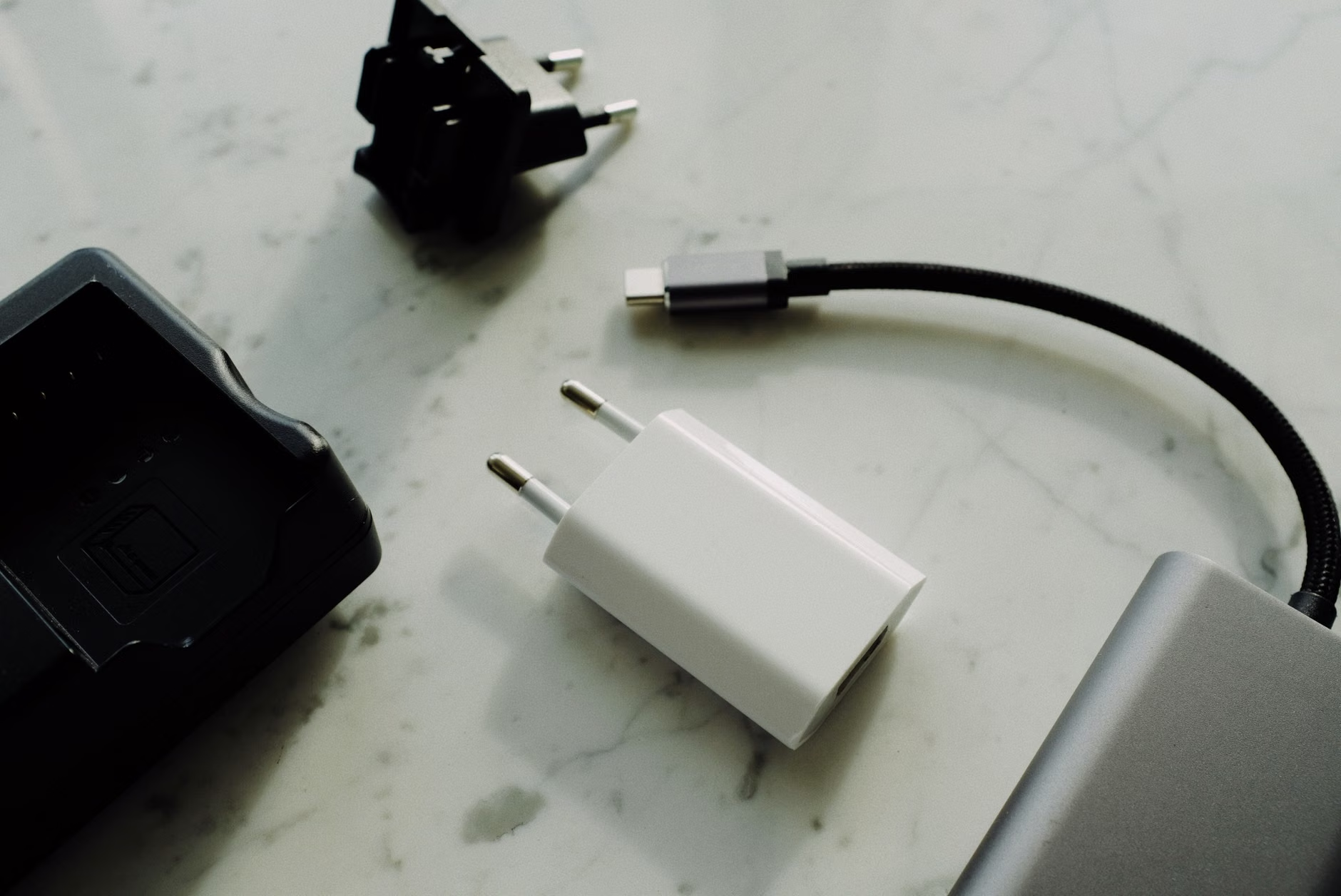
- One Set of Region-Specific Plug Converters: Buy a set that covers the regions you visit most (e.g., EU, UK, AU, US).
- Two 100W-Rated USB-C Cables: Braided, at least 6 feet long.
- One “Emergency” USB-A to Lightning/Micro-USB Cable: Only if you have older devices.
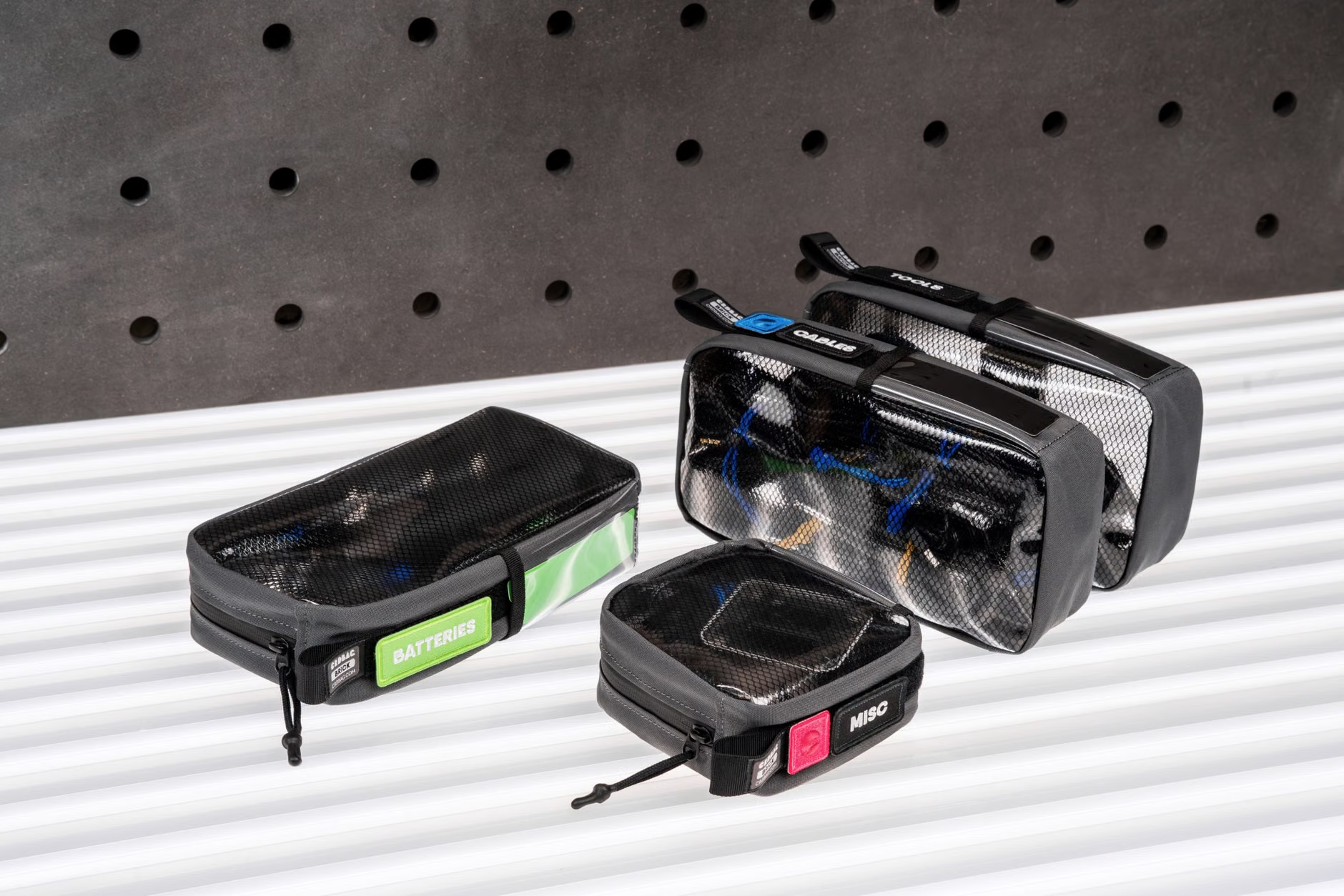
- Small Cable Organizer Pouch: Keep it all together so you aren’t hunting for a cable at 2:00 AM.
By streamlining your kit, you reduce the anxiety of travel. You spend less time worrying about power and more time actually enjoying the experience with your family. It is a small investment in gear, but it pays off every time you walk into a hotel room and realize you are ready to go in seconds.
Frequently Asked Questions
Does a universal adapter convert voltage?
No. Most universal adapters only change the physical shape of the plug. You must ensure your devices (laptop, camera, phone) are dual-voltage, meaning they can accept both 110V and 220V. Check the fine print on your device’s power brick; if it says “Input: 100-240V,” you are safe to use it anywhere in the world with a simple plug adapter.
Why is my GaN charger getting hot?
It is normal for a charger to feel warm when it is delivering high power, especially when charging a laptop. However, if it is burning to the touch or if you smell plastic, unplug it immediately. Always use chargers from reputable brands that have built-in thermal protection and safety certifications.
Can I use a high-wattage charger for my low-power devices?
Yes. This is the beauty of USB Power Delivery (PD). A 100W charger will only “push” the amount of power that your device “requests.” If your phone only needs 20W, the charger will communicate with the phone and provide exactly 20W. You will not damage your battery by using a higher-wattage charger.
Travel tech is meant to serve you, not burden you. By choosing a high-quality, multi-port GaN solution, you can drastically reduce the weight in your bag and the stress of managing multiple devices. Keep your setup simple, prioritize quality, and you will find that the “adapter dilemma” is a problem of the past. Happy travels.
For further information on international travel safety and electrical standards, you can consult the International Electrotechnical Commission (IEC) for global standards or check the International Trade Administration for travel-related power requirements by country.