The single most effective way to improve your sleep quality without changing your mattress or your schedule is to manage the quality of light you are exposed to in the evening hours.
- Circadian Alignment: Use cool, blue-enriched light in the morning to wake up and warm, amber-toned light in the evening to prepare for sleep.
- Automation is Key: Don’t rely on willpower; use smart home routines to dim your lights automatically as your bedtime approaches.
- Color Temperature Matters: Aim for under 2,700 Kelvin in the evening to avoid suppressing melatonin production.
If you are in your 30s or 40s, you probably know the feeling of “revenge bedtime procrastination”—that late-night window where you finally have a moment of peace, so you scroll through your phone or watch TV, effectively sabotaging the sleep you desperately need for the next day. Between the demands of parenting, career responsibilities, and the general “noise” of modern life, our internal clocks are frequently thrown out of whack.
We often think about sleep in terms of what we avoid—caffeine after 2 PM, heavy meals, or stressful conversations. However, we rarely talk about the silent disruptor: the high-intensity, blue-spectrum light emitted by our overhead lamps, kitchen LEDs, and device screens. This is where a DIY smart lighting setup becomes a game changer. It isn’t about building a complex, expensive system; it is about reclaiming your biology using simple, accessible technology.
Why Your Lights Are Keeping You Awake
To understand why smart lighting is a legitimate health tool rather than just a “cool tech” gadget, we need to look at the biology of the circadian rhythm. Our bodies have evolved to track time through light. For most of human history, as the sun set, the light shifted from bright, blue-heavy daylight to the warm, orange-red glow of firelight. Our eyes and brain interpret this shift as a signal to start producing melatonin, the hormone that makes us drowsy.
Modern LEDs, which are standard in most homes, are notoriously “blue-heavy.” Even at low brightness, the specific wavelength of blue light tricks your brain into thinking it is still noon. This is why you can feel exhausted, sit on your couch under a bright white ceiling light, and suddenly feel “wired” again. You aren’t necessarily stressed; you are just being chemically signaled to stay awake.
A smart home lighting setup allows you to mimic the natural progression of the sun. By shifting your home’s color temperature—the “warmth” or “coolness” of the light—you can guide your body into a natural wind-down state. It is a subtle, almost invisible intervention that requires zero effort once it is set up.
Getting Started: The Hardware You Actually Need
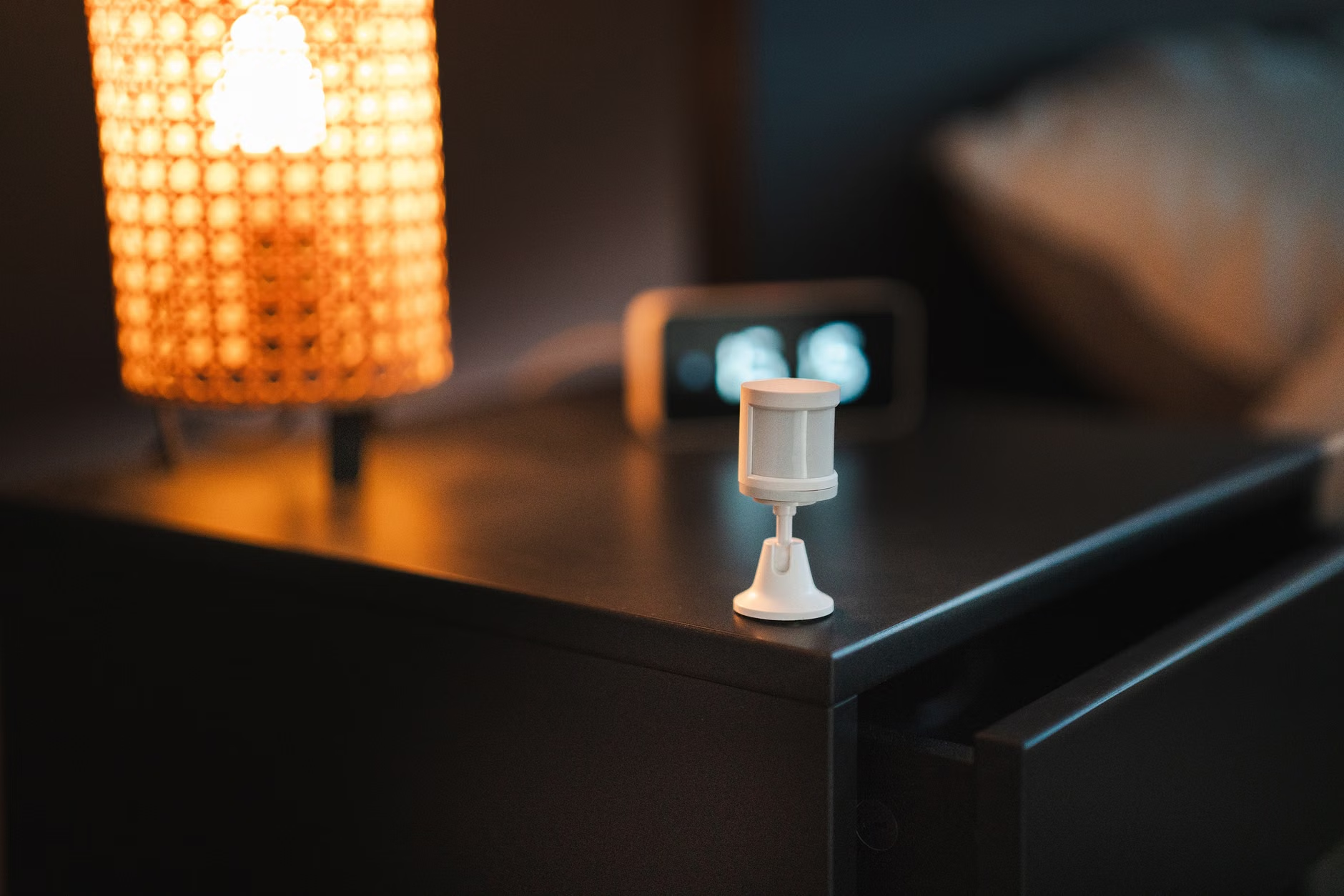
You do not need to rewire your house or invest thousands of dollars into professional smart home systems. The beauty of the current market is that it is highly modular. You can start with a single room or even a single lamp.
Here is what you need to look for:
- Smart Bulbs vs. Smart Switches: Smart bulbs (like Philips Hue, Lifx, or budget-friendly Tapo/Wyze options) give you control over color and temperature. Smart switches are better if you want to keep your existing “dumb” bulbs but control them via an app. For sleep cycles, smart bulbs are superior because they allow for color temperature adjustment (from cool white to warm amber).
- The Hub Consideration: Many smart bulbs connect directly to your Wi-Fi. This is fine for a small setup. If you plan to automate your entire house, look for bulbs that support protocols like Zigbee or Matter, which are more stable and don’t clog up your home Wi-Fi network.
- Compatibility: Ensure your chosen brand integrates with your existing ecosystem, whether that is Apple HomeKit, Google Home, or Amazon Alexa. This allows you to set “scenes” that trigger across multiple rooms simultaneously.
Table 1: Smart Lighting Components Comparison
| Feature | Smart Bulbs | Smart Switches |
|---|---|---|
| Color Temperature Control | Yes (Essential for sleep) | No (Usually just on/off/dim) |
| Installation Difficulty | Low (Screw in) | Moderate (Requires wiring) |
| Cost | Higher per unit | Lower for whole room |
Designing Your Circadian Schedule
The goal of a smart lighting schedule is to automate the environment so you don’t have to think about it. If you have to remember to dim the lights, you are already adding a task to your mental load, which is the opposite of what you want when you are trying to relax.
I recommend setting up three distinct phases for your home lighting:
1. The “Productivity” Phase (Morning to Early Afternoon)
During the day, you want light that mimics the sun at its peak. This means a color temperature of around 5,000K to 6,500K (Cool White). This light suppresses melatonin and helps you feel alert. If you work from home, this is crucial for maintaining focus.
2. The “Transition” Phase (Late Afternoon to Early Evening)
As the sun begins to set, your smart lights should follow suit. At around 6:00 PM or 7:00 PM, program your lights to transition to a neutral white (around 3,500K to 4,000K). This signals to the brain that the day is winding down without making you feel sleepy while you are still trying to cook dinner or help with homework.
3. The “Wind-Down” Phase (One Hour Before Bed)
This is where the magic happens. One hour before your target bedtime, your lights should automatically dim to 20-30% brightness and shift to a “Warm White” or “Amber” color (2,000K to 2,700K). This light is significantly less stimulating and allows your natural melatonin production to kick into gear.
Common Pitfalls and How to Avoid Them
When you start automating your home, it is easy to get over-ambitious. Here are a few mistakes I’ve seen people make that end up causing more frustration than relaxation.
The “Disco” Effect: Don’t make your transitions too sudden. If your lights jump from bright white to dim amber in an instant, it is jarring. Most smart lighting apps allow you to set a “fade time.” Set your transitions to take 15 to 30 minutes. This creates a gradual, subtle shift that your brain barely notices, but your body definitely feels.
Over-Automating: You don’t need every light in the house to be smart. Focus on the “high-impact” areas: the living room, the bedroom, and perhaps the hallway leading to the bathroom. If you turn on a “dumb” light in the hallway at 11:00 PM, you will negate the effects of the dim lighting you have been cultivating all evening.
The Bathroom Trap: Many people forget the bathroom. If you go to brush your teeth at 10:30 PM and flip on a high-intensity, cool-white vanity light, you are hitting your eyes with a “wake-up” blast just as you are trying to sleep. This is perhaps the most important room to swap for a smart bulb or a motion-activated warm nightlight.
Integration for Parents: Managing the Family Flow
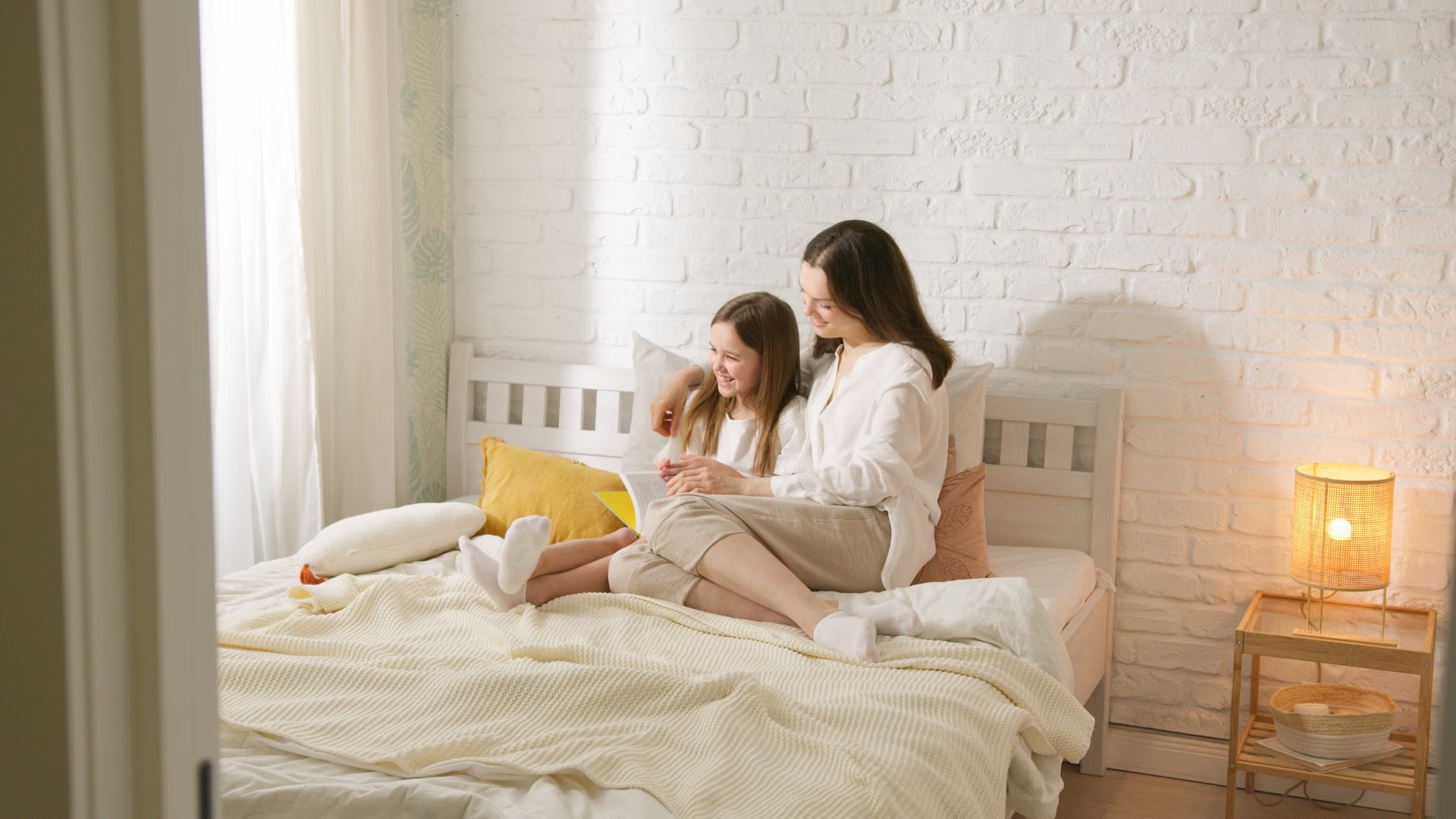
If you have children, the “sleep cycle” isn’t just about you—it’s about the whole house. Smart lighting can actually be a secret weapon for parents. Creating a “bedtime scene” that slowly dims the lights in the living room can act as a non-verbal cue for the kids that the day is ending.
Instead of having to constantly tell everyone to “quiet down” or “get ready for bed,” you can let the environment do the talking. When the lights turn amber, it becomes a natural signal for the household to move toward their rooms. It removes the friction of enforcement and replaces it with a shared, predictable routine.
For younger children, you can even use smart bulbs to create a “nightlight” mode that is a soft, deep red. Red light is the least disruptive to sleep, which makes it perfect for those late-night checks or diaper changes without fully waking anyone up.
Technical Troubleshooting: When Things Go Wrong
Smart home technology is reliable, but it is not infallible. Connectivity issues can occasionally cause a light to stay on when it should have dimmed, or vice versa.
Check Your Network: If you find that your lights are frequently “unresponsive” in your app, your Wi-Fi might be struggling. Smart devices often use the 2.4GHz band, which is the same as many older appliances. If you have a large home, consider a mesh Wi-Fi system to ensure your bulbs stay connected.
Physical Switches: Remember that if someone turns off the physical light switch on the wall, the “smart” functionality is dead. The bulb needs constant power to receive commands. If you have family members who are in the habit of flipping switches, you might need to buy “switch guards”—little plastic covers that prevent the switch from being flipped while still allowing you to access it in an emergency.
Privacy and Data: Most smart lighting brands collect some data on your usage patterns to improve their services. If privacy is a major concern, look for brands that offer “local control,” meaning the devices communicate with each other within your home rather than constantly sending data to a cloud server. Home Assistant is a fantastic, privacy-focused open-source platform if you want to take your DIY setup to an advanced level, though it does have a steeper learning curve.
Evaluating Your Progress
Don’t expect your sleep to be “fixed” in a single night. Circadian rhythms take time to adjust. Give your new lighting routine at least two weeks to see if it impacts your ability to fall asleep or your general energy levels in the evening.
Keep a simple log if you feel like it. Are you reaching for your phone less during the wind-down hour? Are you feeling less “wired” when you finally get into bed? Often, the change is subtle enough that we don’t notice it until we look back and realize we haven’t been struggling to drift off as much as we used to.
If you find that the lighting changes aren’t enough, consider the other half of the equation: your screen usage. Smart lighting is a fantastic tool, but it works best when combined with a “digital sunset”—the practice of putting away tablets and laptops at least 30 to 60 minutes before bed. The light from a screen is right in your face, and even the “Night Shift” or “Blue Light Filter” modes on phones are often not as effective as simply putting the device in a drawer.
Final Thoughts on Building Your Sanctuary
Your home should be a sanctuary, especially when you are balancing the heavy lifting of adulthood and parenting. We spend a massive portion of our lives in our homes, and yet we often ignore the environmental factors that dictate our mood, our energy, and our health. By treating your lighting as a dynamic, responsive system rather than a static feature, you are taking a proactive step toward better health.
Start small. Buy a single smart bulb for your bedside lamp. Program it to fade to 20% warm white at 9:30 PM. See how it feels. Once you experience the difference that a controlled, intentional environment makes, you will likely find yourself wanting to bring that sense of calm to the rest of your home.
It isn’t about having the most “futuristic” house on the block. It’s about creating a space that respects your biology, helps you recharge, and gives you a fighting chance to get the rest you need to do it all again tomorrow.
Official Resources and Further Reading
For those interested in the science behind light and sleep, the following resources provide excellent, evidence-based data:
- Sleep Foundation: How Light Affects Your Sleep
- CDC: Sleep Hygiene and Environmental Factors
- National Institutes of Health: The Impact of Light on Circadian Rhythms
Frequently Asked Questions
1. Do I need to replace all my light bulbs at once?
Not at all. Start with the “high-impact” rooms where you spend your evening hours, such as the living room and the bedroom. You can expand to other rooms as your budget and needs allow.
2. Will smart bulbs work if my home has older wiring?
Yes, smart bulbs work in almost any standard light fixture. They are designed to fit the same sockets as traditional bulbs. The only requirement is a stable Wi-Fi connection and that the physical switch remains in the “on” position.
3. Can I use smart lighting if I don’t have a voice assistant?
Absolutely. While voice assistants (like Alexa or Google Home) make it convenient, you can control everything through the manufacturer’s smartphone app. You can set schedules and automations directly in the app without ever needing to speak to a device.