You can effectively lower your monthly utility bills by 10% to 20% simply by using a smart-home energy dashboard to identify and eliminate “vampire” power drains, even if you are renting and cannot change the building’s infrastructure.
Key Takeaways:
- Visibility is power: You cannot fix what you cannot measure; energy dashboards turn invisible electricity usage into actionable data.
- Renters have options: You don’t need a smart meter or a permanent installation to track usage; plug-in monitors and apps do the heavy lifting.
- Focus on the big three: Heating/cooling, water heating, and “always-on” appliances are the primary targets for significant savings.
Do you ever look at your monthly electricity bill and feel like you’re paying for a ghost? It’s a familiar frustration for anyone living in a rental. You walk from room to room, turning off lights and unplugging the coffee maker, yet the bill remains stubbornly high. As parents balancing the chaotic schedules of work and family life, we rarely have the time to audit our energy consumption, let alone investigate why the HVAC system seems to be running a marathon while we sleep.
The good news is that we live in an era where “smart” technology has moved beyond just voice-activated lightbulbs. We now have access to user-friendly energy dashboards that act as a personal financial advisor for your home’s power consumption. For renters, these tools are game-changers because they require zero drilling, no rewiring, and no landlord permission.
Why Renters Need to Think Like Energy Managers
When you own a home, you might invest in solar panels or high-efficiency heat pumps. As a renter, your primary goal is optimization. You are working with the equipment provided, which often isn’t the most efficient on the market. However, even in a drafty apartment, there is significant room for improvement.
Energy dashboards work by aggregating data from smart plugs, smart thermostats, and even smart circuit monitors. They translate complex kilowatt-hour (kWh) data into clear, easy-to-understand visuals. Instead of seeing a giant number at the end of the month, you see a breakdown: “The television and game console used 15% of your energy this week.” That specific knowledge allows you to make micro-adjustments that add up to real savings.
Think of it like a fitness tracker for your home. You wouldn’t try to lose weight without knowing how many calories you consume, right? The same logic applies to electricity. By tracking the “calories” (kWh) your apartment burns, you can spot the appliances that are eating up your budget.
The Essential Toolbox for the Renter’s Energy Audit
You don’t need a massive budget to start. In fact, most renters can set up a robust monitoring system for less than the cost of one month’s electricity bill. Here are the core components you should look for:
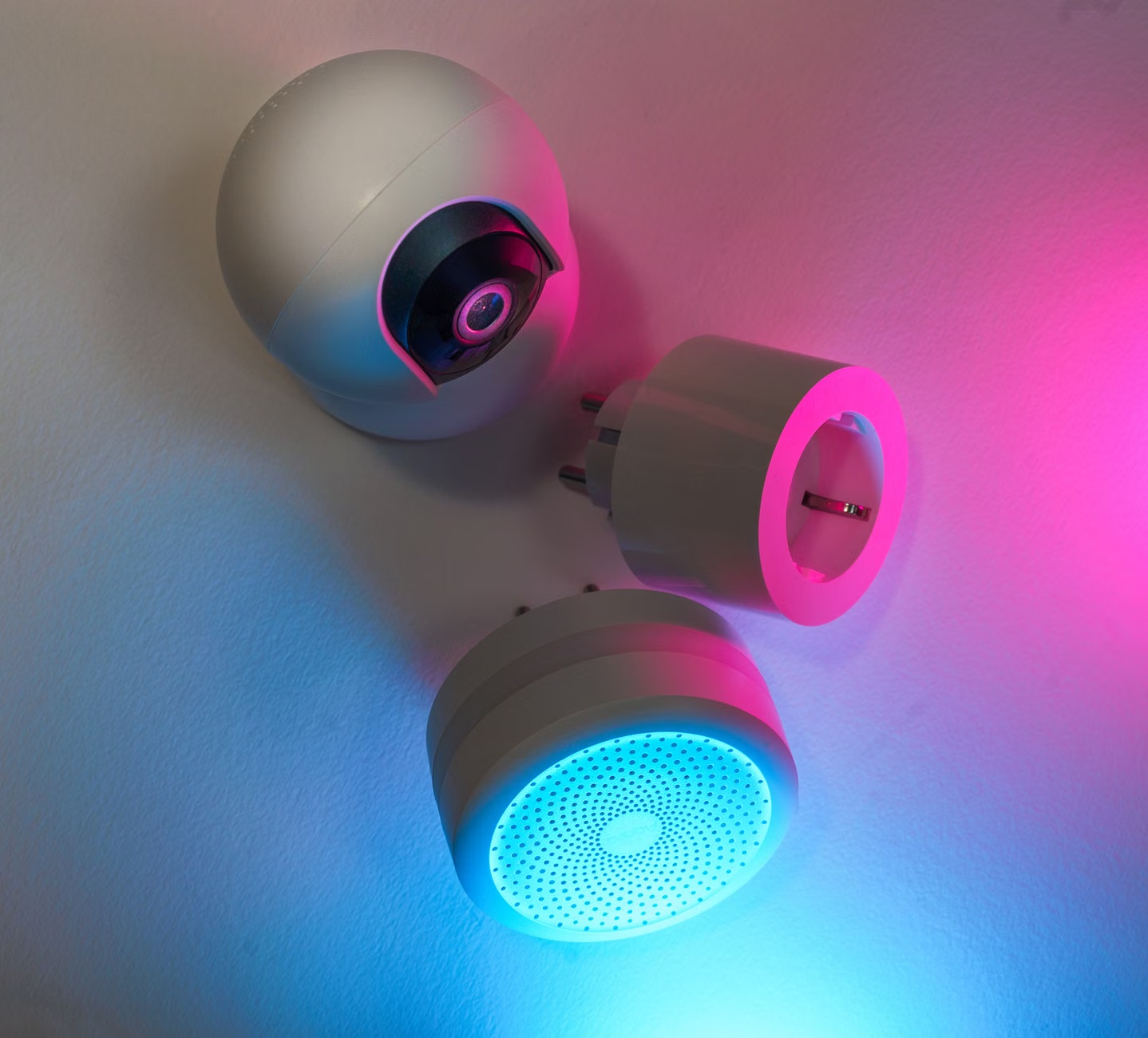
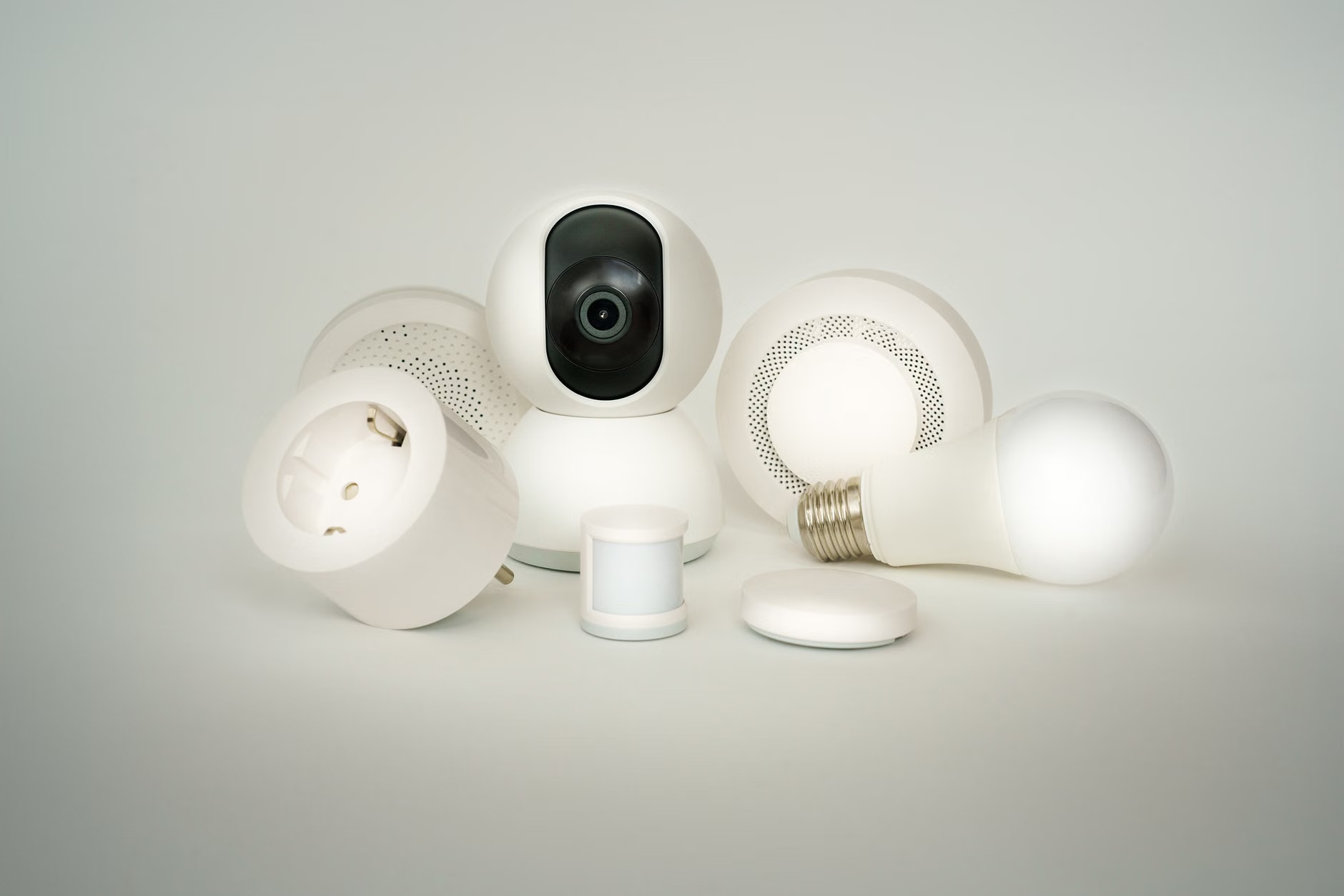
- Smart Plugs with Energy Monitoring: These are the “secret weapons” of the renter. You plug them into your wall outlet, and then plug your appliance into the smart plug. They report exactly how much power that specific device uses.
- Smart Thermostats: Many newer models are battery-operated or use a C-wire adapter that is easy to install and remove. They allow you to set schedules so you aren’t heating or cooling an empty apartment.
- Centralized Apps: Platforms like Home Assistant, SmartThings, or manufacturer-specific apps (like those for TP-Link or Wemo) act as your dashboard.
When selecting your gear, prioritize devices that integrate into a single interface. If you have five different apps for five different plugs, you won’t check them. A consolidated dashboard is the difference between a project you abandon in a week and a habit that saves you money for years.
Comparing Monitoring Approaches
| Method | Cost | Difficulty | Best For |
|---|---|---|---|
| Smart Plugs | Low | Easy | Individual high-draw appliances |
| Smart Thermostat | Medium | Moderate | HVAC and climate control |
| Energy Apps | Free/Subscription | Easy | Visualizing data and trends |
Identifying the ‘Vampire’ Loads in Your Home
The term “vampire load” refers to the electricity consumed by devices that are turned off but still plugged in. This includes game consoles in standby mode, printers, cable boxes, and even phone chargers. While a single charger uses negligible power, a collection of these devices can account for up to 10% of your total energy bill.
Using your smart dashboard, you can perform a “night audit.” Check your usage at 3:00 AM while the family is asleep. If your dashboard shows a steady, high baseline, you have hidden energy drains. This is the moment to start unplugging or using smart power strips that cut power to peripheral devices when the main device (like your TV) is turned off.
Parents know that game consoles are particularly guilty here. They are often left in “sleep mode” to allow for quick updates, but they continue to pull power. By using an energy-monitoring smart plug on your entertainment center, you can see the difference between “standby” and “off” and program the plug to cut power completely during the hours when no one is using the console.

Step-by-Step: Setting Up Your First Energy Dashboard
Setting up your system doesn’t require a degree in electrical engineering. Follow this flow to get started without the stress:
- Audit the high-draw items: Start with your refrigerator, entertainment center, and air conditioning unit. These are usually the biggest offenders.
- Install your monitoring devices: Place smart plugs on these items. For the thermostat, ensure you have the landlord’s permission if you need to swap the unit (though many modern ones just snap into the existing plate).
- Connect to the app: Use a unified platform to view your data. Spend the first week just observing. Don’t change your habits yet; just see how your life correlates with your energy usage.
- Analyze the peaks: Look for patterns. Does your energy usage spike when the kids come home from school? Does it stay high while you’re out at the office?
- Automate the savings: Once you know the patterns, set rules. For example, “Turn off all non-essential plugs at 11:00 PM.”
One common mistake is trying to monitor everything at once. You don’t need a smart plug on your toaster or your electric toothbrush. Focus on the devices that stay plugged in 24/7 or those that run on a motor. The goal is to maximize return on investment, not to turn your home into a NASA control center.
Addressing Common Concerns for Renters
I often hear, “But what if I move out?” That is the beauty of this approach. Everything mentioned here is modular. When you move to your next place, you pack your plugs and your thermostat, and you take your data history with you. You aren’t building equity into your landlord’s property; you are building a toolset for your own financial health.
Another concern is privacy. Many smart-home devices connect to the cloud. If you are concerned about data usage, look for devices that offer “local control”—meaning the data stays on your home network and isn’t sent to a server. This is a bit more technical, but it’s a great way to keep your home data private while still gaining the benefits of energy monitoring.
Finally, there is the “family factor.” If your spouse or children find the smart home system annoying (e.g., the lights turning off while they are reading), you’ve failed. The goal is to make the technology invisible. If you have to manually override your settings every day, the system is too aggressive. Aim for “set it and forget it” automations that support your lifestyle, not dictate it.
The Long-Term Impact on Your Household Budget
When you start seeing the data, you’ll be surprised by what you find. You might realize that your old refrigerator is failing and drawing double the power it should, or that your space heater is the reason your winter bills are triple your summer bills. This data gives you leverage.
If you find that an appliance is truly inefficient, you can present that data to your landlord. “Hey, my energy monitoring shows this unit is drawing 300% more power than a modern model. Is there any chance we could replace it?” Sometimes, the answer is yes, because an efficient unit is also more reliable and less likely to break down.
Even if they say no, you now have the information you need to make informed decisions. Maybe you swap the space heater for a heated blanket, which uses a fraction of the energy. Maybe you use a heavy curtain to block drafts instead of relying on the heater. The dashboard turns you from a passive consumer into an active manager of your family’s resources.
Final Thoughts on Smart Energy Management
Managing energy in a rental is about small, incremental wins. You aren’t going to eliminate your utility bill entirely, but you can certainly stop the “leaks.” By using smart technology to visualize your consumption, you can identify where your money is going and make choices that align with your financial goals.
It’s about reclaiming control in a space that doesn’t belong to you. Start small, track your progress, and don’t be afraid to experiment with different schedules. Your wallet—and your sanity—will thank you.
Frequently Asked Questions
1. Do I need a smart meter from my utility company to use an energy dashboard?
No. While a smart meter helps, you can achieve granular control using individual smart plugs and energy-monitoring power strips that measure the electricity used by specific devices in your home.
2. Is it difficult to uninstall these devices when I move out?
Not at all. Smart plugs are simply unplugged, and smart thermostats can usually be swapped back to the original unit in minutes. Just keep the original parts in a safe box to reinstall before your move-out inspection.
3. Will smart home devices use more electricity than they save?
The energy consumption of a smart plug or a smart hub is negligible, usually measured in fractions of a watt. They are designed to be extremely efficient, so the savings from monitoring your appliances will far outweigh the power they consume to operate.
For more information on energy efficiency and how to read your utility bills, you can visit the U.S. Department of Energy or your local utility provider’s website, which often offers free energy-saving tips and sometimes even rebates on smart home devices.