The most effective way to help your child reclaim their focus in a world of endless digital notifications is to swap high-intensity LCD screens for E-Ink technology, which mimics the physical properties of paper to reduce cognitive load and eye fatigue.
- Blue Light Reduction: E-Ink displays do not emit harsh blue light, preventing the circadian rhythm disruption associated with standard tablets.
- Distraction-Free Design: Unlike iPads or Android tablets, dedicated E-Ink readers lack social media and game notifications, fostering deep work and sustained attention.
- Eye Health: The reflective nature of E-Ink screens mimics ink on paper, significantly reducing the “digital eye strain” that causes headaches and blurred vision in young readers.
We have all been there. It is 7:00 PM on a Tuesday. You are trying to get the house settled, and your child is slumped over a tablet. They aren’t just reading; they are toggling between a reading app, a game notification, and perhaps a quick video clip. The “reading” session has turned into a high-speed sensory experience. By the time they close the screen, their eyes are tired, their temper is short, and the focus they were supposed to be building has completely evaporated.
As parents in our 30s and 40s, we are the first generation to navigate this specific digital landscape. We know the value of a good book, but we also recognize that digital tools are here to stay. The challenge isn’t removing technology; it is finding the right kind of technology. This is where the E-Ink reader—often overlooked in favor of flashier, multi-purpose tablets—steps in as a quiet, powerful solution.
Understanding the Technology: Why E-Ink is Different
To understand why E-Ink is better for focus, we have to look at the physics of the display. Most screens we use—phones, laptops, and typical tablets—are Liquid Crystal Displays (LCD) or Organic Light-Emitting Diodes (OLED). These screens are essentially tiny, backlit flashlights pointing directly into your child’s eyes. They refresh their image dozens of times per second, which, while great for gaming, forces the brain to constantly process rapid changes.
E-Ink, or Electronic Ink, works completely differently. It uses millions of tiny microcapsules filled with positively and negatively charged particles. When the device sends an electrical signal, the particles rearrange to form text or images. Once the image is formed, the screen requires zero power to keep it there. It doesn’t flicker, it doesn’t emit blue light, and it doesn’t “refresh” unless you turn the page.
This is the fundamental reason for the “focus” difference. Because the screen is reflective—just like a piece of paper—it relies on ambient light. If you are in a bright room, the screen is easy to read. If you are outside in the sun, it is even better. There is no artificial glow competing with your child’s attention span.
The Cognitive Cost of Constant Distraction
We often talk about “screen time” as a single block of hours, but not all screen time is created equal. A child reading a book on a standard tablet is fighting an uphill battle against their own operating system. Every time a notification pings, or even just the knowledge that a game is only one swipe away, the brain enters a state of “continuous partial attention.”
This state is the enemy of deep reading. Reading requires sustained attention—the ability to hold a narrative thread, visualize complex characters, and process vocabulary in context. When a child is using a device that is designed to be “sticky” (a term tech companies use for apps that keep you engaged as long as possible), their brain never gets the chance to settle into the deep-processing mode required for comprehension.
E-Ink readers are “boring” by design. They do one thing: show text. They don’t have pop-up notifications, they don’t have colorful badges for rewards, and they don’t have the “infinite scroll” feature that keeps kids hooked. By removing the digital noise, you are essentially creating a sanctuary for their brain. When the only thing a device can do is show a story, the brain eventually stops looking for an exit and starts engaging with the content.
Comparing the Reading Experience: A Practical Breakdown
When deciding if an E-Ink reader is right for your home, it helps to look at the specific benefits compared to the devices your kids are likely already using. The table below highlights the key differences that impact a child’s learning environment.
| Feature | Standard Tablet (LCD/OLED) | E-Ink Reader |
|---|---|---|
| Lighting | Backlit (Emits blue light) | Front-lit (Reflective, gentle) |
| Distractions | High (Games, Apps, Notifications) | None (Dedicated hardware) |
| Eye Fatigue | High (Due to flicker/glare) | Low (Mimics paper) |
| Battery Life | Hours | Weeks |
| Outdoor Use | Poor (Glare issues) | Excellent (Sunlight readable) |
Managing the “Digital Eye Strain” Phenomenon
As parents, we have all heard the warnings about blue light. While there is still ongoing research regarding the long-term impacts of blue light, the immediate impact on children is well-documented: it suppresses melatonin. This is why reading on a tablet before bed makes it significantly harder for a child to fall asleep. Their brain thinks it is still daytime because of the blue-spectrum light hitting their retinas.
E-Ink readers (especially those with adjustable warm-light features) allow for a reading experience that can be tuned to the time of day. In the morning, you might use a cooler, brighter setting. At night, you can shift the light to a deep, warm amber that doesn’t trigger the brain’s “wake up” response. This is a massive win for bedtime routines. It turns reading into a wind-down activity rather than a stimulant-heavy one.
Building Better Habits: How to Introduce E-Ink
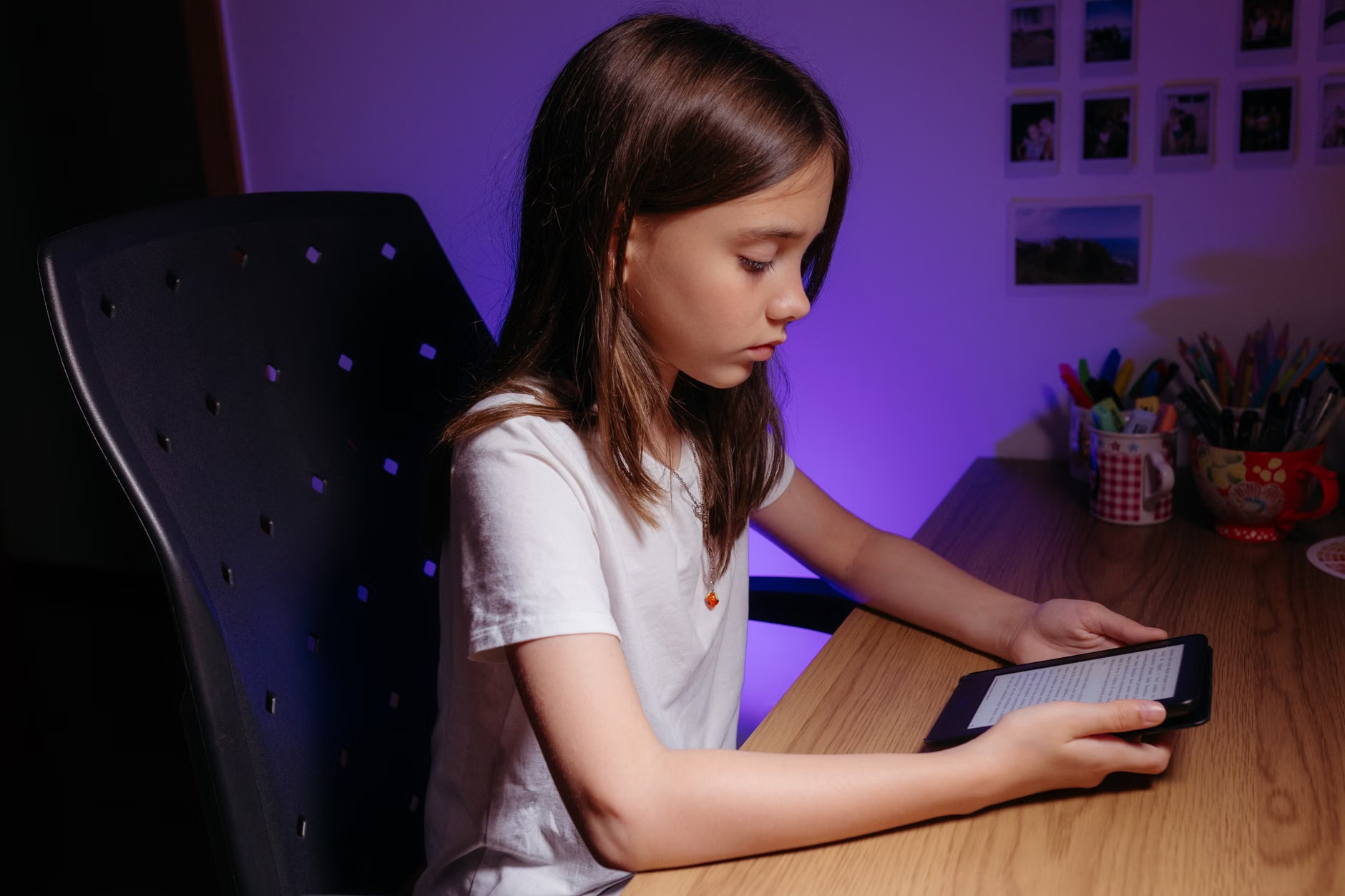
Transitioning from a tablet to an E-Ink reader isn’t always seamless for a child who is used to the high-stimulation environment of an iPad. Here is a practical approach to making the switch successful.
1. Lead by Example
If you are constantly on your phone, your child will naturally gravitate toward your habits. Try reading on your own E-Ink device during “family quiet time.” When they see you focused on a book without checking emails or social media, they begin to associate the device with deep, peaceful engagement.
2. Curate the Library
One of the biggest advantages of E-Ink is the ability to carry an entire library in a device that weighs less than a paperback. Use this to your advantage. Let your child browse a digital bookstore and choose a mix of books—some challenging, some just for fun. Having 50 books available at their fingertips removes the “I have nothing to read” excuse, but since it is just books, they don’t get distracted by the selection process.
3. Set Boundaries
Even with an E-Ink reader, habits matter. Establish a “no-tech” zone or a specific time of day where only the E-Ink reader is allowed. Because the device doesn’t have games, it becomes a “safe” tech option—the kind of thing they can take to the car, the park, or the bedroom without you worrying about what they are clicking on next.
Common Misconceptions About E-Ink
There is a lingering myth that E-Ink readers are only for “serious” readers or that they are too slow to be useful for children. Let’s address these concerns.
“It’s too slow.” Yes, the page refresh rate on an E-Ink screen is slower than an LCD screen. It takes a fraction of a second to turn the page. But for reading, this is a feature, not a bug. It forces the reader to pause for a heartbeat, which actually helps with cognitive processing. It breaks the “frenetic pace” of modern media.
“My child won’t use it because it’s not colorful.” It is true that E-Ink is primarily grayscale. However, children are surprisingly adaptable. Once they get into a story, the brain provides the color. The imagination is a much more powerful engine than a high-definition screen. By removing the visual “sugar” of bright colors and animations, you are actually training their brain to do the heavy lifting of visualization, which is a critical skill for academic success.
The Long-Term Implications for Focus
We are living in an era where the ability to focus is becoming a rare commodity. By introducing tools that prioritize deep engagement over rapid-fire stimulation, we are giving our children an advantage. The goal isn’t to make them anti-technology; it is to make them the masters of their own attention.
When a child learns to sit with a book—even a digital one—for 30 or 40 minutes, they are training their brain to ignore the urge for novelty. This skill translates to everything else they do: homework, learning an instrument, or simply listening when someone is speaking to them. The “E-Ink advantage” is really just the “focus advantage.”
Practical Cautions and Considerations
While E-Ink is a stellar tool, it isn’t a magic wand. There are a few things to keep in mind:
- Durability: E-Ink screens are generally more fragile than the hardened glass on a tablet. Invest in a high-quality, padded case. It is a necessary expense to prevent a cracked screen.
- Accessibility: Ensure you are using a device that allows for font size adjustments. This is one of the biggest benefits for younger readers who may be struggling with smaller print in physical books.
- Maintenance: Keep the device clean. Because the screen has a matte finish, it can attract oils from fingers. A simple microfiber cloth is all you need.
Choosing to move your child toward E-Ink is a small, manageable change that yields significant dividends in their reading habits. It’s not about rejecting the modern world; it’s about curating a space where your child can think, learn, and grow without the constant noise of the digital age. Start small, keep the library interesting, and watch as the quality of their focus begins to shift.
Frequently Asked Questions
Does an E-Ink reader require a Wi-Fi connection to work?
No. Once you have downloaded the books to the device, it works perfectly fine in airplane mode. In fact, keeping it on airplane mode is a great way to save battery life and ensure that no software updates or notifications interrupt the reading experience.
Can I use an E-Ink reader for educational textbooks or PDFs?
Yes, most modern E-Ink readers support PDF files. However, keep in mind that if the PDF is heavily formatted with complex graphics, charts, or tiny text, it might be difficult to read on a small screen. For simple text-based assignments, it works quite well.
At what age is it appropriate to introduce an E-Ink reader?
Many parents find that children around the age of 8 or 9 are ready for a dedicated reader. By this age, they are generally reading independently and are capable of handling the device with the necessary care. It is a great way to bridge the gap between picture books and more complex, chapter-based literature.
For further reading on the impact of screen time on child development, you may find these resources helpful: