- Own your data: Moving away from proprietary apps ensures your recipes won’t disappear if a service shuts down or starts charging subscription fees.
- Centralize everything: An open-source database allows you to aggregate content from physical cookbooks, blogs, and family legacy recipes in one searchable location.
- Privacy first: By hosting your own database, you keep your personal notes and dietary preferences private, away from corporate data harvesting.
The secret to organized family meal planning isn’t a better grocery store app or a more expensive meal kit subscription; it is taking full control of your recipe collection through an open-source database. If you have ever felt the frustration of clicking on a saved bookmark only to find a 404 error, or been annoyed by a recipe blog that forces you to scroll through three thousand words of backstory before getting to the ingredient list, you are not alone.
In our thirties and forties, our time is our most precious commodity. Between managing school schedules, work deadlines, and the endless “what’s for dinner” debate, we need systems that work for us, not against us. This is where the open-source movement—often associated with complex software engineering—becomes a surprisingly practical tool for the modern home chef.
Why Your Current Recipe Storage Is Failing You
Most of us have a fragmented system. We have a few dog-eared cookbooks on the shelf, a folder of printed pages in the kitchen drawer, a dozen screenshots in our phone’s photo gallery, and perhaps a curated Pinterest board or a “Saved” folder on Instagram. This isn’t a system; it’s a digital graveyard.
Proprietary apps—those owned by big tech companies—often seem convenient at first. They scrape recipes from the web and offer “easy” meal planning. However, they come with significant hidden costs. First, there is the “subscription trap.” Many of these apps start free, become useful, and then lock your data behind a paywall. Second, there is the issue of data longevity. If the company goes under or decides to pivot its business model, your years of saved recipes might become inaccessible or exported in a format that is difficult to use elsewhere.
An open-source recipe database, by contrast, belongs to you. When you use software licensed under open-source terms, you are using tools where the “source code” is transparent. You can host these tools on your own computer, a home server, or a private cloud. This means no one can delete your grandmother’s secret lasagna recipe because they decided to sunset a feature.
The Anatomy of a Self-Hosted Kitchen
So, what does an “open-source recipe database” actually look like? At its core, it is a piece of software that acts as a container for your culinary data. Popular options like Mealie or Tandoor Recipes are designed specifically for this purpose.

When you set up one of these platforms, you are effectively creating a private website that only you and your family can access. You can input recipes manually, but the real power lies in the “import” features. Most of these tools have a browser extension that allows you to click a button on any cooking blog, and the software will automatically strip away the ads, the life stories, and the pop-ups, leaving you with just the ingredients, the steps, and the nutritional data.
This is a massive time-saver. Instead of fighting with a mobile browser to keep the screen from dimming while you have flour on your hands, your self-hosted database provides a clean, “cooking mode” interface that stays awake and displays text in a large, readable font.
Step-by-Step: Getting Started with Your Own System
Building your own database might sound like a project for a computer scientist, but thanks to modern containerization, it is becoming increasingly accessible for the average user. If you have a basic understanding of how to install an app on your computer, you can handle this.
| Step | Action | Benefit |
|---|---|---|
| 1. Hardware | Use an old laptop, a Raspberry Pi, or a NAS device. | Low cost, high control. |
| 2. Software | Install a tool like Mealie or Tandoor via Docker. | Standardized, reliable organization. |
| 3. Migration | Import your existing bookmarks and scan old papers. | Consolidation of scattered data. |
| 4. Optimization | Tag recipes by dietary needs or prep time. | Faster decision-making for busy nights. |
The “hardware” part is often the biggest hurdle for people. You do not need a supercomputer. A Raspberry Pi—a credit-card-sized computer that costs less than $100—is more than capable of running a recipe database for a family. Alternatively, if you already have a Synology or QNAP NAS (Network Attached Storage) for your family photos, these devices often have a “Package Center” where you can install these recipe managers with a single click.
Once the software is running, the migration phase begins. This is the most time-consuming part, but it is also the most rewarding. As you go through your old bookmarks, you will find yourself deleting recipes you haven’t cooked in years. By the time you are done, you will have a lean, curated library of meals your family actually enjoys.
Common Pitfalls and How to Avoid Them
The most common mistake people make when setting up a digital database is “over-tagging.” It is tempting to create a category for every possible nuance—”Tuesday night, kid-friendly, under 30 minutes, gluten-free, slow cooker, summer, spicy.” While this sounds helpful, it creates a maintenance burden. If you don’t stick to a tagging system, you end up with a messy database that is just as hard to search as your original bookmarks.
Keep your tags simple and functional. Stick to broad categories: “Quick Dinners,” “Weekend Projects,” “Breakfast,” and “Family Favorites.” If you have specific dietary needs, use tags like “Vegetarian” or “Low-Sodium.” Let the search bar do the heavy lifting for ingredients.
Another pitfall is the “manual entry trap.” Do not try to type out every recipe by hand. Use the import tools provided by your chosen software. If you have old, handwritten family recipes, take a photo of them. Most modern recipe managers allow you to attach images to a recipe entry. You can keep the digital version for the steps, but have the original, sentimental scan attached for reference.
The Hidden Benefit: Teaching the Next Generation
One of the most overlooked aspects of an open-source database is its educational value for children. If you have school-aged kids, they are likely already comfortable with tablets and screens. By having a family recipe database, you can give them access to the “Family Kitchen” account.
When it is time for them to start learning to cook, they can browse the database, choose a recipe that looks interesting, and see the ingredients they need. It transforms cooking from a chore they watch you do into a project they can participate in. They can even add their own notes to the recipes—”Add more cinnamon next time” or “This is my favorite.”
This digital legacy is something that gets lost in the era of transient apps. By owning your data, you are building a repository that can be handed down. Your child will not be scrolling through your old Instagram feed to find your chili recipe; they will have a clean, searchable, and permanent digital archive.
Privacy and Data Sovereignty
In an age where every click we make is tracked and monetized, there is a quiet, radical joy in self-hosting. When you use a corporate recipe app, the company knows what you eat, when you eat it, and what your dietary restrictions are. That data is fed into marketing algorithms to sell you meal kits or kitchen gadgets you don’t need.
When you host your own database, that data stays within the four walls of your home. You are not a product; you are a user. This is the essence of data sovereignty. You decide who has access, what is stored, and how it is organized. For families who value privacy, this is a significant step toward reclaiming a bit of digital independence.
Addressing Technical Anxiety
If the mention of “Docker” or “hosting” makes you nervous, take a breath. The open-source community has recognized that these tools need to be user-friendly. There are countless “unraid” or “home-lab” communities on platforms like Reddit or Discord where people in their thirties and forties, just like you, share their setups and troubleshoot issues.
You don’t need to be a programmer. You just need to be willing to follow a tutorial. Most of these applications are installed using a “docker-compose” file, which is essentially a pre-written set of instructions that tells your computer exactly how to set up the software. You copy the text, paste it into your system, and it does the rest. If you get stuck, the community support for these tools is often faster and more helpful than the official support lines for expensive, proprietary apps.
Evaluating Your Options
Before you dive in, it is worth comparing a few of the top contenders to see which one fits your workflow best.
- Mealie: Highly popular, excellent “recipe scrape” functionality, and a very clean, modern interface. It is currently the “gold standard” for home users.
- Tandoor Recipes: A bit more robust if you are interested in deep meal planning, shopping list integration, and pantry management.
- Grocy: If you are interested in the ultimate home management system, Grocy handles recipes, but also tracks your pantry inventory, chores, and even your water usage. It is a more “intense” option, but for the organized parent, it is a dream.
Start with one. Don’t try to migrate your entire life in an afternoon. Pick your top ten most-cooked recipes, import them, and see how the system feels. Once you are comfortable with the interface, you can slowly bring in the rest of your collection.
Practical Considerations for Daily Use
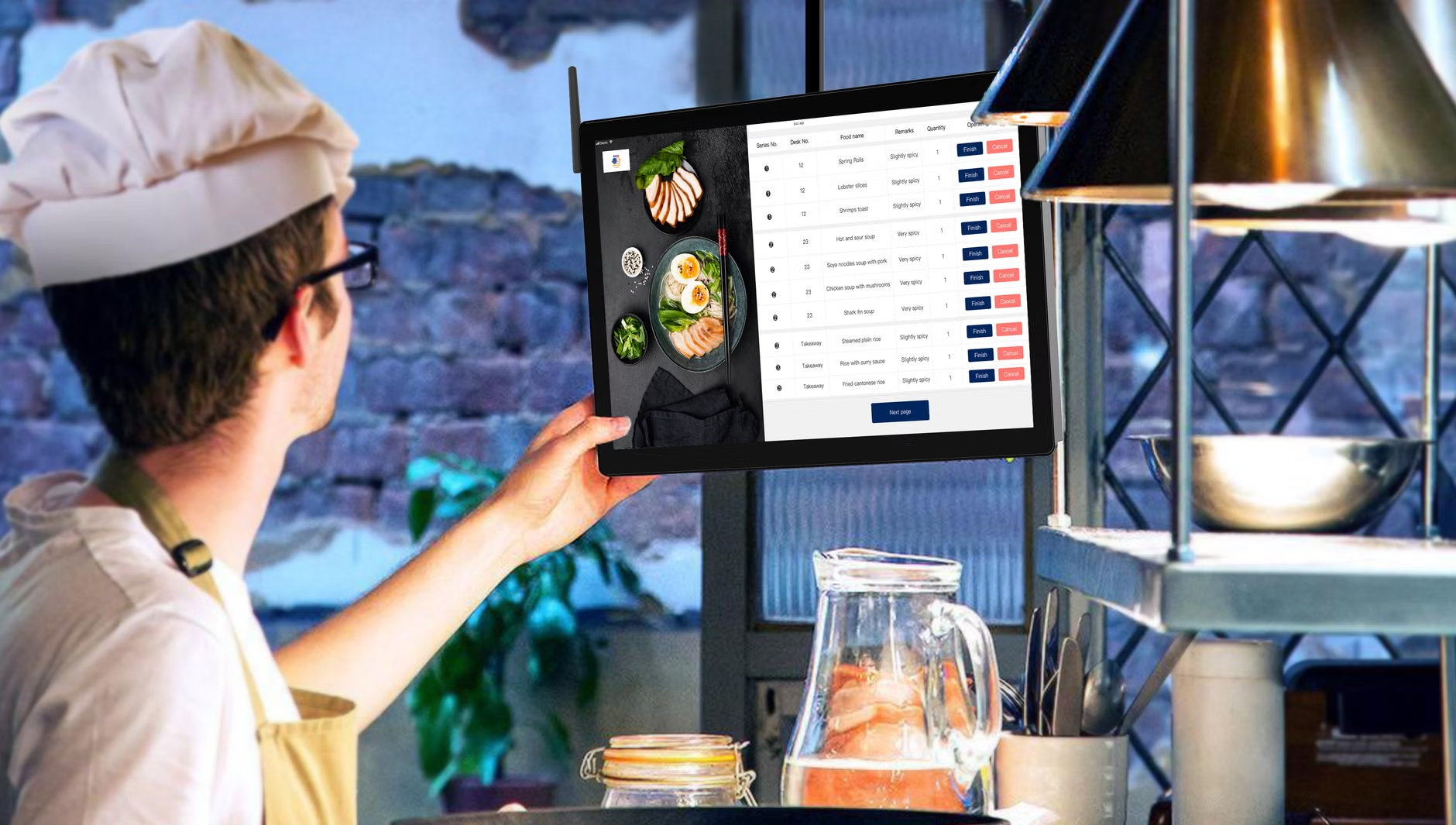
To make this work in real life, you need to think about access. A recipe database is useless if you can’t reach it when your hands are covered in dough. Consider where you will place the screen. A wall-mounted tablet or a dedicated small monitor in the kitchen is ideal. If that isn’t feasible, ensure your database is mobile-responsive—meaning it looks and functions well on your phone.
Also, consider the “offline” scenario. What happens if the internet goes down? Because you are self-hosting, your database lives on your local network. You can access it even if your ISP is having an outage. This is a level of reliability that cloud-based apps simply cannot offer. You are no longer dependent on a server in a different country to tell you how much baking powder goes into your muffins.
Refining Your Workflow
Once you have the system running, you might find that you want to customize it. This is the beauty of open-source. Because you have access to the underlying files, you can change the look and feel. You can add custom fields—perhaps a “Difficulty” rating or a “Time to Prep” field that is specific to your family’s needs. You are the administrator of your own culinary library.
Furthermore, because these systems are built on standard databases (like SQLite or PostgreSQL), you can actually back up your data easily. A simple weekly script can save your entire recipe database to an external hard drive or a secure cloud backup. This means your recipes are protected against hardware failure. Your digital cookbook is now as durable as the physical ones on your shelf, but infinitely more flexible.
The Future of Your Kitchen
As we navigate the complexities of modern parenting, we often look for shortcuts. But sometimes, the best solution is to build a foundation that lasts. By moving to an open-source recipe database, you are doing more than just organizing bookmarks. You are creating a sustainable, private, and permanent record of the meals that define your family life.
It takes a small investment of time upfront, but the dividends are paid out in every meal you prepare. You will spend less time searching, less time scrolling, and more time focusing on what really matters—the food and the people you share it with. The technology is here, the tools are ready, and the kitchen is waiting for you to take the helm.
Commonly Asked Questions
The software itself is almost always free (open-source). Your only costs are the hardware you choose to run it on—which can be hardware you already own—and the electricity to keep that device running. There are no subscriptions or “premium” feature fees.
What if I don’t know how to code?
You absolutely do not need to know how to code. Most of these tools use “Docker,” which acts like a self-installing container. If you can follow a step-by-step guide on a website, you have all the technical skills required to get a personal recipe server up and running.
Yes. Most of these platforms allow you to create user accounts or share specific recipes via a link. You can easily share a favorite recipe with a friend or extended family member without giving them access to your entire private database.
For further reading on self-hosting and open-source home tools, you can explore the Docker documentation or check out the Mealie GitHub repository to see how the community contributes to these projects.