The most effective way to deal with e-waste is not just to throw it in the trash, but to utilize certified e-steward programs or local municipal recycling centers that prevent toxic chemicals like lead and mercury from leaching into our groundwater.
- Data Security First: Always perform a factory reset or physical destruction on storage media before discarding any device.
- Certified Matters: Look for R2 (Responsible Recycling) or e-Stewards certification to ensure your waste isn’t being illegally exported.
- The “Library” Method: Keep a dedicated box for “tech transition” so you don’t accumulate cables and old phones in junk drawers indefinitely.
If you are anything like me, you probably have that one specific drawer in your kitchen or office. You know the one—it’s the “tech graveyard.” It contains a tangled mess of micro-USB cables, an iPhone 4 that hasn’t seen a charge since 2014, and perhaps a power adapter for a laptop you sold years ago. We hold onto these things because we think, “I might need that cable someday,” or more honestly, we have no idea how to dispose of them properly without feeling guilty.
Electronic waste, or e-waste, is the fastest-growing waste stream globally. As parents, we are constantly upgrading devices for school, work, or simple household management, and the cycle of obsolescence is real. But tossing a smartphone or a laptop into your regular curbside bin is not just irresponsible—in many jurisdictions, it is actually illegal. Let’s break down how to navigate the messy world of e-waste recycling so you can reclaim your space and keep your conscience clear.
Understanding the Hidden Risks of Your Tech Drawer
Why can’t we just dump our old electronics in the trash? It feels like a small piece of plastic and metal, right? The problem lies in what is inside those devices. Modern electronics are marvels of engineering, containing a complex cocktail of precious metals like gold, silver, and copper, but also hazardous materials like lead, cadmium, mercury, and brominated flame retardants.
When these items end up in a standard landfill, they don’t just sit there. Over time, the casings break down, and those toxic chemicals leach into the soil and seep into the groundwater. Furthermore, many electronics are incinerated in improper facilities, releasing toxic fumes into the atmosphere. This is a global issue, but it starts with our personal decisions at home.
Beyond the environmental impact, there is the issue of data. Even a device that won’t turn on might still hold a hard drive or flash memory chip containing your personal photos, tax documents, or saved passwords. Simply throwing it away is a security risk that many people overlook until it is too late.

The Step-by-Step Guide to Preparing Your E-Waste
Before you even look for a recycling center, you need to prepare your items. I’ve found that the best approach is to treat e-waste management like a seasonal chore—do it once or twice a year during your deep cleaning sessions.
1. Inventory and Categorization: Pull everything out of that junk drawer. Group items into three piles:
- Working/Resalable: Items that are still functional. These can be donated or sold.
- Broken/Obsolete: Items that are damaged or too old to be useful. These are your true “e-waste.”
- Cables and Accessories: Often, these are reusable, but if they are frayed or proprietary to a dead device, recycle them.
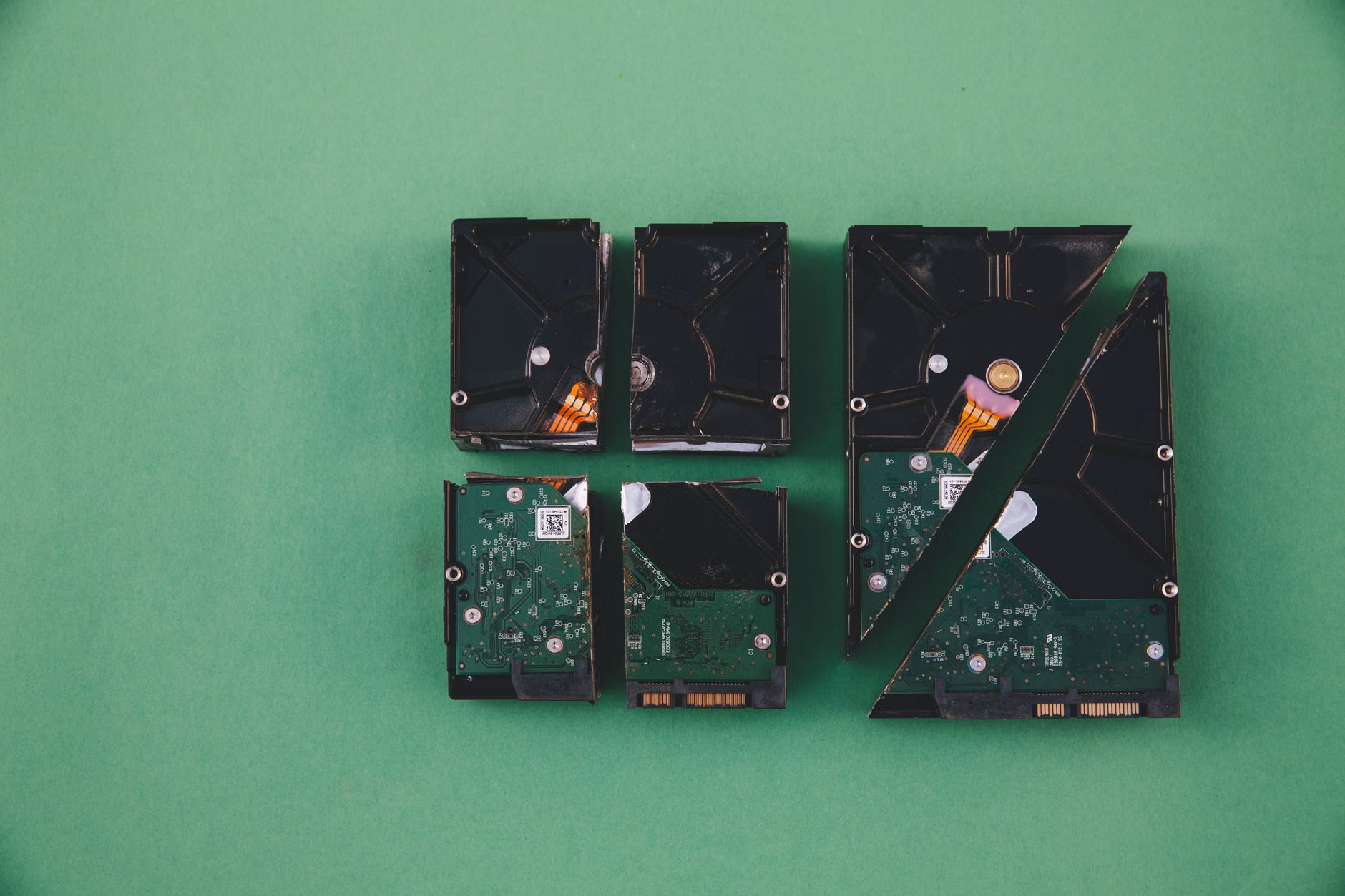
2. Data Sanitization: This is non-negotiable. For smartphones and tablets, perform a factory reset. For computers, use software to wipe the drive if possible. If the device is physically broken and won’t turn on, you need to consider physical destruction. If you are uncomfortable doing this yourself, professional e-waste recyclers often offer “data destruction” services where they shred the hard drives in front of you or provide a certificate of destruction.
3. Battery Removal: This is a major safety point. Lithium-ion batteries can be fire hazards if they are punctured or crushed during the recycling process. If your device allows you to remove the battery, do so. Place a piece of clear tape over the terminals to prevent short-circuiting. If the battery is built-in (like in many modern laptops), notify the recycler so they can handle it safely.
Finding a Certified Recycler: Why Certification Matters
Not all “recyclers” are created equal. Some companies collect electronics, strip them for the most valuable metals, and then export the remaining hazardous materials to developing countries where environmental and labor regulations are lax. This is the “bad” side of the recycling industry.
To avoid this, look for recyclers that hold specific certifications. The two gold standards globally are:
| Certification | What It Means |
|---|---|
| R2 (Responsible Recycling) | Ensures the recycler adheres to rigorous standards for environmental, health, and safety practices. |
| e-Stewards | A stricter standard that prohibits the export of toxic waste to developing nations entirely. |
When you are looking for a drop-off location, check their website for these logos. If they don’t explicitly state their certification, don’t be afraid to send a quick email or make a phone call. A reputable recycler will be happy to explain their downstream processes. If they are evasive, walk away.
Depending on where you live, you have two primary avenues for getting rid of your e-waste. Understanding the difference will save you time and gas money.
Municipal Programs
Most cities and towns have some form of e-waste collection. This might be a permanent drop-off facility, a designated day of the month, or a special collection event. The advantage here is that it is often free or very low-cost. However, the downside is that municipalities often have strict rules about what they accept—they might take computers but refuse old microwaves or televisions.
Private Recyclers and Retailers
Many large electronics retailers have their own take-back programs. Companies like Best Buy or major office supply chains often have kiosks at the front of their stores where you can drop off small electronics, batteries, and cables. This is incredibly convenient for the “everyday” clutter. For larger items like CRT monitors or old printers, you might need to find a specialized private recycler in your area. Use online directories like Earth911 or the Basel Action Network to find facilities near you that are verified to handle specific types of hazardous waste.
The “Tech Transition” Box: Staying Organized
The best way to manage e-waste is to stop it from becoming a “problem” in the first place. I have adopted a system I call the “Tech Transition Box.” It is a small, labeled plastic bin in my home office. Whenever we replace a phone, a tablet, or a router, the old device goes directly into that bin instead of back into the junk drawer.
Once the bin is full, it is time for a “recycling run.” By isolating these items, I no longer have to hunt through my house to find everything when I’m ready to dispose of it. It also prevents the “I might need this cable” trap. If a cable hasn’t been used in six months, it stays in the bin. If I haven’t missed it by the time the bin is full, it’s clearly not essential.
Addressing Common Misconceptions
There is a lot of misinformation regarding e-waste. Let’s clear up a few points that often stop people from taking action.
“My device is too old to be recycled.”
Actually, older devices are often easier to recycle because they contain fewer complex, glued-together parts. They are gold mines for recyclers because they often have higher concentrations of precious metals. Do not assume your 15-year-old laptop is “too obsolete” to recycle.
“I can just put batteries in the trash.”
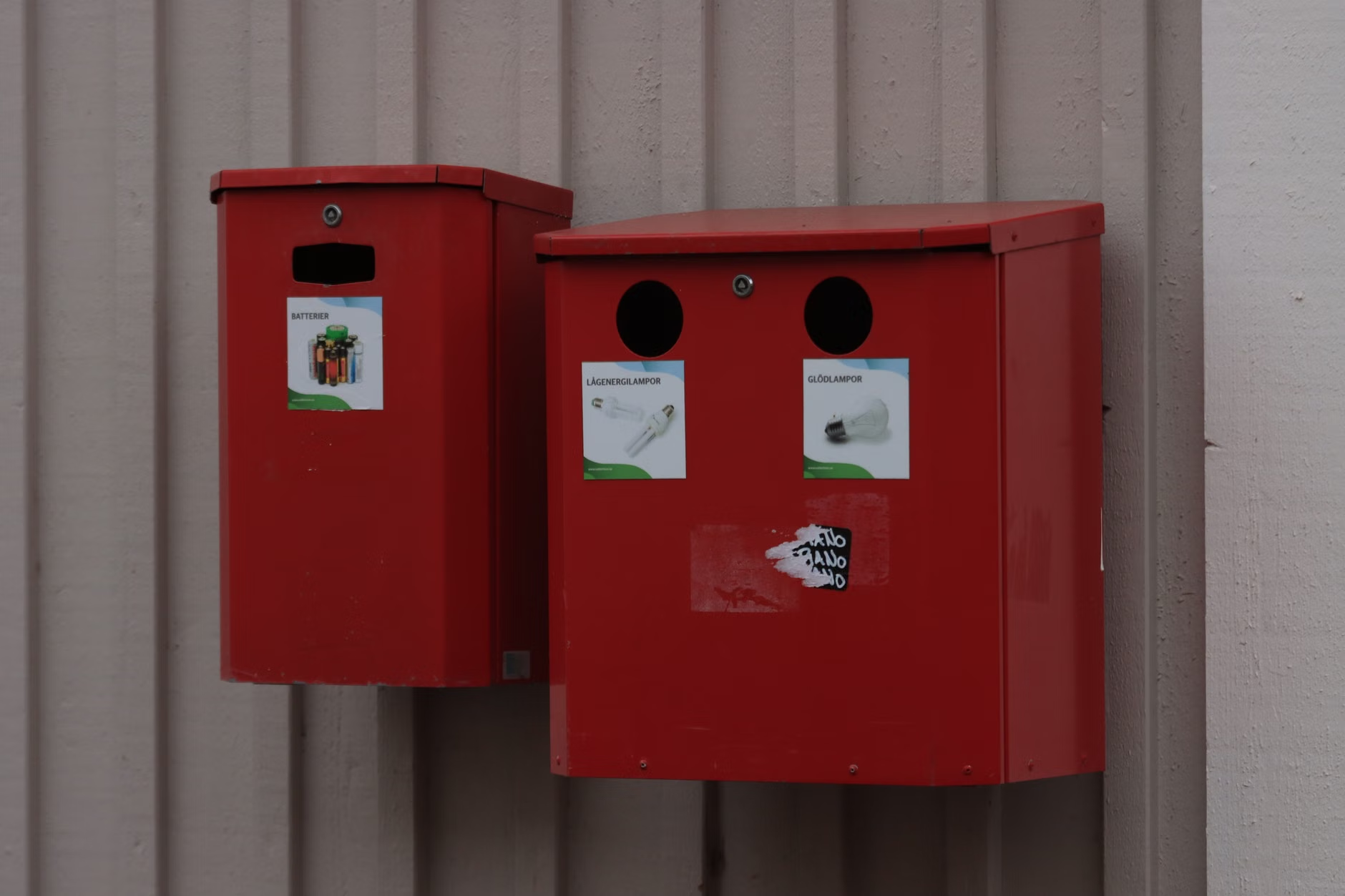
Please, do not do this. Batteries—especially lithium-ion batteries—are the number one cause of fires in recycling trucks and sorting facilities. They must be handled through dedicated battery recycling programs. Most hardware stores and grocery chains have small bins specifically for household battery collection. Use them.
“The recycler will steal my data.”
While the risk of data theft exists if you hand your device to a random stranger, certified recyclers are bound by strict contractual agreements and environmental regulations that require them to ensure data security. If you are still worried, the best defense is a good offense: wipe your data yourself before you leave the house.
The Economic and Environmental Impact of Circularity
When we recycle electronics, we are participating in what is known as the “Circular Economy.” Instead of mining for new gold, copper, and rare earth elements, we are recovering them from existing products. It takes significantly less energy to extract these materials from old circuit boards than it does to mine them from the earth. By recycling, you are directly reducing the demand for new mining operations, which are often environmentally devastating.
Furthermore, many refurbished electronics end up back in the hands of students, non-profits, or low-income families. If your device is only a few years old, consider donating it to a local school or a tech-focused charity rather than sending it to a recycler. Just ensure you wipe it clean first. This keeps the device in the “use” phase for as long as possible, which is the most sustainable option of all.
Planning Your Next Recycling Run
If you have been putting this off, I encourage you to set a date. Put it on your calendar for next Saturday. Spend the first 30 minutes of your morning clearing out that drawer. It is a surprisingly satisfying task. You will clear physical space in your home and mental space in your mind, knowing you aren’t holding onto things that are essentially just ticking time bombs of plastic and toxic dust.
When you head to the drop-off site, take a moment to look at the process. Seeing the scale of what other people are recycling can be eye-opening. It reminds us that we are all part of a larger system of consumption, and by taking these small, deliberate steps, we contribute to a cleaner, safer world for our children.
Be cautious of “free” collection events that don’t specify where the waste goes. If a local pop-up event doesn’t have a clear website or a list of partners, it’s worth asking who they work with. A little bit of research goes a long way. You don’t need to be an expert in waste management to make a difference; you just need to be a little bit more curious about where your “trash” actually ends up.
Start small, stay organized, and don’t let the tech clutter win. You’ve got this.
Frequently Asked Questions
Q: What should I do if my smartphone battery is swollen?
A: A swollen battery is a significant fire hazard. Do not put it in a standard recycling bin. Contact your local hazardous waste facility immediately and ask for their specific protocols on handling damaged lithium-ion batteries. Keep it in a cool, fire-safe container (like a metal box) away from flammable materials until you can transport it.
Q: Can I just donate my old computer to a thrift store?
A: Most thrift stores do not have the capacity to test, wipe, or recycle electronics properly. They often end up sending these items to landfills anyway. It is far better to take your old computer to a certified e-waste recycler or a dedicated donation center that specializes in refurbishing tech for those in need.
Q: Is it worth the effort to recycle just one or two cables?
A: Yes. While one cable won’t change the world, the cumulative effect of millions of people recycling their cables prevents tons of plastic and copper from entering landfills. If you have a collection of cables, keep them in your “Tech Transition Box” and drop them off whenever you have a larger load. You don’t need to make a special trip for a single cable.
Useful Resources:
EPA Electronics Donation and Recycling
e-Stewards Certified Recycler Directory
Basel Action Network (BAN) – E-Stewards Initiative