Building your own home inventory app using “low-code” tools is the most effective way to stop buying duplicate groceries and finally track exactly what you have in your garage or storage unit without needing a computer science degree.
- Low-code platforms allow you to create functional apps using visual interfaces rather than complex programming languages.
- A custom inventory app saves money by reducing food waste and preventing redundant purchases of household essentials.
- Start small: begin by tracking one specific area, like your pantry or medicine cabinet, before scaling to the rest of the house.
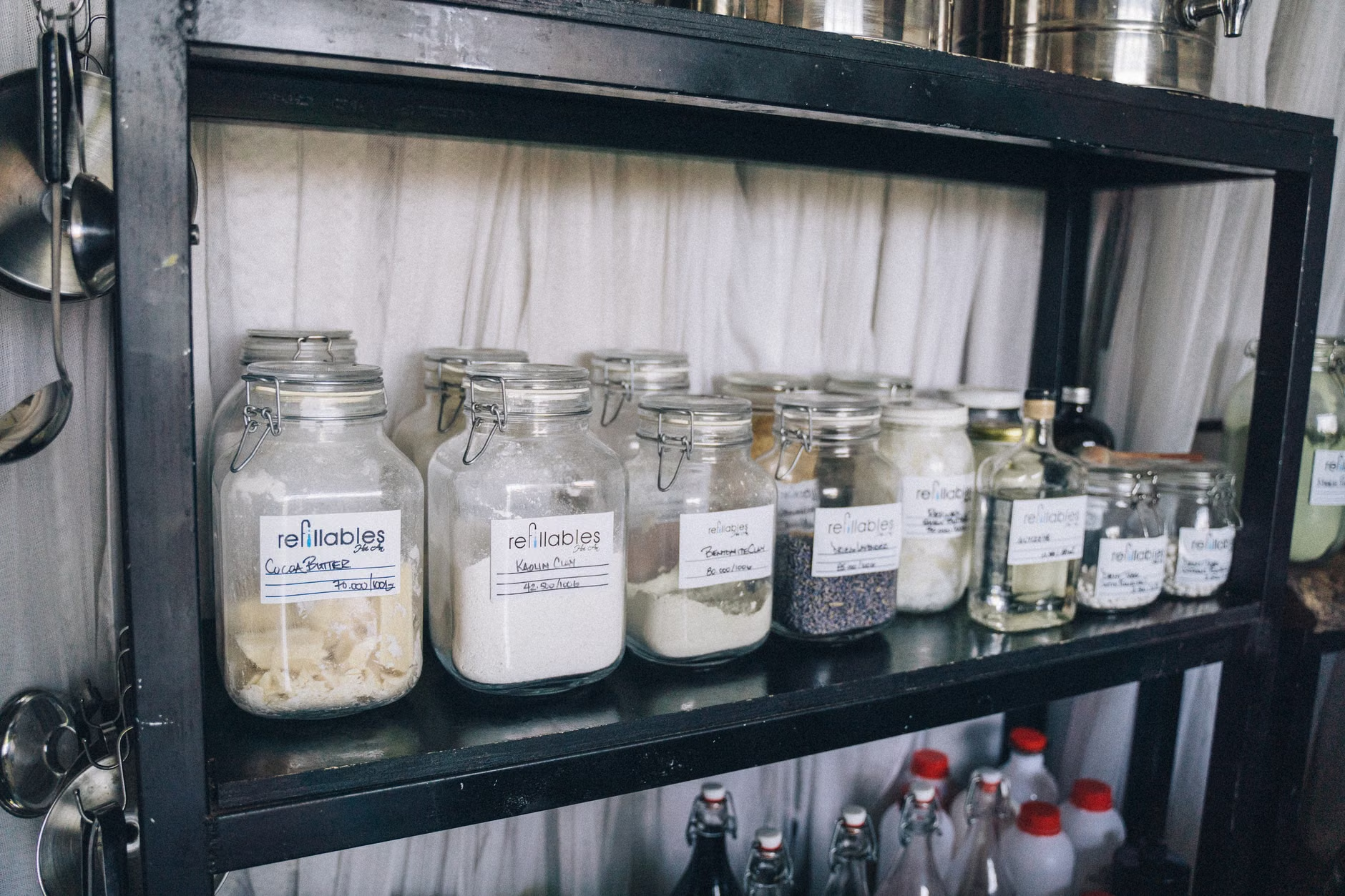
We have all been there. You are standing in the middle of the grocery store aisle, staring at a row of olive oil bottles, trying to remember if you still have an unopened one at home. You decide to play it safe and buy it, only to return home and find three identical bottles already sitting in the back of the pantry. It is a minor frustration, but over a year, it represents wasted money, wasted space, and a clutter problem that never seems to go away.
For parents in their 30s and 40s, the mental load is heavy enough without trying to keep a mental catalog of every box of pasta, every spare lightbulb, and every seasonal decoration box. While there are plenty of pre-made apps on the app store, most of them are either too cluttered, require a monthly subscription, or simply don’t organize things the way your specific household functions. This is where the “low-code” revolution comes in. It offers a middle ground between using a messy paper notebook and hiring a developer to build a bespoke solution.
What is Low-Code and Why Should You Care?
In simple terms, low-code development is a way to build software applications using a drag-and-drop interface. Imagine playing with digital building blocks. Instead of writing lines of code like if (inventory_count < 1) { alert("Buy more"); }, you simply drag a "button" onto a screen and connect it to a "database" of items. It is intuitive, visual, and surprisingly fast to learn.
You do not need to be a tech wizard. These platforms are designed for "citizen developers"—people like you and me who have a specific problem to solve and just need the right tool to do it. By building your own app, you gain complete ownership over your data. You decide what categories matter, how you want to track expiration dates, and whether you want to add photos of your items. No more generic apps that force you into their rigid, often annoying, workflows.
The Anatomy of a Home Inventory App
Before you dive into a platform, you need to understand the basic components of an inventory app. Even the most complex systems are just collections of three things: a database, an interface, and logic.
1. The Database (The "Where")
This is where your information lives. Think of it as a digital spreadsheet. You need columns for the Item Name, Category (e.g., Pantry, Cleaning, Tools), Quantity, Expiration Date, and perhaps a Location (e.g., "Top Shelf," "Garage Box A").
2. The Interface (The "How it looks")
This is what you see on your phone. You need a way to view your list, a way to add new items, and a way to update quantities. A good interface should be clean, with large buttons that you can tap easily while holding a bag of groceries in your other hand.
3. The Logic (The "What it does")
This is the "smart" part. You want your app to do things for you automatically. For example, if your quantity drops below a certain number, the app should highlight that item in red or add it to a "Shopping List" view. This automation is where you save the most time.
Choosing Your Platform: The Big Players
There are three main players in the low-code space that are perfect for personal projects. Each has a slightly different learning curve and pricing model.
| Platform | Best For | Learning Curve |
|---|---|---|
| Glide Apps | Turning Google Sheets into beautiful apps. | Very Low |
| AppSheet | Heavy data integration and enterprise-grade features. | Moderate |
| Notion | Flexible, document-style databases for those who love lists. | Low |
Glide Apps is often the gold standard for beginners. It takes a Google Sheet and instantly turns it into a polished app. If you can use Excel or Google Sheets, you can use Glide. AppSheet, owned by Google, is incredibly powerful if you want to use your phone's camera to scan barcodes for automatic entry. Notion isn't technically a "low-code app builder" in the traditional sense, but its database capabilities are so strong that many families use it as a highly effective, searchable inventory system without needing to "code" anything at all.
Step-by-Step: Building Your First Inventory Module
Let’s walk through the logic of building a simple pantry tracker. Do not try to build a system that tracks every single item in your house on day one. That is a recipe for burnout. Start with the pantry.
Step 1: Define Your Data Structure
Open a Google Sheet. Create headers in the first row: Item Name, Category, Quantity, Unit (e.g., box, bottle, bag), and Low Stock Threshold. Fill in ten items from your pantry to see how it feels. Does it make sense to have a "Location" column? If your pantry is just one closet, maybe not. If you have a basement pantry and a kitchen pantry, you definitely need it.
Step 2: Connect to a Platform
Sign up for a free account on a platform like Glide. Point the platform to your Google Sheet. The platform will automatically generate a mobile view for you. Suddenly, you aren't looking at a spreadsheet; you are looking at an app with icons and lists.
Step 3: Customize the User Experience
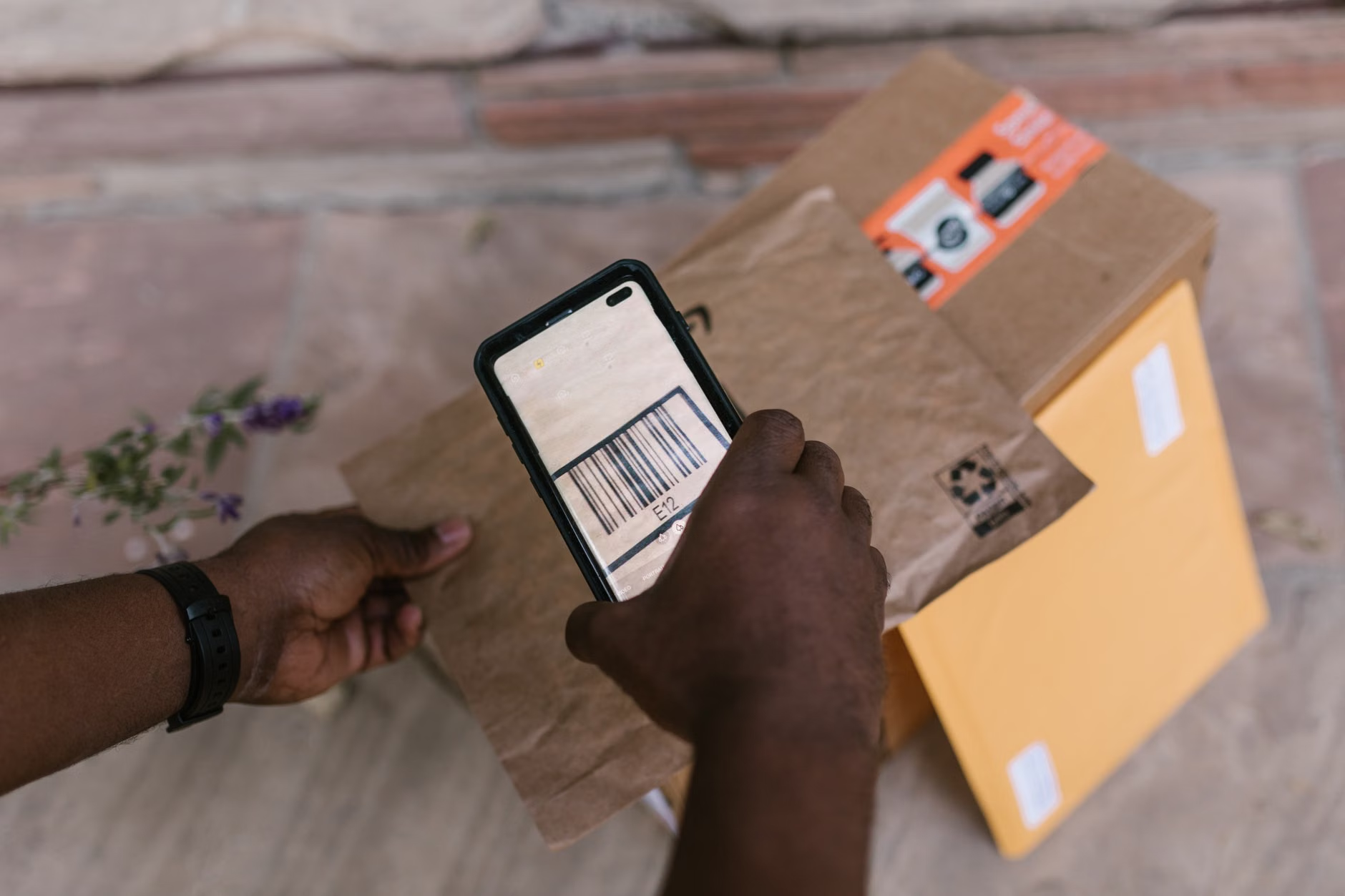
This is where you make it yours. Add a "Filter" so you can see only items that are at "Low Stock." Add a "Barcode" input field. Most modern low-code platforms have a built-in feature that lets you use your phone's camera to scan a barcode and automatically look up the product name. This is a game-changer for speed.
Step 4: The Testing Phase
Use the app for one week. Keep it on your home screen. When you take the last box of cereal, open the app and tap "minus." When you go to the store, check your "Low Stock" view. You will quickly realize what is missing from your design. Maybe you need an "Expiration Date" column that alerts you when something is about to go bad. Add it to the sheet, and the app will update automatically.
Common Pitfalls and How to Avoid Them
The most common reason people fail at home inventory projects is "Data Entry Fatigue." If it takes longer to log an item than it does to put it away, you will eventually stop doing it. Here is how to keep it sustainable.
- Keep it simple: Don't track every single spice jar. Track high-volume or expensive items that you tend to over-buy.
- Make it a habit, not a chore: Integrate it into your existing routine. Log items while you are putting away groceries, not as a separate "inventory time."
- Don't strive for perfection: If you miss an update, don't worry about it. The goal is to make your life easier, not to create a perfectly audited warehouse.
Why This Matters for the Modern Household
In our 30s and 40s, we are constantly juggling. We are managing careers, children's schedules, household maintenance, and our own well-being. The "cognitive load"—the constant background hum of things we need to remember—is real. By externalizing these small, nagging tasks (like tracking supplies) into a simple, custom-built system, you are essentially offloading part of that mental burden.
It is not just about the money saved on olive oil or pasta. It is about the peace of mind that comes from knowing exactly what is in your house. It is about reducing the number of decisions you have to make in a day. When you remove the "Do we have enough?" question from your grocery trip, you free up mental space for the things that actually matter.
The Future of Home Management
As AI becomes more integrated into these low-code platforms, the process will only get easier. Imagine a future where you simply take a photo of your open pantry, and the AI automatically identifies the items, checks their expiration dates, and updates your inventory list. We are not quite there yet for the average home, but the building blocks are already here.
For now, taking the time to set up a simple, custom inventory app is a high-leverage activity. It requires a few hours of setup on a Saturday afternoon, but it pays dividends for years to come. Start small, keep it functional, and don't be afraid to change your system as your family's needs evolve.
Remember, the goal isn't to be a professional organizer or a software engineer. The goal is to reclaim a little bit of your time and sanity. If you find yourself enjoying the process, you might even find yourself building apps for other parts of your life—like tracking your children's clothing sizes, your car maintenance schedule, or your garden planting dates.
Start with one shelf. See how it feels. You might be surprised at how much clarity a little bit of digital organization can bring to a busy household.
Frequently Asked Questions
1. Is it expensive to build a low-code app for personal use?
Most low-code platforms like Glide or AppSheet offer free tiers that are more than sufficient for personal home inventory projects. You generally only pay if you need to share the app with many people or use advanced, enterprise-level data integrations.
Yes. Most platforms allow you to share the app via a link or by inviting specific email addresses. This is perfect for households where two people share the grocery shopping duties, as you can both see and update the inventory in real-time.
3. What if I am not tech-savvy at all?
If you can use a smartphone and fill out a spreadsheet, you have all the skills needed to get started. These platforms are designed for non-technical users. There are countless tutorials on YouTube specifically for "Glide for beginners" or "Notion database tracking" that can walk you through the process step-by-step.
For more information on building your own tools, visit the Google Apps Script documentation or explore community forums for Glide Users to see what other families are building.