The core reality of 2026 is that while “Right-to-Disconnect” legislation is gaining global momentum, the legal protection you have depends entirely on your specific jurisdiction; relying on a blanket law is a mistake, and you must proactively manage your own digital boundaries to preserve your sanity.
- Legal Fragmentation: There is no universal “Right-to-Disconnect.” While countries like Australia and various EU nations have codified these rights, many regions (including much of the US) rely on individual contracts or company policy rather than federal law.
- The “Expectation” Gap: Even in jurisdictions with strong labor laws, the modern “always-on” culture creates a psychological pressure that legislation often fails to reach. Protecting your time requires a technical “hard stop” rather than just a polite request.
- Actionable Strategy: The most effective defense is a combination of “Time-Boxing” your communications and utilizing automated “Do Not Disturb” scheduling that is synced with your calendar, not just your clock.
If you are in your 30s or 40s, you likely remember a time when leaving the office meant you were officially “off the clock.” Today, that boundary has dissolved into a murky gray zone where a Slack notification at 8:30 PM is treated with the same urgency as a fire alarm. By 2026, the global conversation has shifted from “should we be reachable?” to “how can we legally and practically stop the bleed?”
The Global Landscape: Where Does the Law Actually Stand in 2026?
It is tempting to think that because we hear about the “Right-to-Disconnect” in the news, it is a universal standard. In reality, 2026 has revealed a massive divide in how nations treat this issue. Understanding where you live is the first step in knowing whether you have a legal shield or just a moral argument.
In the European Union, the momentum is strong but variable. France led the charge years ago, and by 2026, many member states have integrated similar “right to ignore” clauses into their labor codes. These laws generally require companies to negotiate with employees to define specific hours when they are not expected to answer communications. If you work for a multinational firm based in Europe, you might be covered by these policies even if you are working remotely from a region without such protections.
Conversely, in the United States, the situation remains largely decentralized. There is no federal Right-to-Disconnect law. Protection is almost exclusively found in individual employment agreements or specific state-level regulations that primarily concern hourly workers and overtime compensation. If you are an exempt (salaried) employee in the US, the law is currently heavily tilted toward the employer’s expectation of availability.
Common Mistake: Assuming your company’s “flexible work policy” is the same as a legal “right to disconnect.” A policy that says “we value work-life balance” is a statement of intent, not a binding contract. If you are ever in a performance review and your responsiveness is questioned, that “value” often evaporates.
The “Australia Model” and What it Teaches Us
Australia’s recent legislative efforts have provided a template that many other nations are watching closely. The core of this model is not just about banning emails; it is about providing a legal basis for employees to refuse to monitor, read, or respond to contact from an employer outside of working hours, unless that refusal is “unreasonable.”
The nuance here is the term “unreasonable.” Employers often argue that in a globalized economy, “urgent” is a relative term. If you work in marketing, an urgent campaign launch might be deemed “reasonable” contact. If you work in accounting, an email about a report due in three days likely is not. The lesson for the 30-something professional is clear: You must define your own “reasonableness” in writing before an emergency occurs.
Why “Always-On” Culture is a Productivity Killer for Parents
For those of us balancing parenting with a career, the “Right-to-Disconnect” isn’t just about mental health—it is about the logistics of family life. When your phone pings while you are helping with homework or during the frantic bedtime routine, you are effectively splitting your attention. Research suggests that “context switching”—the act of moving your brain from a work task to a parenting task and back—depletes your executive function, leaving you exhausted by the end of the day.
Consider the “Hidden Cost” of the 15-minute check-in. You might think, “I’ll just answer this quick email to clear my inbox.” That 15 minutes of work isn’t just 15 minutes. It is the time it takes to stop the parenting task, the time to focus on the email, and then the 10-20 minutes of “cognitive residue” where your brain is still processing the work problem while you try to read a bedtime story. By 2026, we have enough data to confirm that this behavior is a primary driver of parental burnout.
| Scenario | The “Always-On” Impact | The “Disconnected” Outcome |
|---|---|---|
| Dinner Time | Checking Slack during dinner leads to distracted eating and missed family connection. | Full presence leads to better family communication and lower stress levels. |
| Bedtime Routine | Checking emails while putting kids to bed causes irritability and sleep disruption. | Consistent routine helps kids wind down and allows you to transition to personal time. |
| Weekend Mornings | “Just checking” work messages creates a sense of dread that ruins the day. | Strict boundaries allow for true mental recovery and better Monday performance. |
The table above isn’t just about preference; it is about the trade-offs we make every day. When you choose to be “always on,” you are choosing to trade your recovery time for perceived (but often unnecessary) responsiveness. The goal isn’t to be a bad employee; it is to be a sustainable one.
Building Your Personal “Disconnect” Protocol
If your local law doesn’t protect you, you have to protect yourself. In 2026, technology is both the problem and the solution. The following steps are designed to create a “digital firewall” that keeps work out of your personal life without making you look like you have quit your job.
1. The “Hard Stop” Synchronization
Most of us have our work emails synced to our personal phones. This is the single biggest mistake. If you must have work apps on your personal device, use a “Work Profile” (available on both Android and iOS). This allows you to toggle your entire work ecosystem “off” with a single tap. When the profile is off, notifications are silenced, and the apps are effectively frozen.
2. Communicate Your Boundaries Early
Do not wait for a crisis to set a boundary. During your next one-on-one with your manager, frame it as a productivity improvement. Say: “I’ve noticed that I’m most effective when I can dedicate my evenings to family and deep recovery. I plan to stop monitoring notifications at 7:00 PM so I can be fully energized for our project work the next morning.” By framing it as a way to perform better, you remove the “lazy employee” stigma.

3. The “Urgency” Filter
Create a system for what constitutes a true emergency. If your workplace uses a messaging tool like Slack or Teams, you can set a status. But more importantly, tell your team: “If something is truly urgent and needs my attention after 7:00 PM, please send me a text message. Otherwise, I will respond when I sign on at 8:30 AM.” This forces the sender to evaluate if the issue is actually worth a direct text message, which filters out 90% of “urgent” emails.
Common Misconceptions That Keep You Working Late
There are several myths that persist in the workplace, and in 2026, they are still holding people back from reclaiming their time.
- Myth 1: “If I don’t respond immediately, I look like I’m not committed.” Truth: In most high-performing environments, people value reliability and quality over raw speed. Responding to an email at 10 PM often signals that you don’t have control over your workload, which can actually hurt your professional reputation.
- Myth 2: “My boss expects me to be available 24/7.” Truth: Often, your boss is just sending emails when it’s convenient for them. They might be working late because they are procrastinating or have a different schedule. If you never set a boundary, they will assume you are happy to receive emails at any time.
- Myth 3: “I’ll just get ahead on my work.” Truth: Work expands to fill the time available. If you do it at night, it just becomes the new baseline, and your manager will start expecting that pace as the standard.
The hidden variable here is “The Signaling Effect.” When you send an email late at night, you are signaling to your team that it is okay to work late. You are inadvertently creating the culture you are trying to escape. By scheduling your emails to send at 8:30 AM the next day, you maintain your productivity while protecting the culture for everyone else.
Technical Tools to Enforce Your Boundaries
By 2026, your phone’s OS is your best ally. If you are not using “Focus Modes,” you are working at a significant disadvantage.
Step-by-Step Configuration:
- Create a “Personal” Focus Mode: Set it to trigger automatically at a specific time (e.g., 7:00 PM).
- Whitelisting: Only allow calls or messages from family members to bypass the filter.
- App Hiding: Configure the Focus Mode to hide your work app icons entirely. If you can’t see the badge icon, you won’t be tempted to check it.
- Calendar Sync: If your company uses Google or Outlook, sync your work calendar to your “Do Not Disturb” settings. You can set it so that when you are in a “Personal” event, your notifications are automatically suppressed.
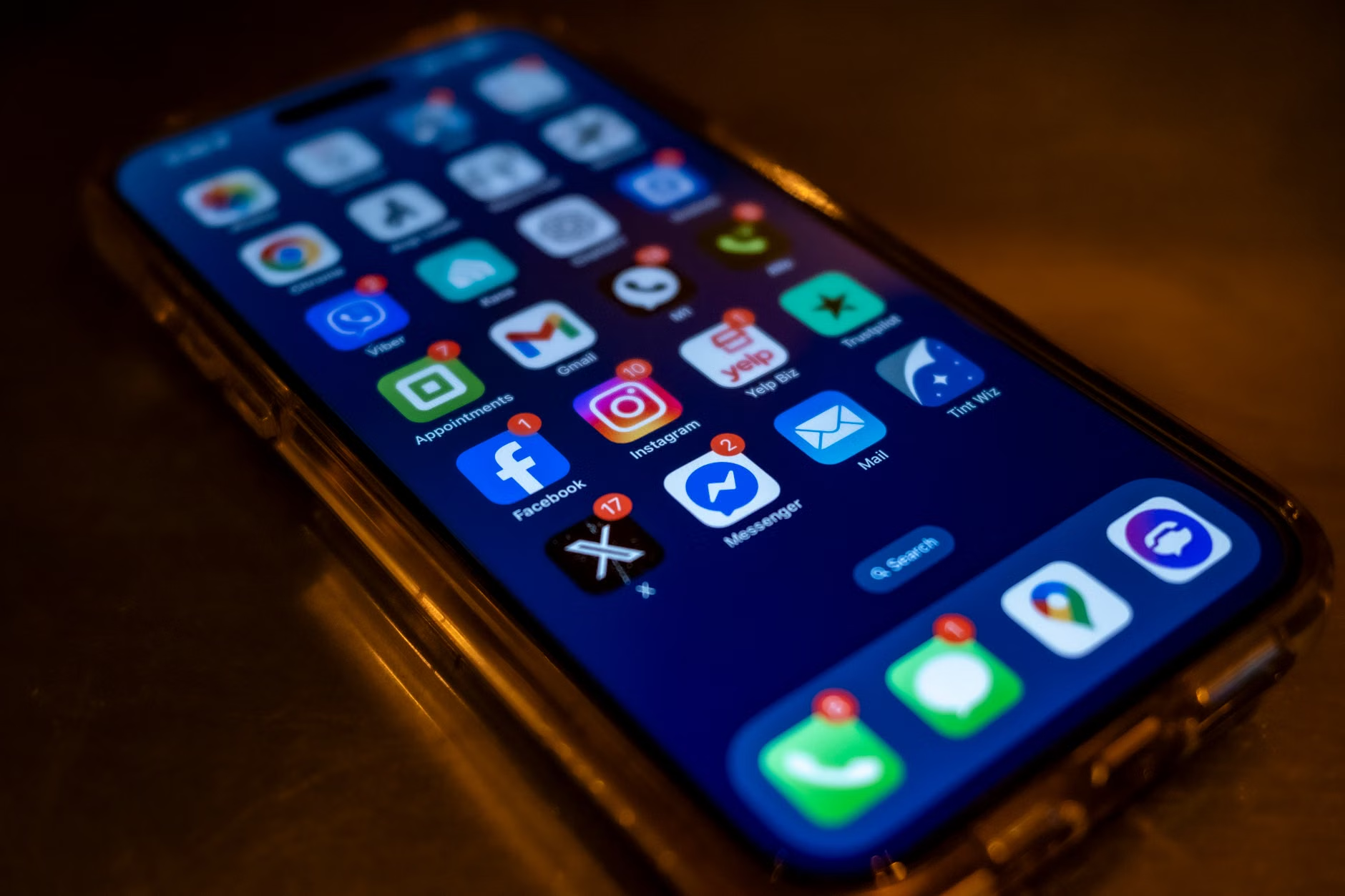
This isn’t just about “blocking” people; it’s about creating a technological environment where your brain can relax. If the phone doesn’t buzz, you don’t think about work. It is as simple and as difficult as that.
The Future of the Right-to-Disconnect
As we move further into 2026, the “Right-to-Disconnect” will likely move from a fringe labor issue to a standard part of the “Employee Value Proposition” (EVP). Companies that want to attract top talent in their 30s and 40s are already using these policies as a selling point. If you are looking for a new role, don’t just ask about salary and remote work—ask about their “communication charter.”
A good company will have a clear, documented policy on expectations for after-hours contact. A bad company will give you a vague answer about “being a team player.” Use this as a litmus test. If they can’t define what “offline” looks like, you can assume that “offline” doesn’t exist there.
Ultimately, the most important takeaway is that you are the architect of your own boundaries. Legislation may provide a floor, but your personal habits provide the ceiling. Whether or not your country has a Right-to-Disconnect law, you have the right to curate your own attention. Start by turning off the notifications, communicating your hours, and trusting that the world won’t end if you wait until the morning to answer that email.
If you need further reading on specific labor laws, check the official resources for your region, such as the International Labour Organization (ILO), which tracks global workplace standards and the evolution of the “Right to Disconnect” in various member states.
Frequently Asked Questions
1. If I have a “Right-to-Disconnect” law in my country, can I be fired for not checking emails after hours?
Generally, no. These laws are designed to protect employees from retaliation. However, the law often contains exceptions for “essential” roles or emergencies. If you are in a role where being on-call is part of your contract, the law may not apply in the same way. Always check your specific employment contract against your local labor board’s guidance.
2. My boss sends emails at 11 PM but says I don’t have to reply until morning. Should I still be worried?
Psychologically, receiving that email still creates stress. Even if your boss says “no reply needed,” seeing the message triggers a “work mode” response in your brain. The best approach is to use your phone’s settings to silence those notifications entirely so you don’t even see the email until you are ready to start your workday.
3. How do I suggest a “Communication Charter” to my team without sounding like I’m trying to do less work?
Frame it as a team efficiency initiative. Suggest a meeting to discuss “Team Communication Norms.” Propose that the team agrees on standard hours for non-urgent communication, which helps everyone maintain focus during the day. By making it a team-wide agreement, you aren’t asking for special treatment; you are proposing a better way for the whole group to work together.