- Minimalist-tech isn’t about discarding devices; it’s about shifting from passive consumption to intentional utility.
- By auditing your notification environment and reducing “app friction,” you can reclaim up to 90 minutes of focused time daily.
- The most effective strategy is “Single-Purpose Device Configuration,” where you limit devices to specific, non-overlapping roles.
The secret to a calmer life in your 30s and 40s isn’t throwing your smartphone into the nearest lake—it’s changing your relationship with the technology you already own. We are currently living in an era where “digital bloat” is the default setting. From the moment we wake up to the sound of a curated alarm, we are bombarded by a stream of pings, badges, and background updates that pull our attention in a dozen directions at once. Minimalist-tech is the deliberate act of pruning your digital life to serve your actual goals, rather than the goals of the companies that built your software.
Why Your Digital Environment is Actually a Cognitive Tax
Most of us treat our digital devices like an infinite junk drawer. We install apps “just in case,” leave tabs open for weeks, and allow every service to send us push notifications. Psychologically, this creates a state of “continuous partial attention.” When you are trying to help your child with homework while your watch vibrates with a work email and your laptop pings with a social media update, you aren’t just multitasking—you are fragmenting your cognitive bandwidth.
Research into the “attention economy” suggests that context switching—the act of moving from one task to another—can cost you up to 40% of your productive time. For a parent balancing a career and household management, that 40% is the difference between feeling in control and feeling constantly behind. Minimalist-tech is not about asceticism. It is about efficiency and cognitive preservation. By limiting the number of inputs your brain has to process, you reduce the “background noise” that leads to decision fatigue by the time you reach the evening hours.
Consider the “Notification Audit” as your first step. If you look at your phone’s notification settings, you will likely find that 80% of your apps have permission to interrupt you. If an app doesn’t contribute to your immediate safety, your core work, or your direct family communication, it doesn’t deserve the right to vibrate in your pocket. The goal is to move from a “reactive” stance—where you wait for the phone to tell you what to do—to a “proactive” stance, where you open an app only when you have a specific intention.
The Architecture of Intentional Device Configuration
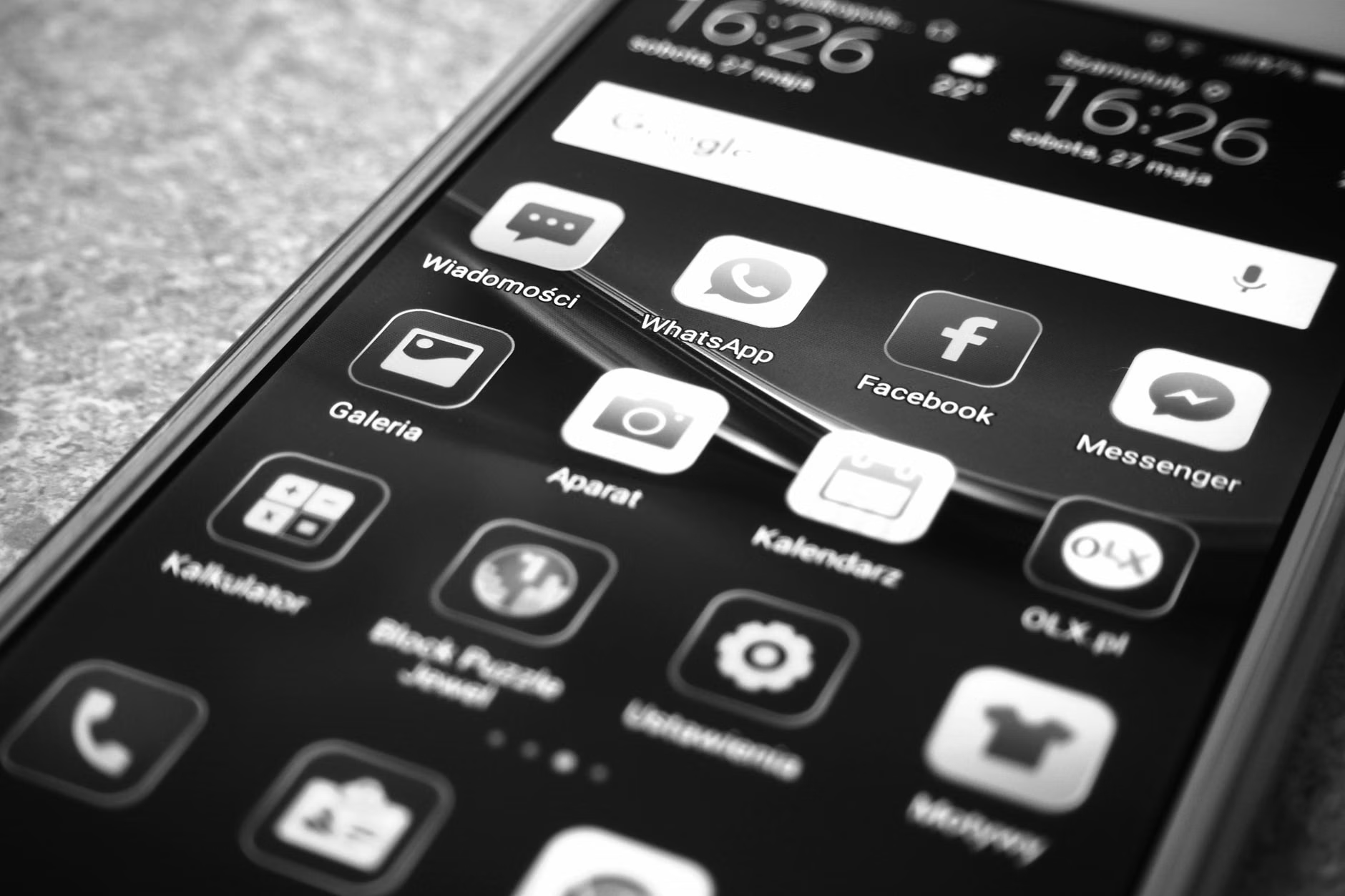
To implement minimalist-tech, you must treat your digital devices like physical spaces. If you lived in a house where every surface was covered in clutter, you would struggle to focus or relax. Your phone and computer are no different. The “One-Screen Rule” is a powerful framework for this. On your primary mobile device, your home screen should only contain the tools you use for essential tasks: communication, navigation, and calendar management. Everything else—the “fun” stuff, the social media, the shopping apps—should be relegated to a secondary screen or hidden within a folder.
This creates a psychological barrier. When you want to check social media, you have to make a conscious choice to swipe and search for it, rather than clicking it automatically out of boredom. This small “friction” is your best friend. It turns an unconscious habit into a deliberate decision. If you find yourself mindlessly opening an app, that friction gives you a split second to ask yourself: “Do I actually need to be here right now?”
| Device Category | Minimalist Approach | Common Mistake |
|---|---|---|
| Smartphone | Essential tools only; notifications off for all non-human apps. | Keeping all apps on the front page and leaving badges enabled. |
| Laptop/Desktop | One window open at a time; clear desktop wallpaper. | Having 30+ browser tabs open as “reminders.” |
| Wearables | Health metrics only; disable social media alerts. | Mirroring all phone notifications to the wrist. |
As shown in the table above, the goal is to categorize your devices by their primary function. A laptop should be for creation and deep work; a phone should be for utility and connection; a tablet should be for consumption (like reading or media). When you blur these lines—using your work laptop for social media browsing, for example—you associate your “work” device with “distraction,” making it harder to enter a flow state when you actually need to be productive.
Managing the “Hidden Costs” of Digital Convenience
One of the most overlooked variables in the tech-minimalism conversation is the “subscription trap.” Many of us pay for multiple streaming services, productivity tools, and cloud storage options that we barely use. In your 30s and 40s, time is your most precious commodity, but money is a close second. Every subscription you keep requires a small amount of mental maintenance—updating payment info, checking for price hikes, and deciding whether to keep it.
I recommend a “Quarterly Digital Audit.” Once every three months, go through your bank statement and your app settings. If you haven’t used a service in the last 90 days, cancel it. The fear of “missing out” on a feature you might need later is almost always unfounded. If you suddenly need it again, you can resubscribe in seconds. The mental liberation of clearing out these “digital ghosts” is surprisingly significant. It simplifies your financial life and reduces the clutter in your digital ecosystem.
Another hidden cost is the “syncing tax.” We are often sold on the idea that every device should be perfectly synced with every other device. While this is convenient, it can also lead to a “constant availability” trap. If your work email, personal text messages, and family calendar are all perfectly mirrored across your phone, tablet, and computer, there is nowhere to hide. You are effectively tethered to your digital life 24/7. By creating “device boundaries”—for instance, keeping email off your phone and only on your laptop—you force yourself to step away from the screen when you are with your family.
Step-by-Step: Implementing the Minimalist-Tech Framework
If you are ready to start, don’t try to change everything in one afternoon. Overhauling your digital life is like cleaning a garage—if you pull everything out at once, you will just be left with a mess. Follow this structured approach to ensure sustainability.
Phase 1: The Notification Purge
Start by going to your phone’s notification settings. Turn off everything except for direct communication (phone calls, SMS, and maybe one primary messaging app like WhatsApp or Signal). Disable badges (the little red circles) for everything. Badges are designed to trigger a “completionist” urge that makes us feel stressed until we clear them. If you take away the visual cue, you take away the anxiety.
Phase 2: The Desktop Cleanup
On your computer, clear your desktop of all files. Move them into a single “Archive” folder. Your desktop should be a workspace, not a storage unit. If you use a web browser, install a “tab suspender” extension. This automatically puts inactive tabs to sleep, which saves your computer’s battery and memory, and more importantly, prevents you from being distracted by the visual clutter of 20 open tabs. Your brain treats those open tabs as “unfinished business,” which creates a low-level, persistent hum of stress.
Phase 3: The “Analog Anchor”
Introduce an analog component to your day. This is the most effective way to balance tech usage. If you usually read on a tablet, try reading a physical book for 30 minutes before bed. If you use a digital calendar, try a paper planner for your top three priorities of the day. The physical act of writing or turning a page engages a different part of your brain than scrolling. It signals to your nervous system that it is time to slow down, which is essential for parents who are constantly “on call” in their professional and personal lives.
Common Misconceptions and Why They Matter
A common mistake people make when adopting this philosophy is confusing “minimalist” with “luddite.” You do not need to delete your accounts or throw away your smart home devices to be a tech minimalist. The goal is utility, not absence. If a smart lightbulb makes your evening routine with a toddler easier, keep it. The problem isn’t the technology itself; the problem is the defaults. Most devices come configured to maximize your engagement, not your well-being. Minimalist-tech is simply the process of reconfiguring those settings to favor your actual life goals.
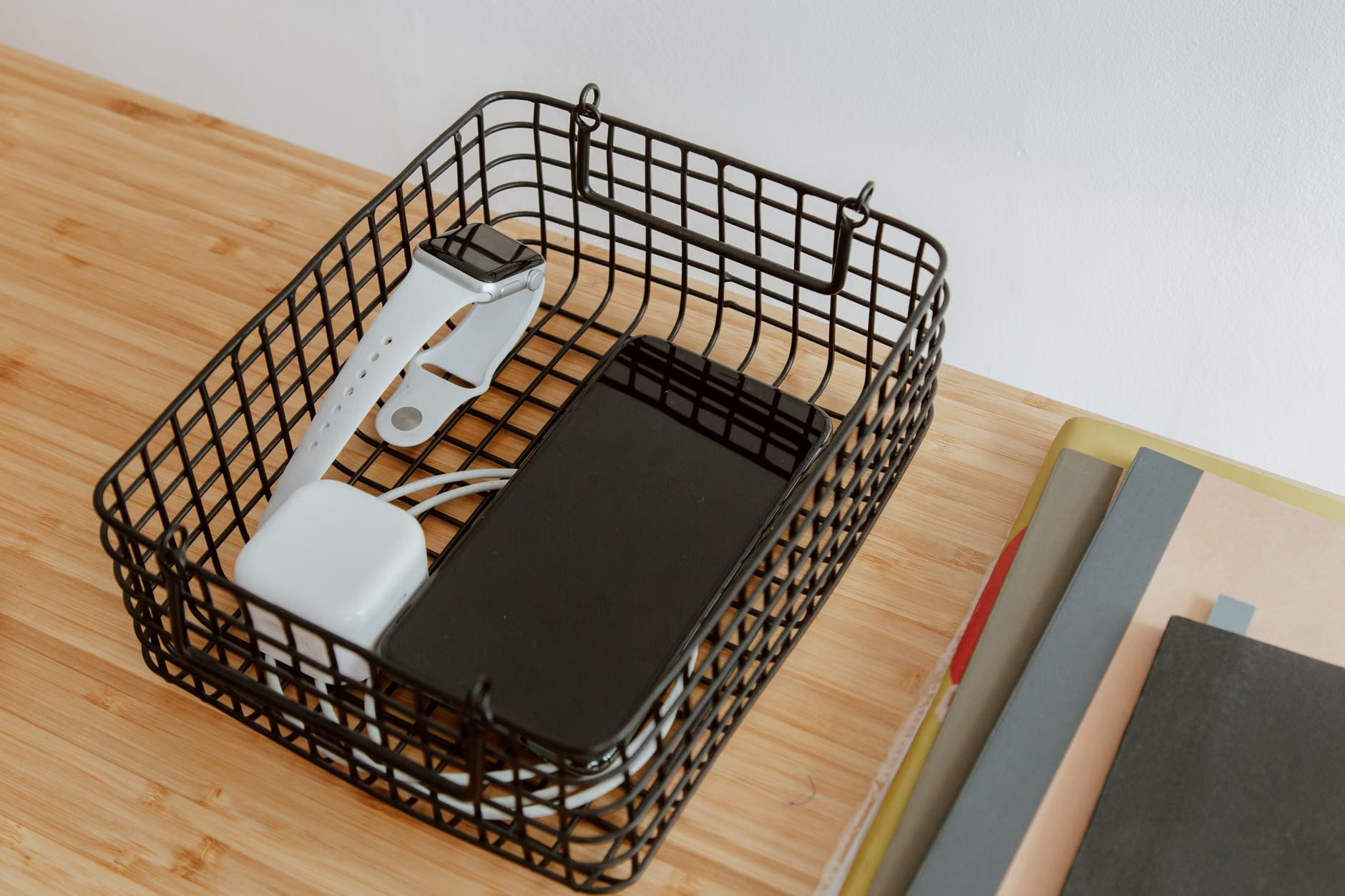
Another misconception is that you need “willpower” to stay away from screens. Willpower is a finite resource. If you rely on it to keep you off your phone, you will eventually fail by 8:00 PM when you are tired. Instead, rely on environment design. If you don’t want to check your phone, put it in a drawer in another room. By making the bad habit physically difficult to perform, you remove the need for willpower entirely. This is the core of minimalist-tech: designing a digital environment that makes the “right” choice the easiest one.

Looking Beyond the Screen
Ultimately, the minimalist-tech philosophy is about reclaiming the space in your life that technology has colonized. In our 30s and 40s, we are often in the “peak years” of responsibility—raising children, building careers, and managing households. We cannot afford the cognitive overhead of a cluttered digital life. By curating your apps, silencing the noise, and creating physical boundaries between you and your devices, you aren’t just saving time; you are creating the mental clarity required to be more present in the moments that actually matter.
Start with your notification settings today. It takes five minutes, it’s free, and it’s the single most effective way to start feeling like you own your devices, rather than them owning you. Don’t worry about being perfect; just aim to be a little more intentional than you were yesterday.
Frequently Asked Questions
1. Does minimalist-tech mean I have to stop using social media entirely?
Not at all. The philosophy is about intentionality. If you enjoy social media, keep it, but move it off your home screen and disable all notifications. By removing the “pings” and the “badges,” you regain control over when and why you log on, turning a reactive habit into a deliberate choice.
2. How do I balance being a parent with the need to be “connected” for work or emergencies?
Most modern operating systems (like iOS Focus mode or Android Digital Wellbeing) allow you to set up “Allow Lists.” You can configure your phone to silence all notifications except for calls from your partner or your children’s school. This allows you to stay reachable for emergencies without being distracted by non-essential emails or social media alerts.
3. I feel overwhelmed by my digital photos and files. Where should I start?
Don’t try to organize everything at once. Start by creating a “Current” folder and a “Deep Archive” folder. Move everything you haven’t touched in a year into the archive, and focus only on keeping your current workspace clean. Digital organization is a maintenance task, not a one-time project. Dedicate 15 minutes on a Sunday evening to clear out your downloads folder and delete screenshots you no longer need.
For further reading on managing digital habits, you can explore the Center for Humane Technology, which provides extensive research on how technology design affects our focus and well-being.