If you want to reduce your monthly electricity bill, the most effective strategy isn’t just turning off the lights—it’s knowing exactly which appliances are draining your budget in real-time. An energy-dashboard provides the visibility required to turn “guessing” into “managing,” often resulting in savings of 15% to 25% for the average household.
- Real-time visibility is the key: General estimates don’t work; you need circuit-level monitoring to identify “vampire” appliances that consume power even when turned off.
- Automate before you operate: Use your dashboard data to set up smart plugs or automated routines, which are far more consistent than manual habit changes.
- Focus on high-load culprits: 80% of your energy savings will come from just three areas: heating/cooling, water heating, and large kitchen appliances.
Why Your Monthly Bill Feels Like a Mystery
We have all been there. You get your utility bill, look at the total, and wonder how it climbed so high despite your family supposedly being “careful.” The problem is that electricity is invisible. You don’t see it leave the socket; you only see the financial consequence weeks later. In a busy household—balancing school runs, remote work, and laundry cycles—tracking energy usage manually is impossible.
Most of us rely on the static reading on our utility provider’s website. However, that data is usually a day or two old and lacks the granularity needed to identify specific issues. An energy-dashboard changes the dynamic by providing a live feed of your home’s electrical personality. It translates raw data into actionable insights, showing you, for example, that your dryer is running for 40 minutes longer than necessary or that an old refrigerator in the garage is spiking your bill every night at 2:00 AM.
The Anatomy of an Energy-Dashboard
An energy-dashboard is not just a single device; it is an ecosystem consisting of hardware, software, and data visualization. For those in their 30s and 40s looking for a practical solution, it typically comes in two forms: a whole-home monitor or a plug-in smart monitor system.
Whole-home monitors are installed directly into your electrical panel. They use current transformers (CT clamps) to measure the flow of electricity through your main circuits. These systems use machine learning to “fingerprint” the electrical signature of each appliance. When your toaster turns on, the monitor recognizes the specific wave pattern and logs it. It is incredibly effective but requires basic electrical safety knowledge or a professional installer.
Plug-in smart monitors are simpler. These are smart plugs or power strips that report energy consumption for specific devices. While they don’t cover the whole house, they are perfect for testing specific “suspects” in your home, such as a desktop gaming PC, a dehumidifier, or a space heater. They offer a lower barrier to entry and require zero installation.
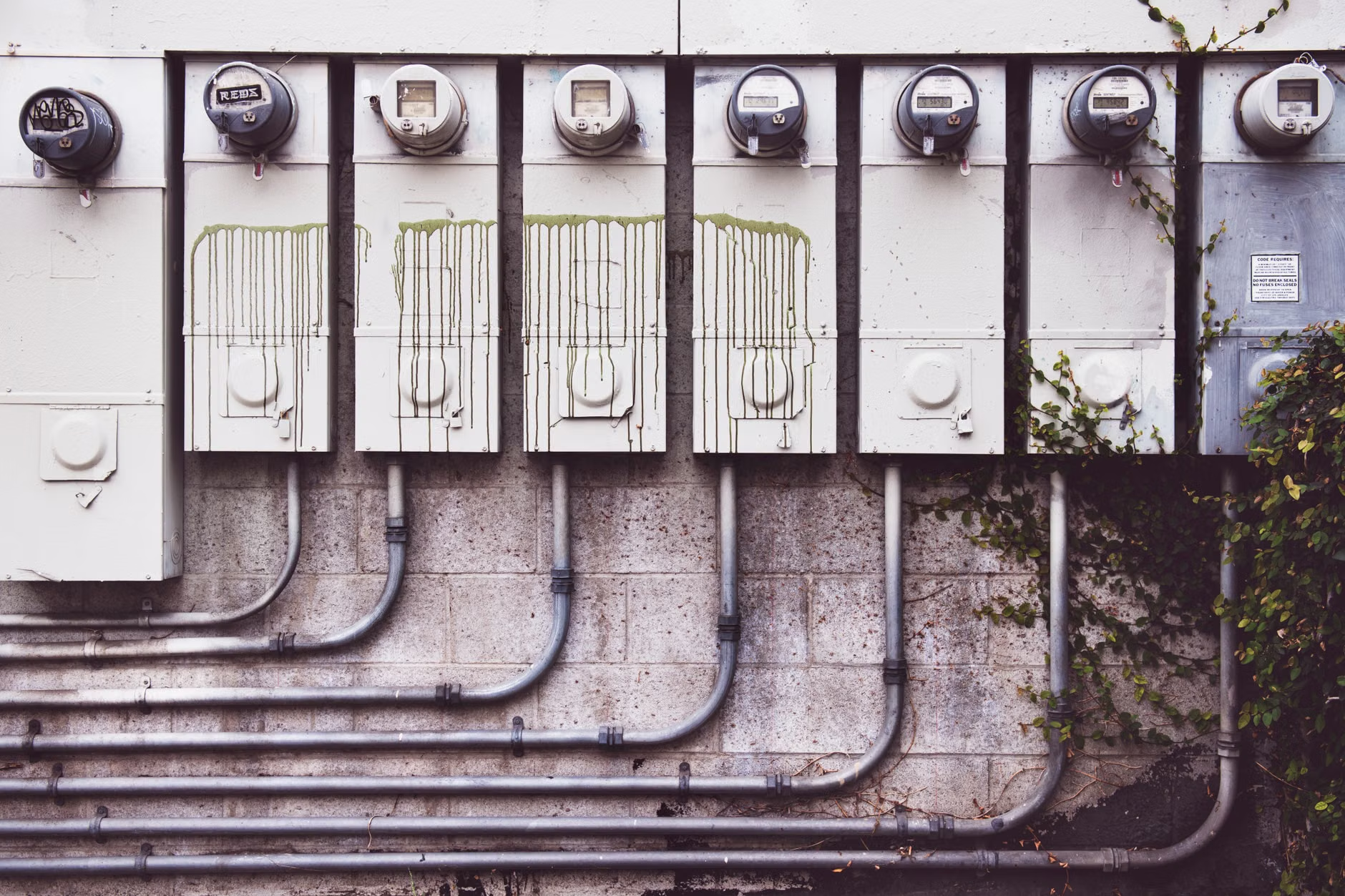
Identifying Your Household’s “Vampire” Loads
One of the most surprising revelations for new energy-dashboard users is the presence of “vampire” or “phantom” loads. These are devices that consume power while in standby mode. While a single television on standby might only cost a few cents a month, a house full of gaming consoles, smart speakers, secondary monitors, and coffee machines can add up to 5% to 10% of your total bill.
To identify these, look at your dashboard’s “base load”—the minimum amount of power your home uses when everyone is asleep. If your base load is significantly higher than 100-200 watts (excluding a refrigerator), you have devices drawing power unnecessarily. Once you spot the culprit via the dashboard, the fix is simple: put those devices on a smart power strip that cuts power when the primary device (like your TV) is turned off.
Comparing Approaches to Energy Management
Choosing the right setup depends on your home ownership status and technical comfort level. The following table breaks down the decision criteria for selecting a monitoring strategy:
| System Type | Best For | Pros | Cons |
|---|---|---|---|
| Main Panel Monitor | Homeowners wanting a total picture. | Granular, whole-home data; identify every major appliance. | Requires installation; higher initial cost. |
| Smart Plugs | Renters or targeted troubleshooting. | Plug-and-play; easy to move; inexpensive. | Only monitors specific outlets; messy for whole-house use. |
If you are a homeowner, a main panel monitor is the “set it and forget it” solution. If you are renting or just want to verify if your old freezer is worth keeping, start with a pack of smart plugs. Do not try to monitor every single outlet; focus on the high-draw appliances first.

The Hidden Costs and Trade-offs
It is important to discuss the “data fatigue” factor. When you first install an energy-dashboard, it is addictive. You will check it constantly, trying to shave off every watt. This can lead to “efficiency burnout,” where the effort of managing the system exceeds the financial benefit. The key is to shift from manual monitoring to automation after the first month.
Another overlooked variable is the impact of utility billing structures. In many regions, utilities use “Time-of-Use” (TOU) rates, where electricity is significantly more expensive during peak hours (usually late afternoon to early evening). An energy-dashboard is most powerful when it syncs with these rates. If you can move your dishwasher or dryer cycles to off-peak times based on the dashboard’s warnings, you might save money even if your total energy usage remains exactly the same.
Step-by-Step Implementation Framework
To move from theory to action, follow this four-week roadmap for your household:
- Week 1: Establish a Baseline. Install your monitoring system and do nothing. Let it run for seven days to get a “normal” view of your usage. Identify your base load.
- Week 2: The “Big Three” Audit. Look at the data for your HVAC, water heater, and laundry. Are these running when you aren’t home? Use the dashboard to confirm if your thermostat settings are actually being followed.
- Week 3: Targeted Optimization. Identify the top three “vampire” devices. Use smart plugs or power strips to automate their shutdown.
- Week 4: Review and Adjust. Compare your usage against your utility bill. You should see a shift in the consumption curve.
Common mistakes often include trying to optimize everything at once. Focus on the big-ticket items first. For instance, reducing the temperature on your water heater by just a few degrees can save more money than replacing every light bulb in the house with an LED. Use the dashboard to prove this by checking the energy usage before and after the adjustment.
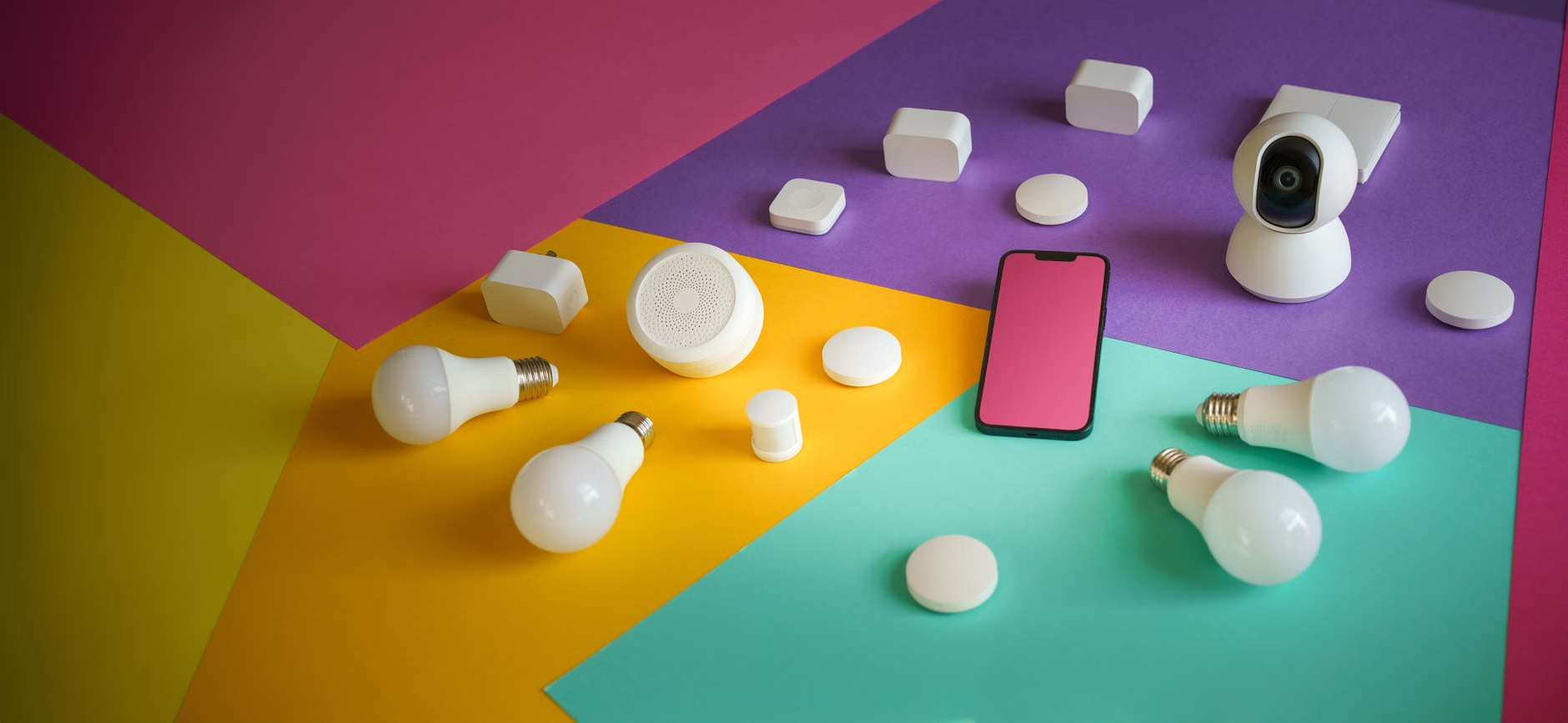
Integrating Dashboards into Family Life
For those with children, the energy-dashboard can actually be a useful educational tool. Gamifying energy savings—like setting a goal to keep usage under a certain threshold—can teach kids about conservation without making it feel like a chore. Showing them the real-time impact of leaving a gaming PC on versus turning it off provides a visual connection between actions and consequences that a standard lecture cannot match.
However, be cautious about over-optimizing. If you find yourself in a cold house because you are obsessed with keeping the HVAC off, you have crossed the line from efficiency to discomfort. The goal of an energy-dashboard is to eliminate waste, not to compromise your family’s quality of life. Use the data to make intelligent trade-offs, not to impose unnecessary restrictions.
Advanced Insights: Beyond the Basics
Once you are comfortable with the basics, look for deeper insights. Many modern dashboards can alert you to abnormal behavior. For example, if your refrigerator starts cycling on and off more frequently than usual, it may indicate a failing seal or a compressor issue. In this case, the dashboard acts as a preventative maintenance tool, potentially saving you a costly repair or the need to buy a new appliance prematurely.
Furthermore, consider your home’s “peak demand.” Some utilities charge a premium based on the highest amount of power you draw at any single moment. By using your dashboard to stagger your heavy appliances—for example, not running the dryer, dishwasher, and electric oven simultaneously—you can smooth out your demand profile. This is a sophisticated way to manage your energy footprint that most people never consider.
Final Recommendations for Your Household
There is no “perfect” energy-dashboard for everyone, but the most successful users are those who choose a system that integrates with their existing smart home platform (like Apple HomeKit, Google Home, or Amazon Alexa). This integration allows for true automation: when the dashboard detects peak energy prices, it can automatically dim smart lights or adjust the thermostat without you lifting a finger.
Start small, be patient with the data, and focus on the high-impact areas. Electricity management is a marathon, not a sprint. By gaining visibility today, you are laying the groundwork for a more efficient, cost-effective household for years to come.
For further reading and to verify your local utility’s smart meter capabilities, you can visit resources such as Energy.gov’s Smart Meter guide or check your specific regional utility provider’s portal for “Green Button” data access, which allows third-party apps to securely access your energy usage data.
Frequently Asked Questions
Does an energy-dashboard actually save money, or does it just track usage?
Tracking is the first step, but the savings come from the actions you take based on that data. Most users save money by identifying phantom loads, optimizing thermostat schedules, and shifting high-energy tasks to off-peak hours based on the insights provided by the dashboard.
Is it safe to install a whole-home energy monitor myself?
Most whole-home monitors require attaching sensors inside your electrical service panel. While the sensors themselves are non-invasive (they clip onto wires), the panel contains high-voltage components. If you are not comfortable working around electrical panels, it is highly recommended to hire a licensed electrician. For a safer alternative, smart plugs provide similar insights without requiring panel access.
Will my energy usage data be private?
Reputable energy-dashboard providers prioritize data encryption and privacy. However, you should always review the privacy policy of the specific manufacturer to understand how your consumption data is stored and whether it is shared with third parties. Most systems allow you to opt-out of data sharing for marketing purposes.