- Real-time visibility is the primary driver of behavior change: Households that monitor energy in real-time typically reduce consumption by 5% to 15% simply by identifying “vampire” power loads.
- Focus on the “always-on” baseline: Most of your wasted electricity isn’t from the lights you leave on; it’s from the standby power of electronics, old appliances, and inefficient heating/cooling cycles.
- Choose the right hardware for your setup: Choose between plug-in smart meters for individual devices or whole-home circuit monitors for comprehensive insights, depending on whether you rent or own.
If you have ever looked at your monthly electricity bill and felt that sinking sensation of “how did it get this high?”, you aren’t alone. For those of us juggling careers, school runs, and the general chaos of family life, the energy bill is often just another line item we pay without much scrutiny. But here is the reality: your home is likely leaking power in ways you can’t see, and without a dashboard to visualize that flow, you are effectively flying blind.
An energy dashboard isn’t just a fancy gadget for tech enthusiasts; it is a diagnostic tool for your household budget. By moving from a “bill-at-the-end-of-the-month” mindset to “real-time monitoring,” you can identify exactly which habits or appliances are draining your wallet. This article explains how these systems work, why they matter for your long-term savings, and how to implement one without needing a degree in electrical engineering.

What Exactly Is an Energy Dashboard?
At its core, an energy dashboard is the user interface for your home’s electricity usage. It translates raw data from your electrical panel or individual smart plugs into actionable insights. Think of it as a speedometer for your house. Just as you wouldn’t drive a car without knowing your speed or fuel level, an energy dashboard tells you your “burn rate” of electricity in real-time.
These systems generally fall into two categories: Whole-Home Monitors and Plug-Level Monitors. Whole-home monitors connect to your main electrical panel using current transformers (CT clamps) that measure the magnetic field around your power wires. Plug-level monitors are simpler devices that sit between your wall outlet and your appliance, reporting data for that specific device via Wi-Fi.
Why does this distinction matter? If you want to know why your total bill is high, you need a whole-home monitor. If you want to know if your ten-year-old chest freezer is costing you $20 a month to run, a plug-level monitor is your best friend. For a family in their 30s or 40s, a hybrid approach—a whole-home system for the “big ticket” items and a few smart plugs for suspicious appliances—is often the sweet spot.
Why “Always-On” Power Is Your Biggest Enemy
When you start using an energy dashboard, the first thing you will notice is your “Always-On” load. This is the electricity your home consumes even when you are asleep and every light is off. It includes your Wi-Fi router, the standby light on your TV, your refrigerator, and perhaps a security camera or two.
Many households are shocked to find that their “Always-On” baseline is significantly higher than it needs to be. I once worked with a family who discovered that an old, neglected basement dehumidifier was running 24/7, costing them nearly $300 a year. Without the dashboard, they never would have linked that specific appliance to their increased bill. They assumed the bill was high because of “the kids” or “the heat.” The dashboard provided the objective evidence needed to fix the problem.
Common Mistakes to Avoid:
- Ignoring the baseline: Don’t just look at peak usage. Focus on lowering that flat line of consumption that persists through the night.
- Over-automating: Don’t buy a smart plug for every single item. Focus on “vampire” loads—devices that stay warm to the touch or have power bricks that stay plugged in even when not in use.
- Ignoring appliance maintenance: Sometimes, high usage isn’t about habits; it’s about a failing component. A refrigerator with dirty coils works twice as hard to keep food cold, spiking your energy usage.
How to Choose and Install Your System
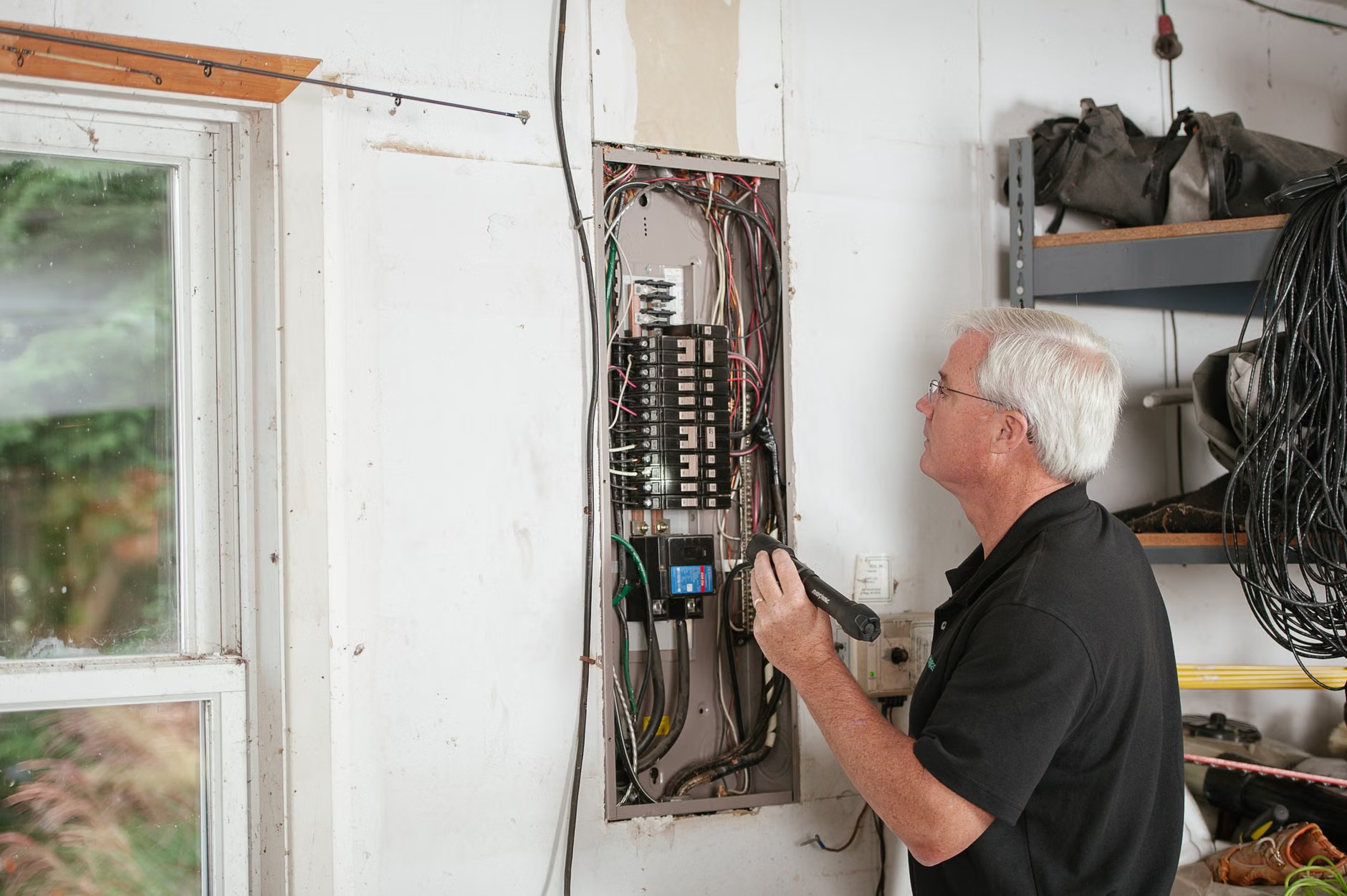
Installing a whole-home energy monitor is more accessible than most people think, but it does require safety precautions. If you are comfortable working around an electrical panel, you can do it yourself; if not, a professional electrician can usually install these in under an hour. Most modern systems, like Sense or Emporia, are designed for the non-expert, provided you follow the safety protocols.
| Feature | Whole-Home Monitor | Smart Plugs (Individual) |
|---|---|---|
| Best For | Identifying total load & major appliances | Targeted testing of specific devices |
| Installation | Requires access to electrical panel | Plug-and-play into wall outlets |
| Cost | Moderate ($150 – $400) | Low ($10 – $25 per unit) |
| Actionability | High; shows trends & peak times | High; allows remote power scheduling |
When selecting a system, check for “Appliance Recognition” features. Some advanced monitors use machine learning to identify the “signature” of different devices based on their electrical noise. For example, the monitor might learn that the specific hum of your furnace turning on is different from the cycle of your dishwasher. This is a game-changer for busy parents who don’t have time to manually track every cycle.
Real-Life Scenarios: Making Data Actionable
Let’s look at a hypothetical scenario. Consider the “Family Energy Audit.” You have a teenager who leaves their gaming PC on all night, and a partner who enjoys a high-end coffee machine that stays heated for hours. By using an energy dashboard, you can gather the data to have a productive, non-confrontational conversation.
Instead of saying, “You’re wasting electricity,” you can show the screen: “Look, the gaming PC uses this much power when idling, and here is how much we save if we set it to sleep mode.” Data shifts the conversation from nagging to optimization. It’s an objective third party in your home management strategy.
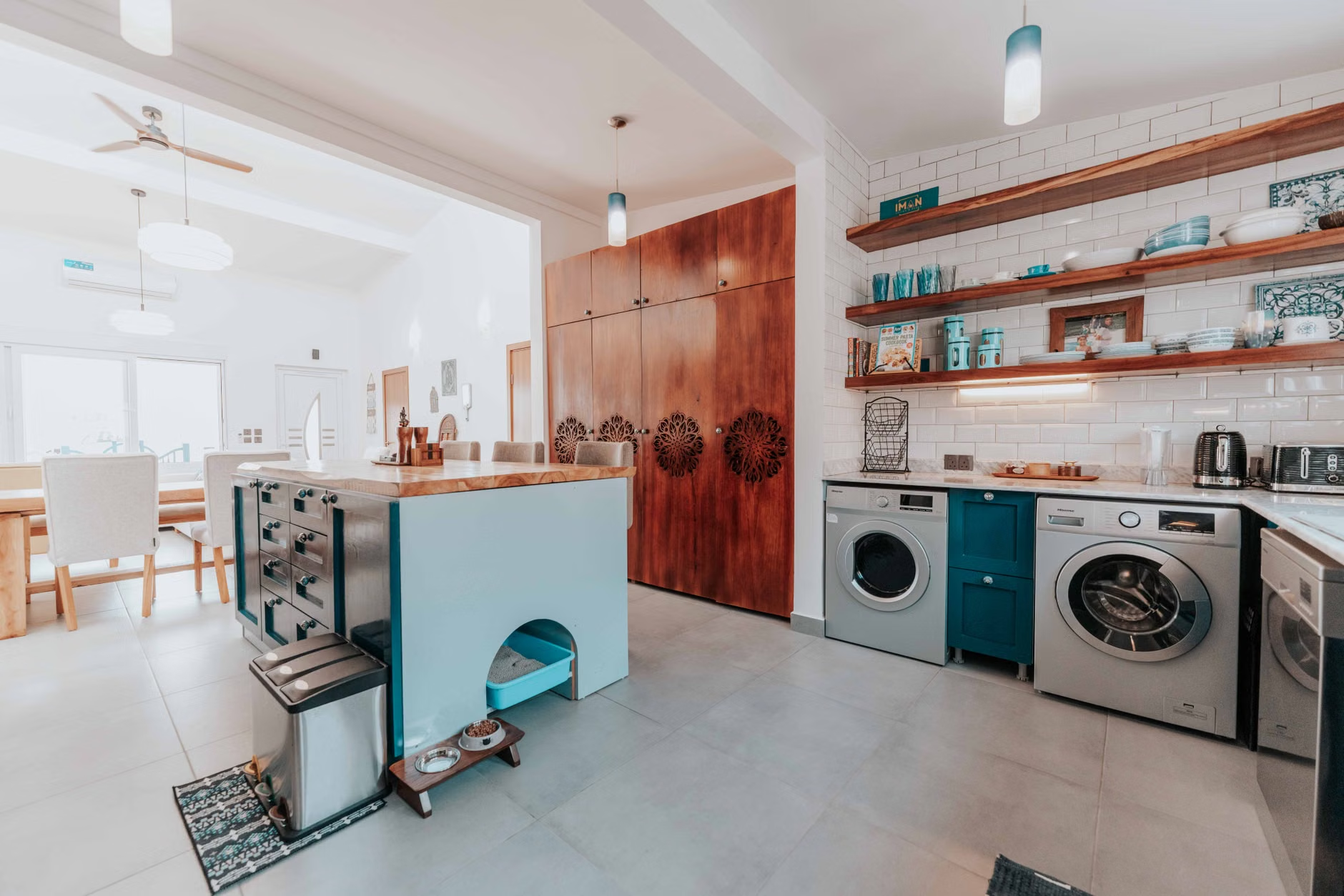
Another area where these dashboards shine is in Time-of-Use (TOU) planning. Many utility companies now charge different rates depending on the time of day. If your dashboard shows you that your energy spikes during peak hours (usually late afternoon), you can shift your heavy-duty tasks—like running the dishwasher or doing laundry—to off-peak hours. This simple shift can reduce your bill by 10% to 20% without actually reducing your total energy consumption.
The Hidden Costs and Trade-offs
Is there a downside? Yes. The primary trade-off is data privacy and complexity. You are essentially giving a company access to your home’s behavioral patterns. When do you wake up? When are you home? When are you cooking? Ensure you choose a reputable brand with strong data encryption policies. Read the privacy policy before you connect the device to your home Wi-Fi.
Also, beware of “dashboard fatigue.” It is easy to obsess over the data for the first two weeks and then never look at it again. To combat this, set up alerts. Most apps allow you to set a notification if your usage exceeds a certain dollar amount per day. This acts as a safety net, so you don’t have to check the app constantly.
Finally, consider the diminishing returns. Spending $300 on a monitor to save $50 a year is a poor investment. These systems are most valuable for households with high bills, homes with older heating/cooling systems, or families looking to transition to solar or heat pumps where baseline energy efficiency is critical to the ROI of those larger investments.
Practical Next Steps for Your Home
If you are ready to take control of your energy footprint, follow this sequence:
- Review your last three power bills: Look for the kilowatt-hour (kWh) usage, not just the dollar amount. This gives you a baseline to measure your future success.
- Identify your biggest consumers: In most homes, heating, cooling, and water heating account for 50% or more of the bill. Start your monitoring there.
- Choose your hardware: If you are a homeowner, get a whole-home monitor. If you are a renter, stick to smart plugs for the high-consumption appliances you own.
- The “One-Week Challenge”: Once installed, spend one week observing. Don’t change your habits immediately. Just watch. You will naturally start to modify your behavior once you see the real-time cost of leaving the lights on in an empty room or running the AC while windows are open.
Energy management is not about depriving yourself of comfort. It is about eliminating the “invisible waste” that stems from inefficiency and lack of awareness. Once you can see your energy, you can manage it. And in a world where costs are only rising, that visibility is one of the most practical investments you can make for your household.
Frequently Asked Questions
Q: Will an energy monitor actually lower my bill, or just tell me why it’s high?
A: It does both. The monitor provides the “why,” but the “lowering” part is up to you. Most users see a reduction because they become hyper-aware of waste. Once you see that a space heater costs $1.50 to run for an hour, you are much more likely to turn it off when you leave the room.
Q: Is it safe to install these devices in my electrical panel?
A: Most modern energy monitors are designed for DIY installation and are non-invasive—they clip around the wires rather than requiring you to disconnect them. However, if you are uncomfortable opening your panel or have an older, crowded box, always hire a licensed electrician. It is a small cost for peace of mind and safety.
Q: Can these monitors help me decide if I should get solar panels?
A: Absolutely. In fact, many solar installers recommend installing a monitor for a few months before committing to a solar system. It gives you precise data on your consumption profile, which helps you size your solar array correctly so you don’t over-invest or under-produce.
For further reading on energy efficiency and home standards, visit the U.S. Department of Energy’s Energy Saver guide, which provides extensive resources on home energy audits and efficiency improvements.