The most effective way to improve your executive function while working or studying is to externalize your brain’s “to-do” list by creating a desk environment that requires zero willpower to maintain. If you find yourself constantly distracted, overwhelmed by clutter, or unable to start a task, your desk isn’t just a place to sit—it is a cognitive bottleneck that needs a structural overhaul.
- Visual Reduction: Clear your peripheral vision of anything not related to the current task to prevent “context switching” fatigue.
- Externalized Cues: Use physical timers and analog checklists to bypass the brain’s internal time-blindness.
- The “Active Zone” Rule: Only the current task’s materials should exist within a 30-centimeter radius of your primary working hand.
We have all been there: it is 2:00 PM, you have a deadline, but you find yourself reorganizing your stationery or staring at a pile of mail instead of opening the document you need. This isn’t laziness. In the language of cognitive psychology, this is an executive function deficit. Executive function is the command center of your brain—it handles working memory, flexible thinking, and self-control. When your environment is chaotic, your brain spends precious energy just filtering out the noise rather than processing the work.
Why Your Desk Setup Dictates Your Cognitive Load
Your desk is more than a piece of furniture; it is an extension of your working memory. Working memory is the “scratchpad” of your brain where you hold information while you work on it. The problem is that human working memory is surprisingly fragile—it can usually only hold about four “chunks” of information at once. When you add physical clutter, tabs on your browser, and a messy desktop to that, you are actively consuming your own cognitive bandwidth.
For those of us in our 30s and 40s balancing professional demands with family life, the mental load is already near capacity. We don’t have the luxury of “getting in the zone” for three hours uninterrupted. We need to be able to drop into a task, make progress, and shift out of it efficiently. If your desk is a visual minefield of unfinished projects, your brain will constantly “ping” those incomplete tasks, creating a background hum of anxiety that drains your focus.
This is where the concept of “Cognitive Ergonomics” comes in. It’s not about having the most expensive ergonomic chair (though that helps); it’s about arranging your physical space so that it supports, rather than sabotages, your executive function.
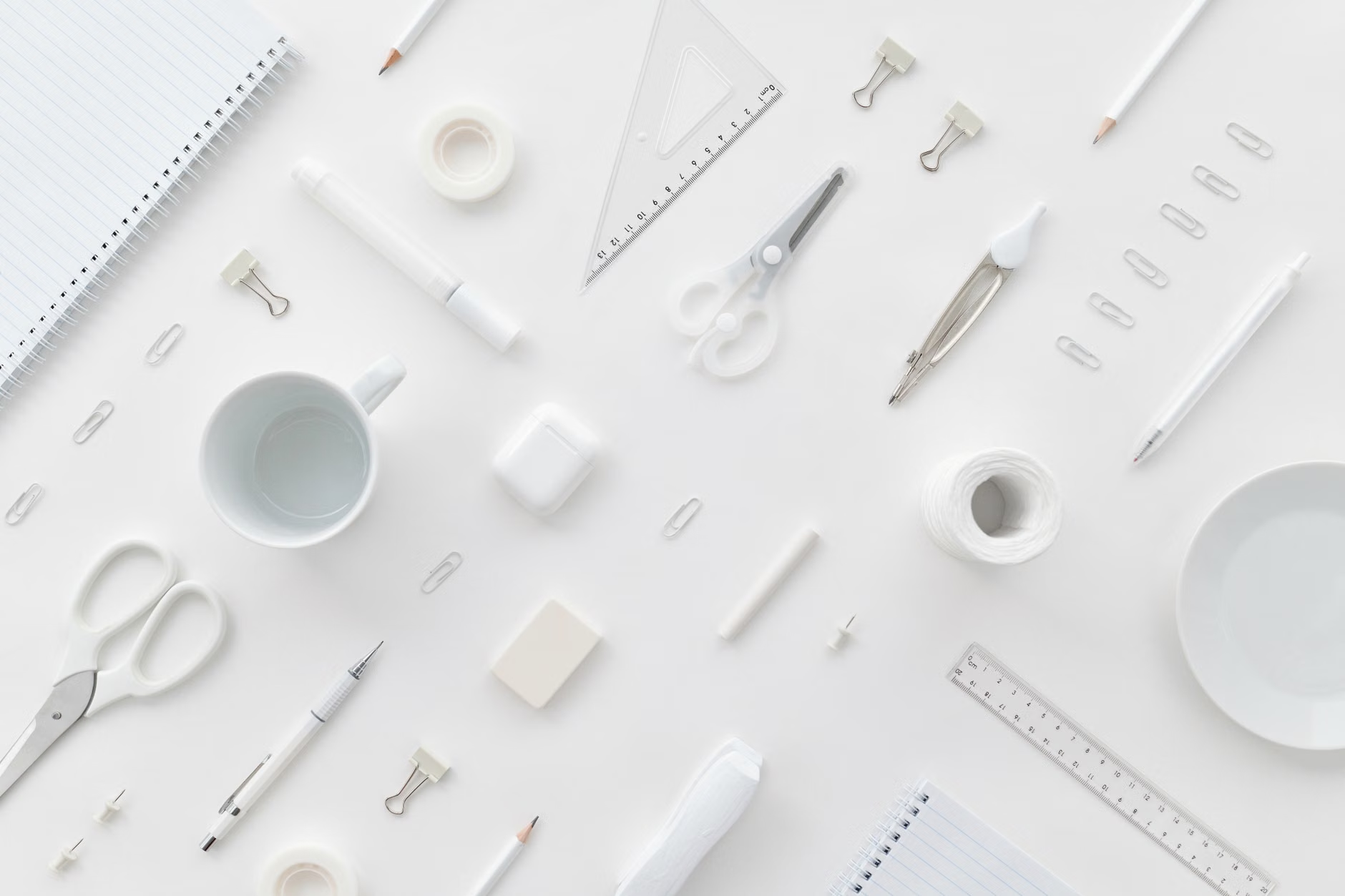
Step 1: Implementing the ‘Active Zone’ Decision Rule
The biggest mistake most people make is keeping their “reference materials” (files, books, tablets) in their “active space.” The active zone is the area immediately in front of you, roughly the size of a large placemat. If you are writing a report, your laptop and one notebook should be there. That is it.
To implement this, perform the “Clear-to-Neutral” reset at the end of every work session. This is a concept popularized in productivity circles, but for executive function, it serves a specific biological purpose: it reduces the “start-up cost” for the next day. If you sit down tomorrow and your desk is already set up for the task, your brain doesn’t have to navigate the friction of clearing the space first.
How to divide your desk space:
| Zone | Definition | Items Allowed |
|---|---|---|
| Primary (Active) | Within reach of your hands | Keyboard, mouse, one notebook, water |
| Secondary (Storage) | Within reach of your arms | Reference books, pens, phone |
| Tertiary (Peripheral) | Beyond arm’s reach | Printer, files, personal items |
If you keep your phone in your primary zone, you are inviting distraction. If you keep your reference books in your peripheral zone, you are forcing yourself to stand up and break your flow to get them. Use this table to audit your current desk arrangement and move items accordingly.
Step 2: Managing Time-Blindness with External Anchors
Time-blindness is a common trait for anyone who struggles with executive function. It is the inability to “feel” the passage of time. You think you’ve been working for ten minutes, but an hour has passed, or vice versa. Relying on a digital clock on your computer screen is often ineffective because it is surrounded by notifications and other distractions.
Use a physical, analog timer or a dedicated visual clock. There is a psychological difference between seeing “14:00” on a screen and seeing a physical dial showing the “slice” of time remaining. The physical timer acts as an external anchor. It provides a constant, non-intrusive reminder of the passage of time without the “digital noise” of pop-ups or email alerts.

Why does this matter for the 30-something parent? Because you are likely working in “sprints.” You have 45 minutes before the school run or before the next household responsibility calls. A physical timer allows you to visualize that 45-minute block. When you see the time slipping away, your brain is naturally prompted to prioritize the most important task rather than getting lost in the “weeds” of minor details.
Step 3: Reducing Visual Noise and Sensory Overload
Our brains are wired to notice changes in our environment. If your desk is covered in colorful sticky notes, stray papers, and cables, your brain is constantly processing that visual input as “potentially important.” This is called “attentional capture.” Every time your eye catches a sticky note from three days ago, your brain briefly switches focus to check if it’s something you need to do.
To fix this, aim for a monochromatic or low-contrast desk setup. If you have cables everywhere, use simple cable management clips or a cable box to hide them. You don’t need a perfectly minimalist “Instagram desk,” but you do need to eliminate high-contrast visual triggers that don’t serve your current task.
Common Mistakes in Desk Organization:
- The “Maybe Later” Pile: Keeping books or projects you intend to get to “soon” on your desk. This creates a constant sense of guilt and unfinished business.
- Over-accessorizing: Too many desk toys, motivational signs, or knick-knacks. These are visual clutter that your brain has to work to ignore.
- Multi-Monitor Overload: While two monitors are great for productivity, they can sometimes double your distraction potential. If you don’t need both for the specific task at hand, turn one off or black out the screen.
Step 4: Creating a “Transition Ritual” for Your Brain
Executive function struggles often manifest as “task paralysis”—the inability to switch from one mental state to another. You might finish a meeting and find yourself unable to start your actual work. You need a transition ritual. This is a sensory cue that tells your brain, “The meeting is over; now it is time to produce.”
Your ritual could be as simple as:
- Closing your laptop and opening it again.
- Putting on a specific pair of noise-canceling headphones.
- Taking one deep breath and physically moving your water glass to the other side of the desk.
These actions, while seemingly trivial, create a psychological “reset” button. By associating a physical action with the start of a deep-work session, you are building a habit loop that lowers the barrier to entry. This is particularly useful for parents who are constantly switching roles from “employee” to “parent” and back again.
Step 5: The Hidden Cost of Lighting and Airflow
We often ignore the biological requirements of our brain. If your desk is in a dark corner, your brain will naturally feel more lethargic, which makes the executive task of “staying on task” much harder. If possible, position your desk to face a window, but if that isn’t feasible, invest in a good task light that mimics daylight (around 5000K color temperature).
Similarly, air quality is a massive, overlooked variable. High CO2 levels in a small home office can lead to “brain fog,” which is the enemy of executive function. If you don’t have a carbon dioxide monitor, the rule of thumb is simple: open a window for five minutes every hour. The influx of fresh oxygen can do more for your focus than a third cup of coffee.
Actionable Steps for Your Next Work Session
If you want to test the effectiveness of an executive-function desk, don’t try to change everything at once. Start with the “Clear-to-Neutral” rule. Tonight, before you finish your workday, clear your desk of everything except your computer and one notebook. Put your phone in a drawer or in another room. When you sit down tomorrow morning, observe how much faster you get into your first task.
The goal is to stop relying on willpower. Willpower is a finite resource; it depletes as the day goes on. A well-designed desk, however, doesn’t require willpower. It works for you by providing a friction-free environment that guides your focus rather than fighting it.
Refining Your Setup: A Checklist
- Audit: Are there items on your desk that haven’t been used in 24 hours? Move them to a drawer.
- Signal: Do you have a way to track time that isn’t a phone? (A physical timer, a wall clock, or a simple analog watch).
- Reset: Does your desk look like a “blank canvas” when you start your day?
Remember, the goal is not perfection. The goal is to create a space that accommodates the way your brain actually works. If you find yourself struggling, don’t blame your lack of focus—blame the environment. Adjust the space, reset your tools, and try again. Your brain has enough to worry about; don’t make it worry about your desk, too.
Frequently Asked Questions
1. How do I keep my desk clean when I have limited storage space?
If you lack drawers, use vertical space. Install a pegboard or use a shelf above your desk to store “secondary” items. If you truly have no space, use a “mobile office” box—a simple bin where you store everything at the end of the day and tuck it into a closet. The key is that the surface of your desk must be clear when you are not using it.
2. Is a standing desk better for executive function?
It depends on how you use it. Standing can help keep you alert during the afternoon “slump,” which is great for executive function. However, if you are doing deep, intense work, standing can sometimes be distracting because your body is working to maintain balance. The best strategy is a “sit-stand” converter or desk that allows you to switch positions every 45–60 minutes to maintain blood flow without physical fatigue.
3. What if I work in a communal space, like a dining table?
The “Active Zone” rule is even more critical here. Use a “desk mat” or a large placemat to define your workspace. When you are working, everything must stay on the mat. When you are done, the mat is rolled up or cleared, and the dining table returns to being a dining table. This creates a psychological boundary that helps your brain “switch off” from work mode.
For more reading on the science of environment and cognitive load, you can explore the research from the Journal of Environmental Psychology regarding spatial organization and productivity. Start by looking at their articles on “The influence of desk clutter on cognitive performance” at ScienceDirect.