If you find yourself constantly resetting your router or dealing with “buffering” circles while trying to stream a show in the bedroom, your current single-router setup is likely the bottleneck—especially in a modern apartment full of concrete walls and competing signals.
- Mesh systems are superior to extenders: Unlike range extenders that halve your bandwidth, mesh nodes communicate seamlessly to create a single, high-speed network across your entire home.
- Placement is everything: In high-density apartments, placing nodes in a direct line-of-sight path between rooms—rather than hiding them in cabinets—can increase real-world speeds by up to 40%.
- Channel interference is real: Apartment living means your neighbors’ Wi-Fi is crowding your airwaves; modern mesh systems with automatic channel switching are essential to maintaining a stable connection.
The Reality of Wi-Fi in High-Density Concrete Buildings
Living in an apartment complex is fundamentally different from living in a detached house. You aren’t just managing your own devices; you are competing for “airtime” with dozens of other networks. Most standard routers provided by internet service providers (ISPs) are designed for smaller footprints and are often placed in suboptimal locations—usually near the front door where the fiber or cable entry point is located.
When you have thick walls, metal appliances, or even high-density glass, radio waves struggle to penetrate. A single router acts like a lighthouse: the further away you get, the dimmer the signal becomes. If you try to use a traditional range extender, you are essentially trying to amplify a weak signal. An extender receives a degraded signal and broadcasts it again, which often results in a “stable” connection that is agonizingly slow. This is why you might see full bars on your phone but experience speeds that are a fraction of what you pay for.
Mesh networking changes this logic. Instead of one powerful transmitter, you have a system of nodes that work together as a mesh. Each node acts as a satellite, talking to the main unit and to each other, creating a “blanket” of coverage. For the parent in their 30s or 40s, this means you can move from the home office to the kitchen to the bedroom without your video call dropping or your child’s tablet losing its connection.

Why Mesh Systems Outperform Traditional Setups
The primary advantage of a mesh network is “seamless roaming.” With an old-school extender, your device often clings to the weak signal of the main router even when you are standing right next to the extender. This is because both units are often treated as distinct networks. A mesh system, however, uses a single SSID (the name of your Wi-Fi). Your devices intelligently hand off the connection to the closest, strongest node without you ever noticing.
Another overlooked factor is the backhaul. High-end mesh systems use a “tri-band” architecture. Think of this as a three-lane highway. One lane is for your devices to talk to the router, one is for the router to talk to your devices, and the third—the dedicated backhaul—is exclusively for the mesh nodes to talk to each other. This keeps the network from getting congested when your kids are gaming, you are on a Zoom call, and your smart home devices are running updates in the background.
The Trade-off: Cost vs. Convenience
Mesh systems are undeniably more expensive than a standard router. However, when you calculate the cost of lost productivity, the frustration of troubleshooting, and the longevity of the hardware, the investment often pays for itself within two years. A decent mid-range mesh system will last you 4–5 years, whereas cheap, single-unit routers often start struggling the moment you add more than 10 smart devices to your network.
Setting Up Your Mesh Network: A Practical Guide
You don’t need an IT degree to set up a mesh network, but you do need a plan. Here is the step-by-step approach to ensuring your apartment is fully covered.
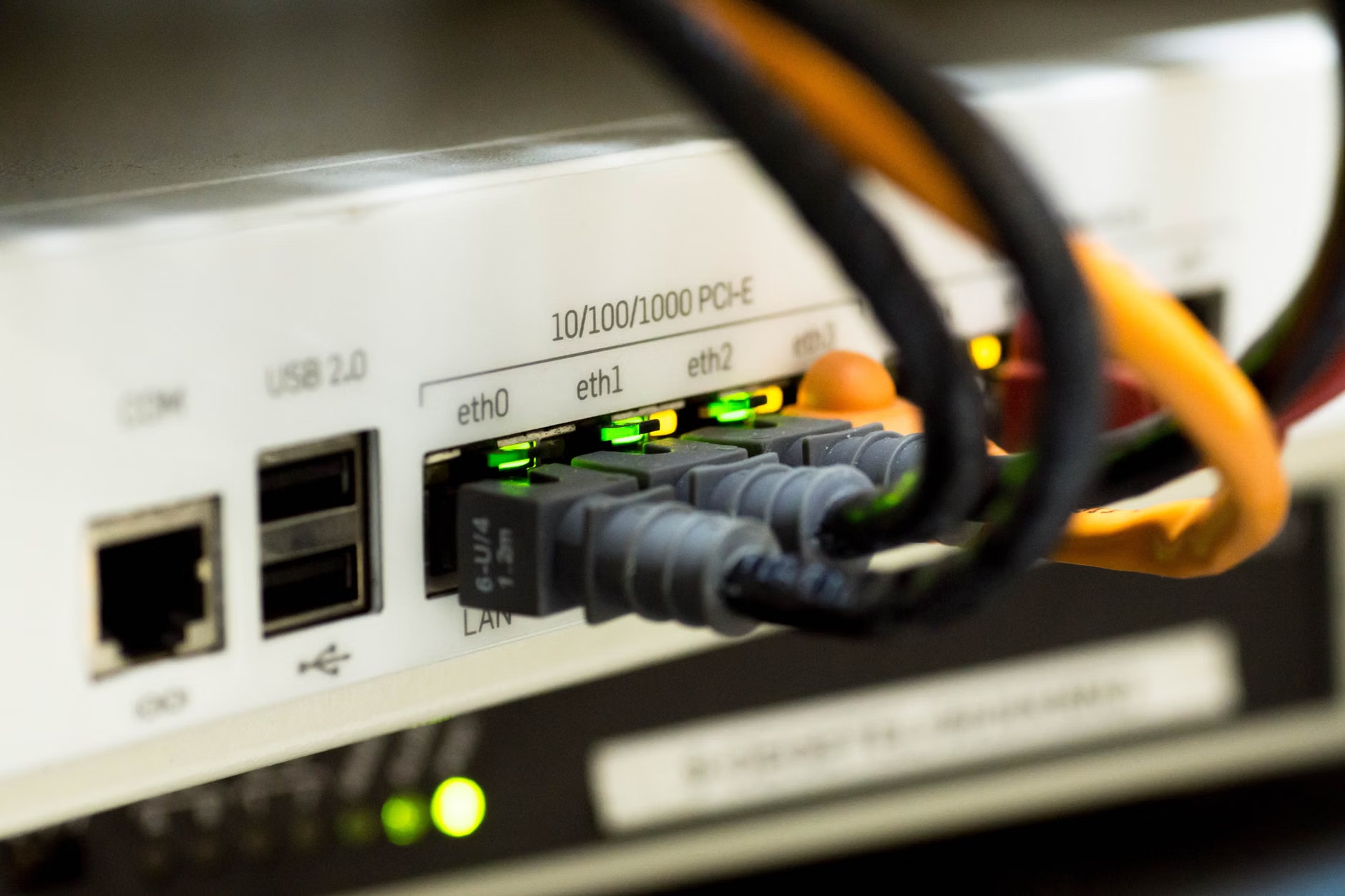
- Identify the Hub: Connect your primary mesh node directly to your ISP modem using a high-quality Ethernet cable (Cat6 or higher). This is your main gateway.
- Strategic Placement: Do not place your nodes inside a closet or behind a TV. Wi-Fi signals reflect off metal and get absorbed by water (which includes the human body). Aim for open spaces at waist or chest height.
- The “Daisy Chain” vs. “Star” Topology: Most modern mesh systems handle this automatically, but for the best results, try to place nodes so they are within a clear line of sight of each other. If you have a long, narrow apartment, a linear placement (Living Room → Hallway → Bedroom) works best.
- Testing Throughput: Use a speed test app at the furthest point of your apartment. If the speed is less than 50% of what you get at the main node, move the secondary node closer to the center of the home.
Common Mistakes to Avoid
One of the most frequent mistakes is overloading a single node. If you have a large family, ensure your main node has enough capacity to handle the load. Check the “maximum device support” on the box—if it says 30 devices, and you have 20 smart light bulbs, a smart lock, three phones, two laptops, and a gaming console, you are already at capacity. Always opt for a system that supports at least double your current device count.
Another mistake is leaving the old ISP router’s Wi-Fi signal turned on. This creates “interference” because your devices will fight to connect to both the old router and the new mesh network. You must log into your ISP router settings and set it to “Bridge Mode” or simply disable its Wi-Fi function.
The Hidden Impact of High-Density Neighbors
In a high-density building, you are likely sharing the 2.4GHz and 5GHz frequency bands with dozens of neighbors. The 2.4GHz band is particularly crowded because it is also used by Bluetooth devices, microwaves, and baby monitors. This is why you might notice your Wi-Fi acting up exactly when you are cooking dinner.
Modern mesh systems utilize a feature called “Dynamic Frequency Selection” (DFS). This allows the system to scan for the least congested radio channel and switch to it automatically. When buying a mesh system, look for one that explicitly mentions “Tri-band” or “Wi-Fi 6E/7 support.” These newer standards aren’t just about raw speed; they are about efficiency in crowded environments. Wi-Fi 6, in particular, introduced something called OFDMA, which allows the router to talk to multiple devices simultaneously rather than waiting for each one to finish its turn.
Managing the Modern Connected Family
For parents, the utility of a mesh system goes beyond speed. Most systems now come with robust app-based management tools. You can pause the internet for specific devices (like a child’s tablet) during homework time or bedtime with a single tap. You can also create a “Guest Network” that keeps your smart home devices and personal computers isolated from visitors, providing an extra layer of security.

Think of your network as a utility, like electricity or water. When it works, you shouldn’t have to think about it. If you are constantly having to “troubleshoot” your internet, it’s a sign that your infrastructure is outdated. A mesh system is the closest you can get to a “set it and forget it” solution for modern, multi-device households.
Decision Criteria: Which Mesh System is Right for You?
Not all mesh systems are created equal. When evaluating options, use this decision framework:
| Factor | Budget/Entry Level | Performance/High Density |
|---|---|---|
| Max Speed | Up to 1.2 Gbps | 2.5 Gbps+ |
| Bands | Dual-band | Tri-band / Wi-Fi 6E |
| Best For | Small apartments, low device count | Large apartments, smart homes, heavy streaming |
| Key Trade-off | Latency in high traffic | Higher upfront cost |
If you live in a studio or a small one-bedroom apartment, a dual-band system is often sufficient. However, if you are in a three-bedroom apartment with multiple people working from home, the tri-band system is non-negotiable. The extra band acts as a dedicated lane for your data, preventing the “bottleneck” that occurs during peak hours.
Final Thoughts and Next Steps
Upgrading to a mesh network is one of the most impactful changes you can make to your daily life. It eliminates the “dead zone” stress and provides the stability needed for everything from remote work to evening relaxation. Start by mapping your apartment—identify where your devices are most used—and place your nodes to create an overlap in coverage. If you are still using the router provided by your ISP, you are likely leaving speed and stability on the table. Make the switch, clear the congestion, and reclaim your home’s connectivity.
For more information on optimizing your home network, you can check resources like the Wi-Fi Alliance, which provides the latest standards on wireless technology and what to look for when purchasing new equipment.
Frequently Asked Questions
- Do I need to replace my modem when I switch to a mesh system?
No, you do not need to replace your modem. You simply plug the main mesh node into your existing modem via an Ethernet cable. You will, however, need to disable the Wi-Fi on your existing modem to prevent signal interference. - How many nodes do I actually need for a 1,200 sq ft apartment?
For most apartments of that size, two nodes are usually sufficient. Three nodes can sometimes be “too much” and lead to devices constantly jumping between nodes, which can cause minor hiccups. Start with two, and only add a third if you have a specific room that remains a dead zone. - Will a mesh system make my internet plan faster?
No. A mesh system will not increase the speed you pay for from your ISP. It will, however, ensure that the speed you are paying for is actually delivered to your devices throughout your entire home, rather than being lost to distance and wall interference.