- Physical to Digital is urgent: Degradation of physical photos and documents is irreversible; digitizing now prevents the permanent loss of family history.
- Focus on Metadata: A digital file without context (who, where, when) is just a random image; always embed metadata or keep a linked index.
- The 3-2-1 Rule: To ensure your archive survives, keep three copies, on two different media types, with one copy stored off-site or in secure cloud storage.
The most valuable inheritance you can leave for your children isn’t necessarily a bank account or a property; it is the context of who they are and where they came from. In our 30s and 40s, we often find ourselves acting as the bridge between generations. We are the ones holding the shoeboxes of faded photos from our parents and the ones creating thousands of digital snapshots of our own children. If we don’t organize this, we are effectively creating a “digital graveyard” that no one will ever look through because it is too chaotic to navigate.
Creating an ‘Ancestral-Roots’ digital archive is not about becoming a professional genealogist. It is about curation—taking the scattered fragments of your family’s existence and turning them into a searchable, shareable, and durable legacy. This guide will help you move from the overwhelming “I should do that” phase to a systematic, manageable workflow that fits into the busy life of a modern parent.
Why Your Digital Archive Needs a Strategy, Not Just Storage
Most of us have a “backup” strategy that looks like this: we dump photos into a cloud folder, name them “IMG_4829.jpg,” and hope for the best. This is not an archive; it is a digital junk drawer. When your children are in their 30s, they won’t know that “IMG_4829” is their great-grandmother at her 21st birthday party in 1952. If the file is not labeled, it is effectively lost.
An effective archive requires three pillars: Digitization, Organization, and Preservation. Digitization is the act of converting physical items to bits. Organization is the act of providing context. Preservation is the act of ensuring those bits survive the next thirty years of technological shifts.
Consider the “Bit Rot” phenomenon. Digital files can become corrupted over time if they are never accessed or moved to new storage formats. Furthermore, file formats change. The software you use to organize your photos today might not exist in fifteen years. By building a robust archive, you are mitigating these risks. You aren’t just saving files; you are ensuring future accessibility.
The Step-by-Step Workflow for Digitizing Physical Heirlooms
Don’t try to scan everything at once. You will burn out within a weekend. Instead, treat this as a project that runs alongside your daily routine. Here is a realistic workflow for a parent with limited time.
Step 1: The Triage Process
Before you even touch a scanner, sort your physical items into three piles: Keep/Digitize, Donate/Discard, and Store. Many people make the mistake of digitizing everything. If you have five near-identical photos of the same blurry landscape, only digitize the best one. Be ruthless. Your goal is quality of memory, not quantity of files.
Step 2: Choosing Your Digitization Hardware
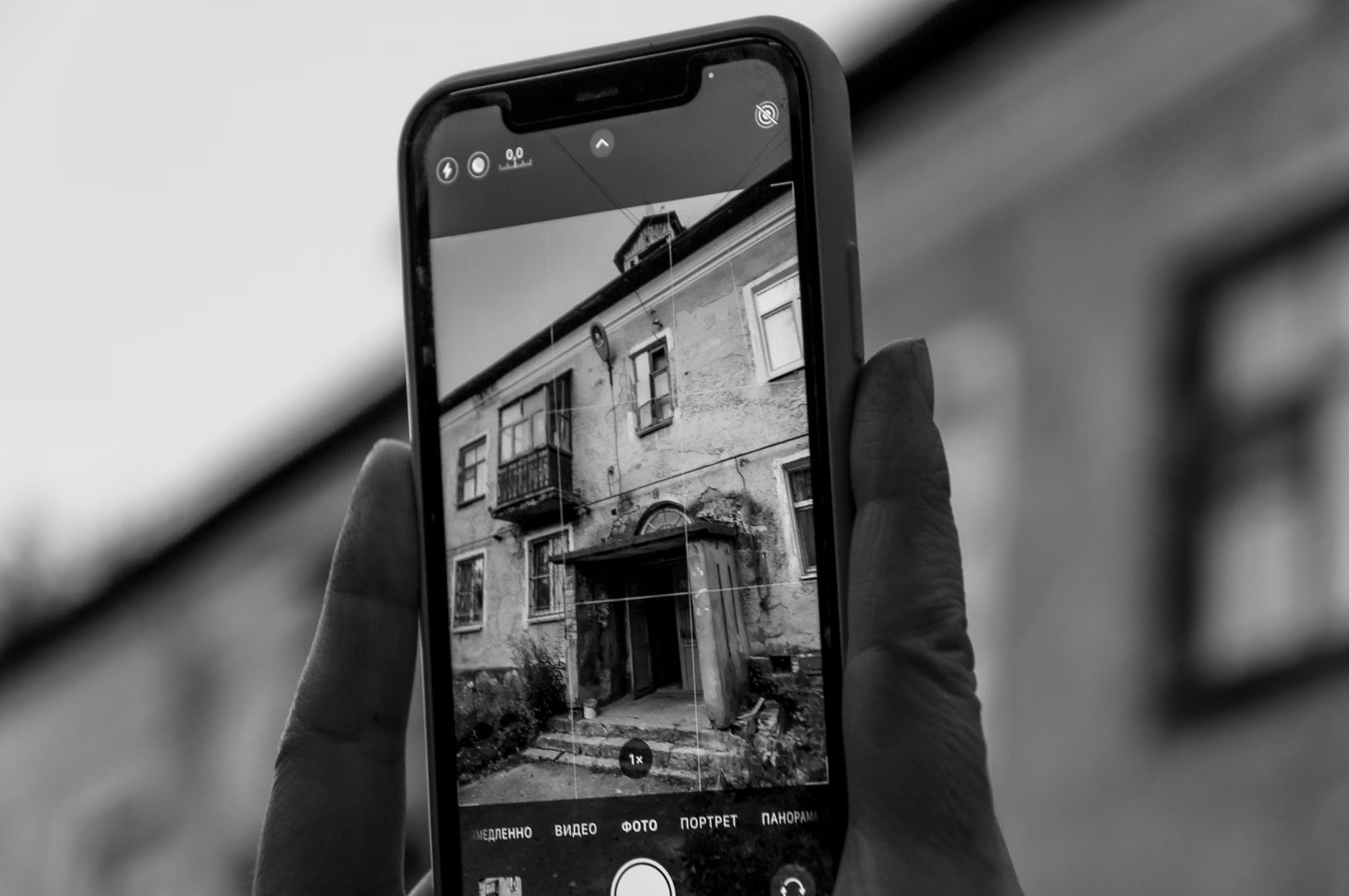
You do not need a professional-grade archival scanner. For most families, a high-quality smartphone app or a flatbed scanner is sufficient. If you have hundreds of slides or negatives, consider renting a specialized film scanner for a month rather than buying one.
| Method | Best For | Pros | Cons |
|---|---|---|---|
| Smartphone App | Photos in albums | Fast, free, no extra hardware | Variable quality, lighting issues |
| Flatbed Scanner | Documents, fragile items | High resolution, consistent | Slow, requires desk space |
| Professional Service | Large collections | Hands-off, high quality | Expensive |
Step 3: Creating a Metadata Standard
This is where most people fail. Every file you create must follow a consistent naming convention. I recommend the following format: YYYY-MM-DD_Description_Location.jpg. For example: 1955-07-12_Grandpa_Fishing_LakeOntario.jpg. This ensures that even if your computer’s search function is all you have, you can find specific memories instantly.
Managing the Digital Overload: Photos and Videos
For parents in their 30s and 40s, the biggest challenge is the sheer volume of modern digital content. We take hundreds of photos a month. If you don’t curate these, you are essentially leaving a digital haystack for your children to sift through. The solution is the ‘Quarterly Purge.’
Every three months, dedicate one hour to your digital photo library. Delete the screenshots, the accidental pocket photos, and the duplicates. Move the “keepers” into a folder structure organized by year and month. This keeps your archive lean and ensures that the photos you do save are the ones that actually tell a story.
Don’t forget about videos. Video files are notoriously difficult to manage because they take up significant storage and are hard to “browse” quickly. Create a ‘Highlights’ folder where you save 1-2 minute clips of significant family events. These are much more likely to be watched by your children in the future than raw, hour-long footage of a birthday party.
The 3-2-1 Preservation Rule: A Practical Guide
Data security is often misunderstood as “I have it in the cloud, so it’s safe.” Cloud services are businesses. If they change their pricing, shut down, or if you lose access to your account, you could lose everything. The 3-2-1 rule is the industry standard for a reason:
- 3 copies of your data: One primary copy and two backups.
- 2 different media types: For example, one on your computer’s hard drive and one on an external solid-state drive (SSD).
- 1 off-site copy: This is critical. If there is a fire or theft at your home, your local copies are gone. The third copy should be in a cloud service or a physical drive kept at a relative’s house.
When choosing cloud storage, prioritize providers that offer “versioning” (the ability to recover deleted files) and are well-established. Avoid obscure, cheap startup cloud providers. Your family legacy is worth the cost of a reputable service like Google Drive, iCloud, or Dropbox.
Common Pitfalls and How to Avoid Them
The “I’ll do it when I retire” trap: By the time you retire, the technology used to read your current files may have evolved, and the physical photos may have degraded further. The best time to start is now, even if it is just one album a month.
Ignoring the Stories: A photo of your grandmother is nice; a photo of your grandmother with a note about what she was thinking that day is a treasure. If you are scanning photos, use the “Note” feature in your digital album software or create a simple text file (a “Readme.txt”) inside each folder to capture the oral history associated with those images.
Over-complicating the setup: Don’t buy expensive genealogical software if you aren’t ready to use it. A simple, well-organized folder structure on a secure, encrypted hard drive is better than a complex system that you abandon after two weeks.
Integrating Legacy Building into Family Life
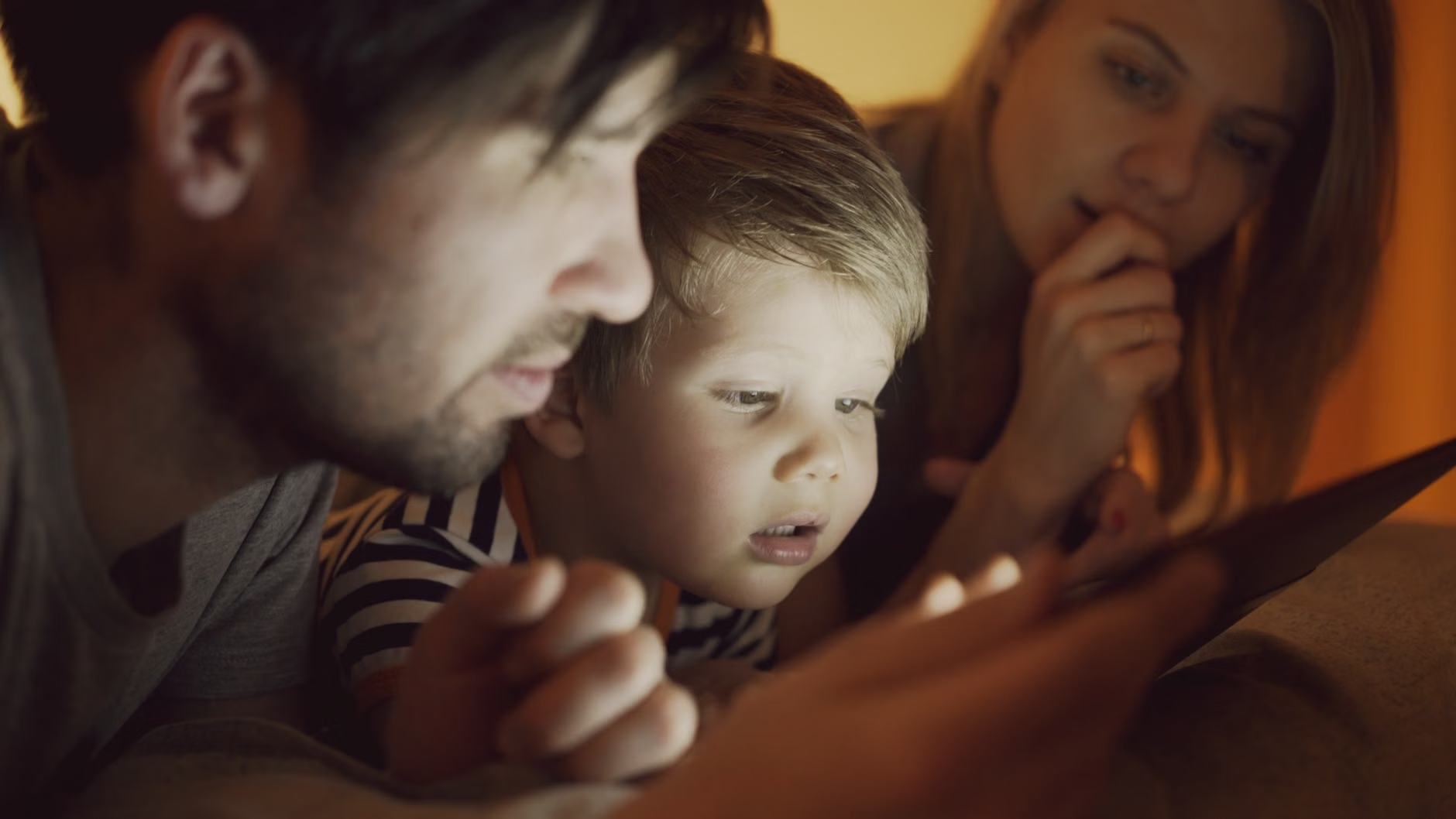
How do you make this a family activity rather than a chore? Involve your children. When you are sorting through old photos, ask them, “Who do you think this looks like?” or “Why do you think they are wearing those clothes?” This turns the archive process into a bonding experience. It helps them understand their identity and fosters a sense of belonging.
For your own life, try to capture “The Contextual Snapshot.” Instead of just taking a photo of your child’s art project, take a photo of your child holding the project. Record a short video of them explaining what they made. These 30-second clips are the “Ancestral-Roots” of the future. They provide the narrative that a static image cannot.
Final Thoughts: The Gift of Continuity
Building an ancestral archive is an act of love. It is a way of saying, “Your life matters, and the lives of those who came before you mattered.” By taking the time to organize, digitize, and preserve your family’s history, you are providing your children with a sense of continuity in a world that often feels fragmented.
Start small. Don’t aim for perfection. Aim for progress. Pick one shoebox, one folder, or one year of digital photos and start today. Your future self—and your children—will thank you for it.
Frequently Asked Questions
Q: Should I use social media platforms like Facebook or Instagram as my primary photo archive?
A: Absolutely not. Social media platforms compress your images, reducing their quality. Furthermore, you do not own the data in the same way you own a file on your personal drive. They are great for sharing, but they should never be your primary, long-term storage solution.
Q: How do I handle photos that I don’t know the names of the people in?
A: Don’t let uncertainty stop you from archiving. Keep a folder titled “Unidentified/Mystery” and scan them anyway. You can use tools like Google Lens or ask older relatives to identify them later. The goal is to save the image; the identification can happen at any time.
Q: How often should I check my digital archive to ensure it is still accessible?
A: Set a “Digital Audit” date once a year, perhaps on your birthday or a holiday. Open a few random files to ensure they still open, check your cloud storage subscription status, and ensure your external hard drives are still functioning. This 30-minute annual check is the best insurance policy for your legacy.
For further reading on data preservation standards, visit the Library of Congress Digital Preservation site for authoritative guidance on file formats and longevity.