- Stop the “Shared Password” habit: Never use one master password for every family account; use a dedicated password manager with “vault sharing” features instead.
- Implement Multi-Factor Authentication (MFA): Even if a password is leaked, MFA provides the essential second layer of defense that prevents unauthorized access.
- Establish a “Digital Will” or Emergency Access: Ensure your spouse or a trusted family member has a way to access your accounts in case of an emergency, without compromising daily security.
The most effective way to manage family accounts is to stop treating passwords like secrets you whisper to one another and start treating them like digital assets that need a secure, shared vault. We have all been there: you are trying to log into the streaming service, the utility portal, or the kid’s school portal, only to realize you don’t have the current password. Your partner changed it last week, or maybe it was the teenager, and now everyone is locked out. The temptation to write it on a sticky note or use “Password123” across every site is high, but that is exactly how digital security falls apart.
Managing the digital footprint of a household in your 30s and 40s is a full-time job. You are balancing work, parenting, household bills, and subscription services, all while trying to keep your digital identity from being compromised. Let’s look at how to move from chaotic sticky notes to a professional-grade family security setup.
We often think that because we are a “family,” we don’t need the same level of security as a corporation. However, hackers do not care if they are stealing a corporate database or a family’s Netflix credentials. In fact, families are often easier targets because they tend to reuse the same password across multiple platforms. If one minor account gets compromised—perhaps a obscure forum or a random shopping site—the bad actor now has the key to your email, your banking, and your social media.
The “Shared Password” fatigue usually stems from the sheer volume of accounts. A typical household today manages dozens of services. When you share a password by texting it or writing it down, you lose control over who knows that password and where it ends up. If you need to change the password, you then have to go through the headache of notifying everyone in the family, which almost never happens effectively.
This is where the concept of Credential Stuffing comes in. This is a cyberattack where bots take a list of leaked usernames and passwords from one site and try them on hundreds of other sites. If you use the same password for your utility account and your personal email, you are inviting trouble. It is not about being “paranoid”; it is about being practical in an era where data breaches occur daily.
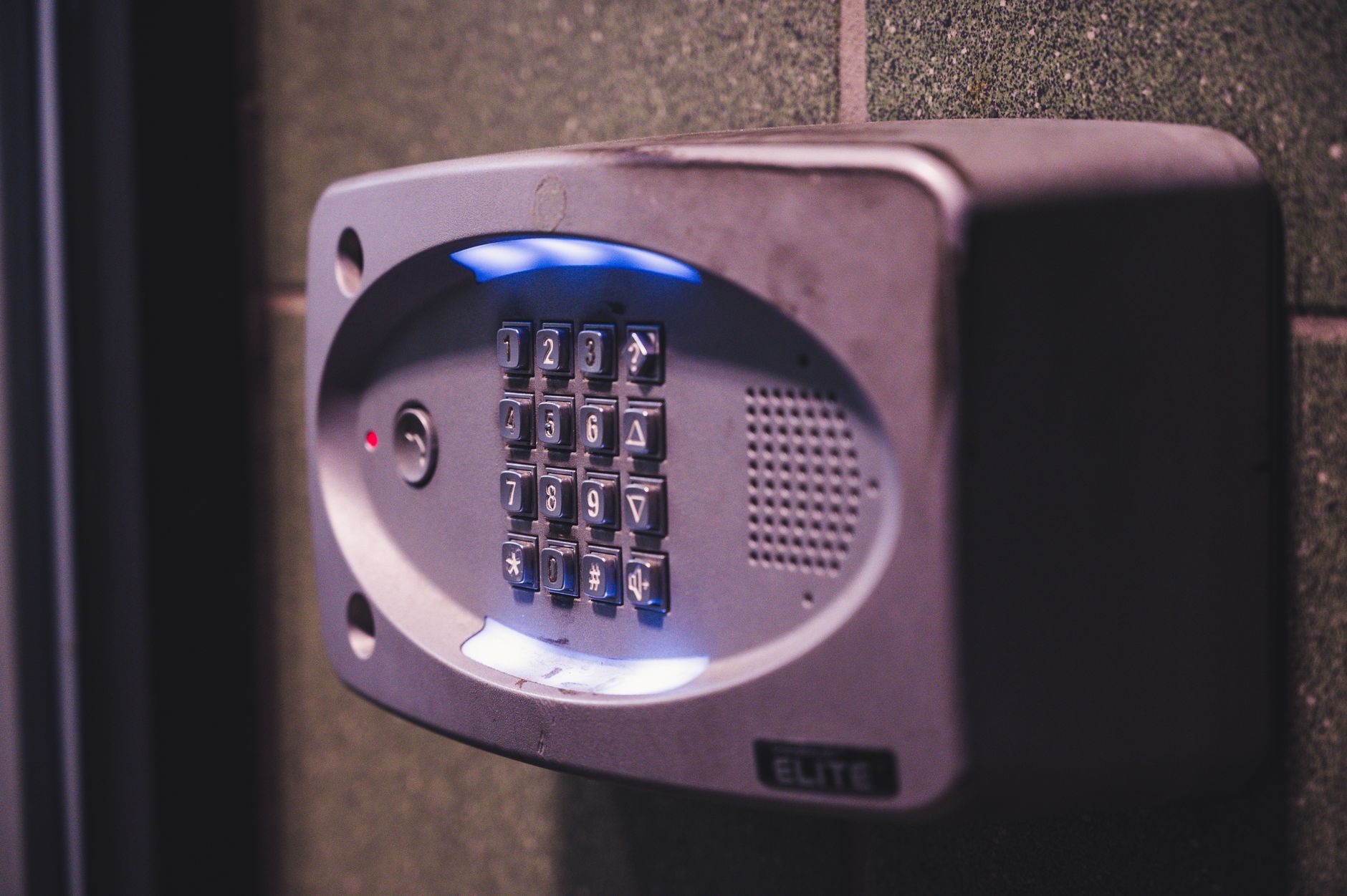
The Evolution of Password Managers: Beyond Simple Storage
If you haven’t looked at password managers in the last five years, you are in for a pleasant surprise. They are no longer just clunky desktop applications; they are sophisticated, cloud-synced, cross-platform tools that make security invisible. For a family, the gold standard is a manager that supports “Vault Sharing” or “Family Plans.”
Instead of sharing the password itself, you share the access to the entry within your manager. If you update the password in your vault, it automatically updates for your partner or family member. You never actually see the password unless you explicitly click to reveal it, and you can revoke access at any time. This is a game-changer for shared household accounts like Amazon, streaming platforms, or shared bank logins.
Comparing Security Approaches for Families
| Method | Security Level | Convenience |
|---|---|---|
| Sticky Notes / Notebook | Very Low | Low |
| Browser Password Saving | Medium | High |
| Dedicated Password Manager | High | High |
Step-by-Step: Setting Up Your Family Digital Vault
Setting up a password manager for the whole family can feel like an IT project, but it is actually quite straightforward. Here is how you can get started this weekend.
- Choose a Reputable Provider: Look for companies that emphasize “Zero-Knowledge” architecture. This means the company itself cannot see your passwords; only you and your family can.
- The Master Password Rule: Each family member creates their own unique, strong master password. This is the only password they will ever need to remember. Make it a passphrase—something long, memorable, and complex.
- Create the Shared Vault: Most family plans allow you to create a “Shared Folder.” Move your shared household credentials into this folder.
- Enforce Multi-Factor Authentication (MFA): Ensure that every account you add to the manager has MFA enabled. Even if someone guesses your password, they won’t be able to log in without the second factor (usually a code sent to an app or a physical key).

The “Emergency Access” Conversation
This is the part that most people skip, but it is the most important for families. What happens if you are the only one who knows the password to the cloud storage where all the family photos are, and you become suddenly incapacitated? Or what if you are the one who handles the banking, and your partner needs to access it in an emergency?
Most professional password managers have an “Emergency Access” or “Legacy” feature. You can designate a trusted contact (your spouse or an adult child) who can request access to your vault after a set waiting period. If you don’t decline the request within that time, the vault unlocks for them. It is a morbid thought, but it is a necessary part of responsible digital parenting and household management.
Common Pitfalls and How to Avoid Them
Even with the best tools, human error is the biggest vulnerability. Here are a few traps to watch out for:
- The “Too Busy” Trap: You set up the manager but stop adding new passwords. Make it a habit: every time you create a new account, save it to the manager immediately. Don’t wait until later.
- Ignoring Updates: Your password manager app needs updates just like your phone’s operating system. Keep them updated to ensure you have the latest security patches.
- The “Master Password” Leak: Never share your master password. If you need to give someone access, use the shared vault feature. If you write your master password down, ensure it is in a physical fireproof safe, not on a sticky note under your keyboard.

Building a Culture of Digital Hygiene
Security isn’t just about tools; it’s about habits. As your children get older and start using their own devices, they will need to understand the importance of unique passwords. Teaching them to use a password manager—even a free, individual version—is as important as teaching them to lock the front door of the house.
If you feel overwhelmed, start small. Move your most critical five accounts (email, banking, primary shopping, streaming, and government portals) into a manager first. Once you see how much time it saves you, the rest will feel like a natural progression. You are not just securing your data; you are buying yourself peace of mind. And in the chaos of modern parenting, that is a precious commodity.
Frequently Asked Questions
Is it safe to store my passwords in the cloud?
Yes, provided you use a reputable, industry-standard password manager. These services use end-to-end encryption, meaning your passwords are encrypted on your device before they ever hit the cloud. Even if the service provider were hacked, the attackers would only see scrambled, unreadable data.
What if I forget my master password?
This is the one catch. In a true zero-knowledge system, the company cannot reset your master password because they don’t know it. Most services offer a “Recovery Key” or “Emergency Sheet” when you first sign up. Print this out and store it in a physical safe. If you lose your master password and your recovery key, your data is effectively gone.
Should I use my browser’s built-in password manager?
Browser managers (like those in Chrome or Safari) are better than nothing, and they have improved significantly. However, they are generally less secure than dedicated, independent managers, and they often lack the sophisticated “shared vault” features that families need. If you are serious about family security, a dedicated tool is the better investment.
For further reading on digital security best practices, you can refer to the Cybersecurity & Infrastructure Security Agency (CISA) guidelines on password management. Taking these small steps today ensures that your family’s digital life remains private, organized, and—most importantly—secure.