If you want to eliminate Wi-Fi dead zones in a large home, the single most effective step you can take in 2026 is moving away from a single powerful router to a multi-point mesh Wi-Fi system that creates a unified, blanket-like signal across every room.
- Unified Network: Mesh systems use a single network name (SSID), so your devices switch between nodes seamlessly as you walk from the basement to the bedroom.
- The Wi-Fi 7 Standard: For 2026, prioritize Wi-Fi 7 (802.11be) systems if you have many connected devices, as they offer significantly lower latency and higher throughput.
- Placement is Everything: A mesh system is only as good as the distance between its nodes; they need to “see” each other to pass the signal along effectively.
We have all been there. You are halfway through a video call in your home office, or perhaps your child is trying to finish their online homework, and suddenly the connection drops. You check your phone, and you are down to one bar of Wi-Fi. It is frustrating, especially when you are paying for high-speed fiber internet that should be lightning-fast. In 2026, a large home is no longer just a place to sleep; it is a hub for remote work, cloud gaming, 8K streaming, and dozens of smart home sensors. If your network isn’t keeping up, the problem isn’t your internet service provider—it is likely your hardware.
Why Single Routers Struggle in Modern Homes
In the past, we relied on a single “master” router, usually tucked away in a corner near the cable modem. This worked fine when we only had a desktop computer and a laptop. Today, the landscape has changed. Walls, appliances, and even the layout of your furniture act as physical barriers to radio waves. A signal from a single point loses energy every time it passes through a wall, especially if that wall contains plumbing or metal studs.
Mesh Wi-Fi solves this by using multiple access points—the main router and several “satellites” or “nodes”—that communicate with each other wirelessly. Think of it like a chain of people passing a bucket of water. Instead of one person trying to throw the water across the entire yard, each person in the chain handles a shorter distance, ensuring the “water” (your data) reaches the end of the line without being spilled.
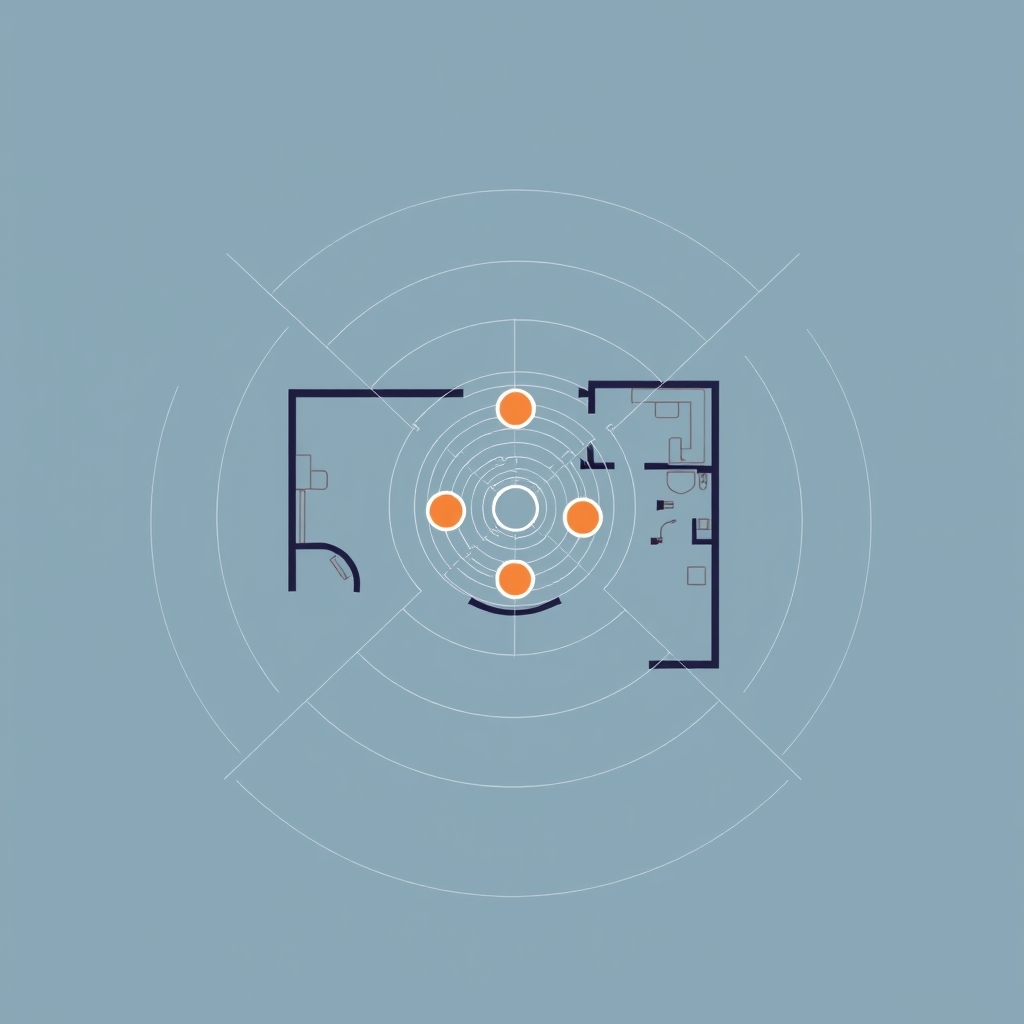
Understanding the Tech: Wi-Fi 7 and Beyond
As we navigate 2026, the term “Wi-Fi 7” is the gold standard. While Wi-Fi 6 and 6E are still perfectly capable for most households, Wi-Fi 7 introduces a feature called Multi-Link Operation (MLO). In simple terms, this allows your devices to send and receive data across multiple frequency bands simultaneously. If one band gets congested with interference from your neighbor’s network or your microwave, your device can instantly shift the workload to another band without dropping your connection.
When shopping, you will see terms like “Tri-band” and “Quad-band.” These refer to the number of radio frequencies the system uses. A tri-band system is generally the minimum recommendation for a large home. One band is used for your devices, one is for your other devices, and the third is a “backhaul” channel—a dedicated highway for the nodes to talk to each other so they don’t fight for bandwidth with your phone or tablet.
The Importance of Wired Backhaul
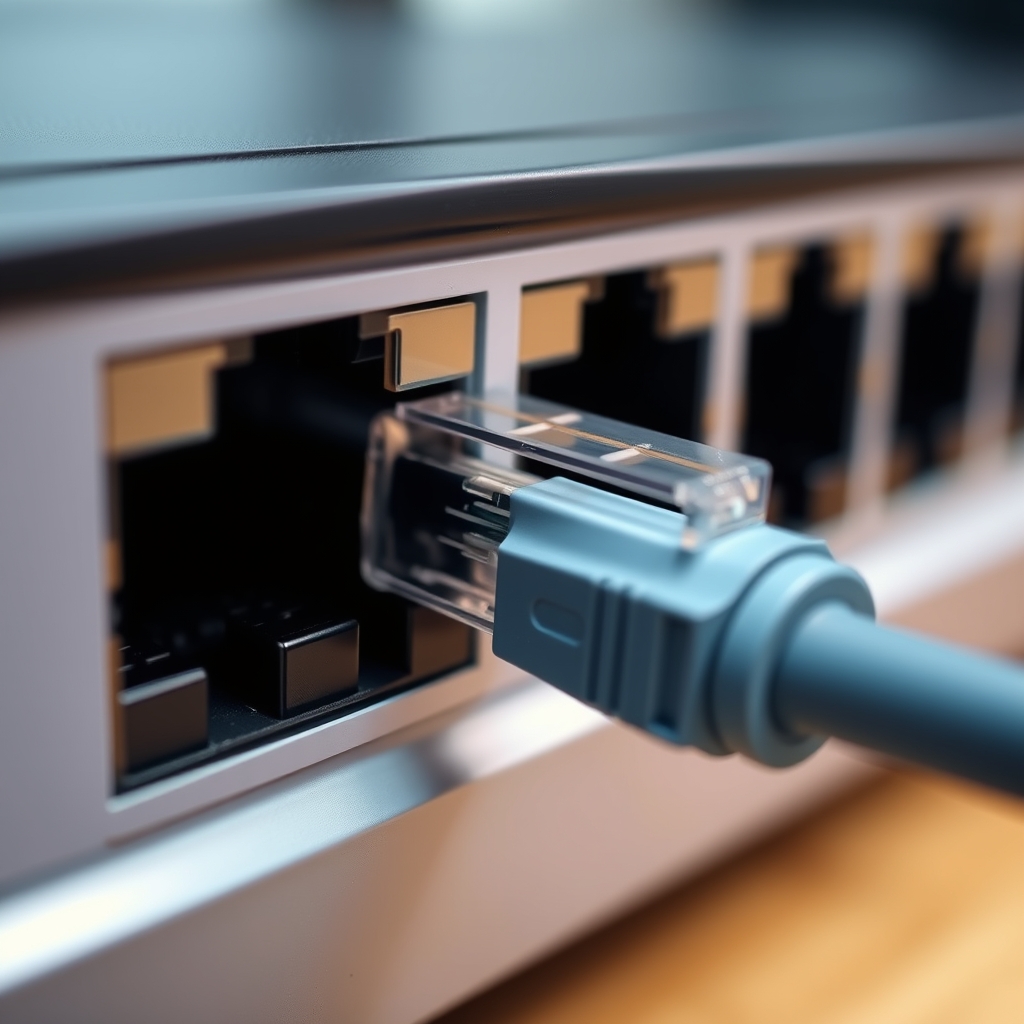
If your home is wired with Ethernet (Cat6 cables) in the walls, you have a massive advantage. While mesh systems are designed to work wirelessly, connecting your nodes via an Ethernet cable—a process called “wired backhaul”—is the holy grail of home networking. It frees up the wireless channels entirely for your devices, resulting in the lowest possible latency and the highest possible stability.
Choosing the Right System for Your Floor Plan
Not every mesh system is built for the same home. When selecting your hardware, consider these factors:
| Feature | Why it Matters |
|---|---|
| Nodes (Quantity) | A 2,000 sq. ft. home usually needs two nodes; a 4,000+ sq. ft. home often requires three or more. |
| Tri-Band Support | Crucial for large homes to prevent the nodes from bottlenecking the signal. |
| App Interface | You want an app that allows you to pause the internet for kids’ devices or set up a guest network in seconds. |
| Security Features | Look for systems that offer automated firmware updates to protect against new vulnerabilities. |
If you live in a multi-story home, place your nodes vertically in a staggered pattern. Do not put them directly above each other. If the main node is in the living room on the ground floor, place the second node on the landing of the stairs or in a room on the second floor that is slightly offset. This helps the signal “wrap around” the floor structure rather than trying to punch straight through it.
Setting Up Your Network for Parenting Peace
One of the biggest benefits of a modern mesh system in 2026 is the granular control it gives parents. Most apps now feature “Family Profiles.” You can group all of your child’s devices—their tablet, console, and laptop—under one profile. With a few taps, you can schedule “bedtime” for the internet, ensuring that devices don’t have access after a certain hour. This is much more effective than simply taking the device away, as it prevents background downloads or late-night gaming sessions that might otherwise be invisible.

Additionally, look for “Quality of Service” (QoS) settings. This allows you to prioritize specific traffic. If you are working from home, you can set your work laptop to “High Priority.” This ensures that even if the rest of the house is streaming movies, your video calls remain clear and stutter-free. It is a small setting that makes a monumental difference in daily productivity.
Common Pitfalls and How to Avoid Them
The most common mistake I see is “node overcrowding.” People assume that if two nodes are good, five nodes must be better. This is incorrect. If you place nodes too close together, they will actually interfere with each other, creating “noise” that degrades your speed. Think of it like shouting in a small room; if everyone is too close, you can’t hear anything clearly. Space your nodes out so they have a strong signal from the main hub but aren’t stepping on each other’s toes.
Another issue is “hidden” nodes. Do not hide your mesh nodes inside cabinets, behind TVs, or under furniture. Wi-Fi signals are radio waves; they need line-of-sight or at least clear air to travel efficiently. A node sitting on an open bookshelf will always perform better than one tucked inside a closed entertainment center.
Maintenance: It Is Not a “Set and Forget” World
While mesh systems are much better than the routers of the early 2010s, they still require occasional attention. In 2026, most quality systems perform their own firmware updates automatically, usually in the middle of the night. However, it is good practice to check the app once a month. Sometimes, a node might lose its optimal connection to the main hub due to a power flicker or a structural change in the house.
If you notice a sudden drop in speed, the first step is always to reboot the entire system. Unplug the main router, wait 30 seconds, and plug it back in. Then, do the same for the satellites. 90% of the time, this simple power cycle resolves the issue. If it persists, check the “Signal Strength” or “Backhaul Quality” indicator in your mesh app. If a node shows a “Weak” connection, move it closer to the main hub.
The Future-Proofing Perspective
We are currently in a transition phase. While Wi-Fi 7 is the headline act, the ecosystem of devices—your smart fridge, your thermostat, your lightbulbs—is still catching up. When purchasing a system today, you are buying for the next three to five years. Don’t feel pressured to buy the most expensive “gaming” mesh system unless you are a competitive gamer who needs every millisecond of advantage. For 95% of households, a solid, mainstream tri-band system will provide more than enough performance for the foreseeable future.
Remember that the mesh system is only one part of the equation. Your internet speed is capped by what your ISP provides. If you are on a slow plan, a mesh system will make your Wi-Fi more reliable, but it won’t make your download speeds faster. Always check your connection speed at the modem first to ensure you are getting what you are paying for before troubleshooting the Wi-Fi.
Summary and Final Encouragement
Improving your home network is one of the most rewarding home improvement projects you can undertake. It affects everything from how you work to how you relax. By switching to a mesh system, you are essentially building a digital foundation for your home that removes the frustration of connectivity gaps. It requires a bit of planning, a bit of placement experimentation, and a basic understanding of how signals travel, but the result is a home where the internet is just… there, like electricity or running water.
Don’t be intimidated by the technical specs. You don’t need to be a network engineer to get this right. Start with a solid system, place your nodes thoughtfully, and use the management app to keep an eye on your network health. Your family will thank you, and your future self will appreciate the seamless connectivity during those busy work-from-home days.
Frequently Asked Questions
Q: Does a mesh system increase my internet speed?
A: Not directly. A mesh system improves the distribution of your internet signal throughout your home. If your internet plan provides 300 Mbps, a mesh system helps ensure you get that 300 Mbps in the bedroom as well as the living room, but it cannot exceed the speed provided by your ISP.
Q: How many nodes do I actually need?
A: A good rule of thumb is one node for every 1,500 to 2,000 square feet. However, this varies based on your home’s construction. Homes with thick brick or concrete walls may require more nodes than those with open-plan layouts and drywall.
Q: Can I mix and match different brands of mesh routers?
A: Generally, no. While some standards (like EasyMesh) aim for interoperability, it is highly recommended to stick to a single brand for your mesh system. Using nodes from different manufacturers often prevents them from forming a unified mesh network, leading to poor performance and constant connection drops.
For further reading on wireless standards and hardware testing, refer to the official Wi-Fi Alliance resources. For performance benchmarks on current consumer networking gear, CNET’s Networking section provides regular, updated testing data.