The single most effective way to extend your smartphone’s life is to keep your battery’s state of charge between 20% and 80% whenever possible, effectively avoiding the “stress zones” that accelerate chemical degradation. If you are like most parents in their 30s and 40s, your phone is essentially a third arm. It’s your camera for school events, your GPS for the grocery run, your mobile office, and your only window to sanity during a 10-minute coffee break. When that battery starts failing by 2:00 PM, it’s not just an annoyance—it’s a logistical failure.
- Avoid the Extremes: Constantly charging to 100% or letting the phone drop to 0% creates chemical stress that kills lithium-ion capacity.
- Temperature is the Enemy: High heat is the fastest way to permanently degrade your battery; avoid leaving your phone in hot cars or direct sunlight.
- Optimize Your Habits: Use “Optimized Battery Charging” features and avoid fast-charging overnight to reduce heat buildup.
We have all been there. You are standing in the pickup line at school, you open your camera to snap a photo of your kid, and suddenly the screen goes black. The “low battery” warning is a universal source of stress. But why does it seem like your phone worked perfectly for the first year, only to become a paperweight by the second? It isn’t planned obsolescence; it’s chemistry.
The Chemistry Behind Your Battery’s Slow Decline
To keep a phone for four years—a goal that is not only environmentally responsible but also financially sensible—we need to understand what is happening inside the device. Most modern smartphones use Lithium-Ion (Li-ion) batteries. These batteries are essentially chemical power plants. During charging, lithium ions move from the cathode to the anode. During discharge, they move back.
This process is not perfect. Over time, the internal components develop microscopic cracks and a layer of “gunk” (technically known as the Solid Electrolyte Interphase, or SEI layer) grows on the electrodes. This layer hinders the movement of ions, which is why your battery capacity drops from 100% to 80% over time. Think of it like a highway that slowly gets narrower due to construction; eventually, fewer cars can pass through in the same amount of time.
The good news? You can slow down this construction. The bad news? You cannot stop it entirely. By changing how you handle your device, you can ensure that by the time you hit year three, your battery is at 90% health rather than 75%.
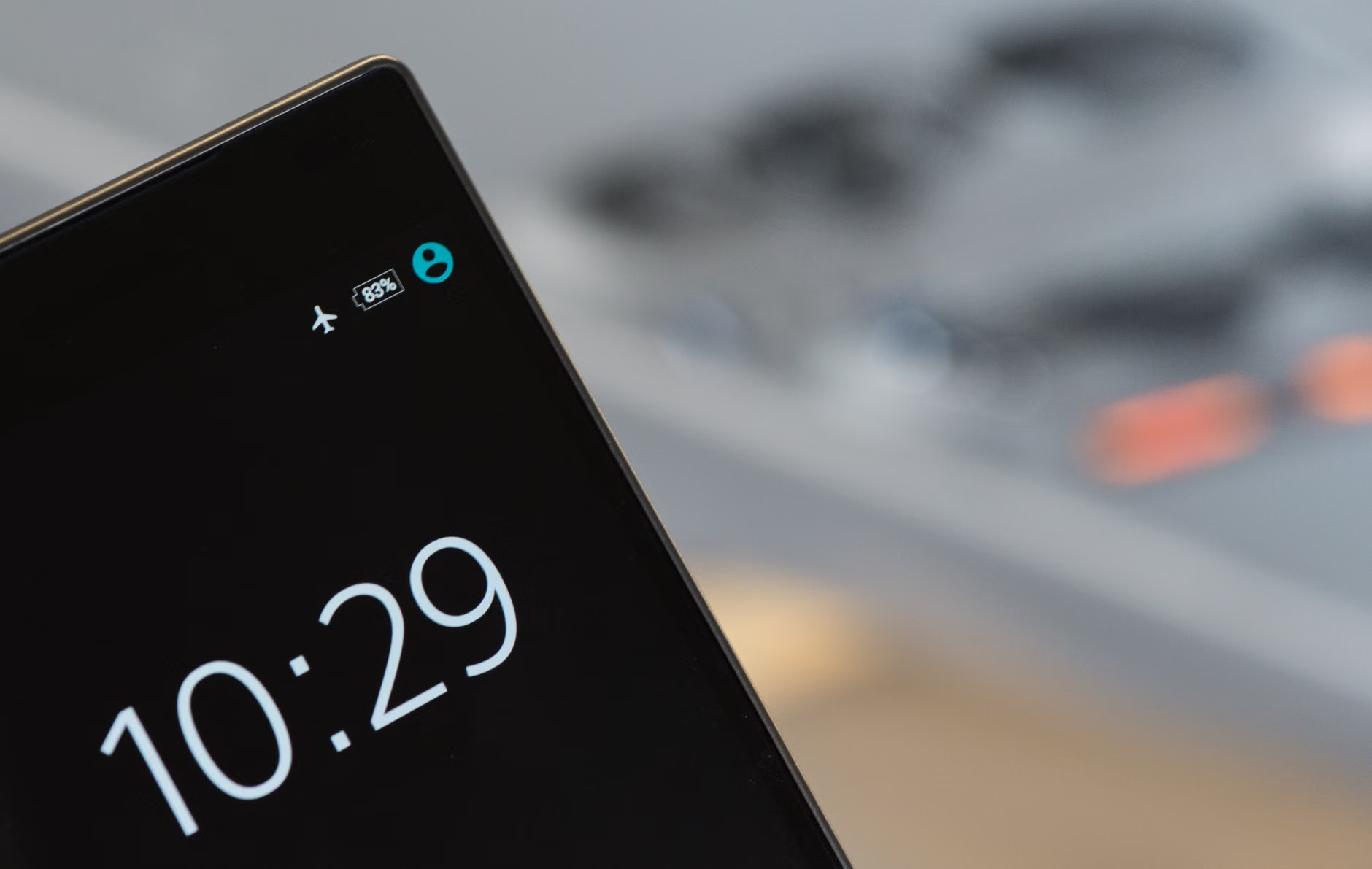
Why 100% Charging Is Actually a Mythical Goal
There is a persistent myth that we must charge our phones to 100% to “calibrate” them. In the days of Nickel-Cadmium batteries, this was true (they suffered from the “memory effect”). For your current iPhone or Android, this is outdated advice. In fact, keeping your battery at 100% is one of the most stressful states for a Li-ion battery.
When a battery is at 100%, the voltage is at its highest point. This high voltage creates high internal pressure and heat, which encourages the growth of that SEI layer we mentioned earlier. If you plug your phone in at 10:00 PM and leave it until 7:00 AM, the battery spends hours in a state of high-voltage stress. Modern operating systems have “Optimized Charging” features that pause the charge at 80% and only finish the final 20% right before you wake up. Make sure this is enabled in your settings.
If you are a parent who is constantly on the move, try to develop a “top-up” habit. Instead of one long overnight charge, plug your phone in for 20 minutes while you are folding laundry or catching up on emails. Keeping the battery in the “Goldilocks Zone”—between 20% and 80%—is the single best thing you can do for its long-term health.
The Hidden Danger: Heat and Your Mobile Lifestyle
If you remember only one thing from this guide, let it be this: Heat is the mortal enemy of your battery.
Most of us don’t think twice about leaving our phones on the dashboard of the car while we run into a store. Or perhaps we leave it on a blanket in the sun at the beach. Even using a thick, non-breathable protective case while playing a graphics-heavy game can trap heat inside the device. When a battery gets hot, the chemical reactions inside happen too fast, leading to permanent damage to the cell structure.
Consider the following table to understand how ambient temperature impacts your device:
| Temperature Range | Impact on Battery |
|---|---|
| 15°C – 25°C (59°F – 77°F) | Ideal operating range. |
| 30°C+ (86°F+) | Accelerated degradation begins. |
| 40°C+ (104°F+) | Significant risk of permanent capacity loss. |
If your phone feels hot to the touch, take it out of its case. If you are charging it and it feels warm, stop using it for a moment. If you are in the car, try to keep it near an air conditioning vent rather than on the dashboard. These small, practical steps prevent the “thermal runaway” that causes batteries to degrade rapidly over just a few months.

Fast Charging: Convenience vs. Longevity
We love fast charging. The ability to go from 0% to 50% in 30 minutes is a lifesaver when you have a busy afternoon of school pickups and work meetings. However, physics dictates that there is no such thing as a free lunch. Fast charging works by pushing a higher voltage into the battery, which inevitably generates more heat than standard charging.
Does this mean you should stop using your fast charger? Not necessarily. Use it when you are in a rush. But for your overnight charge, or when you are sitting at your desk for three hours, use a standard 5W or 10W charger. The slower the charge, the cooler the battery stays, and the longer it will last. If you are using a wireless charger, be extra careful—these are notoriously inefficient and generate significant heat, which is the perfect storm for battery degradation.
Software Habits That Save Your Hardware
It isn’t just about how you charge; it is about how you drain. Every app you have installed is a potential battery drainer. We all have those apps that run in the background, pinging servers and checking for updates. If you want your phone to last four years, you need to be a bit of a “digital minimalist.”
Go into your phone’s settings under “Battery” and look for the list of apps using the most power. You will often find apps you haven’t opened in weeks still consuming background energy. Delete them. For apps you use, turn off “Background App Refresh” for everything except the absolute essentials like your email or navigation. This reduces the number of “micro-cycles” your battery goes through in a day.
Also, consider your screen brightness. The display is the largest consumer of power on your device. Auto-brightness is your friend here. By letting the phone adjust the brightness based on your environment, you prevent the screen from burning energy unnecessarily. It’s a small change, but it adds up to a significant reduction in the number of charge cycles your battery undergoes over the course of a year.
Understanding Charge Cycles: A Reality Check
A “charge cycle” occurs when you use 100% of your battery’s capacity—but not necessarily all at once. If you use 50% of your battery today, charge it to 100%, and then use 50% tomorrow, that counts as one charge cycle, not two. Most modern smartphone batteries are designed to retain about 80% of their original capacity after 500 to 800 full charge cycles.
If you are a heavy user, you might hit 500 cycles in 18 months. If you are a light user, you might take three years. The goal of the tips we’ve discussed is to increase the efficiency of every cycle and minimize the stress placed on the battery during those cycles. By keeping the temperature low and avoiding the 0-100% extremes, you are effectively extending the life of those 500 cycles.
Don’t be obsessed with the “Battery Health” percentage in your settings. It is a useful indicator, but it is not a perfect science. Fluctuations are normal. If you see it drop a few points, don’t panic. Focus on the habits instead, and the numbers will take care of themselves.
When Is It Time to Replace the Battery?
Even with the best habits, physics will eventually win. Lithium-ion batteries have a finite lifespan. If you have followed these tips and you still find your phone dying by mid-day after three or four years, you don’t necessarily need a new phone. Replacing the battery is one of the most cost-effective ways to extend the life of your device.
Most manufacturers offer battery replacement services for a fraction of the cost of a new phone. This is a great way to breathe new life into a device that is otherwise perfectly functional. If your phone is fast enough for your needs, has a great camera, and is in good physical condition, a $70-100 battery replacement can give you another two years of use. It is a much better choice for your wallet and the planet than upgrading to the latest model every two years.
Practical Checklist for Daily Maintenance
To make this easy to remember, here is a quick daily checklist you can follow:
- Morning: Unplug the phone as soon as you wake up if it has reached your target charge.
- Mid-day: If you are working at a desk, keep the phone plugged in to maintain a stable charge rather than letting it drain and recharge.
- Afternoon: Avoid leaving the phone in the car or direct sunlight during school runs or errands.
- Evening: Use a standard, slow charger for overnight sessions.
- Weekly: Check your “Battery Usage” settings and delete apps that are draining power in the background.
Common Misconceptions
There are many myths floating around the internet about battery health. Let’s clear a few up. First, closing all your apps manually does not save battery. Modern mobile operating systems are designed to manage memory efficiently; closing apps and restarting them actually uses more energy. Second, “battery saver” apps are usually a scam. They often run in the background and use more battery than they save. Stick to the built-in power management tools provided by your phone’s manufacturer.
Third, don’t worry about “overcharging.” Your phone is smart enough to stop drawing power once it hits 100%. The danger isn’t that it continues to charge; the danger is the voltage stress of being held at 100% for a long time. The “trickle” of energy required to keep it at 100% is minimal, but it is still heat-generating, which is why we recommend against it.
Summary and Looking Ahead
Optimizing your mobile battery health is less about being a tech expert and more about developing a few simple, conscious habits. By keeping your phone cool, avoiding the extreme ends of the charge spectrum, and managing your background apps, you can easily add years to your device’s lifespan. This isn’t about babying your phone; it’s about respecting the chemistry that powers your digital life. As we continue to rely on our devices for everything from parenting coordination to professional work, a healthy battery is the foundation of a stress-free day.
Remember, the goal is to make your technology work for you, not the other way around. If you find yourself constantly checking your battery percentage, stop. Use the tips here to build a routine, then go back to enjoying your day. If you reach the point where the battery no longer supports your needs, look into a professional replacement. It’s a sustainable, smart move that keeps your tech functional and your life moving forward.
Frequently Asked Questions
1. Does using a non-original charger damage my battery?
Not necessarily, provided the charger is from a reputable manufacturer and meets the voltage requirements of your device. Cheap, uncertified chargers may lack proper safety circuitry, which can lead to overheating. Always stick to chargers from known brands or the official manufacturer to be safe.
2. Should I turn my phone off at night to save the battery?
While turning your phone off does save energy, it is generally unnecessary for battery health. Modern phones are designed to be “always on.” If you are having trouble sleeping or want to reduce screen time, using “Do Not Disturb” or “Focus” modes is more effective than turning the device off completely.
3. Is it bad to use my phone while it is charging?
Using your phone while charging is fine, but be aware that if you are doing something intensive (like gaming or video editing), the combination of the heat from the processor and the heat from the charging process can cause the device to get quite warm. If it feels hot, put the phone down for a few minutes until it cools off.
For further reading on lithium-ion battery technology and best practices, you can visit the official support pages for Apple’s Battery and Performance guide or Android’s official documentation on power management.