The most effective way to extend the lifespan of your family’s electronics is to stop charging them to 100% every single time and keeping them away from extreme heat sources.
- The 80/20 Rule: Keeping your lithium-ion batteries between 20% and 80% charge can nearly double their usable lifespan.
- Heat is the Enemy: High temperatures are the primary cause of permanent chemical degradation in modern batteries.
- Proactive Monitoring: Use built-in OS tools to track “Battery Health” and replace batteries rather than discarding perfectly functional devices.
How many times have you reached for your child’s tablet or your own laptop, only to find the battery icon flashing red, despite it being plugged in all night? It’s a common frustration in households where screens are the backbone of both education and entertainment. We treat our devices like appliances—plug them in, wait for the light to turn green, and go—but in reality, these are sensitive chemical power plants that behave much differently than the batteries of twenty years ago.
In our 30s and 40s, we are often the “IT department” for our families. We manage the iPads for school, the Nintendo Switch for the living room, and the aging smartphones that we’ve handed down to our teenagers. Understanding how to manage the “Battery-Health” of these devices isn’t just about avoiding a dead screen; it’s about reducing e-waste and saving significant money by making devices last 4 to 5 years instead of just 2.
Understanding the Chemistry: Why Batteries Don’t Last Forever
To manage your electronics, you first need to understand what is happening inside the casing. Almost every modern portable device uses Lithium-ion (Li-ion) battery technology. These batteries work by moving lithium ions between the cathode and the anode. Every time you charge and discharge the battery, that movement causes tiny, microscopic stresses on the internal structure.
Think of it like a rubber band. If you stretch it to its absolute limit every single day, it eventually loses its elasticity and snaps. If you only stretch it halfway, it stays supple for much longer. Charging a battery to 100% is like stretching that rubber band to its absolute limit. The high voltage required to push that final 20% of energy into the battery creates internal pressure and heat, both of which accelerate chemical aging.
The Myth of “Memory Effect”
Many of us grew up hearing that we needed to drain our batteries completely before charging them to avoid “memory.” That was true for older Nickel-Cadmium batteries, but it is actively harmful for modern Li-ion batteries. Draining a modern device to 0% can actually cause the battery to become chemically unstable. If a battery stays at 0% for too long, it can enter a “deep discharge” state, where the internal safety circuits prevent it from ever charging again.
Creating Your Family ‘Battery-Health’ Dashboard
You don’t need an actual complex dashboard software to manage your family’s tech. Instead, you can create a mental (or physical) checklist. Start by auditing every device in your house. Most modern operating systems now provide a “Battery Health” percentage. This is your baseline.
| Device Type | Where to Find Health Data | Action Threshold |
|---|---|---|
| iPhone / iPad | Settings > Battery > Battery Health | Below 80% |
| Android (Samsung/Pixel) | Settings > Battery (or Device Care) | Needs 3rd party app (AccuBattery) |
| MacBook | System Settings > Battery > Health | “Service Recommended” |
When you see a device drop below 80% health, you don’t necessarily need to replace the device. You need to change how you manage its power. For kids’ tablets, this might mean setting a timer for charging or using a smart plug that cuts power after two hours.
Managing Heat: The Invisible Killer
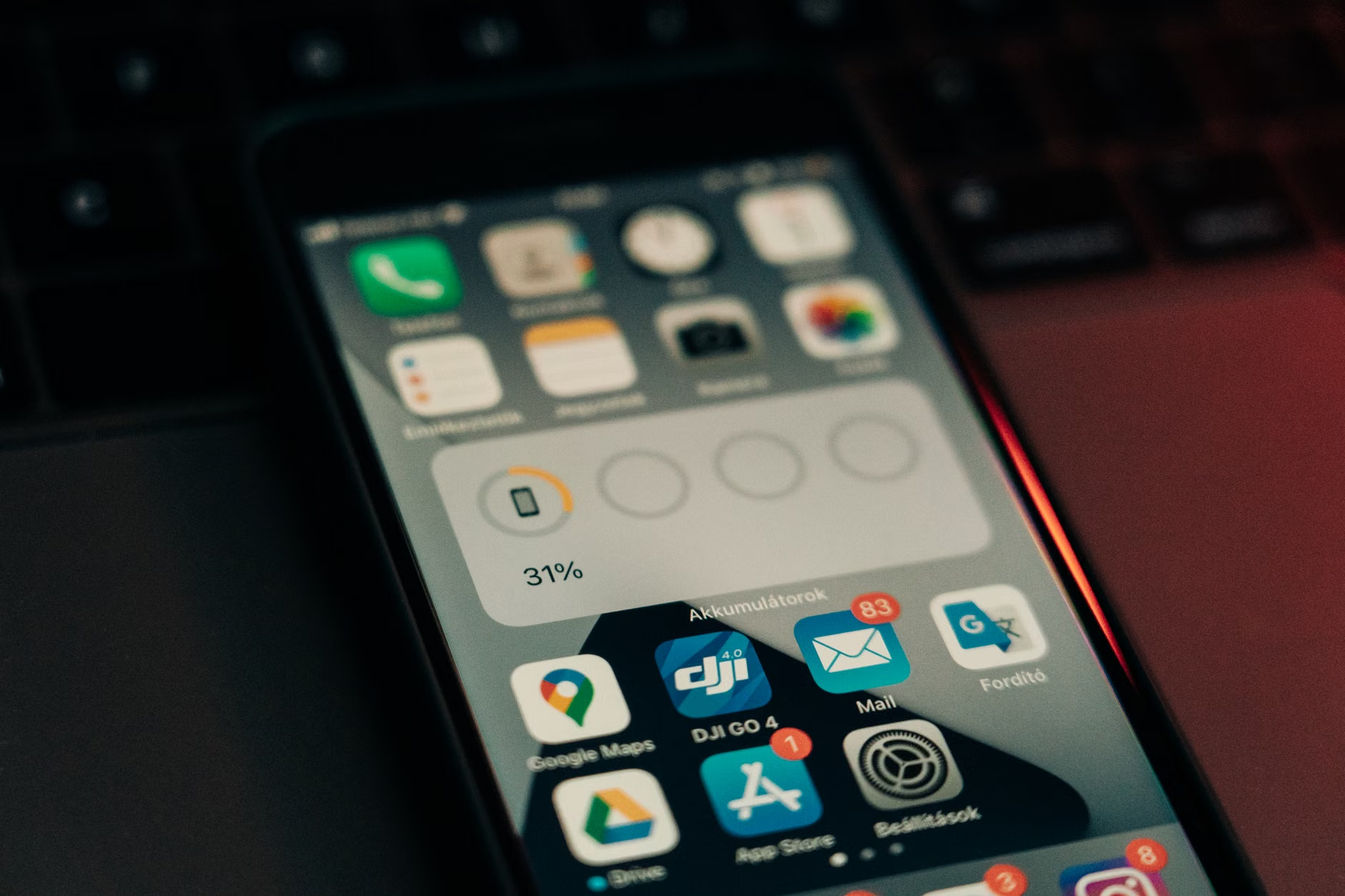
If charging to 100% is the slow-acting poison for batteries, heat is the acute trauma. Electronics are designed to operate within a specific temperature range—usually between 32°F and 95°F (0°C to 35°C). When you leave a tablet in a hot car during a summer soccer practice, you are essentially cooking the battery components.
Heat speeds up the chemical reactions inside the battery, leading to faster degradation. Even worse, if the battery gets too hot while charging, it can cause the electrolyte to break down, which leads to gas buildup and swelling. You’ve likely seen this—that “bloated” phone where the screen starts popping out of the frame. That is a fire hazard and a clear sign that the device is no longer safe to use.
Practical Tips for Temperature Control
- Avoid “Fast Charging” in Hot Environments: Fast charging generates more heat. If you are charging your phone on a sunny windowsill, do not use the high-wattage fast charger. Stick to a standard, slower charger.
- Remove Protective Cases: If you notice your device getting warm while charging or playing games, remove the thick, insulating rubber case. It acts like a winter coat, trapping heat inside the chassis.
- The “Cool Down” Period: If you’ve been using a device for a high-intensity task (like gaming or video editing), give it 10 minutes to cool down before plugging it into a charger.
The Charging Habits of a Tech-Savvy Household
Adopting a “Battery-Health” mindset requires a shift in household habits. We are conditioned to think that a full battery is a “good” battery. We need to break that association. A “healthy” battery is one that has experienced the least amount of thermal and voltage stress.
For parents, this is a great lesson to teach kids. Explain that the battery is like a muscle—it needs rest, it shouldn’t be pushed to the limit, and it shouldn’t be left in the sun. If you have a family charging station in the kitchen, consider using a smart power strip that you can turn off at night. This prevents devices from “trickle charging”—where the device hits 100%, drops to 99%, and charges back up to 100% repeatedly throughout the night. This cycle is known as “micro-cycling” and it’s a silent battery killer.

When is it Time to Replace?
There comes a point where no amount of “Battery-Health” management will save a device. How do you know when to throw in the towel? Look for these three indicators:
- Unexpected Shutdowns: If your device shuts off while showing 20% or 30% battery, the battery can no longer provide the voltage required by the processor. It is failing.
- Slow Performance: Many modern devices (especially iPhones) will intentionally throttle the processor speed if the battery is degraded, to prevent the device from crashing. If your phone feels sluggish, check the battery health.
- Physical Deformation: If the back of the phone is bulging or the screen is lifting, stop using the device immediately. Do not try to charge it. It is a fire risk.
Before you recycle, check if a battery replacement is viable. Many independent repair shops can replace a battery for a fraction of the cost of a new device. It is often the most sustainable and budget-friendly move for a family.
Software Tools and Settings to Leverage
Modern operating systems are actually becoming quite good at helping us manage this. You should be actively using the “Optimized Battery Charging” features found in iOS and Android.
On an iPhone, “Optimized Battery Charging” learns your daily routine. If you plug your phone in at 10 PM and wake up at 7 AM, the phone will charge to 80% and then wait to finish the final 20% until just before your alarm goes off. This minimizes the time the battery spends at 100% voltage. Make sure this is toggled “ON” for every device in your house.
On Android, look for “Adaptive Charging” or “Battery Protection.” Some Samsung devices even allow you to cap the charge at 80% permanently. If you have a tablet that stays plugged in on a stand all day, setting this 80% cap is the single best thing you can do for its longevity.
The Ethics of E-Waste and Longevity
By managing battery health, we are doing more than just saving a few dollars. We are participating in a larger movement toward sustainable technology. The manufacturing of a single smartphone requires rare earth metals, extensive mining operations, and significant carbon output. Every year we add to the life of a device is a year we prevent a new device from being manufactured and an old one from being discarded.
When you do eventually replace a device, don’t just toss it in the bin. Batteries are hazardous waste. Most local communities have e-waste drop-off points. If the device is still functional, consider a factory reset and donating it to a school or a local charity. Many organizations can use slightly older tech for basic word processing or web browsing, even if the battery isn’t perfect.
Common Misconceptions About Charging
There is a lot of “bro-science” in the tech world. Let’s clear up some common myths that might be costing you money.
- Myth: “Using a non-original charger ruins the battery.” As long as the charger is from a reputable manufacturer and provides the correct voltage, it will not hurt your battery. The battery management chip inside your phone controls the flow of power, not the wall brick.
- Myth: “Charging in a cold environment is good for the battery.” While heat is bad, extreme cold is also problematic. Charging a battery when it is below freezing can cause permanent damage to the internal chemistry. Always let your device reach room temperature before plugging it in after being outside in the winter.
- Myth: “Turning the device off and on constantly saves the battery.” The power surge required to boot up a device uses more energy than simply putting it in “Sleep” or “Standby” mode. Don’t worry about turning it off unless you aren’t going to use it for several days.
Actionable Steps for Your Weekend Tech Audit
This weekend, spend 30 minutes with your family doing a “Tech Audit.” It’s a great way to talk about responsibility and maintenance with your kids.
| Step | Action |
|---|---|
| 1 | Gather all household devices and check their “Battery Health” settings. |
| 2 | Enable “Optimized Charging” on every device that supports it. |
| 3 | Identify devices that are consistently hot and re-evaluate their cases/charging locations. |
| 4 | Label chargers to ensure high-wattage bricks are used only for laptops. |
By taking these simple steps, you are moving from a passive consumer to an active owner. Electronics are expensive, and they are essential to our modern lives. Treating them with a little bit of care goes a long way toward ensuring they remain reliable companions for years to come.
If you find that your devices are consistently failing within 18 months, look at your usage patterns. Are they constantly at 100%? Are they left in a hot living room? Are they being drained to 0% every day? Adjusting these three behaviors will yield immediate results. It’s not about obsessing over every percentage point, but rather about creating a sustainable routine that respects the limitations of the technology we rely on.
For more technical details on lithium-ion degradation, you can refer to resources from Battery University, which provides in-depth analysis on how to prolong battery life. Additionally, most manufacturers—including Apple and Samsung—have dedicated support pages that explain their specific battery management technologies.
Frequently Asked Questions
Q: Should I leave my laptop plugged in all the time while working?
A: Modern laptops are smart enough to bypass the battery once it is fully charged, but keeping it at 100% is still not ideal for long-term health. If you are going to be at your desk for several days, use a software tool to limit the maximum charge to 80% to keep the battery in a “resting” state.
Q: Is it okay to use a phone while it is charging?
A: Generally, yes. However, if you are doing something intensive like gaming or video rendering while charging, the device will generate significant heat. This is the “double-whammy” of heat from the processor and heat from the charging circuit. Avoid high-intensity tasks while the device is plugged in.
Q: How do I know if my third-party charger is safe?
A: Look for safety certification logos on the brick itself, such as UL, CE, or ETL. These indicate that the product has undergone safety testing. Avoid “no-name” chargers from online marketplaces that lack these certifications, as they often lack the sophisticated circuitry needed to prevent overcharging and overheating.
Managing the battery health of your family’s electronics is a small but significant way to maintain order in a busy household. It’s about being thoughtful, proactive, and setting up systems that work for you, rather than just reacting when a screen goes black. With these habits in place, you’ll find that your devices are ready when you need them, and you’ll be doing your part to keep tech running just a little bit longer.