By 2026, the era of the “junk drawer” filled with a tangled mess of proprietary charging cables is finally coming to an end, as global regulatory shifts have effectively solidified USB-C as the standard for almost every portable electronic device you own.
- The End of Fragmentation: Almost all new small and medium-sized electronics sold globally now utilize USB-C, drastically reducing the need for multiple cable types.
- Regulatory Impact: Laws in the EU and other regions have forced manufacturers to align, making interoperability a legal requirement rather than a suggestion.
- Smart Purchasing: While the standard is unified, charging speeds still vary; knowing your device’s wattage requirements is the new “essential” skill for parents and travelers.
If you have spent any part of your adult life frantically hunting for that one specific, weird-shaped cable that only works for your child’s tablet, or trying to figure out why your laptop charger won’t work on your headphones, you are not alone. For those of us juggling the demands of 2026 life—work, school runs, and the constant hum of digital dependency—the promise of “universal charging” hasn’t just been a tech hobbyist’s dream; it has been a practical necessity.
We are currently living in the “Year of Stability” regarding power delivery. The regulatory environment has matured, and the industry has largely stopped fighting the inevitable. But what does this actually look like in your daily life? Is it really as simple as “one cable to rule them all,” or are there hidden pitfalls you need to navigate before you toss out your old collection of cables?
The Evolution of the Charging Landscape
To understand why 2026 feels different, we have to look back at the chaotic landscape of the early 2020s. Back then, manufacturers often used proprietary ports as a form of “vendor lock-in.” If you bought a phone from Brand A, you were tethered to their specific, often expensive, ecosystem of accessories. It was frustrating for consumers and, more importantly, a massive contributor to global electronic waste.
The turning point arrived when international bodies, most notably the European Union, mandated the USB-C standard for portable electronics. This wasn’t just about convenience; it was about environmental sustainability. When you don’t have to throw away a perfectly good charger just because you switched phone brands, you produce less e-waste. By 2026, this policy has rippled across the globe. Even in markets without strict legal mandates, manufacturers have adopted the standard simply because it is cheaper to make one product for the whole world than to customize hardware for fragmented regions.
For the parent of a teenager, this is a game-changer. Remember the “cable wars” in the backseat during a road trip? The arguments over who had the right charging brick for their specific device? Those days are effectively over. Now, a single high-quality USB-C cable can charge the laptop, the Nintendo Switch, the noise-canceling headphones, and the smartphone. It simplifies the packing list and reduces the clutter in your living room.
The Fine Print: Power Delivery (PD) and Speed
While the physical connection—the USB-C port—is now universal, the performance of that connection is not. This is where many people get tripped up. Just because a cable fits into your laptop doesn’t mean it will charge it at full speed, or even charge it at all if the cable isn’t designed to handle the power load.
Think of it like a garden hose. The nozzle (the USB-C connector) might fit onto the faucet, but if the hose itself is thin and brittle, it can’t handle high-pressure water. In 2026, we have to talk about “Power Delivery” or PD. Your smartphone might need 20 watts, while your laptop might require 65 or 100 watts. If you use a cheap, low-quality cable meant for a basic pair of earbuds to charge a high-end laptop, you will either get a “slow charging” warning or, more likely, nothing will happen at all.
How to identify the right hardware
You don’t need an engineering degree, but you do need to look at the labels. When you purchase a charging brick or a cable, look for the wattage rating (W). If you have a laptop, aim for a charger that supports at least 65W. For mobile devices, a 30W charger is usually the “sweet spot” that covers everything from iPhones to tablets.
| Device Category | Recommended Minimum Wattage | Usage Note |
|---|---|---|
| Smartphones | 20W – 30W | Standard fast charging for most models. |
| Tablets / e-Readers | 30W | Ensures consistent charging during use. |
| Laptops / Ultrabooks | 65W – 100W | Requires a high-quality “PD” certified cable. |
| Accessories (Earbuds) | 5W – 10W | Any standard cable will suffice. |
The Travel Experience in 2026
Travel has arguably seen the most significant benefit from this shift. If you are a parent traveling with children, you know the anxiety of the “device dead zone.” You arrive at a hotel, and everyone needs to plug in at once. In the past, this meant carrying a bag full of different bricks and cables, hoping you didn’t leave the “special one” at home.
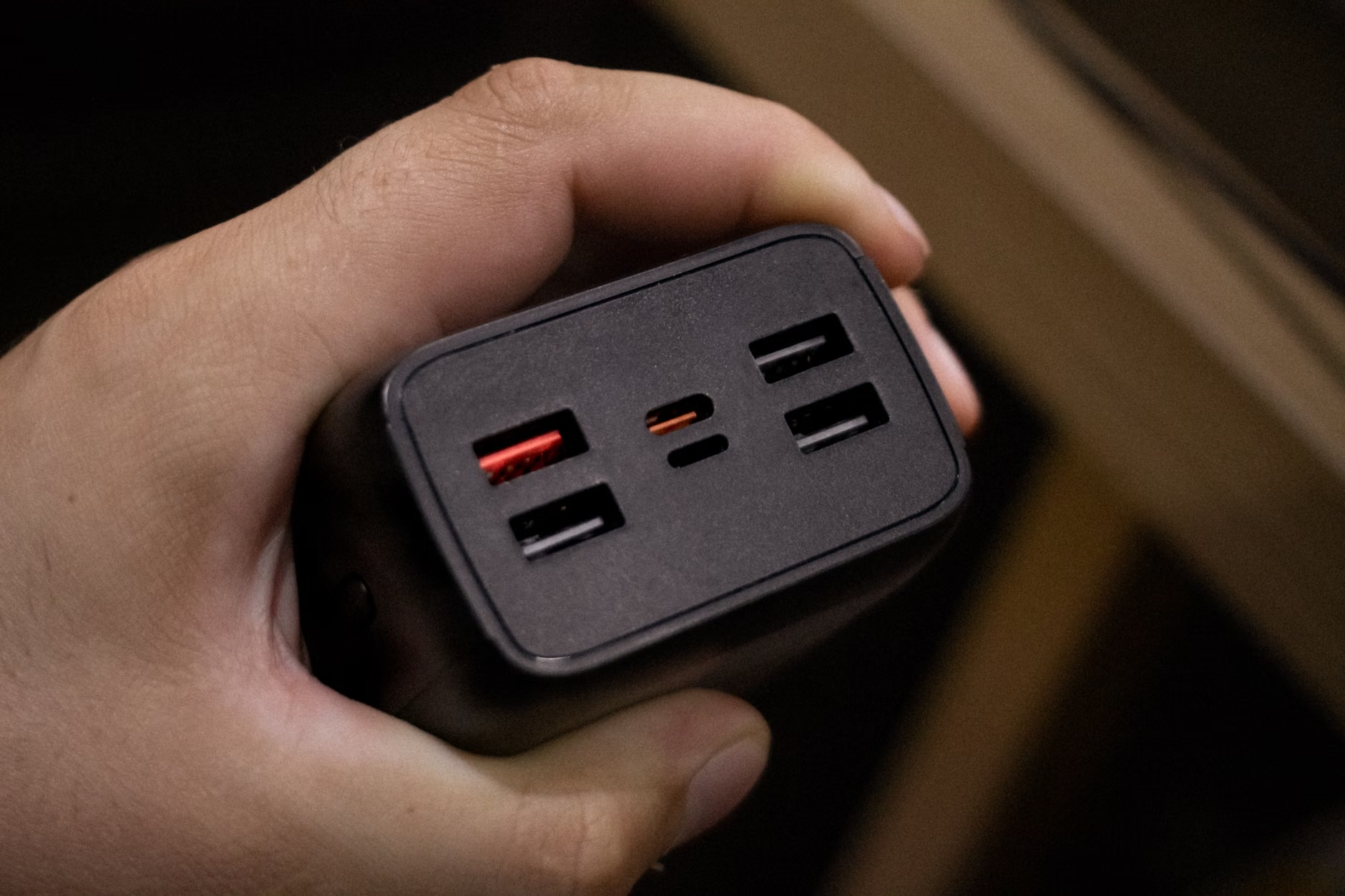
Today, the strategy is much simpler. You can now carry a single, multi-port GaN (Gallium Nitride) charger. GaN technology has become the standard for travel chargers in 2026. These chargers are smaller, lighter, and more efficient than the traditional silicon-based bricks we used to carry. They stay cooler and can often output 100W+ from a device no bigger than a pack of cards.
Pro-tip for travelers: Invest in one high-quality 100W GaN charger with at least two or three USB-C ports. This allows you to charge your laptop and your phone simultaneously using one wall outlet. It saves space, weight, and, most importantly, your sanity when you are navigating an airport with kids and luggage in tow.
Common Misconceptions and Safety Cautions
Even with a universal standard, not all cables are created equal. One of the biggest mistakes people make in 2026 is assuming that “USB-C” is a guarantee of quality. It is only a guarantee of the shape. You will still see extremely cheap, uncertified cables online. Avoid these.
Low-quality cables lack the internal shielding and the “E-marker” chip (which tells the charger how much power the cable can safely carry). Using a substandard cable with a high-powered charger can, in rare instances, lead to overheating. Always look for certifications from reputable bodies or stick to well-known accessory brands. If a deal seems too good to be true—like a 10-foot, 100W cable for two dollars—it is almost certainly a fire hazard or a data-transfer bottleneck.
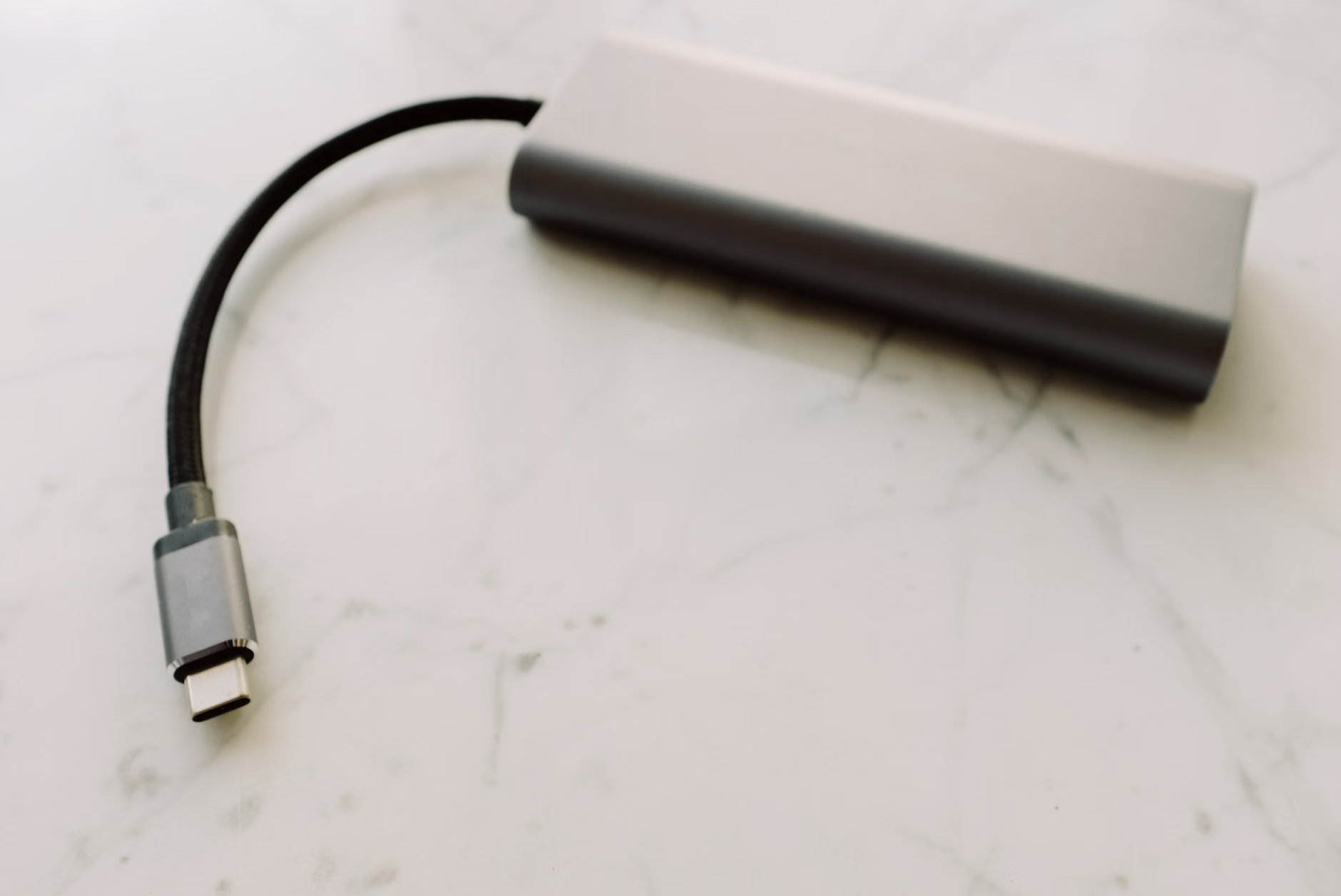
Another point of confusion is data transfer speeds. USB-C is just the connector; the protocol inside matters. Some cables are designed only for charging, while others support high-speed data transfer (Thunderbolt or USB4). If you are trying to plug a monitor into your laptop using a cheap charging cable, it won’t display an image. Check the specs on the packaging to ensure the cable supports “video output” if that is a feature you need.
Integrating Universal Charging into Home Life
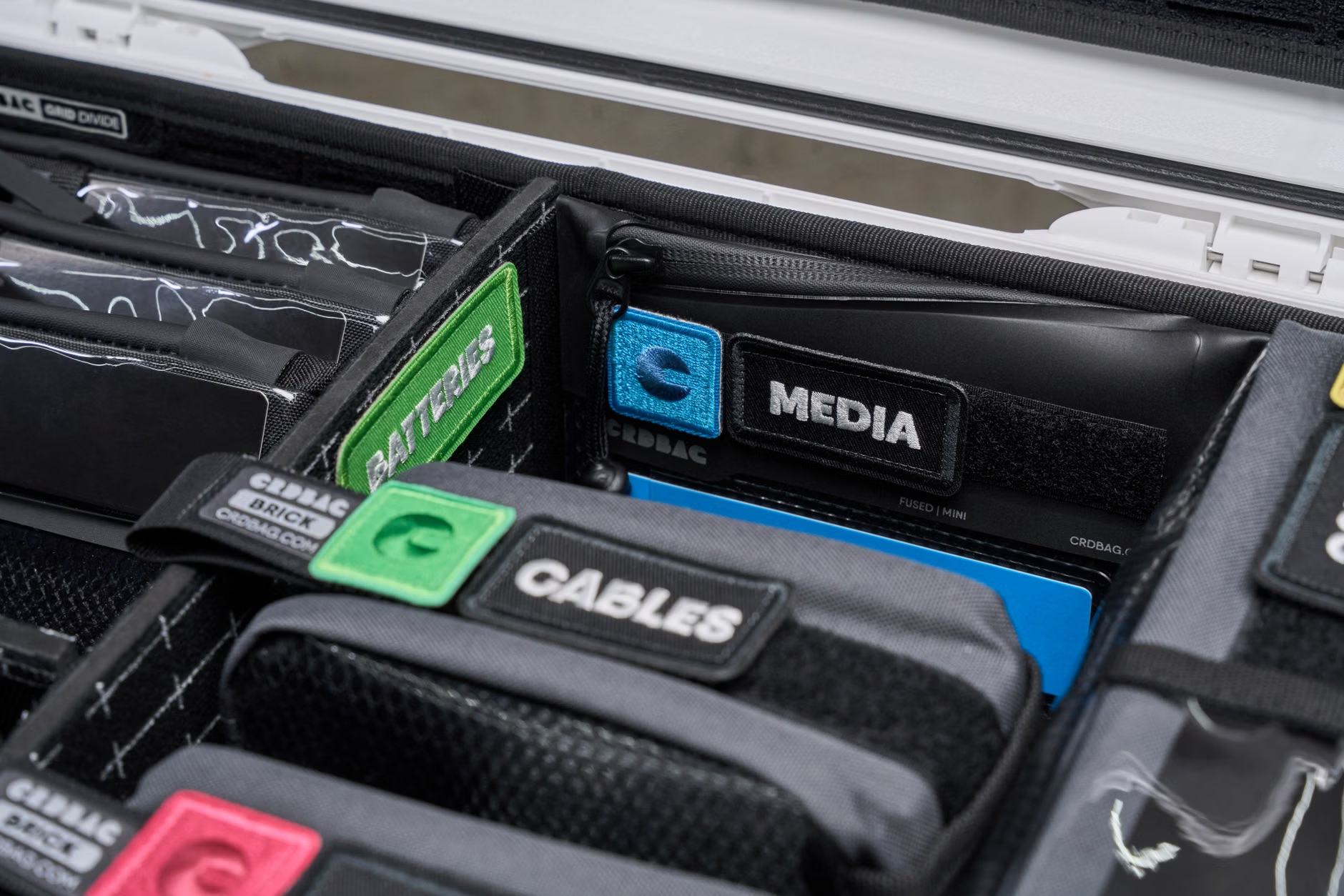
Now that the standard is universal, how do you manage the “charging station” in your home? Many families have moved toward centralized charging hubs. Instead of having cables snaking all over the living room, a single, high-output hub in a kitchen drawer or a dedicated “landing strip” in the hallway can handle all the household devices.
This also helps with digital boundaries. If all devices are charged in a common area at night, it helps prevent the “late-night scrolling” habit for both parents and kids. It turns a utility task into a household routine. When you choose a charging station, look for one that is “GaN-enabled” and offers sufficient total wattage to handle all ports being used at once. If the station says “100W total,” and you plug in two laptops at 65W each, the station will likely throttle the power to each device, meaning both will charge slower than expected. Always check the “per-port” output ratings.
What to Do with Your Old Cables?
If you are like many people, you have a drawer full of old Micro-USB, Lightning, and proprietary barrel-plug cables. It is tempting to keep them “just in case.” However, in 2026, the utility of these cables is rapidly approaching zero. If you haven’t used a device that requires that specific port in the last year, you likely never will.
Do not throw them in the regular trash. E-waste recycling is vital. Many electronics retailers and local municipal centers have dedicated bins for cable recycling. They contain copper and other precious metals that can be reclaimed. Clearing out that drawer isn’t just about tidiness; it’s about responsible stewardship of the technology we’ve used.
Looking Ahead: Is Anything Beyond USB-C Coming?
While USB-C is the undisputed king of 2026, there is always talk of what comes next. Wireless charging—specifically the Qi2 standard—is becoming more prevalent. While it is not yet a replacement for wired charging, especially for high-power devices like laptops, it is becoming the standard for phones, earbuds, and smartwatches.
Wireless charging is convenient, but it is less efficient than a wired connection. It generates more heat and charges at a slower rate. For the foreseeable future, USB-C will remain the backbone of our power needs. It is robust, fast, and now, finally, universal. We have reached a point where the hardware is no longer the obstacle to our daily lives; the focus has shifted entirely to power management and efficiency.
The journey to universal charging has been long and, at times, incredibly frustrating. But as we stand in 2026, the landscape is undeniably better. We have fewer cables, more compatibility, and a clearer understanding of what we are buying. It might seem like a small detail in the grand scheme of parenting and work-life balance, but the elimination of “charging friction” is one of those subtle, quiet improvements that makes every day just a little bit easier.
As you navigate your own setup, remember: prioritize quality over quantity. One or two high-quality, high-wattage cables and a reliable GaN charger will serve you better than a dozen cheap, mystery-brand cables ever could. Keep your gear organized, recycle your old legacy cables, and enjoy the simplicity of a standardized digital life.
Frequently Asked Questions
Q: Can I use my laptop’s 100W USB-C charger to charge my smartphone safely?
A: Yes, absolutely. Modern USB-C devices and chargers use a “handshake” protocol. The charger detects what device is plugged in and automatically adjusts the power output to the safe maximum that your smartphone can handle. It will not “overpower” or damage your phone.
Q: Why does my device say “Slow Charging” even though I’m using a USB-C cable?
A: This usually happens because either the charging brick isn’t powerful enough (e.g., trying to charge a laptop with a 5W phone brick) or the cable itself is a low-quality “charging-only” cable that doesn’t support high-speed power delivery. Check that both your brick and your cable are rated for the wattage your device needs.
Q: Are all USB-C cables the same for data transfer?
A: No. While all USB-C cables fit the port, they support different data transfer speeds. Some are USB 2.0 (very slow), while others are USB 3.2 or USB4 (very fast). If you need to transfer large files or connect to an external monitor, you must check the packaging to ensure the cable supports the required data or video protocol.
For further information on global electronics standards and sustainability initiatives, you can refer to the European Commission’s official guidance on the Common Charger Directive.