Your home network is the silent backbone of your daily life, but it is also the most overlooked entry point for digital intruders who want to compromise your family’s privacy. If you are running a mesh Wi-Fi system to keep the kids’ tablets connected in the bedroom and your work laptop stable in the kitchen, you have already taken a great step for convenience—but convenience and security are rarely the same thing.
Key Takeaways
- Segment your devices: Always isolate your smart home gadgets (IoT) from your primary computer and phone network to prevent cross-contamination.
- Update and Automate: Firmware updates are your first line of defense against known vulnerabilities; enable auto-updates whenever possible.
- The Audit Mindset: Security isn’t a “set and forget” task; perform a quarterly check of connected devices and guest network activity to stay ahead of threats.
We have all been there. You are trying to get the kids ready for school, the coffee is brewing, and your work meeting is starting in five minutes. Suddenly, the Wi-Fi drops. You blame the ISP, you blame the router, and eventually, you reboot the system and go on with your day. We rarely stop to think: Who else might be using this connection?
Understanding the Mesh Architecture and Its Vulnerabilities
A mesh network is a brilliant piece of technology. Instead of one central router screaming into the void, you have multiple nodes scattered around your house, working together to create a seamless blanket of coverage. It’s perfect for modern homes with thick walls or multiple floors. However, this convenience introduces a larger attack surface. Every node is a potential gateway.
When you add a node to your network, you are essentially extending your perimeter. If that node is not properly secured, or if the backhaul (the communication between nodes) is compromised, an attacker could potentially gain access to your entire digital household. Think of it like adding extra doors to your house—each one is a new place that needs a deadbolt.
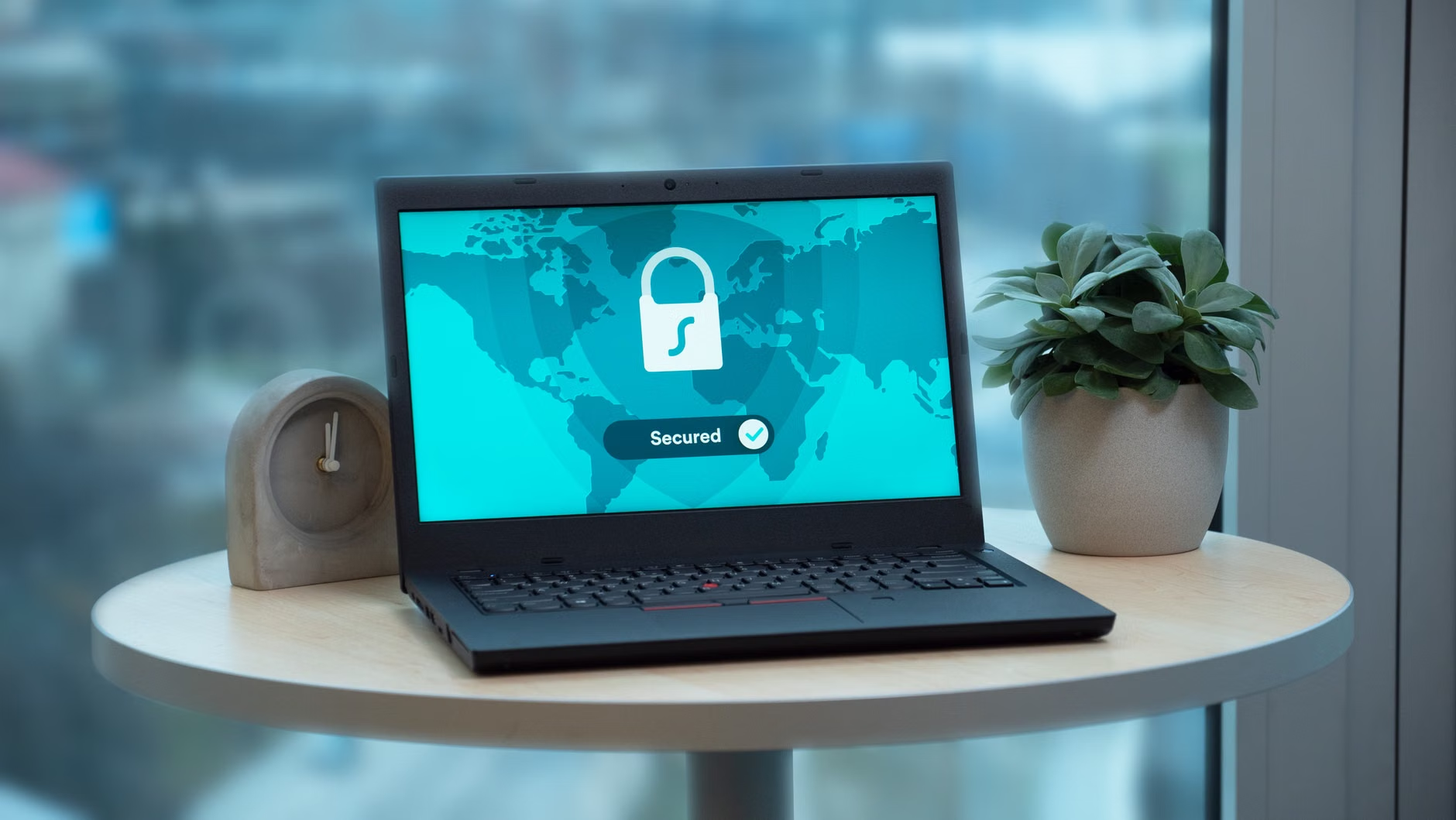
Step 1: The Inventory Audit – Who is in Your House?
The first step in any security audit is knowing exactly what is connected to your network. Most of us have “ghost devices”—that smart lightbulb you bought on sale two years ago, the fitness tracker you stopped wearing, or the baby monitor you haven’t checked in months. These devices are often the weakest links because they rarely receive security updates.
Open your mesh network’s mobile app. Look for a section labeled “Device List” or “Client List.” Go through every single entry. If you don’t recognize it, kick it off. If you do recognize it but don’t use it, turn it off. For the devices that remain, categorize them into three buckets:
| Category | Examples | Security Action |
|---|---|---|
| Trusted | Laptops, Phones, Tablets | Strong passwords, MFA enabled. |
| IoT/Smart Home | Bulbs, Plugs, Thermostats | Move to Guest Network. |
| Unknown/Old | Old gaming consoles, tablets | Remove or isolate. |
Step 2: Isolating the IoT Ecosystem
This is the most critical advice I can give you: Never put your smart toaster on the same network as your banking laptop. If a hacker compromises that smart lightbulb, they shouldn’t be able to jump to your computer to steal your credentials.
Most modern mesh systems allow you to create a “Guest Network.” This is a sandbox. It provides internet access but limits the device’s ability to “see” other devices on your main network. Move all your smart home gadgets—cameras, speakers, appliances—onto this guest network. It’s a simple configuration change that significantly reduces your risk profile.

Step 3: Firmware – The Invisible Shield
Manufacturers release firmware updates to patch security holes. These aren’t just for performance improvements; they are digital armor. Yet, many of us ignore those notifications. If you have a mesh system, you need to ensure that every single node is running the latest firmware.
Check your app settings for an “Auto-Update” toggle. If your system doesn’t support it, set a recurring calendar reminder for the first of every month to check for updates. Think of this like checking the batteries in your smoke detector—it’s mundane, but it’s essential for safety.
Step 4: Strengthening the Perimeter
Your Wi-Fi password is the digital key to your home. If you are still using the default password printed on the sticker at the bottom of your router, stop reading this and change it now. We want a passphrase that is at least 16 characters long. Use a sentence that you can remember but that isn’t obvious, like “Blue-Coffee-Mugs-Run-Fast-2024!”
Additionally, look for a setting called “WPA3.” If your devices support it, enable WPA3-Personal. It’s the current gold standard for Wi-Fi encryption and provides better protection against brute-force attacks than the older WPA2 standard.
Step 5: The Physical Audit
Don’t forget the hardware itself. Are your mesh nodes sitting in plain sight near a window? If a node is accessible from outside your home, it could be tampered with. While this is a rare threat, it’s worth considering. Place your nodes in central, interior locations where they provide good coverage but aren’t easily reachable by someone walking past your property.
Common Mistakes We Make
One common trap is the “over-sharing” of the Wi-Fi password. We tend to give it to every guest who walks through the door. Instead, utilize that guest network feature we discussed earlier. Create a separate, isolated guest network with its own password. You can share this freely without worrying about your guests’ infected laptops potentially scanning your home network for weaknesses.
Another mistake is leaving UPnP (Universal Plug and Play) enabled. UPnP allows devices to automatically open ports on your router to communicate with the outside world. It’s convenient for gaming, but it’s a security nightmare because it allows devices to bypass your firewall without your permission. If you don’t absolutely need it, turn it off in your advanced network settings.
The Reality of Smart Home Privacy
It’s important to remember that security is about risk management, not total elimination. You can lock your doors, but a determined thief might still find a way in. The goal of this audit is to make your home network a “hard target.” When you segment your devices, use strong encryption, and keep your firmware updated, you move from being a low-hanging fruit to a target that is simply not worth the effort for most attackers.
As parents, we are the stewards of our family’s digital footprint. Our kids are growing up in an environment where their data is being generated from the moment they are born. By securing our mesh network, we aren’t just protecting our passwords; we are protecting the sanctity of our home environment.
Practical Implementation Strategy
If this feels overwhelming, break it down into a weekend project. You don’t need to be a network engineer to secure your home. Start by simply counting your devices. Next weekend, tackle the guest network isolation. The weekend after, review your firmware. Progress, even in small increments, is better than inaction.
Remember, technology is a tool. It exists to serve you, not to be a hidden source of stress. By taking control of your network today, you can enjoy the benefits of a connected home without the lingering anxiety of what might be happening behind the scenes.
Resources and Further Reading
For those interested in diving deeper into network security, here are some reliable, non-technical resources to help you stay informed:
- CISA: Securing Internet of Things (IoT) Devices – Excellent advice on managing smart devices.
- FCC: How to Protect Yourself Online – A comprehensive guide for general digital safety.
- National Cybersecurity Alliance – Practical tips for families and individuals.
Frequently Asked Questions
1. How often should I perform a full network security audit?
A quarterly audit is ideal. Every three months, take 30 minutes to review your connected devices, change your guest network password if you have had many visitors, and check for any outstanding firmware updates that might have been missed.
2. Does segmenting my devices on a guest network slow down my internet speed?
Generally, no. Most modern mesh systems have enough processing power to handle a guest network without impacting your primary connection’s performance. The security benefits far outweigh any negligible latency that might occur.
3. What do I do if I find a device on my network that I don’t recognize?
First, disconnect it immediately through your app. Then, try to identify it by the MAC address (a unique hardware ID) or by looking at the device manufacturer name shown in the app. If you still can’t identify it, keep it blocked and change your Wi-Fi password to ensure any unauthorized access is severed permanently.
Stay vigilant, but don’t let the fear of digital threats stop you from enjoying the convenience of your connected home. With these simple, actionable steps, you’ve taken the most important move toward a safer household. You’ve got this.