The most effective way to manage your family’s health data is to stop using five different apps and instead build a single, centralized “low-code” dashboard that automatically pulls your most critical information into one view.
- Centralization over quantity: Using low-code tools like Notion or Airtable eliminates the “data silo” problem where health info is trapped in separate apps.
- Automation is the goal: You don’t need to be a programmer; using tools like Zapier or Make allows you to push data from wearables into your dashboard automatically.
- Focus on the dashboard, not the data: Only track what you actually use to make decisions, such as recurring medication schedules or recurring allergy symptoms, rather than logging every minor metric.
If you are in your 30s or 40s, you likely feel the “information squeeze.” Between managing your own cholesterol levels, tracking your child’s growth charts, monitoring elderly parents’ medication schedules, and keeping up with your own fitness goals, the amount of health data we generate is staggering. Yet, most of us keep this data in a chaotic mix of Apple Health, paper notebooks, pharmacy portals, and mental notes.
The solution isn’t to buy another “all-in-one” app that promises everything but delivers a clunky interface. The solution is low-code. By using platforms that allow you to build custom databases and visual interfaces without writing a line of code, you can create a dashboard that actually answers the questions you have—like, “Did we give the toddler the allergy medication yesterday?” or “What is the trend in my partner’s blood pressure over the last three months?”
Why Standard Health Apps Often Fail Busy Families
Most health apps are designed for the individual, not the household. When you try to manage a family’s health data via a standard fitness app, you run into the “multi-user nightmare.” You have to switch accounts, sync different devices, and deal with privacy walls that make it nearly impossible to see a holistic picture of your family’s status.
Furthermore, most commercial apps are “black boxes.” They hide your data behind proprietary formats. If you want to export your data to show a doctor or to compare it against your food intake, you are often blocked. A low-code dashboard changes the power dynamic: you own the database, you control the visualization, and you choose exactly what to track.
Consider the “Medication Adherence” problem. A common mistake is relying on a generic alarm on a phone. If you are in a meeting or driving when the alarm goes off, you might swipe it away and forget to actually administer the medication. A low-code dashboard allows you to build a simple “Check-in” button that records the time and who administered it, creating a shared log that prevents the “Did you give it to him?” argument.

The Architecture of a Family Health Dashboard
Building a dashboard might sound like a project for a software engineer, but the tools available today—Notion, Airtable, Glide, and Softr—are built for non-technical users. Think of your dashboard as a three-layer cake:
- The Data Source (The Database): This is where the information lives. Airtable is excellent for this because it functions like a spreadsheet but behaves like a database.
- The Automation Layer (The Connector): This is how data gets into your database without you typing it. Tools like Zapier or Make.com can move data from a wearable or a connected scale into your database.
- The Presentation Layer (The Dashboard): This is what you see. You might use Glide to turn your Airtable data into a beautiful, mobile-optimized app that your family can open on their phones.
Defining Your “Must-Track” Metrics
Before you build, you must decide what is worth tracking. A common trap is “data hoarding.” If you track your resting heart rate, blood oxygen, step count, sleep duration, and water intake for every family member, your dashboard will become a cluttered mess that you eventually stop looking at.
Ask yourself: Does this data point change my behavior? If you track your child’s sleep but don’t change their bedtime based on the data, you are wasting time. Focus on “Decision-Making Data.”
| Category | What to Track | Why it Matters |
|---|---|---|
| Medication | Name, Dosage, Time, Administered By | Prevents double-dosing or missed doses for kids/seniors. |
| Symptoms | Date, Severity (1-5), Notes | Helps identify patterns for allergies or recurring illnesses. |
| Appointments | Provider, Date, Follow-up Notes | Prevents the “I forgot what the doctor said” syndrome. |
| Vitals | BP, Glucose, or Weight | Essential for chronic condition management. |
Building Your First Module: The Medication Tracker
Let’s start with the most high-impact module: The Medication Tracker. This is the “Hello World” of family health dashboards. You will need a database (Airtable is recommended here) and a simple interface (Glide or Notion).
Step 1: Create the Database. Create a table in Airtable with columns for “Family Member,” “Medication Name,” “Dosage,” “Time Scheduled,” and “Status (Done/Pending).”
Step 2: Create a View. In Glide, connect to this Airtable base. Create a screen that shows only the medications due “Today.”
Step 3: Add the Action. Create a button labeled “Confirm Dose.” When clicked, this button should update the “Status” column to “Done” and record the current timestamp. This solves the “who did it” problem instantly.
Common Mistake: Do not try to sync your entire pharmacy record. Only include the daily or recurring medications. For one-off antibiotics, a physical note or a simple calendar entry is usually more efficient than building a database entry.
Advanced Integration: Automating Data Flow
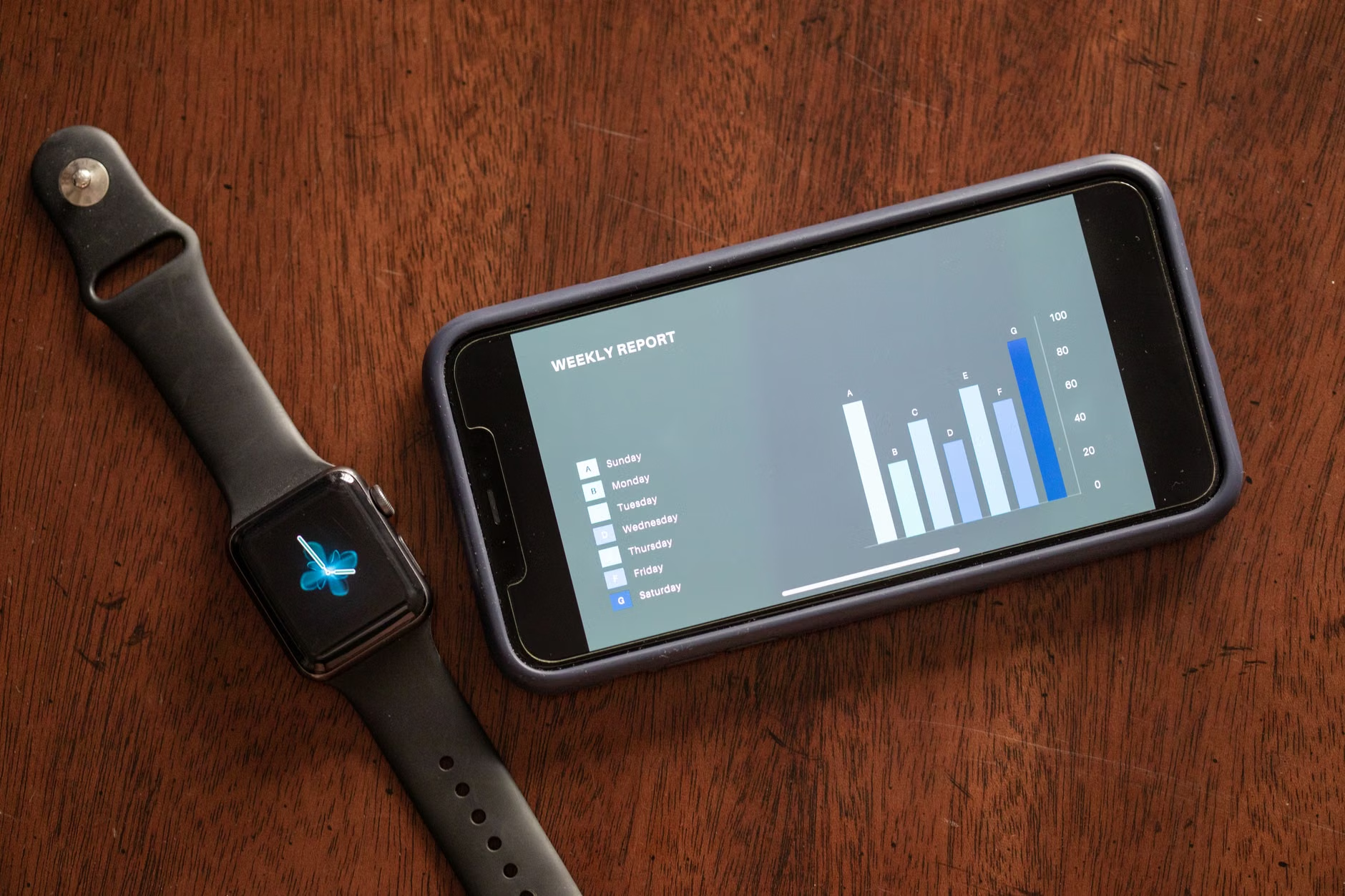
Once you have the manual entry system working, you can move to automation. This is where you save real time. If your family uses smart scales or fitness trackers, you can use an automation platform like Make.com to “pipe” that data into your dashboard.
For example, if you have a smart scale, you can configure it to push your weight data into a Google Sheet, which then updates your Airtable database. Suddenly, your dashboard shows a trend line of your family’s health markers without you ever opening an app to type a number.
The Hidden Trade-Off: Privacy vs. Convenience
There is a significant trade-off here: Security. When you use low-code tools, you are moving health data into third-party cloud databases. While platforms like Notion and Airtable have robust security, they are not HIPAA-compliant in the same way a specialized medical app is. If you are tracking highly sensitive medical data (like mental health notes or specific genetic information), keep that data out of the cloud-based low-code dashboard.
Decision Rule: If the data is “publicly shareable” (like step counts, weight, or medication schedules), it is fine for a low-code dashboard. If the data is “private/sensitive” (like specific diagnosis details or therapy notes), keep it in a secure, encrypted local app or a physical journal.
Maintaining the System for the Long Term
The biggest reason people stop using these dashboards is “maintenance fatigue.” If the system requires you to spend 20 minutes a day updating it, it will fail. A successful system must take less than 60 seconds of interaction per day.
To keep the system alive, implement the “Sunday Review.” Once a week, spend five minutes looking at your dashboard. Are there any trends? Did anyone miss their medications? Do you need to adjust your goals? If you treat it like a chore, you will stop doing it. If you treat it like a “management meeting” for your family, it becomes a ritual.
Expanding Your Dashboard: Beyond the Basics
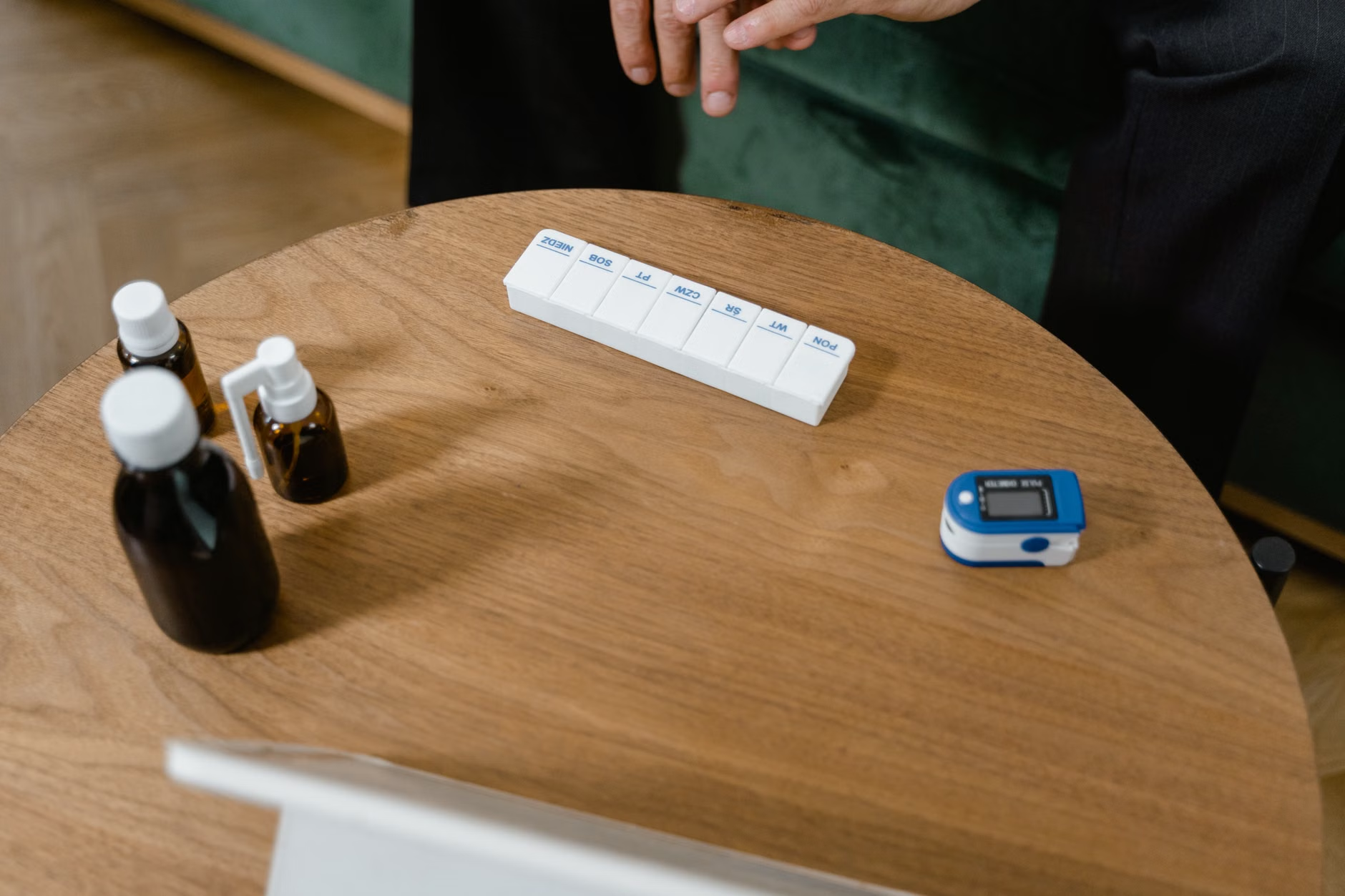
Once your medication and vitals trackers are running, you can start layering in other aspects of life. For instance, you could add an “Appointment History” section. Every time you leave the doctor, take a photo of the summary sheet and upload it to your dashboard. By tagging it with the family member’s name and the date, you create a searchable archive. No more hunting through physical folders when the school nurse asks for a history of vaccinations.
Another powerful addition is the “Symptom Tracker.” If your child has recurring stomach aches, keeping a log for two weeks can reveal a pattern—like “only happens on Tuesday mornings before soccer.” This kind of data-driven insight is exactly what doctors love to see, as it replaces vague guesses with objective evidence.
The Reality of Data Visualization
Don’t fall into the trap of over-visualizing. A line chart is great for blood pressure; a pie chart is useless for medication tracking. Stick to simple, functional views. A progress bar is often the best way to visualize daily goals. If you have a goal of 10,000 steps, a simple green bar that fills up as the day goes on is much more motivating than a complex data table.
If you find that you are spending more time looking at the dashboard than actually taking care of your health, you have inverted your priorities. The dashboard is a tool to support your life, not a replacement for healthy habits. If the technology becomes a source of stress, simplify it. Delete a module, hide a chart, or reduce the frequency of your check-ins.
Final Thoughts: Taking Ownership
Building a family health dashboard is about taking control of the chaos. In a world where our health data is scattered across dozens of corporate servers and paper files, having a single, unified view of your family’s well-being is a massive advantage. It allows you to make decisions faster, communicate better with healthcare providers, and ultimately, feel more in control of your household’s health.
Start small. Don’t try to build the entire system in a weekend. Start with a simple medication or symptom tracker. Refine it until it feels natural. Then, and only then, add the next module. Your future self—and your family—will thank you for the clarity.
Frequently Asked Questions
1. Is it safe to store my family’s health data in platforms like Notion or Airtable?
While these platforms are secure for general use, they are not specialized medical-grade storage. They are excellent for trackers, schedules, and general wellness metrics. However, you should avoid storing highly sensitive information, such as mental health records, specific diagnosis details, or full medical histories, unless you are using a platform with enterprise-grade security and HIPAA compliance features.
2. How do I get my family members to actually use the dashboard?
Engagement is the biggest hurdle. The key is to minimize friction. If the dashboard is hard to find or requires multiple logins, no one will use it. Use a dedicated mobile shortcut on their home screens, keep the interface simple with large buttons, and make sure it solves a direct pain point for them, like tracking their own fitness goals or reminding them of their specific medication schedule.
3. What if I am not tech-savvy; is this too difficult for me?
If you can use a spreadsheet, you can build a low-code dashboard. Modern platforms like Glide or Notion are designed for people who have never written a line of code. Start by watching a 10-minute tutorial on “Airtable to Glide integration.” You will be surprised at how quickly you can build a functional, beautiful app without ever touching a programming language.
For further reading on data security and privacy, you can visit the U.S. Department of Health & Human Services HIPAA guidelines, which provide a helpful framework for understanding what kind of health data requires extra protection.