Mesh networking is fundamentally changing how we think about local connectivity, allowing neighborhoods to build resilient, private data-sharing hubs that don’t rely on a single central provider. By linking individual routers into a single, cooperative web, you can extend internet coverage, create a local intranet for file sharing, or ensure your security cameras stay online even during ISP outages.
- Resilience: Mesh networks create “self-healing” connections; if one node fails, the data simply reroutes through another, ensuring your smart home devices or local file servers stay connected.
- Privacy: By keeping local traffic (like video feeds or shared files) within the mesh, you prevent sensitive data from traveling over external cloud servers, significantly enhancing your household privacy.
- Practicality: While it sounds like a project for network engineers, modern “plug-and-play” mesh systems make it accessible for any parent or homeowner to set up a robust, multi-node network in under an hour.
If you have ever stood in your backyard or garage and watched your Wi-Fi signal drop to a single bar, you already understand the limitation of the traditional “hub-and-spoke” network model. Most of us rely on a single, powerful router placed in the center of the house. As we add more smart devices—video doorbells, smart thermostats, tablets for the kids—that single point of failure becomes a bottleneck. When it fails, or when the signal can’t penetrate a brick wall, your entire digital ecosystem goes dark.
A mesh network shifts this paradigm. Instead of one “master” router, you deploy multiple, smaller nodes throughout your home and potentially even into your yard or a neighbor’s property. These nodes communicate with each other, creating a single, seamless blanket of connectivity. It is not just about signal strength; it is about creating a decentralized infrastructure that mimics the way the internet itself works—robust, distributed, and highly reliable.
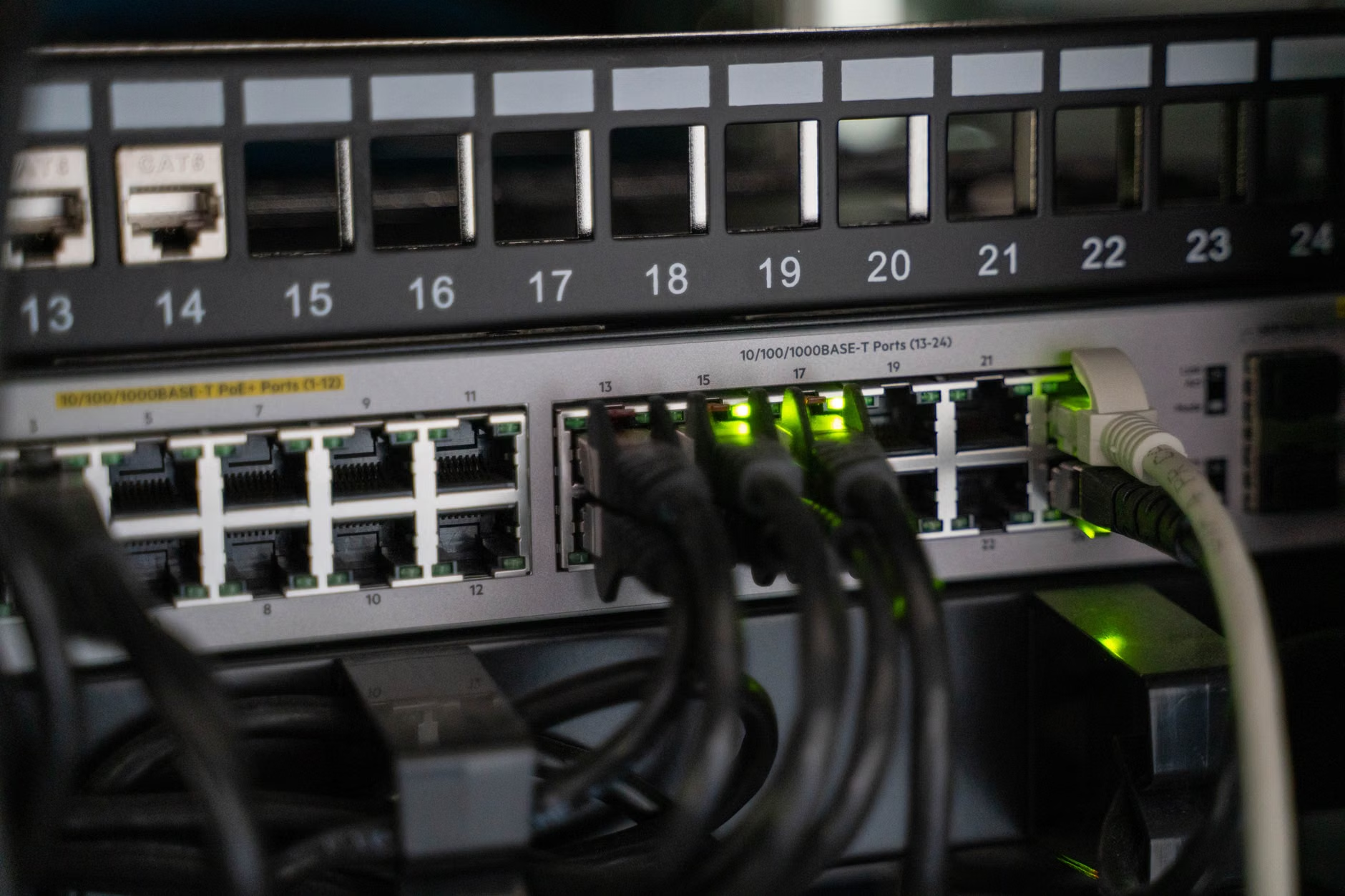
Why Decentralized Neighborhood Data Sharing Matters
In our 30s and 40s, we are often the “IT support” for our own households. We manage the smart locks, the streaming services, the security cameras, and the kids’ school-issued laptops. We have realized that “smart” often means “dependent on someone else’s server.” When the internet goes down, or when a cloud service provider has an outage, our homes become significantly less “smart.”
Mesh networks allow you to reclaim some of that autonomy. By setting up a local mesh, you can host data locally. Imagine a shared neighborhood server where families can back up photos, share large files, or even run local community forums that are completely independent of the global internet. If the ISP connection drops, the local link remains. You aren’t just buying better Wi-Fi; you are building a digital infrastructure that belongs to the community.
Furthermore, consider the privacy implications. Many smart home cameras send video feeds to the cloud for processing. If you have a local mesh network, you can route that traffic to a local Network Attached Storage (NAS) device. Your video feed never leaves your local network, meaning it never touches a third-party server. This is a massive upgrade for anyone concerned about data privacy in an era of constant surveillance.
The Mechanics: What It Looks Like in Real Life
Setting up a mesh network is no longer the domain of hobbyists with soldering irons. Today, it’s a consumer-grade task. If you have ever set up a printer or a smartphone, you have the skills to build a mesh. The process generally involves choosing a system that supports “mesh protocols” (like Wi-Fi 6 or 6E), placing nodes in strategic areas, and using an app to sync them.
Let’s look at a realistic scenario. Suppose you and your next-door neighbor want to share a high-speed internet connection to save costs or provide redundancy for your home offices. You would place a mesh node near the shared property line (or a window with a clear line of sight). By configuring these nodes to bridge your networks, you create a shared “backhaul.” You are essentially creating a private, encrypted tunnel between your homes.
| Feature | Traditional Router | Mesh Network |
|---|---|---|
| Coverage | Limited, prone to “dead zones” | Seamless, scalable to any size |
| Reliability | Single point of failure | Self-healing; bypasses failed nodes |
| Setup | Simple but rigid | Modular, requires initial configuration |
| Privacy | Dependent on ISP/Cloud | Supports local-only data routing |
The “self-healing” aspect is the most important part for a busy household. If a child accidentally unplugs the node in the kitchen, the node in the living room and the node in the office will automatically re-establish a link with each other. The network doesn’t go down; it just reconfigures itself. This level of reliability is what makes mesh networks essential for modern, device-heavy homes.
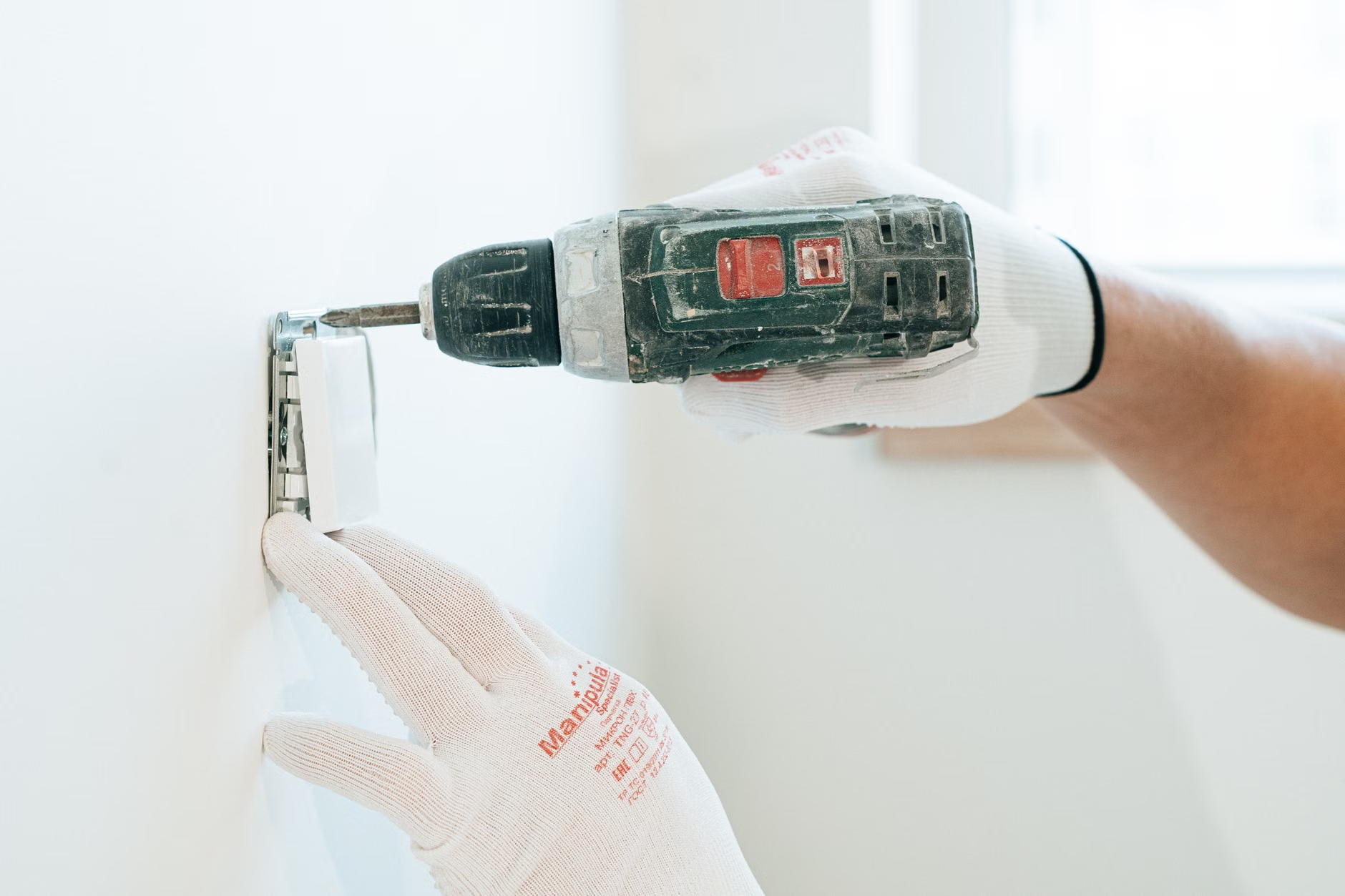
Step-by-Step: Building Your Local Mesh
To start your transition, you don’t need to replace everything at once. You can start with a base mesh system and add nodes over time. The most important step is planning your layout. Don’t just put nodes where you have outlets; put them where they have the best line of sight to other nodes.
- Audit your current traffic: Identify which devices need the most stability. These should ideally be hardwired to a node via an Ethernet cable, even if the node itself is connected to the network wirelessly.
- Choose your hardware: Look for systems that support “dedicated backhaul.” This means the nodes have a specific radio band just for talking to each other, which prevents your devices’ data from slowing down the network.
- Strategic Placement: Avoid placing nodes inside metal cabinets or behind large appliances like refrigerators, which act as Faraday cages and block signals. Aim for open spaces or near windows.
- Security Configuration: Ensure you are using WPA3 encryption. Because your network now spans more physical territory, it is more “visible” to the outside. A strong password and guest network are non-negotiable.
A common mistake is assuming that “more nodes equals more speed.” That is incorrect. Each hop (moving data from one node to another) can actually introduce a slight amount of latency. The goal is to have the fewest number of nodes required to cover the area effectively. If you have a large house, three nodes are usually sufficient. If you are extending to a neighbor, you might need a fourth, outdoor-rated node.
The Hidden Trade-offs and Considerations
While mesh networking is powerful, it is not a magic wand. There are physical realities to radio waves that you cannot ignore. First, walls are the enemy. A node placed behind a brick wall will perform significantly worse than one placed in a hallway. If you live in an older home with thick stone or lath-and-plaster walls, you may need to invest in more nodes or use a wired backhaul (connecting the nodes with actual Ethernet cables through the walls).
Second, there is the issue of “spectrum congestion.” If you live in a dense apartment complex, everyone else is also broadcasting Wi-Fi. Your mesh network has to compete for space in the 2.4GHz and 5GHz bands. Modern systems are better at “channel hopping” to find clear space, but you should still check your network settings occasionally to ensure you aren’t stuck on a crowded channel.
Finally, consider the maintenance. A mesh network is more complex than a standalone router. You are responsible for firmware updates across multiple devices. Most modern systems handle this automatically, but you should log into the admin panel once a month to ensure everything is running the latest security patches. This is a small price to pay for the control and reliability you gain.

Beyond Convenience: The Future of Community Connectivity
Looking ahead, the concept of neighborhood-scale mesh networks could fundamentally alter how we interact with our local environment. We are already seeing “smart city” initiatives that use mesh protocols to manage traffic lights, air quality sensors, and waste management. By adopting these technologies at the neighborhood level, we are essentially building a private, secure, and resilient layer of infrastructure that sits beneath the public internet.
Imagine a scenario where a local power outage occurs. If your neighborhood mesh is powered by a small battery backup (like a UPS unit), your local network—including your security cameras, local communication apps, and smart home lighting—could remain fully functional even if the grid goes down. This is not just about convenience; it is about community resilience. It is about ensuring that even when the outside world is disconnected, your immediate environment remains stable and secure.
If you are interested in exploring this further, I recommend looking at open-source mesh projects like OpenWrt or Freifunk. While these are more technical and require a bit of a learning curve, they offer the highest level of control and privacy. For most households, however, a high-quality consumer mesh system—such as those from Eero, Asus, or TP-Link—is more than sufficient to start your journey into decentralized connectivity.
Frequently Asked Questions
Q: Will a mesh network make my internet faster?
A: Not necessarily. A mesh network will not increase the speed of your internet plan provided by your ISP. However, it will make your connection more stable and consistent throughout your home, which often feels faster because you aren’t experiencing drops or buffering in dead zones.
Q: Is a mesh network secure?
A: Yes, provided you keep your firmware updated and use strong, unique passwords. Because mesh networks cover a larger area, it is vital to ensure your network is not “open.” Using WPA3 encryption provides the highest level of security available today.
Q: Can I mix and match different brands of mesh routers?
A: Generally, no. Most mesh systems use proprietary communication protocols to talk to each other. If you buy an Eero system, you need to use Eero nodes to expand it. While there are some universal standards (like EasyMesh), they often lack the advanced features and seamless setup of a single-brand ecosystem. It is almost always better to stick with one brand for the entire network.
Decentralizing your home network is a practical, manageable, and highly rewarding project. It turns the “black box” of your home internet into a transparent, resilient system that you truly control. Start by mapping your home’s dead zones, choose a system that fits your budget, and don’t be afraid to experiment with placement. Your future self—and your family’s sanity when the Wi-Fi actually works in the bedroom—will thank you.
For more technical details on setting up home networks, you can refer to the official FCC guide on optimizing home Wi-Fi.
Note: Always check your local zoning laws and ISP terms of service before sharing a network connection with a neighbor. Some ISPs prohibit the redistribution of service outside of a single residential address.