- Cloud-dependency is a security risk: If your internet goes down, cloud-based security systems often stop recording or triggering alarms, leaving your home vulnerable.
- Local-mesh networks prioritize privacy: By processing data locally on your own hardware, you prevent sensitive video feeds and activity logs from being stored on third-party servers.
- Performance and speed: Local communication (Mesh) between devices is significantly faster than sending a signal to a remote server and waiting for a command to return, reducing latency in critical moments.
If you have ever come home to find your security camera offline because your Wi-Fi router decided to restart, or if you have experienced that frustrating three-second delay between pressing a doorbell and seeing who is at the door, you have felt the limitations of cloud-dependent smart homes. Most consumer-grade security systems rely on the “Cloud-First” model. Your device sends data to a server thousands of miles away, the server processes it, and then sends a signal back to your phone. It works, until it doesn’t.
The solution gaining traction among tech-savvy homeowners is the Local-Mesh network. Instead of every device being a solitary “client” begging for attention from a distant server, devices in a mesh network talk to each other. They form a robust, interconnected web that keeps functioning even if your internet service provider (ISP) has a total breakdown. For those of us balancing careers, kids, and the general chaos of life, this shift from “smart” to “reliable” is not just a technical upgrade—it’s a peace-of-mind necessity.
Why the Cloud is Often the Weakest Link in Your Security
To understand why local-mesh is superior, we have to look at the “Cloud Trap.” When you buy a popular, entry-level smart camera, you are usually buying into an ecosystem where your data is the product. The manufacturer stores your footage, analyzes your habits, and controls access to your devices. If the company’s servers go down, or if your internet connection flickers, your security system effectively goes blind.
Consider the scenario of a power outage that cuts your home internet but leaves your localized backup power running. A cloud-based camera would stop recording the moment the modem drops. A local-mesh system, however, continues to record to a local Network Video Recorder (NVR) or a local hub. The sensors continue to communicate with the alarm system because they don’t need a connection to a distant server to verify that a window has been opened.
Furthermore, there is the issue of latency. In a security emergency, seconds matter. When a motion sensor detects a breach, a cloud-based system has to: 1) Detect motion, 2) Send signal to cloud, 3) Process in cloud, 4) Send notification to your phone. That is four points of failure. In a local-mesh system, the sensor talks to the local hub, and the hub triggers the alarm. It is near-instantaneous. This isn’t just about speed; it is about the reliability of the system when you need it most.
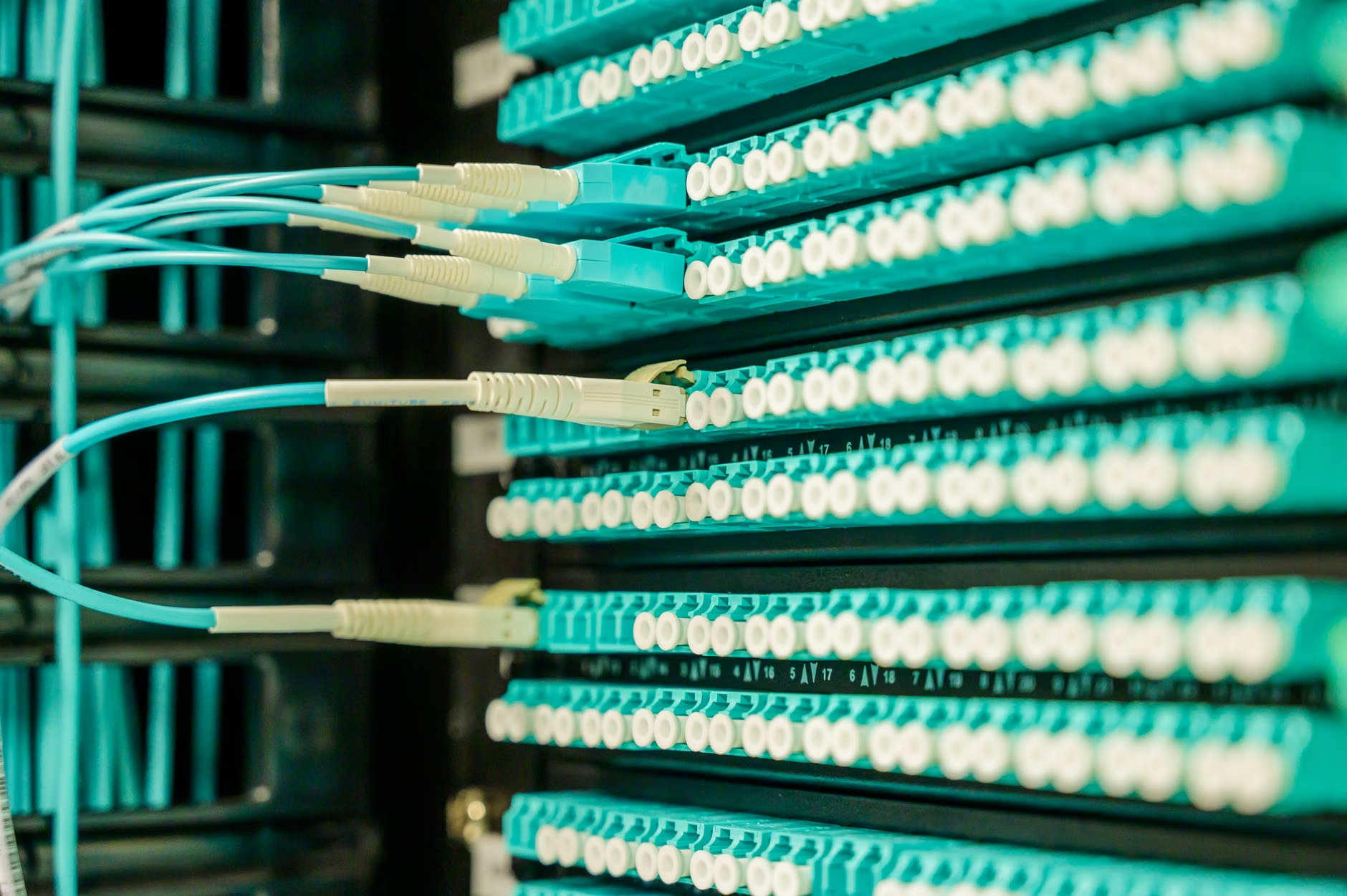
Understanding the Mechanics: What Exactly is a Local-Mesh?
At its core, a local-mesh network utilizes protocols like Zigbee, Z-Wave, or Thread. Unlike standard Wi-Fi, which is a “star” topology—where every device connects to a central router—a mesh network allows devices to act as repeaters. If a motion sensor in your garage is too far from the hub, it can pass its signal through a smart light bulb or a smart plug that is closer, which then passes it to the hub.
This creates a self-healing network. If one device goes offline, the network automatically reroutes the data through other nodes. This is the same technology used in industrial settings where downtime is not an option. For a home, it means your sensors are far less likely to drop off the network just because you moved a piece of furniture or added a new device that interferes with your Wi-Fi signal.
The “Local Control” factor is the most critical part for privacy-conscious families. When you process data locally, your video feeds and sensor logs never leave your four walls. You aren’t relying on a third-party company’s encryption to keep your private moments private. You control the hardware, the storage, and the access. If you decide to store footage on a local hard drive, you don’t have to worry about a data breach at a massive corporation exposing your home’s interior to the world.
Comparing Cloud-Dependent vs. Local-Mesh Systems
It is helpful to weigh these technologies against your actual lifestyle needs. Most people choose cloud systems because they are “plug and play.” Local-mesh systems often require a bit more setup, but the trade-off is long-term stability and security.
| Feature | Cloud-Dependent System | Local-Mesh System |
|---|---|---|
| Internet Reliance | High (System fails if web is down) | Low (Works without internet) |
| Privacy | Data stored on 3rd party servers | Data stored on your local hardware |
| Latency | Higher (depends on server load) | Very Low (near-instant) |
| Setup Difficulty | Easy (Scan QR code) | Moderate (Requires hub setup) |
| Monthly Costs | Usually high (Subscriptions) | Low/Zero (One-time hardware) |
As shown in the table, the primary barrier for most people is the “Setup Difficulty.” However, it is important to note that the industry is changing. Modern hubs like Home Assistant Yellow, Hubitat, or even advanced Apple HomeKit-enabled routers are making local-mesh much more accessible to the average person who isn’t a network engineer.

How to Transition Your Home to Local-Mesh Security
If you are tired of the “subscription creep” and the unreliability of your current setup, moving to a local-mesh system is a multi-step process. Don’t try to rip and replace everything in one weekend. It is a marathon, not a sprint.
Step 1: Choose a Central Hub. You need a brain for your local network. Look for platforms that support Matter or Thread, as these are the future-proof standards for local-mesh communication. A hub like Home Assistant (for the hands-on user) or Hubitat (for the set-it-and-forget-it user) acts as the local conductor for all your devices.
Step 2: Audit your current devices. Many smart devices you already own—like certain Philips Hue bulbs or Aqara sensors—are already capable of mesh networking. You don’t necessarily have to throw them away. You just need to re-pair them to your new, local-first hub rather than their manufacturer’s cloud bridge.
Step 3: Implement local storage. If you use cameras, stop paying for cloud storage. Invest in a dedicated local NVR (Network Video Recorder) or a NAS (Network Attached Storage) system. This allows you to keep weeks of footage on a drive you own, located physically in your home.
Step 4: Secure the perimeter. Once your system is local, ensure your home network itself is secure. Use a strong, unique password for your router and keep your hub’s firmware updated. Even without a cloud connection, your local network is only as secure as the entry point you provide.
Common Mistake: Many people try to mix too many different brands in one mesh network. While protocols like Zigbee are standardized, the way different companies implement them can vary. Try to stick to one or two ecosystem brands (e.g., all Aqara or all Lutron) for your core sensors to ensure the “mesh” stays stable and doesn’t experience interference.
Addressing the Hidden Costs and Trade-offs
It would be dishonest to suggest that local-mesh is perfect for everyone. The biggest trade-off is the loss of “remote convenience” features that cloud providers spend millions developing. For example, cloud-based AI (like facial recognition or package detection) is often superior to what you can run on a $100 local hub. If you rely heavily on your camera telling you exactly who is at the door by name, you might find local systems a bit “dumber” in that specific regard.
There is also the maintenance burden. When you own the server, you own the updates. You have to be the one to ensure your hub is running the latest security patches. If you aren’t the type of person who checks their tech setup once every few months, you might find that your system becomes outdated or less secure over time compared to a cloud service that updates itself automatically.
However, for a parent or a busy professional, the trade-off is usually worth it. The benefit of having a security system that works during a storm, that doesn’t track your every move for marketing purposes, and that doesn’t require a $15/month subscription fee is substantial. It is about reclaiming your digital sovereignty in your own home.
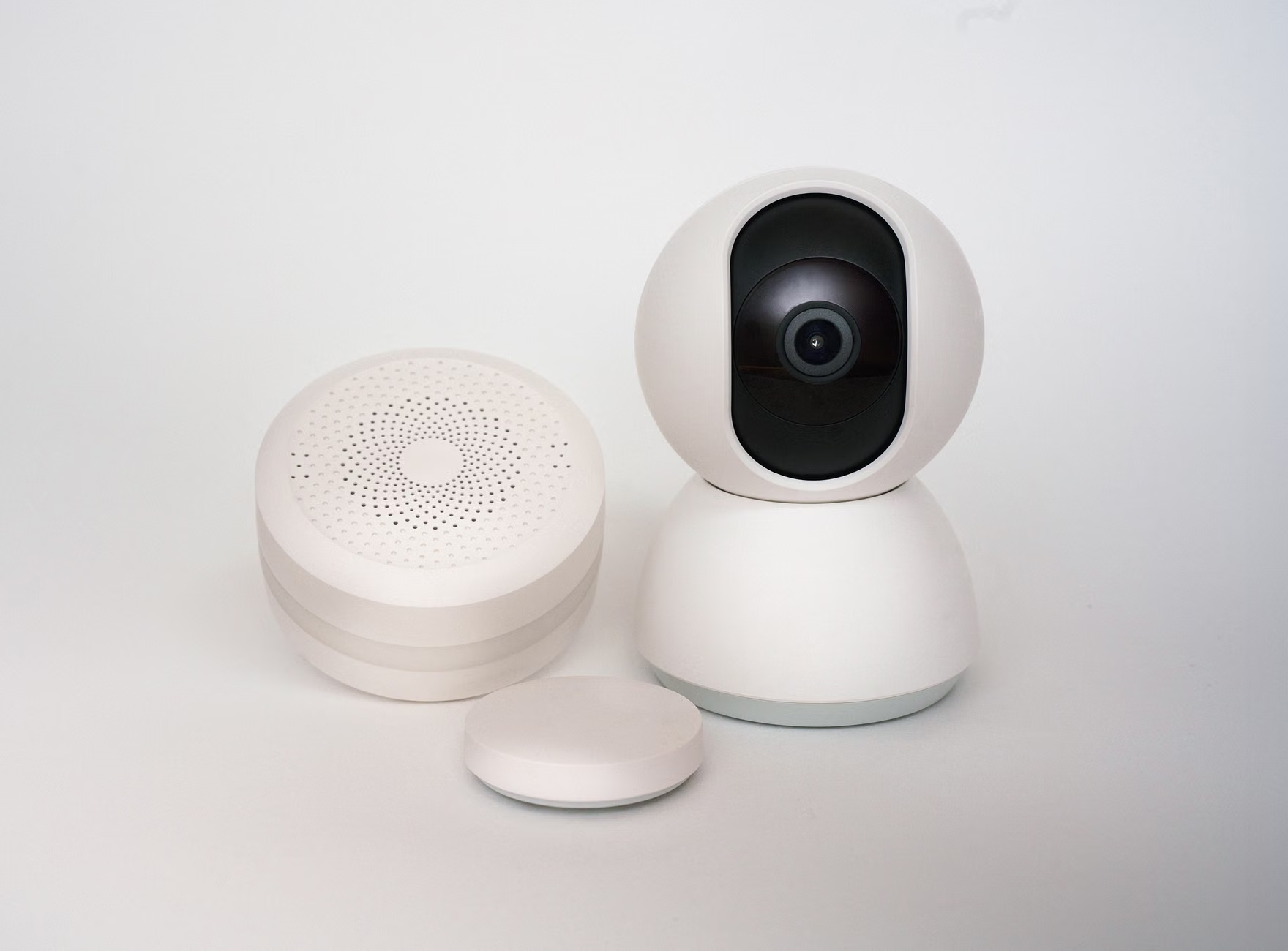
Practical Decision Criteria: Is Local-Mesh Right for You?
To determine if you should make the switch, ask yourself these three questions:
- How often does my internet go down? If you live in an area with unstable ISP service, local-mesh is an absolute requirement, not a luxury.
- How much do I value my family’s digital privacy? If you are uncomfortable with the idea of a corporation having a live feed of your living room, you should prioritize local storage immediately.
- Am I willing to learn? If you want something that works perfectly in 30 seconds with no ongoing effort, stick to the premium cloud ecosystems (like Google Nest or Amazon Ring). If you want control, reliability, and ownership, move to local-mesh.
The transition doesn’t have to be binary. You can keep your cloud-based smart lights for convenience while moving your security cameras and motion sensors to a local-mesh system. This “hybrid” approach allows you to get the stability where it matters most—in your security—without having to overhaul your entire house’s smart functionality overnight.
The Future of Home Security is Local
We are seeing a massive shift in the industry as consumers become more aware of data privacy and the fragility of cloud-based services. The “Matter” standard is a huge step in this direction, as it forces manufacturers to play nice with each other locally. This means that in the coming years, building a local-mesh network will be significantly easier than it is today.
If you are building your smart home today, try to look for the “Local Control” label on packaging. Ask yourself: “If I unplug my router, does this device still work?” If the answer is no, ask if you are okay with that. For most security-critical devices, the answer should be a firm “no.”
Start small. Buy one local-mesh hub and a single sensor. See how it performs. You will quickly find that the responsiveness and the feeling of control are addictive. It is a different kind of smart home—one that works for you, not for the company that made the hardware.
Frequently Asked Questions
1. Does local-mesh mean I can’t access my cameras when I’m away from home?
Not at all. You can still access your home network remotely using a VPN (Virtual Private Network) or a secure gateway like Tailscale. This gives you the convenience of remote access without exposing your devices directly to the open internet or relying on a third-party cloud server.
2. Is it more expensive to set up a local-mesh system?
The upfront hardware cost can be higher because you need to purchase a hub and potentially storage hardware. However, over a 3-5 year period, you will likely save money by avoiding monthly cloud storage subscription fees. It is an investment in ownership rather than a rental model.
3. Can I use my existing Wi-Fi devices in a local-mesh setup?
It depends. Some Wi-Fi devices offer “local API” access, meaning they can be integrated into a local hub without needing the cloud. However, many cheap Wi-Fi cameras are locked to the manufacturer’s cloud. Check the specifications or community forums (like the Home Assistant community) to see if your specific device model supports local integration before committing to a switch.
For further reading on privacy-first home automation and local networking standards, refer to the official documentation from the Connectivity Standards Alliance regarding the Matter protocol, which is the cornerstone of modern, interoperable local-mesh networking.