- Zoning is non-negotiable: Even in small spaces, creating distinct “work zones” through modular furniture prevents cognitive overload and interpersonal friction.
- Adaptability over permanence: Modular systems allow you to reconfigure your space as your children grow or your work requirements evolve.
- Acoustic management: The biggest hurdle in dual-parent remote work is sound; focus on soft furnishings and noise-canceling tech to maintain focus.
The most effective way to save your sanity while working remotely alongside your partner is to stop treating your home office as a static room and start treating it as a dynamic, modular system. We’ve all been there: one partner is on a high-stakes Zoom call while the other is trying to focus on a spreadsheet, and the background noise—or the simple visual distraction of someone else pacing around—creates a friction that no amount of coffee can fix. If you’re a dual-parent household in your 30s or 40s, your workspace needs to be as flexible as your schedule.
Why the “Static” Home Office Fails Dual-Parent Households
For a long time, the “home office” was a luxury—a dedicated room with a heavy desk and a bookshelf. But when two people are working from home, that model collapses. It creates a “my side vs. your side” dynamic that is physically and mentally exhausting. When your office is static, you are beholden to the layout you built three years ago, even if your needs have shifted drastically since then.
The problem isn’t just space; it’s the lack of cognitive boundaries. When you work, eat, and parent in the same physical environment, your brain never truly “leaves” the office. For dual-parent households, this is amplified. You are both trying to maintain professional personas while the realities of domestic life—laundry, school runs, snack requests—are happening in the periphery. A modular approach acknowledges that your space needs to be a chameleon.
Research into environmental psychology suggests that “territoriality” is a real thing in shared workspaces. When we don’t have a sense of ownership over our specific area, stress levels rise. Modular design solves this by allowing both partners to customize their immediate environment without permanent structural changes. It’s about creating “micro-zones” that can expand or contract depending on the day’s meeting load.
The Modular Framework: Where to Start
Modular design isn’t just about buying expensive furniture; it’s a mindset. It’s about components that can move, fold, or be repurposed. Before you start buying gear, you need to audit your workflow. Do you both need standing desks? Is one of you a “visual” worker who needs pin-boards, while the other needs a completely clear surface? Start by mapping out your “peak conflict hours”—the times of day when both of you are most likely to have meetings.
If your peak conflict hours overlap for more than three hours a day, you need visual and acoustic separation. If you only overlap for an hour, a shared table with modular organizers might suffice. The goal is to design for the worst-case scenario so that your daily routine feels effortless.
Essential Components of a Modular Setup
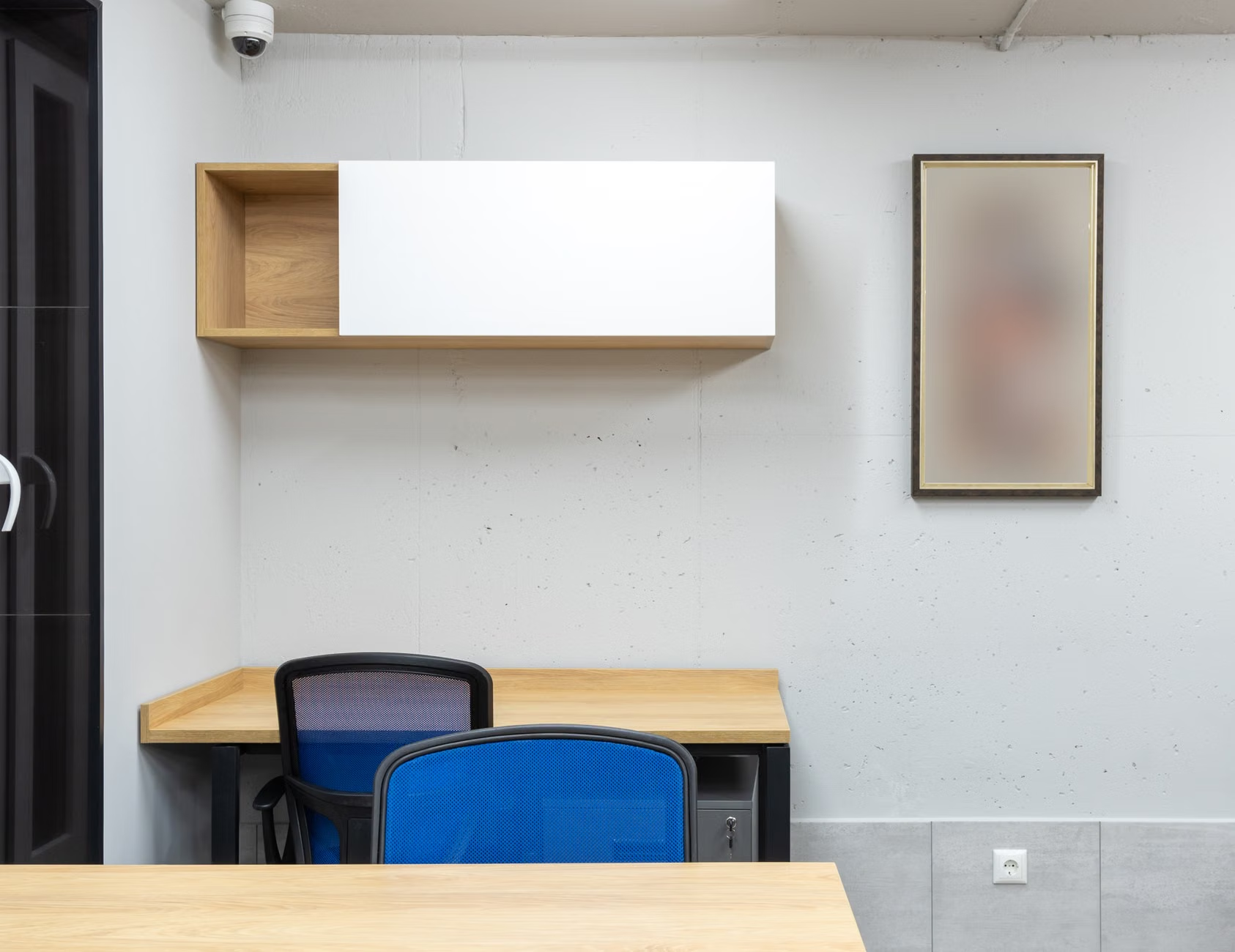
To build a system that actually lasts, you need to invest in pieces that serve multiple functions. Avoid “office-only” furniture. Instead, look for items that can move into other rooms if needed.
| Component | Why It’s Modular | Benefit for Parents |
|---|---|---|
| Wall-Mounted Tracks | Adjustable shelf/desk heights | Keeps gear away from kids/pets |
| Folding Acoustic Screens | Collapsible, sound-dampening | Instant privacy for video calls |
| Modular Desk Caddies | Removable, portable storage | Clear the deck for family time |
Acoustic Management: The Silent Productivity Killer
The biggest issue in dual-parent remote work isn’t the visual clutter; it’s the audio bleed. If you can hear your partner’s boss, you aren’t listening to your own meeting. Don’t rely on software noise cancellation alone. Your room needs physical sound absorption. Use heavy curtains, rugs, or acoustic wall panels. These aren’t just decor; they are productivity tools. They turn a “hollow” room into a studio-quality workspace.
Think about the “sound shadow.” If you place your desks back-to-back with a tall bookshelf or a room divider in between, you effectively create two distinct sound zones. This is much more effective than sitting side-by-side, where you are both projecting your voice into the same air space.
The “Reset” Protocol: Transitioning from Parent to Professional
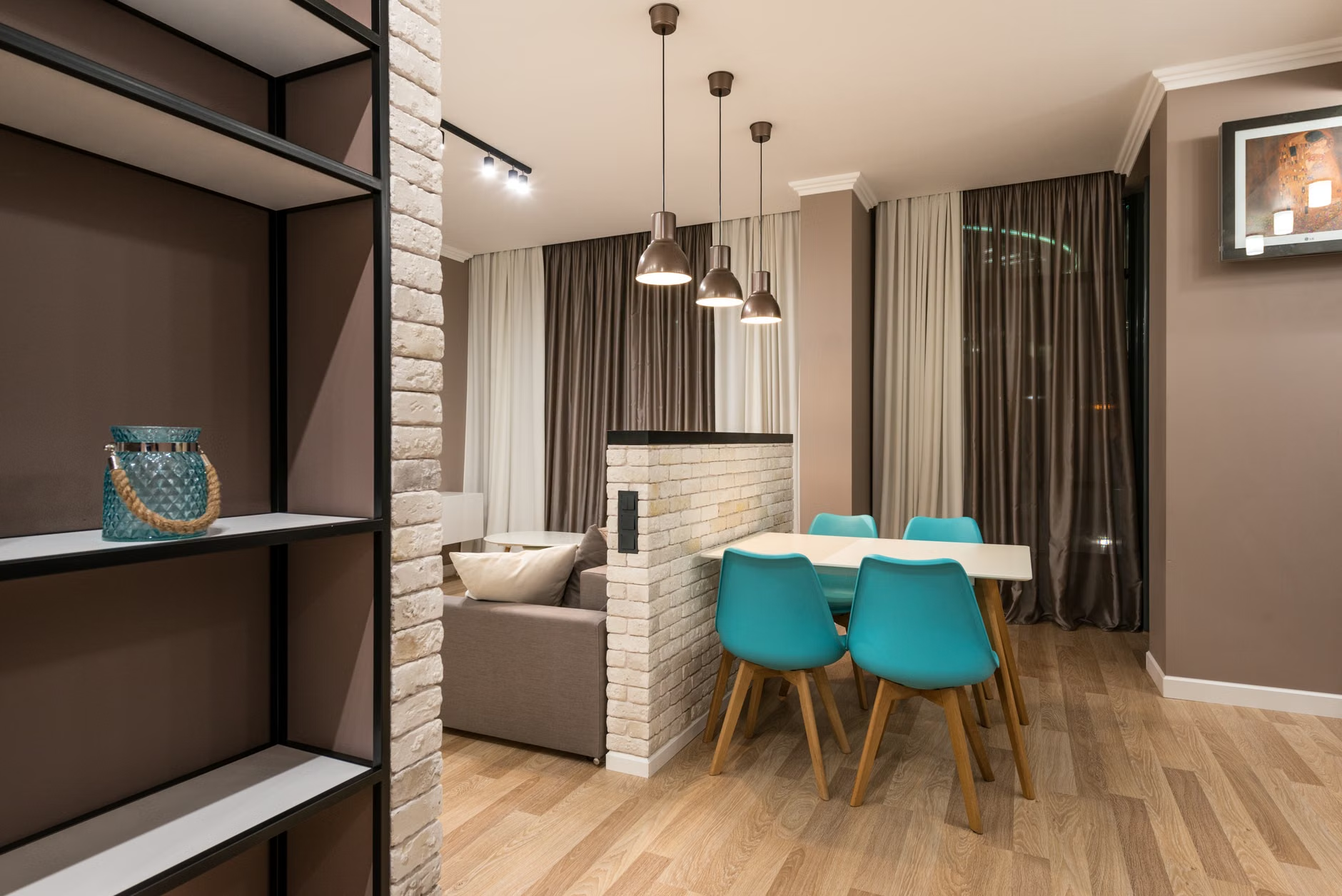
A modular office is only as good as your ability to clear it. One of the biggest mistakes parents make is letting the “work day” bleed into the “living space.” If your office is in the living room or a dining area, you need a strict, five-minute “shut down” protocol. At the end of the day, all work equipment—laptops, notebooks, headsets—must go into a designated storage bin. If it’s not in a bin, it’s not “at work.”
This isn’t just about tidiness. It’s a psychological cue. When the desk is clear, your brain knows that the “work” part of the day is over and the “parenting” part has begun. If you leave your papers scattered, you’ll be tempted to check that one last email while you’re trying to help with homework or prep dinner.
Common Mistakes to Avoid
Avoid the “everything must be matching” trap. When you prioritize aesthetics over function, you lose the ability to add pieces as you go. It is better to have a mismatched office that works perfectly than a perfectly coordinated one that makes you feel cramped. Also, avoid underestimating your cable management needs. In a shared space, a “cable jungle” is a tripping hazard and a constant visual irritant. Use under-desk cable trays to keep the floor clear.
Another mistake is failing to account for lighting. In a shared space, one person might need bright, cool light for focus, while the other prefers warm, ambient light. Use individual, task-specific desk lamps rather than relying on a single overhead light. This allows both of you to control your own environment without imposing it on the other.
Designing for Growth
Your children will eventually get older, and their needs for a desk will arise. If you have built a modular system, you can easily reconfigure it to accommodate a small homework station for them, or move your setup to a different part of the room as their play area changes. The flexibility you build in today pays dividends for years to come.

Practical Steps to Implement Your Modular Office
Start by clearing the space entirely. Don’t try to “fix” a layout that is already failing. Take everything out of the room. This gives you a blank canvas. Next, identify the “anchor points”—where are the power outlets? Where is the natural light? These are non-negotiable. Everything else can move.
Use blue painter’s tape to mark out the floor. Spend a day working in those marked zones. Does the flow work? Do you bump into each other when you stand up? If yes, adjust the tape. It’s much cheaper to move tape than to move heavy furniture.
Once you have your layout, look for modular furniture that has a small footprint. Wall-mounted desks are excellent for this because they free up floor space, making the room feel larger. Pair these with rolling storage units that can be tucked away when you need to use the space for other family activities.
Maintaining the System
A modular office is a living thing. Revisit your setup once a quarter. Ask each other: “What is the most annoying part of this setup right now?” Maybe the chair is uncomfortable, or the light is glaring, or you need more storage for physical files. Because you chose a modular system, you can swap out a shelf or add a partition without having to overhaul the entire room.
Encourage each other to maintain the boundaries. If one person starts encroaching on the other’s workspace, have a polite, pre-agreed way to call it out. It’s not about being territorial; it’s about maintaining the professional environment you both need to succeed. Treat your office as a shared professional asset that requires maintenance, just like your car or your home appliances.
Final Thoughts on Remote Work Balance
Designing a modular home office isn’t about creating the perfect Instagram-worthy workspace. It’s about creating a functional, sustainable environment that allows you to be both an effective professional and a present parent. The constraints of working from home with a partner are real, but they are manageable with the right approach.
Focus on versatility, prioritize acoustic management, and remember that your space should serve your life, not the other way around. By building a system that can adapt to the changing needs of your work and your family, you’re not just building an office; you’re building a foundation for a more balanced way of living.
Keep the setup simple, stay disciplined with your “shut down” protocol, and don’t be afraid to experiment with new layouts. A few small, intentional changes can make a world of difference in your daily productivity and your overall well-being.
Frequently Asked Questions
Q: How do we handle different meeting schedules when we share a small office?
A: The best approach is “audio zoning.” Use high-quality noise-canceling headsets with boom microphones that isolate your voice. If possible, angle your desks away from each other and use a folding acoustic room divider to dampen sound reflection between your workstations.
Q: Is a standing desk necessary for a modular setup?
A: It’s not strictly necessary, but it is highly recommended for long-term health. If you are sharing a space, consider a modular standing desk converter rather than a full desk. This allows you to retain your existing table while gaining the ergonomic benefits of standing when you need to.
Q: How can I keep the workspace from looking like an office 24/7?
A: The key is “concealment.” Use furniture with doors or drawers to hide equipment. Wall-mounted desks that fold down or simple cabinets that can be closed at the end of the day are excellent for visually “removing” the office from your living space, helping you mentally clock out.
For further reading on ergonomic workspace design and remote work best practices, check out these resources: