The most effective way to lower your monthly utility bill isn’t just about turning off the lights—it’s about building a centralized, low-energy dashboard that makes your home’s invisible power consumption visible and actionable.
Key Takeaways
- Visibility is Key: You cannot manage what you do not measure; a dashboard provides the real-time data needed to identify energy “vampires.”
- Automation Over Manual Control: Use sensors and schedules to ensure devices only draw power when truly necessary.
- System Integration: Focus on local-first protocols like Zigbee or Thread to reduce cloud dependency and latency, keeping your home energy-efficient even if the internet goes down.
If you are in your 30s or 40s, you likely have a house full of devices that are “smart” but not necessarily “efficient.” Between the kids’ tablets, the constant hum of the refrigerator, the smart speakers, and the HVAC system, your home is likely drawing more power than you realize. It is easy to assume that a smart plug or a connected light bulb is saving you money, but without a unified dashboard to monitor these devices, you are essentially flying blind.
I’ve spent a significant amount of time experimenting with different ways to visualize home energy data. The goal isn’t to turn your home into a NASA control center, but rather to create a simple, intuitive interface that tells you exactly where your money is going. Let’s look at how to build a low-energy dashboard that actually serves your family instead of adding another chore to your to-do list.
Why Your “Smart” Home Might Be a Hidden Energy Drain
We often fall into the trap of thinking that because a device is “smart,” it is inherently efficient. Unfortunately, that isn’t always the case. Many IoT (Internet of Things) devices are designed for convenience rather than power conservation. They stay in a “standby” mode, constantly pinging servers or maintaining a Wi-Fi connection, which contributes to what we call “phantom load” or “vampire power.”
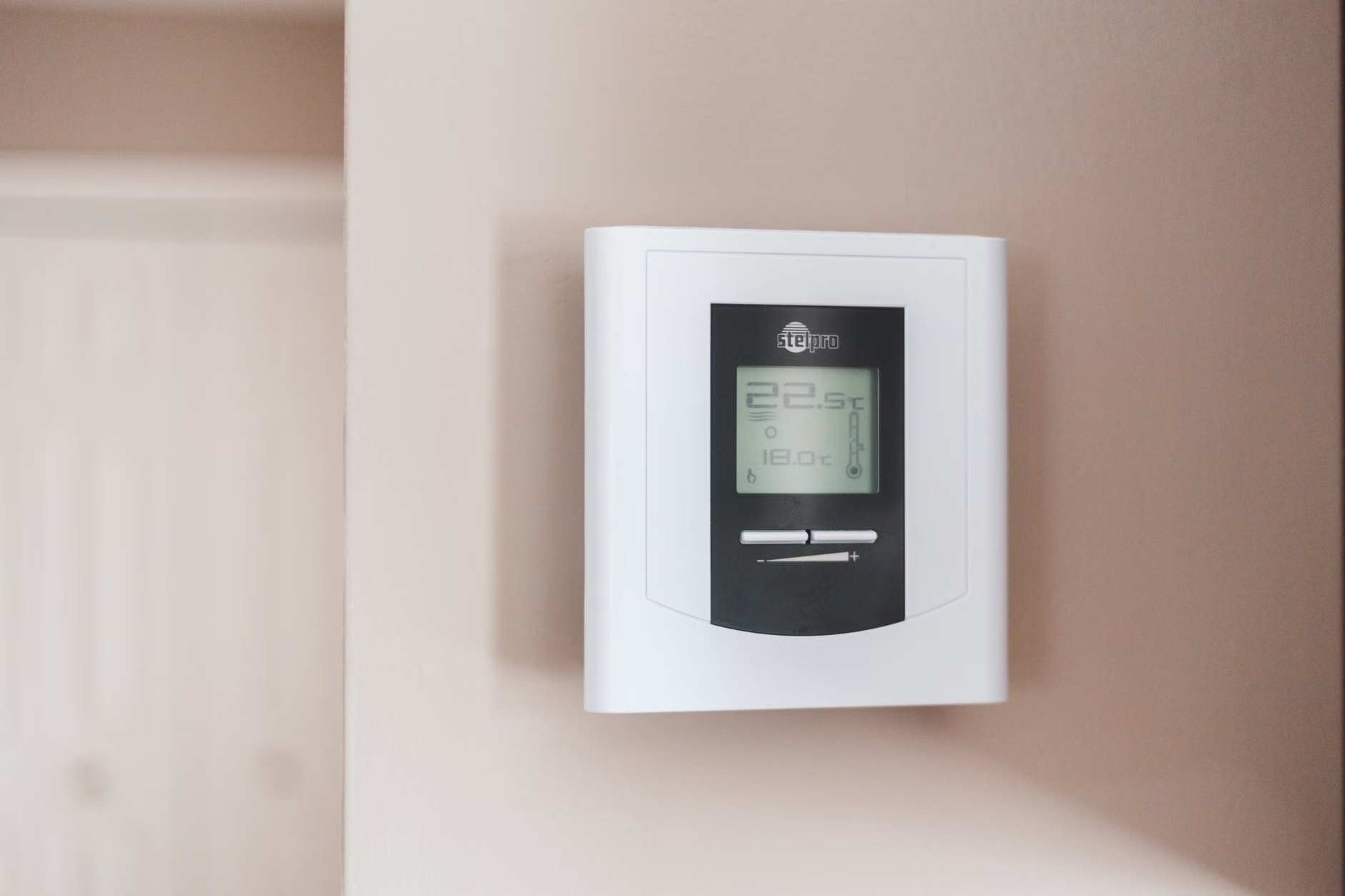
When you have 30 or 40 devices connected to your network, that phantom load adds up. A dashboard acts as a diagnostic tool. By aggregating data from your smart meter, individual smart plugs, and environmental sensors, you can start to see patterns. Does your HVAC kick on when no one is home? Are your hallway lights staying on until midnight? A dashboard brings these inefficiencies to the surface.
The beauty of a modern dashboard is that it doesn’t just show you numbers; it shows you trends. You might notice that your energy usage spikes every Tuesday at 3:00 PM. That might be the exact time your smart dryer finishes a cycle or when the kids get home and start charging five different devices at once. Once you see the trend, you can adjust the behavior or the automation.
Choosing the Right Platform for Your Dashboard
You don’t need to be a software engineer to build a dashboard. There are several platforms that cater to different levels of technical comfort. The most common mistake people make is choosing a platform that is too complex, which leads to abandonment after a few weeks. For most families, the sweet spot is a system that is easy to maintain but powerful enough to handle basic automation.
Here is a quick comparison of the most popular ways to visualize your home data:
| Platform | Complexity | Best For |
|---|---|---|
| Home Assistant | High | Privacy-focused, advanced automations, total control. |
| SmartThings | Medium | Users who want a plug-and-play experience with many brands. |
| Apple Home / Google Home | Low | Quick, simple monitoring for everyday users. |
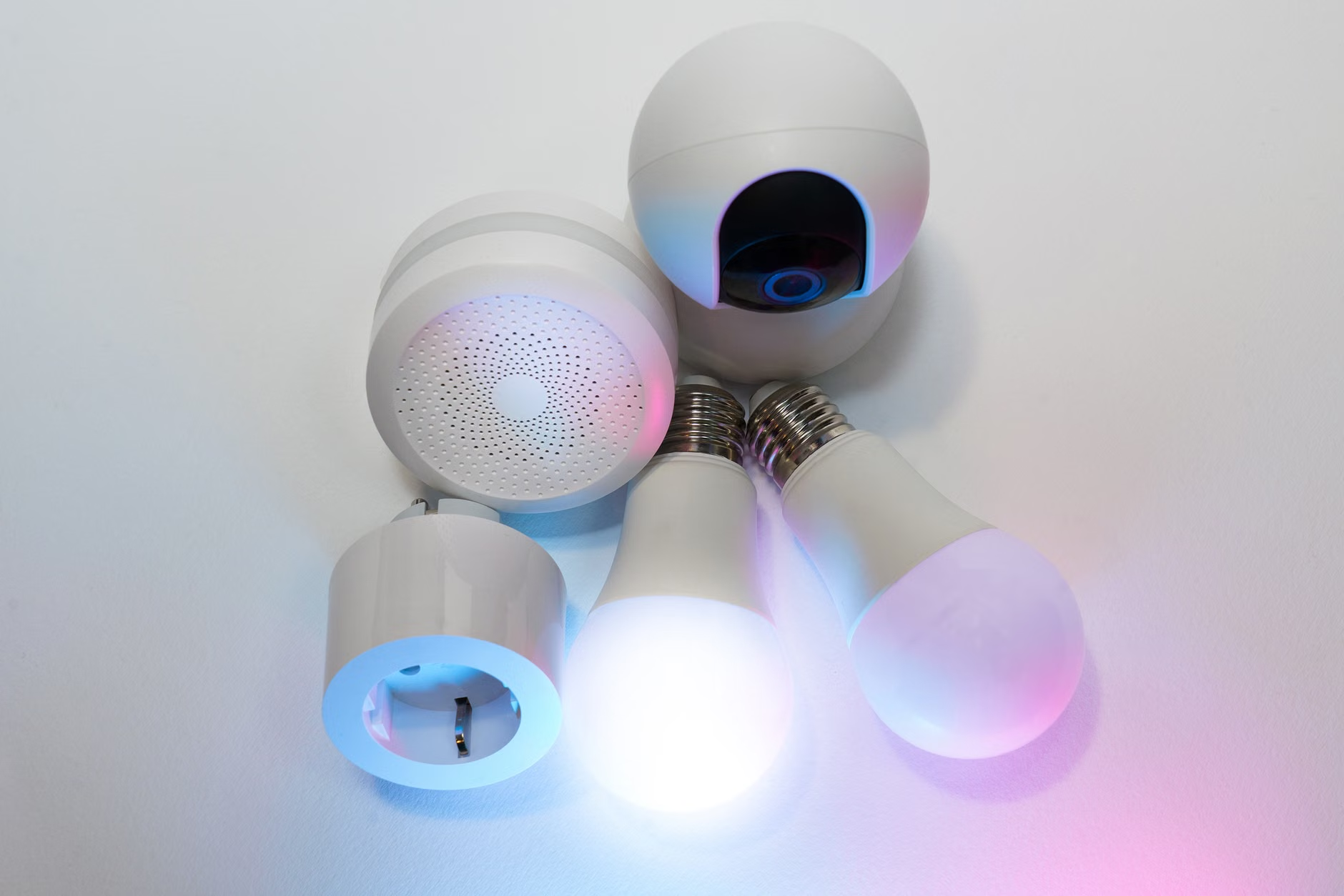
If you want to go the DIY route, Home Assistant is the gold standard, but be warned: it has a learning curve. If you want something that works right out of the box, stick to the native apps provided by your ecosystem—but make sure you are using an energy-monitoring smart plug for your most power-hungry appliances. These individual plugs can feed data back to your dashboard, giving you a granular view that a whole-home monitor might miss.
Step-by-Step: Building Your Energy Monitoring Setup
Building your dashboard should be a weekend project, not a lifetime commitment. Start small. You don’t need to monitor every light bulb in the house to see a difference in your bill.
Step 1: Identify the High-Draw Appliances
Focus on devices that heat or cool. Your refrigerator, HVAC, dishwasher, and clothes dryer are the biggest offenders. Install energy-monitoring smart plugs on these devices (or use a clamp-style energy monitor on your electrical panel if you are comfortable with basic electrical work). These devices will give you the baseline data you need to start your dashboard.
Step 2: Centralize the Data
Once your devices are reporting data, you need a place to view it. If you are using a platform like Home Assistant, you can create a “Dashboard” tab. Use simple cards—visual blocks of information—to show current power draw (in Watts) and daily usage (in kWh). Keep it clean. If your dashboard is cluttered with too much data, you will stop looking at it.
Step 3: Set Up Alerts and Automations
This is where the real savings happen. Configure your dashboard to send a notification if a device is drawing power when it shouldn’t be. For example, if your washer is still drawing power at 2:00 AM, the system can notify you or automatically cut the power to the plug. This is a “set it and forget it” feature that saves money while you sleep.
The Psychological Aspect of Energy Monitoring
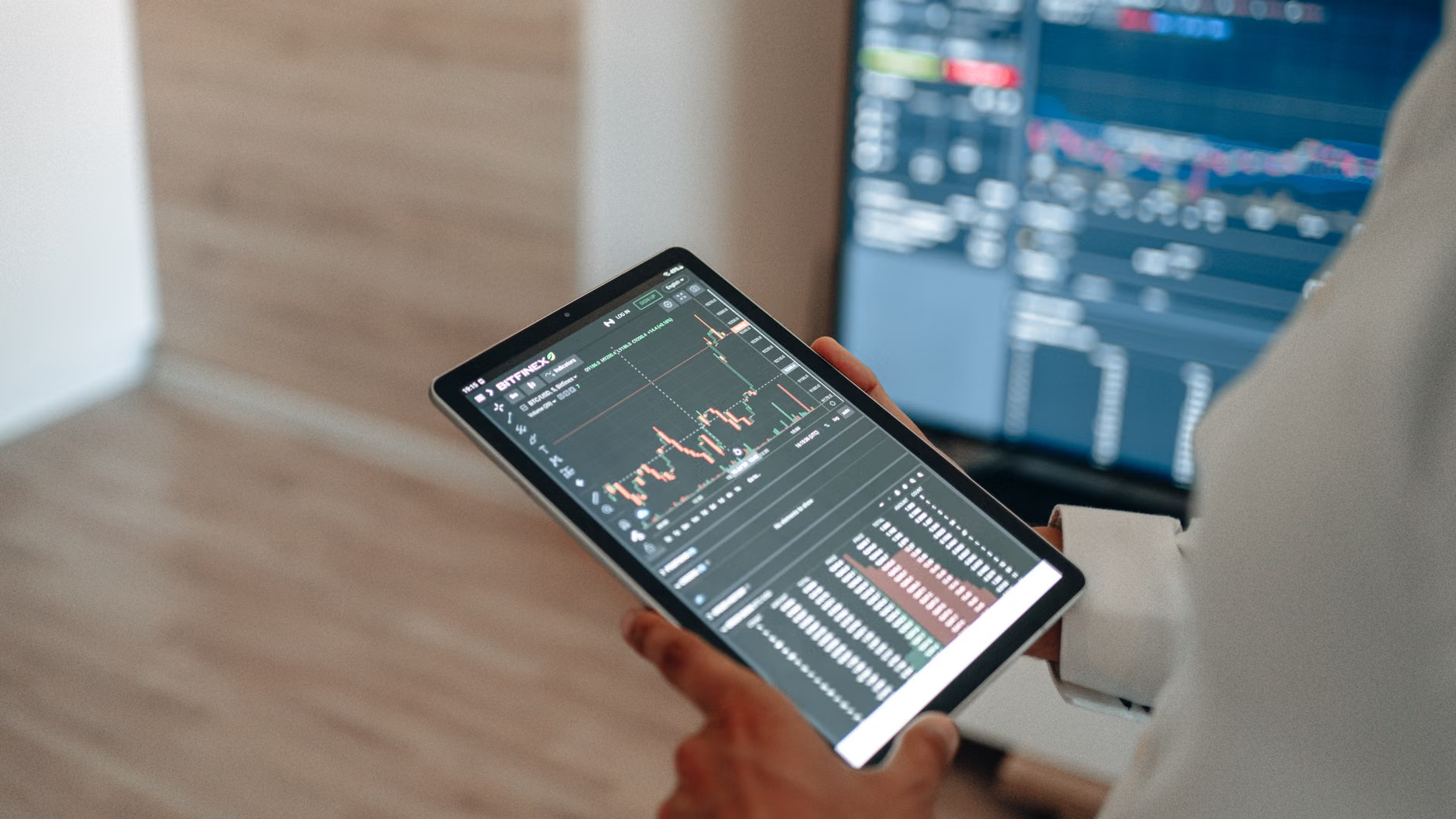
There is a psychological phenomenon known as the “feedback loop.” When people see how much energy they are using in real-time, their behavior changes naturally. You don’t have to be a strict “energy cop” with your family. Simply having a tablet on the wall that shows a green bar when energy usage is low and a red bar when it is high is often enough to encourage teenagers to turn off their gaming consoles or unplug chargers.
Involve your children in the process. Make it a game. “Can we keep the energy bar green for the whole weekend?” This turns a boring conversation about utility bills into a collaborative family challenge. By gamifying efficiency, you reduce the friction that usually comes with enforcing house rules.
Addressing Common Pitfalls and Cautions
While building a dashboard is a great project, there are a few things that can go wrong. The most common issue is “data fatigue.” If you try to track too many variables, you will get overwhelmed. Start with the three biggest energy consumers in your home and perfect your monitoring of those before adding more.
Another caution is security. When you open up your home to remote monitoring, you are creating a digital footprint. Always ensure that your smart home hub is updated with the latest firmware. Avoid using cheap, “no-name” smart plugs that don’t offer regular security updates. Your energy data might seem trivial, but it can reveal a lot about your daily routines to someone with malicious intent.
Finally, consider the power consumption of the dashboard itself. A large, always-on screen in your kitchen is going to draw energy. Use an E-ink display or a low-power tablet that dims when not in use. You don’t want your energy-monitoring dashboard to become an energy-consuming device itself.
Future-Proofing Your Home Automation Strategy
Technology moves fast. The protocols we use today, like Wi-Fi and Zigbee, are constantly being refined. When selecting smart devices for your home, look for compatibility with the “Matter” standard. Matter is a new industry standard that allows devices from different manufacturers to talk to each other without needing a dozen different hubs. This will make your dashboard more stable and easier to maintain in the long run.
Think about modularity. If you decide to move, or if you want to upgrade your system, you want your sensors and plugs to be easily transferable. Avoid proprietary systems that lock you into a single brand’s ecosystem. The more interoperable your devices are, the more value you get out of your dashboard over time.
Practical Tips for Maintaining Your Dashboard
Once your dashboard is up and running, don’t let it gather digital dust. Check your data at the end of each month. Compare your current usage to the previous month. Have you seen a drop? If not, what changed? Maybe the weather was warmer, requiring more AC, or maybe the kids were home more often for school holidays. Context is everything.
Don’t be afraid to tweak your automations. If a light is turning off too early, adjust the schedule. If a motion sensor is too sensitive, adjust the timeout. A dashboard is a living thing that should evolve alongside your family’s needs. If it’s not working for you, it’s not a good dashboard—change it until it fits your lifestyle.
Lastly, keep a physical log or a simple digital note of when you perform maintenance on your smart devices. Batteries in door sensors or remote controls will eventually die. A well-organized smart home is a reliable one, and reliability is the foundation of energy efficiency.
Final Thoughts on Smart Home Sustainability
Building a low-energy dashboard is about more than just saving a few dollars on your monthly bill. It’s about taking ownership of your home’s footprint. In an age where we are constantly connected to technology, it is refreshing to use that same technology to create a more efficient, mindful living space. It doesn’t require a massive investment or a degree in computer science—just a bit of curiosity and a willingness to look at the data.
Start small, stay consistent, and remember that the goal is to make your home work for you, not the other way around. By making the invisible visible, you are taking a significant step toward a smarter, more sustainable, and more cost-effective lifestyle for your whole family.
Frequently Asked Questions
- Q: Do I need to be a programmer to set up a smart home dashboard?
A: Not at all. Many consumer-grade hubs like Samsung SmartThings or Apple Home offer built-in dashboards that require no coding. You only need basic technical skills to get started. - Q: Will my energy data be private?
A: If you choose a local-only platform like Home Assistant, your data stays within your home network. If you use cloud-based services, your data is stored on the company’s servers, so always check their privacy policy. - Q: What is the single most important device to monitor for energy savings?
A: The HVAC system is typically the largest energy consumer in any home. Monitoring your thermostat and ensuring it is properly scheduled is the most effective way to see an immediate impact on your utility bills.
For further reading on energy efficiency standards and smart home protocols, you can visit the official Connectivity Standards Alliance (CSA) website to learn more about the Matter standard and how it is shaping the future of home automation.