The most effective way to ensure your family’s history survives the next generation is to treat your digital photo collection as a tangible inheritance, not just a folder of files on your phone.
- Consolidate and Curate: Move beyond the “cloud-only” mindset by centralizing files into a primary master archive and removing the digital clutter of duplicate or blurry shots.
- The 3-2-1 Rule: Protect your legacy by keeping three copies of your data, on two different media types, with one copy stored off-site.
- Plan for Accessibility: Technology changes rapidly; ensure your files are in universal formats (like JPEG or TIFF) and provide clear instructions for heirs to access them.
How many photos do you have on your phone right now? If you are like most parents in their 30s or 40s, the number is probably in the tens of thousands. We are the first generation of parents to document every sneeze, milestone, and mundane Tuesday in high-definition video and crisp photos. Yet, there is a quiet anxiety underlying this convenience: what happens to this digital mountain if our accounts are locked, our hardware fails, or we simply forget how to access the obscure cloud service we signed up for in 2015?
Creating a “digital legacy” isn’t about being a tech expert or a professional archivist. It is about applying the same care to your digital files that our grandparents applied to their physical photo albums. When we don’t curate, we leave behind a “digital graveyard”—a chaotic mess of data that is impossible for anyone to navigate.
The Hidden Risk of “Cloud-Only” Dependence
The primary trap we fall into is the assumption that the cloud is permanent. We pay our monthly subscription fees to tech giants, and we trust that our photos will exist forever. However, the cloud is a service, not a storage solution. Services can change terms, go out of business, or, more commonly, suspend our accounts due to forgotten passwords or security flags.
When you pass away or lose access to your primary Google or Apple account, your photos do not automatically transfer to your children or spouse. Without a specific “Legacy Contact” setup or a clear, documented plan for access, those photos are essentially locked behind a digital wall. This is not just a theoretical risk; it is a common headache for families trying to manage estates today.
To build a true legacy, you must move toward a model of ownership. This means having a primary, master archive that you control, rather than relying solely on the temporary convenience of a cloud provider.

The Architecture of a Digital Archive
Organizing 30,000 photos feels overwhelming because we try to do it all at once. Instead, think of this as a long-term project, much like home maintenance. You don’t renovate the whole house in a day, but you do keep the roof in good repair.
Step 1: The Master Folder Structure
Stop relying on the “All Photos” feed. Your archive needs a logical structure that anyone—including your children when they are older—can understand. A simple, consistent naming convention is your best friend. A standard structure might look like this:
| Folder Level | Example | Purpose |
|---|---|---|
| Root | /Family_Archive | The master container |
| Year | /2023 | Yearly grouping |
| Event | /2023-07-04_IndependenceDay | Specific context |
Using the YYYY-MM-DD format ensures that folders always sort chronologically on any computer, regardless of the operating system.
Step 2: Curation vs. Hoarding
There is a fine line between a historian and a digital hoarder. If you keep twenty photos of the exact same birthday cake from slightly different angles, you aren’t preserving memories; you are burying them. Spend time every few months “pruning” your collection. Delete the screenshots, the accidental pocket photos, and the blurry duplicates. A smaller, curated collection of “best of” photos is far more likely to be viewed and cherished by your descendants than a massive, unedited dump of every file you ever created.
Physical to Digital: Bridging the Gap
Many families have boxes of physical prints sitting in a closet. These are the most vulnerable parts of your archive. Heat, humidity, and time are the enemies of physical film. If you have old albums, the best gift you can give your future self is to digitize them.
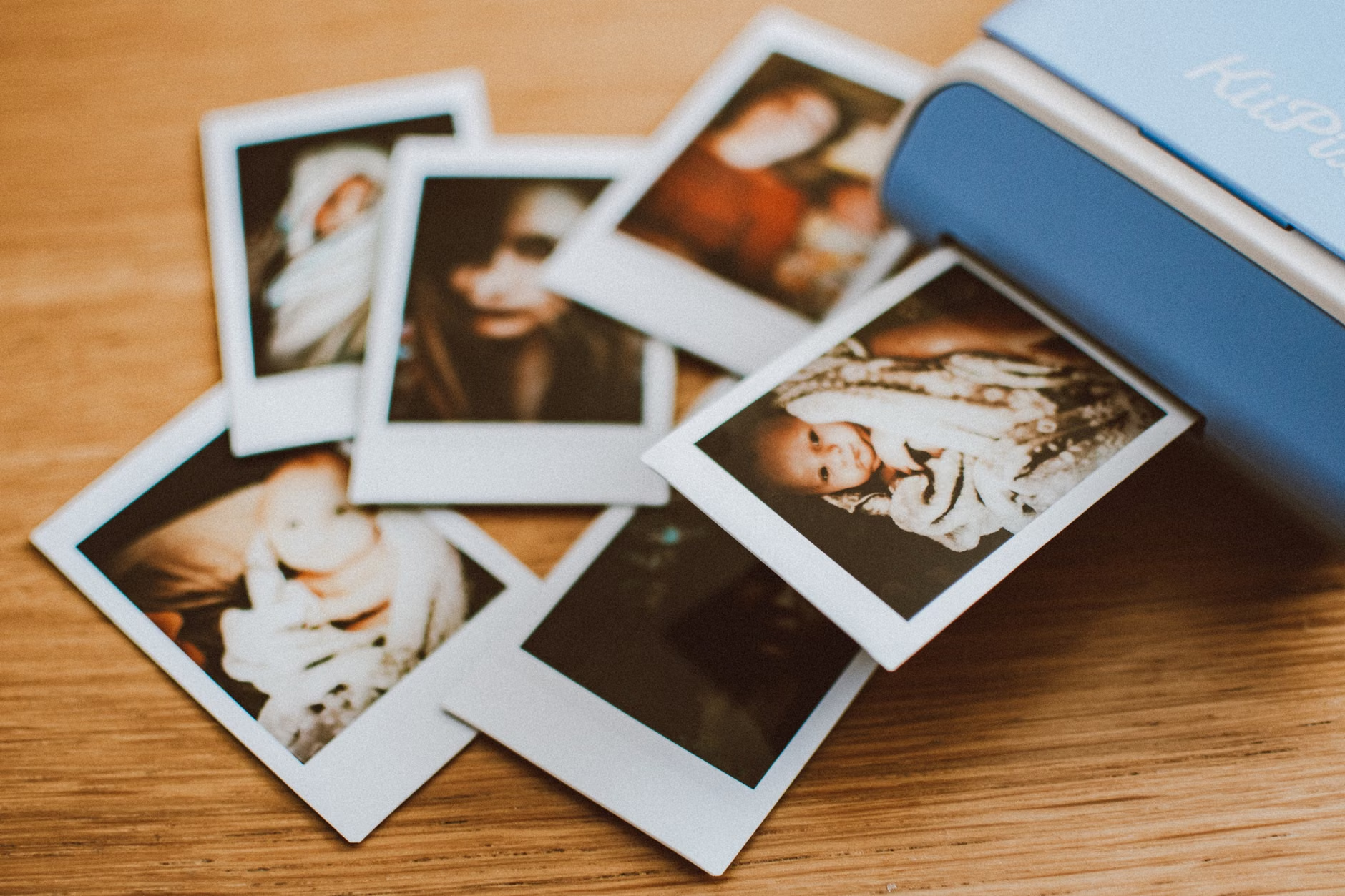
You don’t need a professional studio to do this. Modern smartphone apps like Google PhotoScan or simple flatbed scanners are perfectly adequate for standard 4×6 prints. The goal is not to achieve museum-quality reproduction, but to ensure that the image is captured in a digital format that can be backed up.
Once scanned, treat these digital files exactly like your smartphone photos. Add them to your folder structure, and tag them with dates if you know them. If you don’t know the exact date, use a “best guess” year folder. Even an approximate date is better than a file named IMG_001.jpg.
The 3-2-1 Backup Strategy
If your photos exist in only one place, they do not exist. Data loss is a statistical certainty, whether through hardware failure, theft, or account deletion. To ensure your digital legacy survives, you must follow the industry-standard 3-2-1 rule:
- 3 copies of your data: One primary copy and two backups.
- 2 different media types: For example, one on your computer’s internal drive and one on an external hard drive.
- 1 copy off-site: This is critical. If your house suffers a fire or flood, your external hard drive will not save you. This is where a cloud backup or a physical drive kept at a family member’s house comes into play.
This sounds like a lot of work, but it can be automated. Modern software, such as Backblaze or similar cloud-to-cloud backup services, can run quietly in the background, ensuring your master folder is synced to a secure off-site location without you needing to lift a finger.
Future-Proofing Your Digital Legacy
Technology changes at a breakneck pace. Twenty years ago, we were saving photos on floppy disks and CDs—formats that are now effectively obsolete. How do you ensure your files are readable in 2050?
The secret is to avoid proprietary formats. Always save your master files in common, universal formats like JPEG or TIFF. Avoid storing photos inside proprietary photo-book software or niche apps that might shut down in a few years. Keep the raw files accessible in standard folders so that your children don’t need a specific piece of software to open them.
Additionally, consider the “human” side of the legacy. A folder of photos is just data. A folder with a simple text file (a “Readme.txt”) that explains who is in the photos, where they were taken, and why they matter is a treasure. You are the only person who knows the context behind these images. Take a moment to write down the stories. It doesn’t need to be a memoir; just a few sentences per major event folder adds immense value.

Common Pitfalls to Avoid
As you embark on this project, be wary of these common mistakes that often lead to abandoned archives:
- The “Perfect” Trap: Don’t wait until you have the perfect system to start. Start with the photos you took this month. Organizing your current life is easier than retroactively organizing a decade of chaos.
- Ignoring Metadata: If you use software that allows you to add tags or descriptions directly into the photo file (EXIF data), do it. This information stays with the file even if you move it to a different computer or cloud service.
- Password Secrecy: If you have a digital vault, someone needs the key. Make sure your spouse or a trusted family member knows how to access your digital estate. This does not mean giving them your daily password; it means using a password manager or a secure “in case of emergency” document that provides the necessary credentials to your executor.
The Emotional Value of Digital Stewardship
Why go through all this effort? Because in the digital age, we are losing our collective memory. When a phone is lost or an account is deleted, decades of family history vanish. By taking the time to organize and preserve these files, you are acting as the curator of your family’s story.
Your children will not remember the specific day you took a photo of them playing in the park, but they will value the ability to look at that photo twenty years from now. Stewardship is an act of love. It is a way of saying, “This moment mattered, and I wanted to make sure it lasted.”
Frequently Asked Questions
What is the best way to handle photos stored in different cloud services?
The best approach is to periodically download all your photos from these services to a local, physical drive. Most providers, like Google Photos or iCloud, have a “Takeout” or “Export” feature. Centralize these into your master folder structure once or twice a year to ensure you aren’t fragmented across five different services.
Do I really need to pay for a third-party backup service?
If you value your data, yes. Hard drives fail. Computers get stolen. A reputable cloud-to-cloud backup service (like Backblaze) is an inexpensive insurance policy. It acts as an automated, “set it and forget it” solution that covers the “1” in your 3-2-1 backup strategy.
How should I handle the privacy of my children’s photos in my archive?
This is a personal decision, but many parents choose to create a “public” folder for photos they are comfortable sharing with extended family, and a “private” folder for more intimate moments that are for the family archive only. Keep both in your master archive, but be mindful of access permissions if you use a cloud-based storage system.
Organizing your digital legacy is a marathon, not a sprint. Start small, stay consistent, and remember that the goal is to create a library of memories that can survive the passage of time. For more information on digital estate planning, you can visit resources like the Federal Trade Commission’s guide on digital assets or similar national cybersecurity portals that offer advice on managing personal data.
You have the tools to ensure your family’s story doesn’t just sit in a forgotten folder. Take it one month at a time, and you will build a legacy that will be appreciated for generations to come.