The most effective way to secure your smart home is to choose a hub that processes data locally rather than sending every voice command and sensor trigger to a cloud server. By prioritizing “privacy-mode” or “local-first” technology, you can enjoy the convenience of automation without turning your living room into an open book for third-party data harvesters.
Key Takeaways
- Local Processing: Prioritize devices that keep your data within your four walls instead of the cloud.
- Physical Controls: Look for hubs and cameras that offer mechanical privacy shutters or physical kill-switches for microphones.
- Network Segmentation: Keeping your smart devices on a separate “guest” network prevents them from accessing your private computers and sensitive files.
If you are like most parents in their 30s or 40s, your “smart home” probably started with a single voice assistant or a video doorbell. It felt like a small upgrade—a bit of magic to turn off the lights when your hands were full of groceries or to check on the baby without waking them. But as the number of devices in our homes has grown, so has the quiet anxiety about what exactly these devices are “hearing” or “seeing.”
We’ve all had that moment: you mention a specific brand of diapers or a travel destination in passing, and ten minutes later, an advertisement appears on your phone. It is unsettling. While we aren’t suggesting that your smart hub is actively plotting against you, the reality of data collection in the “Internet of Things” (IoT) is complex. Understanding how to regain control of your domestic digital footprint is no longer just for tech enthusiasts; it is a fundamental aspect of modern parenting and home management.
Why “Local-First” Matters in a Connected Home
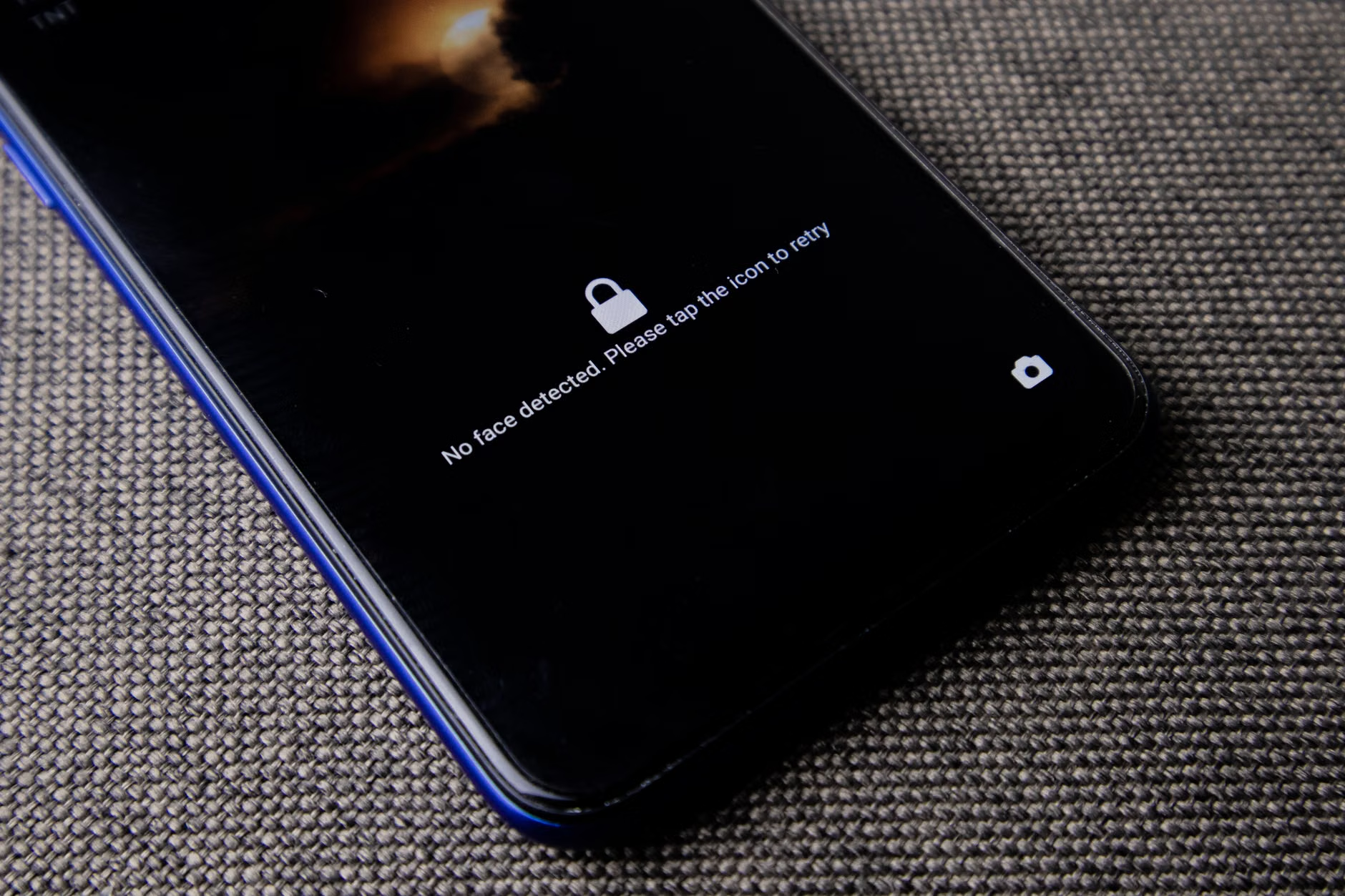
The core of the privacy issue lies in where your data lives. Most mainstream smart home systems rely on “Cloud-First” architecture. When you ask your smart speaker to turn on the living room lamp, your voice recording is sent to a massive server farm, processed, and then sent back to your hub as a command. This happens in milliseconds, but it means that snippets of your private life are being stored on corporate servers.
A “Privacy-Mode” hub, by contrast, focuses on local processing. This means the hub acts as the brain of your house right there on your shelf. When you issue a command, the hub interprets it internally. Your voice, your movement patterns, and your energy usage metrics stay within your local network. They don’t need to travel to a data center in another state or country to function.
This isn’t just about paranoia; it is about performance and reliability. If your internet goes down, a cloud-dependent system becomes a collection of expensive paperweights. A local-first system keeps working. It is faster, more reliable, and significantly more private. For busy households, this transition from “connected” to “locally managed” is the single most effective step toward a secure home.
Evaluating Your Current Smart Hub Setup
Before you go out and replace every lightbulb, take a moment to audit what you already have. Many popular hubs now offer “Privacy Settings” that you might have skipped during the initial setup. Most people click “Accept All” on terms of service without reading the fine print regarding data sharing with third-party advertisers.
| Feature | Cloud-Dependent | Privacy-Focused (Local) |
|---|---|---|
| Voice Processing | Sent to cloud server | Processed on the hub |
| Internet Outage | System fails | System remains active |
| Data Privacy | Used for ad profiling | Kept within the home |
When reviewing your devices, look for specific “opt-out” toggles. Check for settings like “Help improve our services” or “Share usage data.” These are almost always turned on by default. Turning them off is your first line of defense. However, recognize that some devices are built on a business model that requires your data. If a device is incredibly cheap, you have to ask yourself: am I the customer, or am I the product?
Practical Steps to Hardening Your Smart Home Network
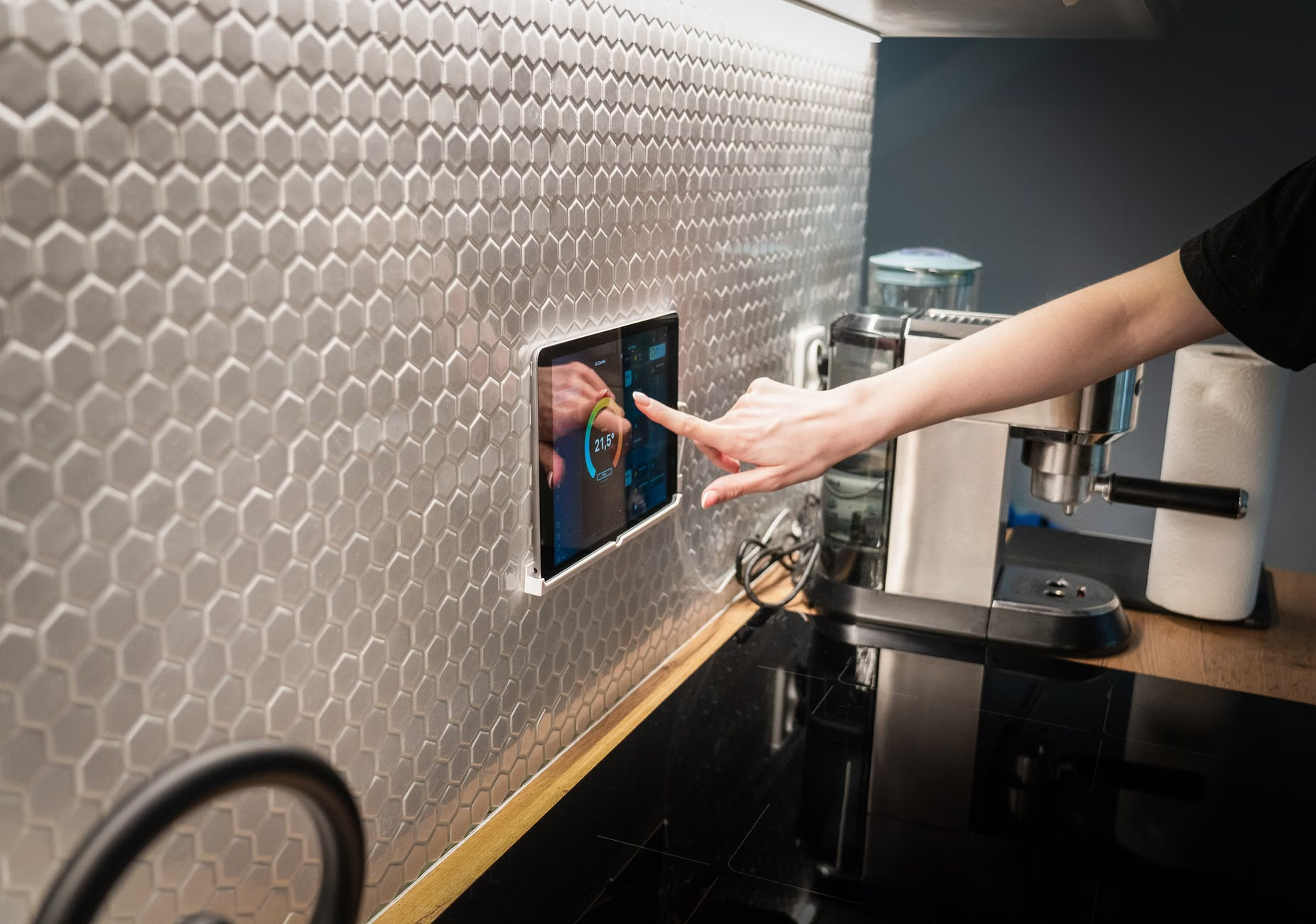
You don’t need a degree in computer science to secure your home. Think of your Wi-Fi network as the front door. Right now, your smart toaster, your video doorbell, and your laptop are all likely on the same network. If a hacker or a malicious piece of software gains access to your insecure “smart” lightbulb, they might find a path to your laptop where your banking information lives.
The solution is Network Segmentation. Most modern routers allow you to create a “Guest Network.” This is a separate digital lane that has access to the internet but cannot “talk” to your primary devices. Move all your IoT devices—your smart speakers, plugs, and cameras—onto this guest network. This is a simple, free, and incredibly effective way to isolate potential vulnerabilities.
Furthermore, keep your firmware updated. Manufacturers release “patches” to fix security holes. If you ignore those update notifications for six months, you are leaving your digital door unlocked. Set a recurring calendar reminder to check for updates on all your smart home devices once a month. It takes ten minutes, but it is the equivalent of checking the locks on your windows before bed.
Choosing Privacy-First Hardware: What to Look For
If you are in the market for a new hub or camera, look for brands that explicitly market their “privacy-first” credentials. This is becoming a major selling point. When reading product specifications, look for these keywords: “Local Processing,” “End-to-End Encryption,” and “No Subscription Required.”
Avoid devices that force you into a cloud subscription for basic features like video playback. If a company is charging you a monthly fee to access your own video footage, they are incentivized to keep that data on their servers. A privacy-focused hub will often allow you to store video files on a local SD card or a personal network-attached storage (NAS) drive. This gives you total ownership of your files.
Also, prioritize hardware with physical controls. A camera that has a physical lens cover is always superior to one that only has a “digital shutter.” Software can be hacked; a piece of plastic covering the lens cannot. When you are having a private conversation in the kitchen, a physical switch that disconnects the microphone is the only way to be 100% certain that no one is listening.
The Parenting Perspective: Balancing Convenience and Security
As parents, we are often torn. We want the convenience of baby monitors that we can check from our phones while at work, but we are also terrified of the stories we read about unauthorized access to home cameras. The answer isn’t to go back to the stone age—it is to be intentional with our technology choices.
When setting up cameras in children’s rooms, use two-factor authentication (2FA) on every single account. This is non-negotiable. 2FA means that even if someone manages to guess your password, they still cannot access your camera feed without a secondary code sent to your physical phone. It is a minor inconvenience that provides a massive layer of security.
Furthermore, talk to your kids about what “smart” devices are. It might seem abstract, but explaining that the “smart speaker” is just a computer that listens for specific commands helps demystify the technology. It turns these items from “magic” into “tools,” which helps children develop a healthier, more grounded relationship with technology as they grow up.
Common Mistakes to Avoid
One of the biggest mistakes is “set it and forget it.” Many of us install a device, get it working, and never touch it again. But technology changes, and security threats evolve. Another mistake is using the same password for your smart home account that you use for your email or bank. If that one password is leaked in a data breach, your entire digital life—including your home security—is compromised.
Use a password manager. It is the single best way to ensure that you are using unique, complex passwords for every single service. If a specific smart home app doesn’t support a password manager or 2FA, consider that a red flag. You should think twice about using such a device in your home.
Lastly, don’t be afraid to disconnect. If you find yourself having a sensitive discussion, there is no shame in physically unplugging a smart speaker or turning a camera toward the wall. It is your home. You are the administrator of your own space. You don’t need to apologize for wanting privacy in your own living room.
The Future of Home Privacy
The industry is slowly shifting. Consumers are becoming more vocal about their desire for privacy, and companies are beginning to respond. We are seeing more “Privacy-Mode” features being advertised as premium capabilities. This is a good sign. It means that privacy is becoming a competitive advantage.
As we move forward, the “Smart Home” will likely evolve into a “Resilient Home.” We will stop looking for the device that can do the most things and start looking for the device that does things the most reliably and securely. We will prioritize systems that respect our boundaries and protect our data by default, rather than as an afterthought.
In the end, technology should serve your family, not the other way around. By taking these small, deliberate steps—segmenting your network, using 2FA, prioritizing local processing, and maintaining physical control—you can create a home that is truly smart without losing the sanctity of your private life. It is a balancing act, but with a bit of research and a proactive mindset, it is entirely achievable.
Remember, you don’t need to be an expert to maintain a secure home. You just need to be curious, stay updated, and never be afraid to unplug something that doesn’t feel right. Your data is yours, and your home should remain your sanctuary.
Frequently Asked Questions
Q: Does a “Privacy-Mode” hub mean I lose all smart features?
A: Not at all. You still get full automation, voice control, and device integration. The difference is that the “brain” of the operation lives in your home, not on a corporate server. You retain the functionality while keeping your data local.
Q: How do I know if my current devices are “Cloud-First”?
A: If your device requires a constant internet connection to perform basic tasks (like turning on a light via a switch) or if it doesn’t work when your Wi-Fi is down, it is likely cloud-dependent. Check the manufacturer’s website for “local API” or “offline functionality” documentation.
Q: Is it really necessary to have a separate guest network for smart devices?
A: Yes. It is one of the easiest and most effective security measures available. It prevents a compromised smart device from being used as a gateway to your personal computers, smartphones, and sensitive data stored on your primary network.
For further reading on securing your personal network and IoT devices, visit the Cybersecurity & Infrastructure Security Agency (CISA) guidelines on IoT security.