The most effective way to eliminate the “did you remember to buy milk?” text message cycle is to stop relying on manual, single-device checklists and instead implement a low-code automated sync system that updates in real-time across every family member’s phone.
- Automation removes friction: Using low-code tools like IFTTT or Zapier allows you to bridge the gap between simple note-taking apps and cloud-based databases without needing a degree in computer science.
- Centralization is non-negotiable: The “source of truth” for your grocery list must exist in the cloud, not on a physical piece of paper or a local device, to ensure instant synchronization.
- Low-code isn’t just for developers: You can build a robust, multi-user grocery system using drag-and-drop interfaces that trigger automatic notifications or spreadsheet updates whenever a list is modified.
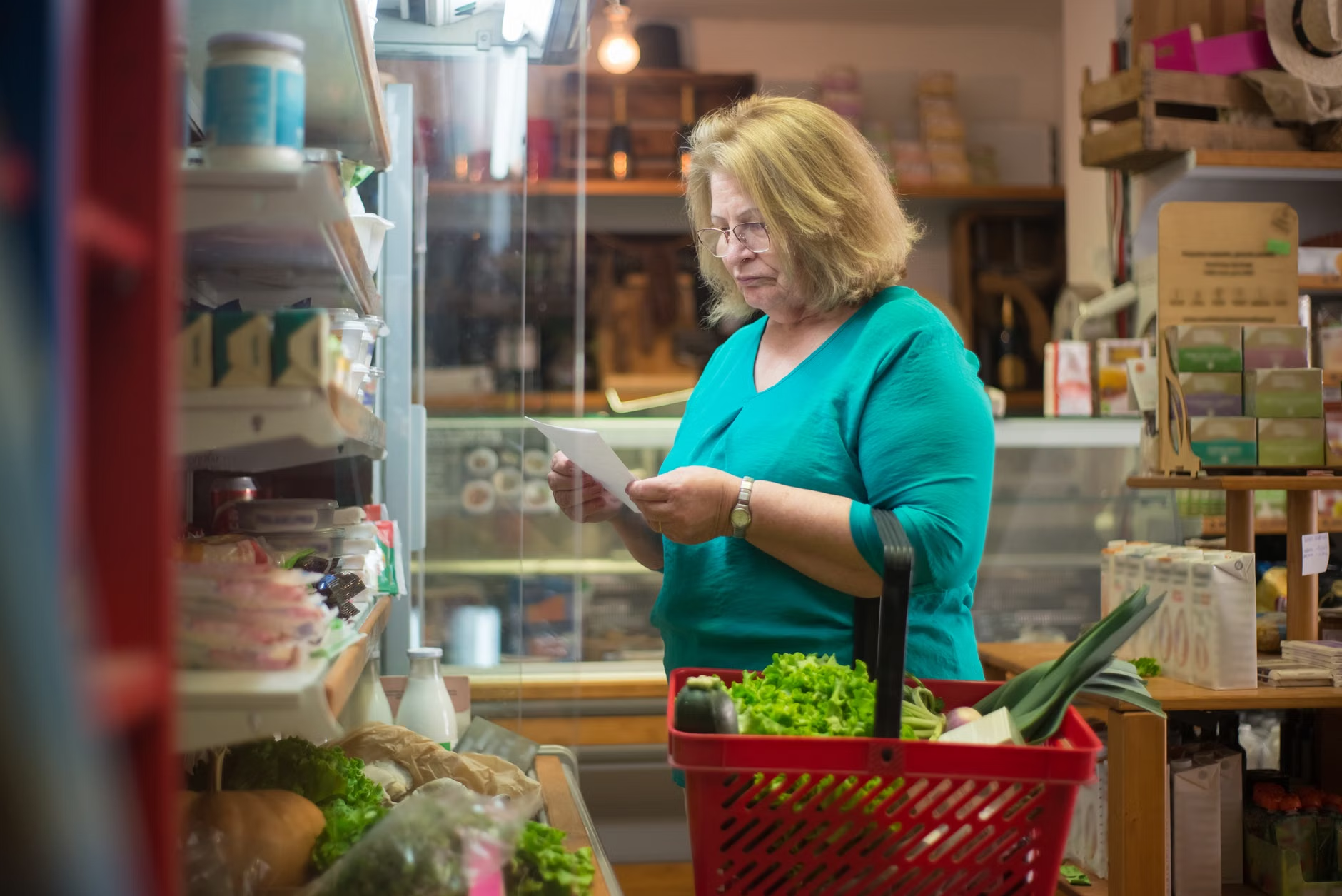
If you are in your 30s or 40s, your life is likely a juggling act of work, school runs, meal planning, and the constant, low-level anxiety of forgetting that one essential item for dinner. We have all been there: you arrive at the store, only to realize the “shared” list was left on the kitchen counter, or worse, your partner added an item to the list while you were already halfway through the checkout line.
This “grocery ping-pong”—the back-and-forth communication regarding household supplies—is a classic productivity leak. It is not just about the milk; it is about the mental load. By shifting from manual tracking to a low-code automated workflow, you reclaim that mental bandwidth. Let’s look at how to build a system that actually works for your busy life.
Why Traditional Lists Fail the Modern Household
For most of us, the grocery list lifecycle begins with a post-it note or a generic note-taking app. While simple, these methods suffer from a terminal flaw: lack of real-time multi-user state synchronization. When you write on paper, the list is trapped in one location. When you use a basic app that isn’t built for collaboration, you often face sync delays or, more frequently, the “overwrite” problem where one person’s edits are accidentally deleted by another.
In a household where two or more adults are managing shopping, the system needs to be “event-driven.” In technical terms, an event-driven system means that when an “item added” event occurs, the entire system updates immediately. Manual lists are not event-driven; they are static. To make them dynamic, we need to bridge the gap between your input (the phone in your pocket) and the output (the shopping list at the store).
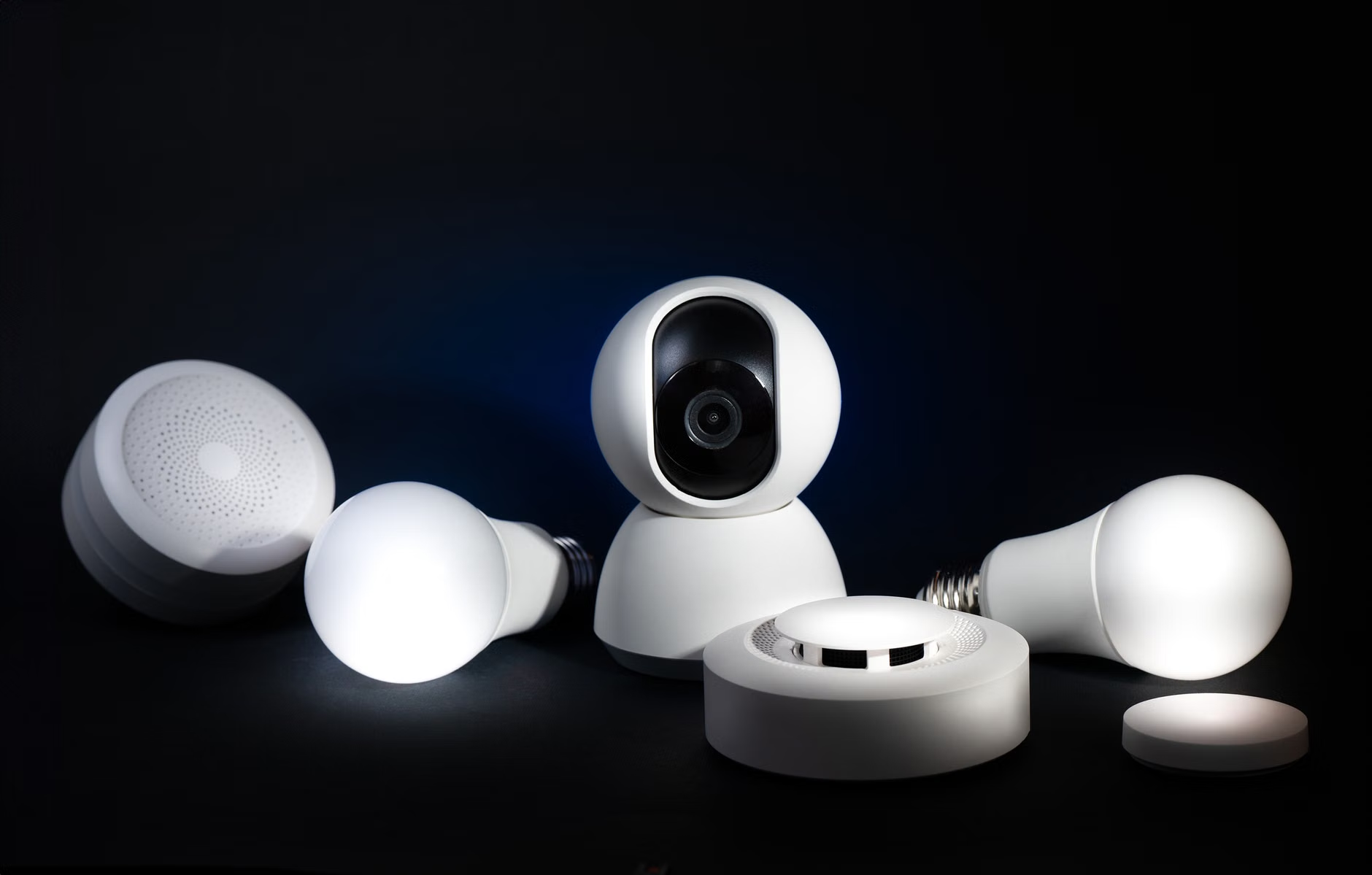
This is where low-code automation steps in. Low-code refers to platforms that allow users to create complex workflows using visual interfaces rather than traditional lines of code. For a busy parent, this means you can connect two different apps—like a voice assistant and a shared spreadsheet—without needing to know how to write a script.
Building Your Automated Grocery Engine: A Step-by-Step Guide
To move from chaos to order, you need a three-part stack: an Input Layer (how you add items), a Data Layer (where the list lives), and an Output Layer (where you see the list). The most reliable, low-cost way to do this is by leveraging platforms like IFTTT (If This Then That) or Zapier combined with a cloud-based spreadsheet like Google Sheets or Airtable.
Step 1: Selecting Your Data Layer
Do not use a proprietary app that locks your data behind a paywall or a specific OS. Use a cloud spreadsheet. Why? Because it is infinitely extensible. You can add columns for “Price,” “Store Location,” or “Priority.” If you want to get fancy later, you can even add a column that tracks the date an item was added to see how long it takes to clear your list.
Step 2: Configuring the Input Layer
Most of us have voice assistants, whether it’s a smart speaker on the kitchen counter or a phone-based assistant. By using a service like IFTTT, you can create a “recipe” that says: “If I say ‘Add [item] to my grocery list,’ then add a row to my Google Sheet.” This removes the friction of opening an app and typing.
| Tool | Function | Why it Works |
|---|---|---|
| IFTTT / Zapier | The “Glue” | Connects voice commands to spreadsheets automatically. |
| Google Sheets | The “Database” | Accessible by everyone, supports real-time editing. |
| Glide / Softr | The “Interface” | Turns your spreadsheet into a beautiful, native-like app. |
The “glue” services—IFTTT and Zapier—are essential. They listen for your command, process the text, and push it into the database. If you want to avoid the “manual typing” struggle, this is the single most effective way to ensure your list is always up to date.

Avoiding the Common Pitfalls of Home Automation
The most common mistake people make when automating their household is over-engineering. You do not need an API-connected smart fridge or a custom-coded web app. If the system is too complex, your partner or other family members will refuse to use it. The goal is to make the automation invisible.
Another pitfall is “Notification Fatigue.” If you set up an automation that sends an email or a push notification every time an item is added, you will quickly find yourself ignoring the alerts. Instead, focus on “Pull” notifications—only send an alert when a list is finalized or when someone is physically at the store location.
Geofencing is a hidden gem here. Using location-based triggers in your automation tool, you can have your phone send a notification to your partner’s device the moment you enter the grocery store parking lot. This is a “just-in-time” notification that adds real value rather than just noise.
What to Do When the System Breaks
Even the best systems encounter bugs. Perhaps the voice assistant mishears “milk” as “silk,” or the sync service experiences a momentary outage. The key is to design for failure. Always keep a “fallback” column or a manual entry option in your spreadsheet. If the automation fails, don’t let it stop the shopping trip. Treat the automation as a convenience, not a requirement.
If you find that the synchronization is consistently laggy, it is usually due to the “polling rate” of your low-code tool. Free tiers of services like Zapier often check for new triggers every 15 minutes. If this is too slow for your needs, you may need to upgrade to a paid tier or switch to a platform with faster trigger response times. However, for 99% of grocery lists, a 15-minute delay is perfectly acceptable.
Is Low-Code Automation Right for Your Family?
You should consider this approach if you feel like you are spending more time managing the logistics of your household than enjoying your time off. If you are a single person, a simple list app is fine. But if you are managing a household of three or more, the coordination cost is real. The time spent setting up this system—perhaps an hour on a weekend—is an investment that pays for itself in just a few weeks of error-free shopping trips.
Remember that the best technology is the kind that fades into the background. Your goal isn’t to become a tech enthusiast; your goal is to buy the groceries, get home, and have time to actually cook the meal. If the system requires more than 30 seconds of maintenance per week, simplify it further.
Final Thoughts on Streamlining Your Life
Automation is not a replacement for communication, but it is a powerful tool to offload the rote tasks that clutter our brains. By shifting your grocery list from a physical or unlinked digital note to an automated, cloud-synced database, you are effectively outsourcing your memory to a system that doesn’t get tired or forgetful.
Start small. Don’t try to build the perfect system on day one. Start by linking your voice assistant to a shared spreadsheet. See how it feels. Once that becomes second nature, add the geofencing notification or the shared interface app. You will find that when the logistics are handled automatically, the “ping-pong” stops, and the household runs just a little bit smoother.
Frequently Asked Questions
1. Do I need to pay for these automation tools?
Most of the tools mentioned, like IFTTT, Zapier, and Google Sheets, have generous free tiers that are more than sufficient for household grocery list management. You only need to consider paid plans if you have a massive number of items or require near-instantaneous synchronization (under 1 minute).
2. What if my partner isn’t tech-savvy?
The beauty of this system is that the “tech” part is hidden. Your partner doesn’t need to know how to build a Zap or configure a spreadsheet. They simply need to use the same voice command or app interface that you do. If they can use a smartphone, they can use this system.
3. Can I use this for things other than groceries?
Absolutely. Once you understand the basic “Input → Trigger → Database” flow, you can apply it to anything: household chores, school supply lists, or even tracking home maintenance tasks. The logic remains the same regardless of the content.
Official Resources and Further Reading:
- IFTTT Help & Learning Center
- Zapier’s Guide to Automation Basics
- Google Sheets Support Documentation
Note: This guide is intended for educational purposes to help busy households optimize their routines. Always ensure that any third-party app you connect has appropriate privacy settings enabled to protect your personal data.