The most secure smart home is one that functions entirely within your own four walls, never needing to reach out to a corporate cloud server to turn on your lights or lock your front door.
- Local Control is Essential: By using a local-first hub, your data stays on your hardware, eliminating the risk of third-party data mining or cloud service outages.
- Protocol Matters: Prioritize devices using Zigbee, Z-Wave, or Matter over Wi-Fi to reduce network congestion and minimize the number of devices “calling home” to external servers.
- The “One-Time” Investment: While a DIY hub setup may require a higher initial time investment than a plug-and-play system, it eliminates monthly subscription fees and long-term privacy risks.
If you have ever felt a twinge of unease when your smart speaker records a snippet of conversation, or if you have wondered exactly where the video feed from your doorbell goes when you aren’t looking, you are not alone. For those of us in our 30s and 40s, balancing the convenience of a modern home with the responsibility of protecting our family’s digital footprint is a constant struggle. We want the automation—the lights that dim when the kids are asleep, the thermostat that adjusts while we’re out—but we don’t want to pay for it with our behavioral data.
The industry standard for mass-market smart homes relies on the “Cloud-First” model. Your device talks to a server in a data center, which tells your light bulb to switch on. This creates a massive vulnerability: if that company’s server goes down, your house goes “dumb.” More importantly, your habits—when you wake up, when you leave, what your daily routines look like—are being logged by corporations to build a profile of your life. Moving to a “Privacy-First” configuration isn’t just about security; it’s about reclaiming the independence of your own home.
Why Your Current Smart Home Might Be Leaking Data
To understand why a privacy-first setup is necessary, we have to look at the “hidden” cost of standard smart home ecosystems. Most consumer-grade devices operate on a simple principle: they are essentially remote-controlled terminals for a central server. When you buy a cheap smart plug, you aren’t just buying a switch; you are buying a gateway into your home network that opens a persistent connection to a manufacturer’s cloud.
Consider the “data exhaust” created by a typical smart home. Every time a motion sensor triggers, a log is sent. Every time you adjust the temperature, a timestamped event is recorded. These logs are often anonymized, but in the world of big data, “anonymized” is a flexible term. If a company knows exactly when you leave for work and when you return, they have a roadmap of your life. This data is valuable to advertisers, insurance companies, and third-party data brokers.
Furthermore, cloud-dependent devices are subject to “planned obsolescence” via software updates. If a manufacturer decides to stop supporting a specific model of camera or hub, they can simply flip a switch on their end, rendering your hardware expensive paperweights. A local-first hub, by contrast, gives you ownership. If the developer goes out of business, your hub continues to function because the “brain” of the operation is sitting on your shelf, not in a server farm halfway across the globe.
Building the Foundation: Choosing Your Local Hub
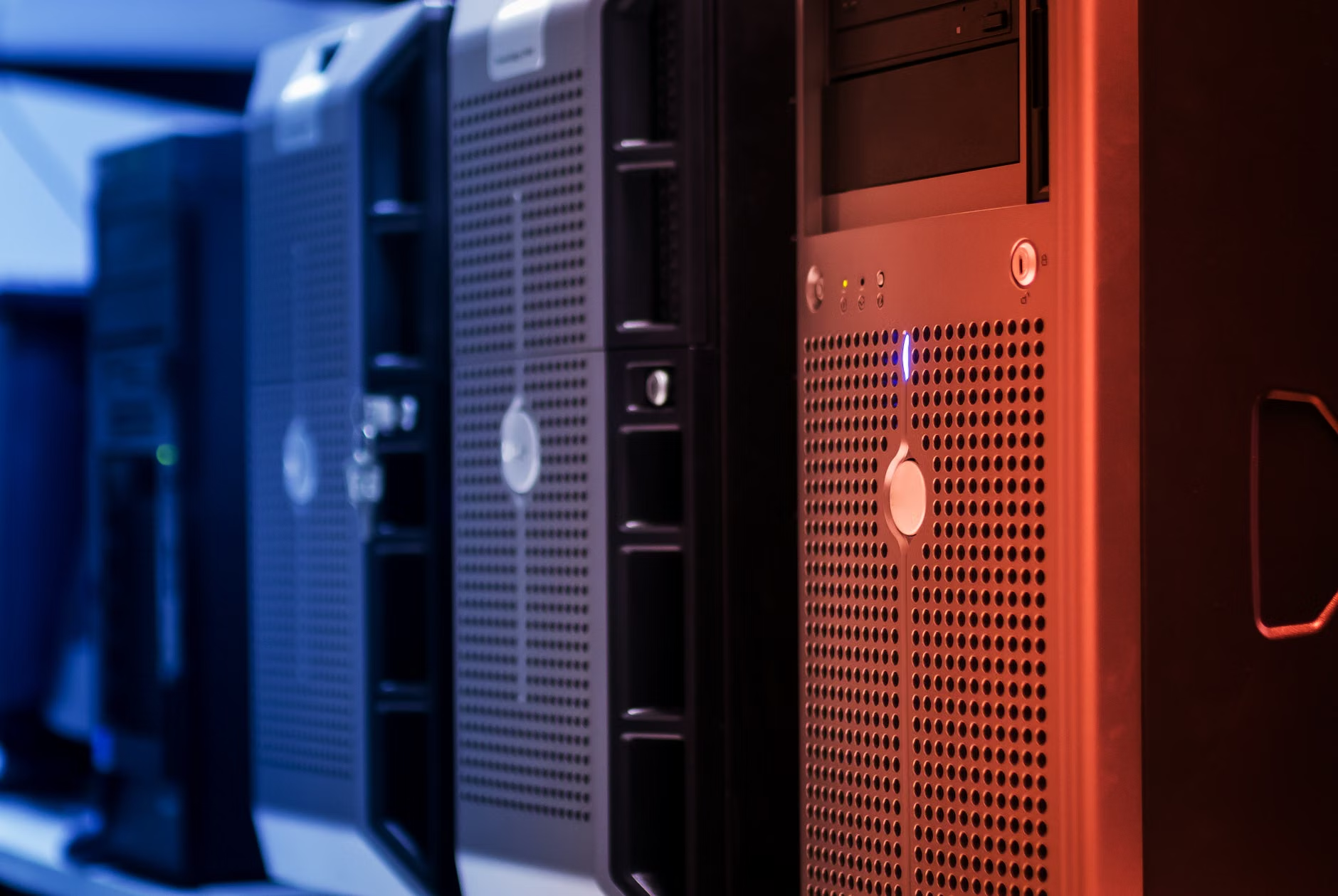
The core of a privacy-first home is the hub. You need a device that acts as a translator and a brain, capable of talking to various smart devices without needing an internet connection to process commands. For most users, the gold standard here is Home Assistant running on dedicated hardware like a Raspberry Pi or a compact mini-PC.
Why a mini-PC over a Raspberry Pi? While the Raspberry Pi is a classic, the global chip shortage and increasing power demands of modern automation have made used mini-PCs (like an Intel NUC or a Lenovo ThinkCentre) a better value. They are more reliable, have faster storage, and can handle the load of advanced features like local voice processing or video analysis without breaking a sweat.
When you set up your hub, the first rule is Network Isolation. You should place your IoT (Internet of Things) devices on a separate “VLAN” or guest network. This ensures that even if a cheap, non-local smart bulb is compromised, it cannot “see” your primary computers, phones, or NAS (Network Attached Storage) drives. This is a simple step that provides a massive layer of security, effectively creating a “quarantine zone” for your smart devices.
The Hardware Checklist
Before you dive in, you need to assemble the right tools. Avoid devices that force cloud integration. Look for these protocols:
| Protocol | Why It’s Privacy-Friendly | Best For |
|---|---|---|
| Zigbee | Operates on a local mesh network; no cloud required. | Sensors, lights, switches. |
| Z-Wave | Highly stable, no interference with Wi-Fi; strictly local. | Locks, security sensors. |
| Matter | The new standard; designed for local interoperability. | Future-proofing devices. |
| Wi-Fi | Use sparingly; requires local control via firmware (e.g., ESPHome). | High-bandwidth devices like cameras. |
The Real-Life Workflow: Automating Without Surveillance
Let’s look at a concrete scenario: the “Kids’ Bedtime” routine. In a cloud-based system, this routine might trigger a server request to a company’s cloud, which then sends a command back to your devices. If your internet is down, the routine fails. If the company is having a bad day, the lights might flicker, or the routine might be delayed by several seconds.
In a privacy-first setup, the trigger is local. The button press on your wall or the timer in your hub sends a signal directly to the local Zigbee bridge, which turns off the lights, closes the blinds, and sets the thermostat. The entire process happens in milliseconds and never leaves your house. This isn’t just about speed; it’s about reliability. A house that works when the internet goes down is a house that actually supports your life, rather than one that adds a layer of digital anxiety.
Another area where privacy is often neglected is video surveillance. Many people buy “smart” cameras that stream your living room footage to a cloud server. Even if the feed is encrypted, you are trusting a third party with the keys to your home. A privacy-first approach uses local NVR (Network Video Recorder) software like Frigate or Blue Iris. These systems process video locally. If you want to see your camera feed while you are away, you use a VPN (Virtual Private Network) to tunnel securely into your home network. You are the only person who can see the video, and you are the only person who holds the keys.
Managing the Trade-offs: What You Need to Know
Let’s be honest: there is a trade-off. A privacy-first home requires more initial setup and maintenance. You are the IT department of your own house. If something breaks, there is no customer support number to call. You will need to learn the basics of IP addressing, how to flash firmware, and how to maintain a backup system.
However, the “hidden” cost of the cloud-first model is the subscription fatigue that is currently sweeping the industry. Many brands are moving toward monthly fees just to use the features you already paid for. By building your own hub, you are future-proofing yourself against these business model shifts. You pay for the hardware once, and you own the software forever.
A common mistake is trying to do everything at once. Do not attempt to rewire your entire home in a weekend. Start with one domain—perhaps your lighting or your temperature control. Once you have a stable, local-only system running there, expand to security sensors or energy monitoring. This incremental approach allows you to learn the nuances of your hub’s interface and troubleshoot small issues before they become house-wide problems.
The Security Mindset: Beyond the Hardware
Even with a perfect local hub, your smart home is only as secure as your network. You must change the default credentials on every single device you plug in. It sounds obvious, but it is the single most common entry point for hackers. Use a password manager to generate long, unique, and complex passwords for every device interface.
Furthermore, keep your hub updated. Local systems like Home Assistant are updated frequently by a community of thousands. These updates often contain critical security patches that protect you against newly discovered vulnerabilities. Set a reminder once a month to check for updates and perform a backup. A simple backup strategy—copying your hub’s configuration file to an external drive or a cloud storage provider you trust—is the difference between a minor inconvenience and a total disaster if your hardware fails.
Also, consider the physical security of your hub. It should be located in a place that is not easily accessible to guests or children. If you have your hub in a central, exposed location, it could be physically tampered with. A basement, a dedicated network closet, or a locked media cabinet is ideal. It keeps the “heart” of your home safe from accidental damage.
Common Misconceptions About Local Automation
Many believe that “local” means “primitive.” That is simply not true. Modern local-first software is arguably more powerful than the cloud versions. Because you have full access to the underlying data, you can create automations that are impossible in the cloud. For example, you can trigger events based on precise energy consumption patterns or combine data from completely different brands that would never talk to each other in the “official” apps.
Another misconception is that local-first means no remote access. While the processing is local, you can still access your home from your phone while you are at work. The difference is how you connect. Instead of your home “calling home” to a company’s server, you are using a secure, private tunnel (like WireGuard or Tailscale) to reach into your own house. You are essentially building your own private “cloud” that only you can access.
Lastly, some fear that local automation is too “tech-heavy.” While you do need to be comfortable with a bit of troubleshooting, the community resources available today are incredible. You don’t need to be a software engineer. If you can follow a tutorial and enjoy solving small logic puzzles, you have all the skills required to build a system that is far more capable and secure than anything you can buy off the shelf at a big-box store.
Moving Forward: Your Action Plan
If you are ready to reclaim your privacy, start today by auditing your current devices. Make a list of everything in your house that claims to be “smart.” Identify which ones require a cloud account and which ones can be disconnected from the internet without losing their core functionality.
Your goal is to shift your dependency away from the cloud. Every device you move to a local-only configuration is a piece of your life that is no longer being tracked. It is a slow process, but it is deeply rewarding. You are not just building a smart home; you are building a resilient, private, and truly autonomous living space for your family.
Start small, stay consistent, and remember that the goal is not to have the “most” devices, but the most controlled ones. Your privacy is a fundamental right, even in the age of the internet of things. By taking these steps, you are ensuring that your home remains a sanctuary, not a data-collection point.
Frequently Asked Questions
1. Is it possible to use existing Wi-Fi smart devices locally?
Yes, but it depends on the device. Many Wi-Fi devices can be “flashed” with open-source firmware like Tasmota or ESPHome, which strips away the manufacturer’s cloud dependency and allows for full local control. However, this requires some technical effort and hardware compatibility. For beginners, it is often easier to replace non-compatible Wi-Fi devices with Zigbee or Z-Wave alternatives over time.
2. What happens to my automations if I lose power or internet?
If your hub is powered by a UPS (Uninterruptible Power Supply), it will continue to run during a power outage, and because it functions locally, your automations will continue to work even if your internet connection is severed. This is the primary advantage of a local-first system; your home’s intelligence is not dependent on an external connection that is out of your control.
3. How do I access my smart home while I am away from home?
You can use secure remote access solutions like Tailscale or WireGuard. These create a “Virtual Private Network” (VPN) that connects your smartphone directly to your home network. It is as if your phone is plugged into your home router, no matter where you are in the world. This is far more secure than opening “ports” on your router or relying on a manufacturer’s cloud-based remote access app.
For further reading on setting up your own local hub, visit the official documentation for Home Assistant, which provides comprehensive guides for beginners and advanced users alike.