The most effective way to manage a shared family study room is to abandon the idea of a “fixed” desk and move toward a modular, reconfigurable system that adapts to the shifting needs of your household.
- Prioritize Height-Adjustability: Investing in motorized standing desks allows the same workspace to serve both a primary schooler and an adult working from home, preventing long-term ergonomic strain.
- Centralize Cable Management: In a shared space, exposed cords are a safety hazard and a visual stressor; use under-desk trays and cable spines to keep power distribution contained.
- Implement Vertical Zoning: Use wall-mounted tracks or pegboards to clear the desktop surface, creating dedicated zones for personal items that can be easily rearranged as your children grow.
If you are in your 30s or 40s, you likely know the specific frustration of the “kitchen table creep.” You start the morning with your laptop, then by 3:00 PM, the space is covered in glue sticks, half-finished math homework, and a stray tablet charger. The shared study room is meant to solve this, but without a modular plan, it often turns into a chaotic dumping ground for everyone’s gear.
The goal isn’t to build a static office. It is to build a “fluid” environment. A modular-tech setup assumes that in six months, your needs will change. Your child might need more space for physical projects, or you might need a secondary monitor for a new project. Here is how to build a space that handles that transition without needing a total renovation.
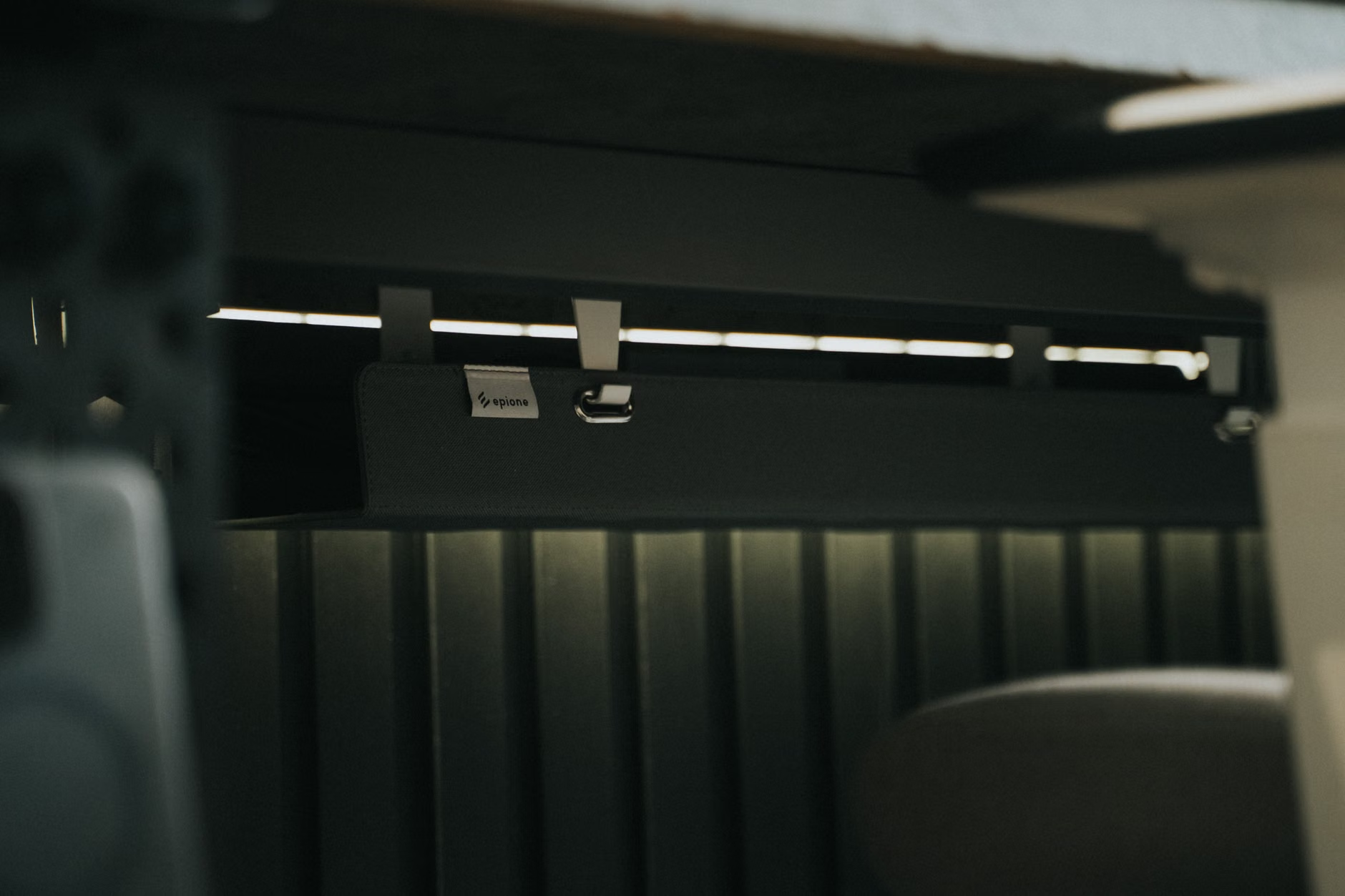
The foundation of a truly modular room is the desk surface itself. Traditional “fixed-leg” desks are the enemy of longevity in a family setting. They are difficult to move, hard to adjust, and often impossible to combine. Instead, look for desk systems that utilize a “rail-and-bracket” or “independent-leg” architecture.
Why does this matter? When each desk unit is independent, you can push them together to create a large communal table for family crafts on the weekend, or pull them apart to create private “cubicles” for focused work during the week. This is the difference between a static room and a functional one.
Selecting the Right Desk Mechanism
When shopping for modular desks, the most important factor is the frame-to-top ratio. You want a high-quality steel frame that can support multiple desktop lengths. This allows you to swap out a 48-inch top for a 72-inch top as your child grows, without needing to replace the expensive motorized lifting mechanism.
Common mistake: Buying “all-in-one” desks from big-box retailers that are built as a single, non-separable unit. These units often use particle board that degrades when you attempt to disassemble them for a room reconfiguration. Always look for commercial-grade modular systems where the frame and the surface are distinct, interchangeable components.
Managing the Tech: Beyond the Power Strip
The “tech” in modular-tech isn’t just about high-end computers; it is about the infrastructure that keeps your devices powered and connected. In a shared room, the sheer number of devices—laptops, tablets, smart lamps, and charging docks—can quickly overwhelm a standard wall outlet.
A professional approach involves under-desk power management. Instead of running extension cords across the floor, use a single heavy-duty power strip mounted to the underside of the desk frame, routed through a cable spine that leads directly to the wall. This keeps the floor clear for chairs and feet, which is critical for safety in a house with children.
The “Zone” Strategy for Multiple Users
In a shared room, each user needs a “digital landing zone.” This is a specific area of the desk reserved for their immediate tools. For a child, this might be a charging cradle for an iPad. For you, it might be a docking station for your laptop. By using modular clamping accessories—such as monitor arms and headphone hangers—you can clear the desk surface entirely, ensuring that the space remains usable for non-digital tasks like drawing or writing.
Consider the following comparison for your setup:
| Setup Feature | Fixed Desk | Modular-Tech Desk |
|---|---|---|
| Reconfigurability | None; limited to initial layout | High; can be moved/joined |
| Cable Safety | Often tangled or exposed | Integrated management |
| Growth Potential | Requires replacement | Parts are swappable |

Ergonomics for Different Generations
One of the biggest oversights in home office design is assuming one height fits all. A standard desk height is roughly 29 to 30 inches. This is appropriate for an adult of average height, but it is often too tall for a primary school student, leading to “shoulder hiking” and poor posture. This is where motorized height-adjustable desks transition from a luxury to a necessity.
If you are sharing the room, you should prioritize desks with “memory presets.” This allows you to program your ideal standing and sitting heights, and your child’s ideal sitting height. With the press of a button, the room transforms from an adult workspace to a student station. It takes seconds, yet the impact on posture and long-term musculoskeletal health is significant.
The Hidden Benefit: Movement
Research consistently shows that sedentary behavior is a major contributor to back pain in adults. By using a standing desk, you are not just making the space “cool”; you are actively encouraging movement. For children, the ability to work while standing can also help with focus during long homework sessions. It turns a static, boring study session into a dynamic, active one.
Vertical Space: The Secret to Decluttering
When you have multiple people using the same footprint, the desk surface is precious real estate. If your desk is covered in papers, books, and gadgets, you have no room to actually work. The solution is to move your storage to the walls. Vertical storage is the ultimate modular tool.
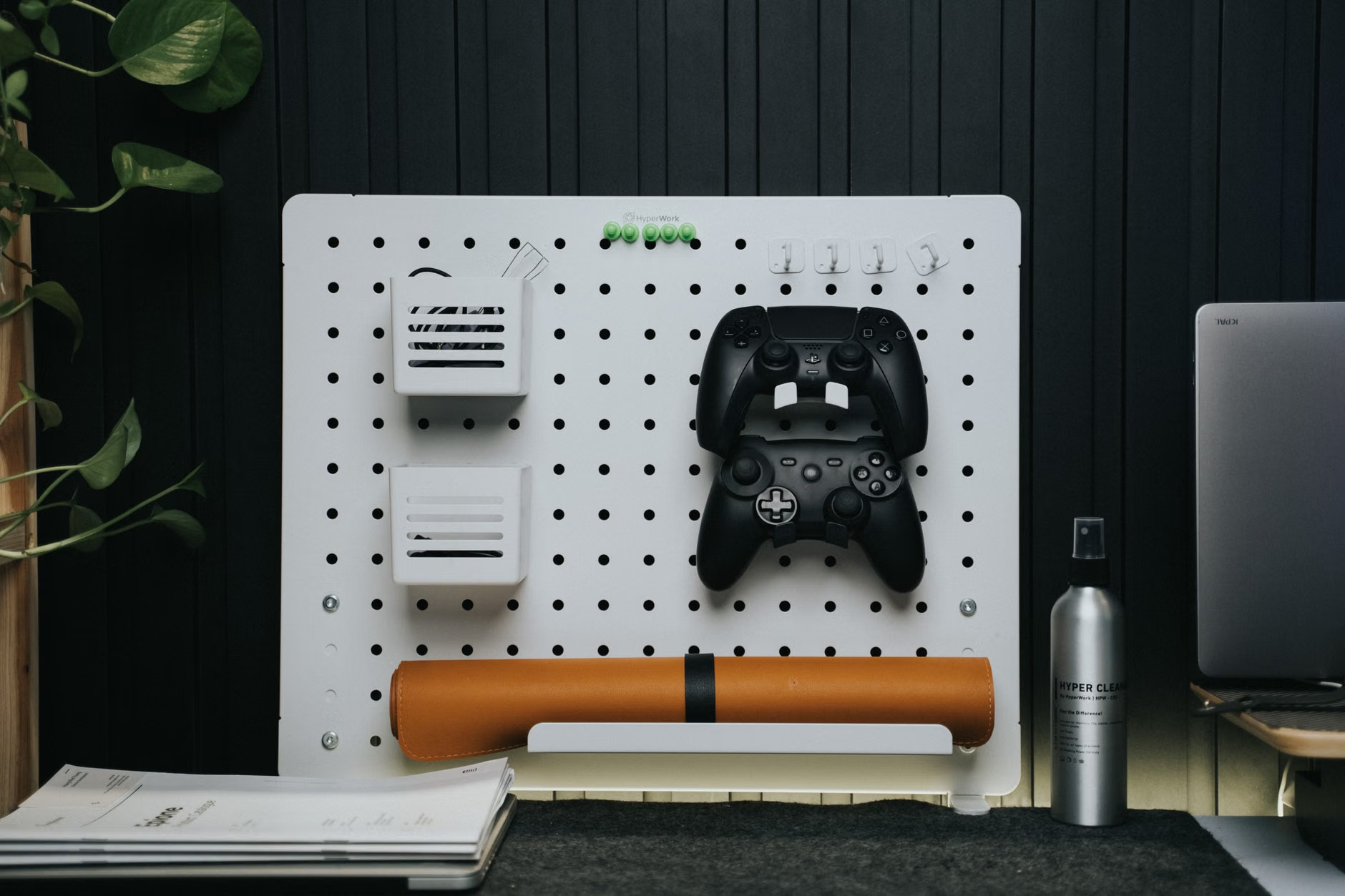
Using a slat-wall or pegboard system allows you to customize your storage. You can mount a shelf for books, a hook for headphones, or a tray for stationery. The beauty of these systems is their modularity—when your child graduates from crayons to high school textbooks, you simply move the pegs and swap the trays. You aren’t buying new furniture; you are just updating the configuration.
Common Pitfalls to Avoid
A common mistake is overloading wall systems, which can lead to wall damage or structural failure. Always ensure that your wall-mounted system is anchored directly into the wall studs, especially if you are using heavy-duty shelving. If you are renting or cannot drill into the walls, look for “desk-mounted” pegboard systems that attach directly to the back of the desk frame.
Integrating Technology for Seamless Transitions
The “tech” part of a modular desk isn’t just about the hardware; it’s about how that hardware interacts with your day-to-day life. If you find yourself constantly unplugging devices to move them from one desk to another, you are losing time and creating unnecessary friction. The goal is “plug-and-play” connectivity.
Consider using a USB-C docking station for each user. With a single cable, you can connect your laptop to your monitor, keyboard, mouse, and power. When it is time to move, you pull one plug, and you are ready to go. For a family, this means the study room stays tidy because there are no permanent “nests” of tangled wires for every single device.
The Role of Lighting
Do not underestimate the impact of task lighting. In a shared room, overhead lights are rarely sufficient for focused work. Use modular LED task lamps that clamp to the desk. These lamps often have adjustable color temperatures—cooler light for intense work, warmer light for reading—which can help signal to the brain that it is time to focus or time to wind down.
How to Start Your Modular Transformation
If you are feeling overwhelmed, do not try to overhaul the entire room in one weekend. Start with a single “pilot” station. Choose one desk, add the cable management, and set up the vertical storage. See how it works for a week. Is the cable management accessible? Is the desk height right? Once you have the formula down, you can replicate it for the rest of the family.
Step-by-Step Implementation:
- Audit the Space: Measure your room and identify the “dead zones” where you can place desks without obstructing walkways.
- Define User Needs: Does your child need a large surface for art? Do you need dual monitors for work? List these requirements before buying.
- Select the Frame: Invest in a high-quality motorized frame first. This is the core of your modular setup.
- Add Cable Management: Purchase a high-quality under-desk tray and a cable spine. Do this before you plug in your first device.
- Customize with Accessories: Add monitor arms, pegboards, and task lighting as your budget allows.
Remember that the “modular” nature of this setup means you don’t have to get it perfect on day one. If you place a pegboard in the wrong spot, move it. If you decide you need a larger desk surface, swap the top. The flexibility of the system is your greatest asset.
Final Thoughts on Sustaining Your Workspace
Building a shared family study room is less about furniture and more about creating a system that reduces friction. By choosing modular components, you are future-proofing your home against the inevitable changes that come with raising children and managing a career. Don’t settle for a room that feels like it’s fighting you; build one that adapts to you.
Start small, focus on the infrastructure—cables, heights, and vertical space—and you will find that the “shared” aspect of the room becomes a benefit rather than a burden. Your desk should be a tool that serves your life, not a static object that dictates how you use your space.
Frequently Asked Questions
1. Can I use modular desk components if I have limited floor space?
Yes, modular systems are actually superior for small spaces. Because you can choose the exact size of the desktop and use vertical storage, you can fit a high-functioning station into corners or closets that would be impossible to furnish with standard, bulky office desks.
2. Are motorized desks reliable for long-term family use?
High-quality motorized desks are designed for thousands of cycles. For a family, the key is to look for models with a “collision detection” feature, which stops the motor if it hits an object (like a chair or a child’s toy), preventing damage and ensuring safety.
3. How do I handle shared peripherals like printers in a small study room?
Instead of placing a printer on a desk, use a small, mobile rolling cart that can be tucked away in a closet or under a desk when not in use. Connect the printer via Wi-Fi so that anyone in the family can print from their own station without needing a physical cable connection.
Further reading and resources for home office setup: