The most effective way to manage a multi-purpose home office is to prioritize “visual silence”—the practice of completely hiding work-related tools when the workday ends—because constant exposure to your to-do list prevents your brain from switching into “parent” or “rest” mode.
Key Takeaways for the Balanced Professional:
- The 30-Second Reset: Always end your day by clearing the desk surface entirely; a cluttered workspace is a primary trigger for cognitive fatigue in parents.
- Zoning vs. Rooms: You don’t need a dedicated office room; you need a dedicated “trigger” (like a lighting change or a specific chair) that signals to your family that you are in deep-work mode.
- Slow-Living Ergonomics: Choose tactile, natural materials for your workspace to lower physiological stress levels while working long hours.
If you are in your 30s or 40s, your home is likely a high-traffic hub where the boundaries between professional deadlines and family chaos are constantly blurring. You might find yourself answering emails while monitoring a remote-learning session or trying to finish a project while the laundry piles up in the background. The “Slow-Living” design philosophy isn’t about doing less; it’s about creating an environment that respects your cognitive capacity.
When your workspace is also your living space, the biggest challenge isn’t the lack of room—it’s the lack of psychological separation. Here is how to build a workspace that works with your life, not against it.
Why “Visual Silence” is Your Secret Productivity Weapon
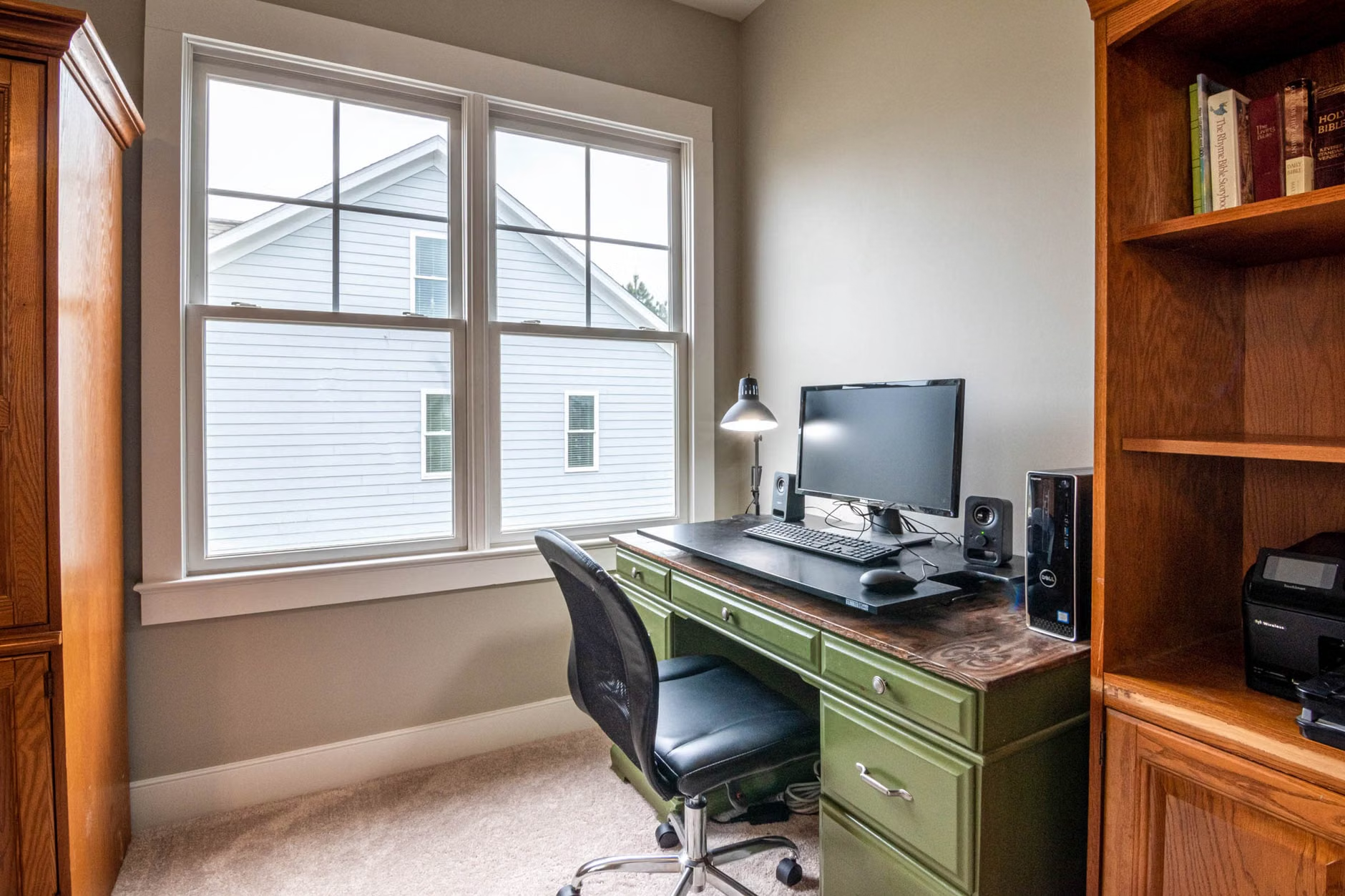
In modern interior design, “visual silence” refers to the reduction of unnecessary sensory input. For a parent working from home, your laptop, monitor, and tangled charging cables are “visual noise.” When you see your computer sitting on the dining table at 7:00 PM, your brain subconsciously processes unfinished tasks. This prevents the physiological “down-regulation” needed to relax with your children.
To achieve this, you must move away from “open-concept” work setups where the office is visible from the sofa. Instead, use vertical storage or “cabinet-desk” solutions. A desk that folds into a wall unit or hides behind curtains allows you to literally close the door on your professional life. The goal is to make the work equipment invisible the moment the clock hits five.
The Psychology of the “Work Trigger”
Children—especially those under ten—struggle to understand that you are “at work” while sitting in the living room. They see a parent, not a professional. Slow-living design suggests using environmental cues to define boundaries. This is about Pavlovian conditioning for your household.
Use a specific lamp that is only on when you are in a meeting. Use a specific scent (like cedarwood or eucalyptus) that you only use while working. When the lamp goes off and the scent dissipates, the “office” is effectively closed for the day. This creates a clear, non-verbal signal that helps children understand when they can approach you and when they need to wait.
Designing for Longevity: Why Natural Materials Matter
Most home offices are filled with plastic, cold metal, and synthetic materials. While these are durable, they often increase the “institutional” feel of your home. Slow-living design prioritizes natural textures—wood, wool, linen, and ceramic—because they provide a grounding, tactile experience that lowers cortisol levels during high-stress work periods.
When selecting furniture for a multi-purpose space, prioritize pieces that serve dual roles. A solid oak console table can function as a high-end desk during the day and a buffet or display area for family photos in the evening. Avoid “office-grade” furniture that looks like it belongs in a cubicle; it will always feel out of place in your living room.
| Feature | Traditional Office Setup | Slow-Living Multi-Purpose Setup |
|---|---|---|
| Visual Impact | Permanent clutter | Hidden or integrated |
| Materiality | Plastic/Metal | Wood/Natural Fibers |
| Psychological Cue | None | Lighting/Scent/Texture |
The table above highlights that while traditional office setups focus on ergonomics and efficiency, they often ignore the home environment’s need for tranquility. By choosing materials that complement your home decor, you reduce the “friction” of having an office in your living space.

The Anatomy of an Efficient Multi-Purpose Zone
If you are working in a shared space, your biggest mistake is likely overestimating how much storage you need. We tend to keep “just in case” files and spare electronics that we never use. In a multi-purpose home office, every square inch of storage must be curated.
Start by auditing your physical files. Most documents today are digital; there is rarely a need for a three-drawer filing cabinet in a modern home office. Replace it with a single, elegant tray or a small, attractive box that fits on a bookshelf. If it doesn’t fit in the box, it doesn’t stay on the desk.
Managing Cable Chaos Without Plastic Ties
Cables are the enemy of a calm home. Use fabric cable sleeves or wooden cable management boxes that hide the mess. If your desk is in the middle of a room, use a rug to hide the floor cords. This simple change removes the “utility” feel of the space and makes it feel like a part of your living room.
Furthermore, consider your lighting. Avoid harsh, overhead fluorescent lighting. Use a high-quality task lamp with a warm color temperature (around 2700K to 3000K). This creates a “pool” of light that focuses your attention, making it easier to enter a flow state even if the rest of the room is dim or being used by family members.
Step-by-Step: The Weekend Transformation
You don’t need a massive budget to redesign your space. Follow these steps over a weekend to reclaim your home office.
- The Purge (Friday Evening): Remove everything from your desk. If you haven’t used an item in the last 30 days, move it to a storage closet or recycle it. A workspace should only hold what you use daily.
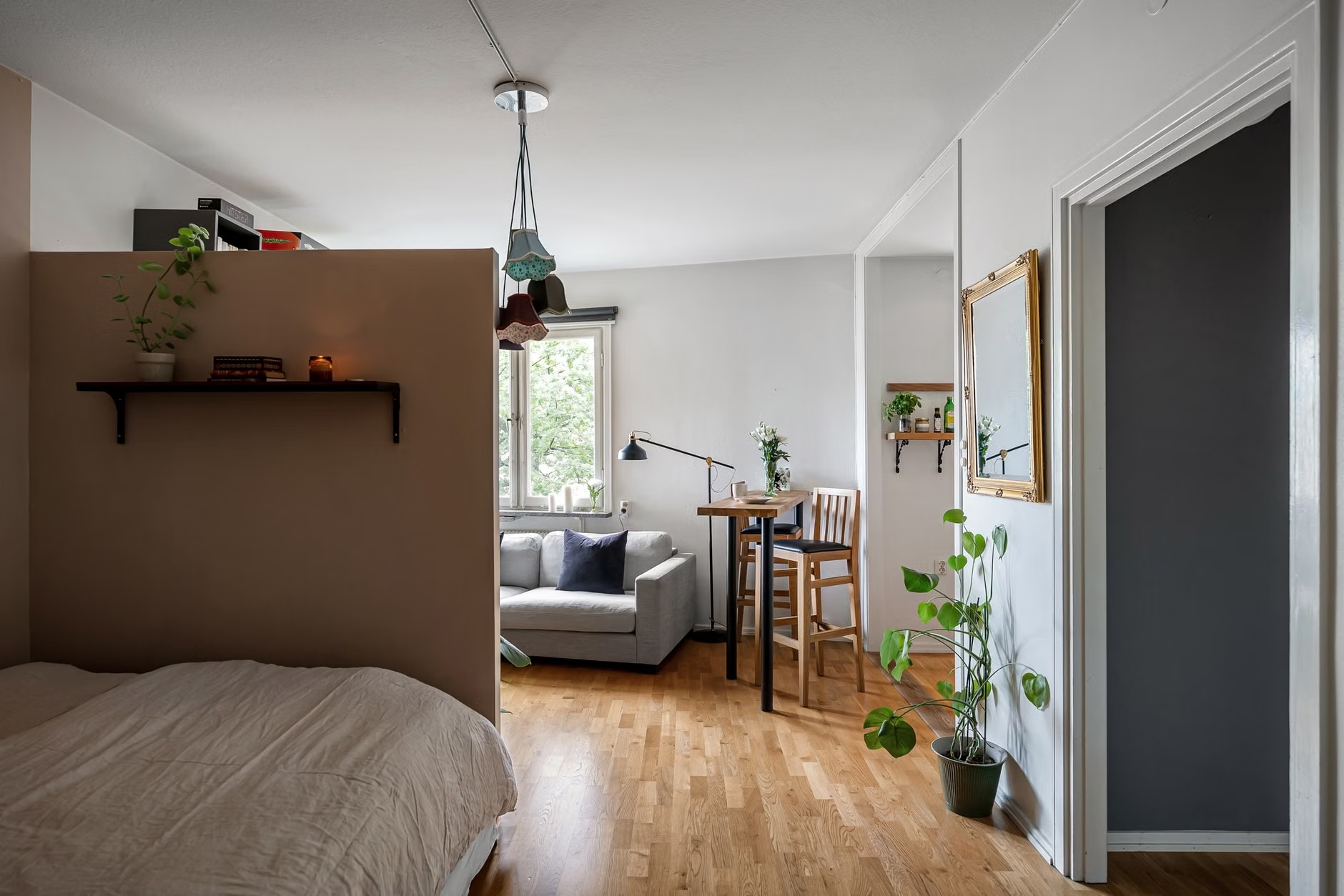
- The Zoning (Saturday Morning): Identify the “active” zone. If you are using a dining table, define the “work” side and the “family” side. Use a placemat or a desk mat to define the workspace boundaries. When the mat is there, you are working. When it’s rolled away, the table is for dinner.
- The Lighting Shift (Saturday Afternoon): Install a dedicated lamp for your work zone. This is your “do not disturb” signal.
- The Cable Hide (Sunday Morning): Invest in a cable management box. Group all your chargers into one central hub that can be tucked away.
- The Ritual (Sunday Evening): Test your system. Sit down, turn on your lamp, and see if you feel a mental shift. If not, adjust the position of your chair so you are facing away from the “home” distractions.
Common Pitfalls and How to Avoid Them
One common mistake is the “all-day chair.” Many professionals buy a high-end, ergonomic office chair that looks like a spaceship. While great for your back, it often clashes with the home aesthetic and creates a permanent “work” vibe in the room. Instead, look for ergonomic chairs that feature fabric upholstery or wooden frames. You can achieve excellent lumbar support without the black-mesh, industrial aesthetic.
Another pitfall is the “shared screen” issue. If you are working in a living room, your screen is likely visible to everyone. If you have sensitive work, ensure your monitor is angled toward a wall or a corner. This isn’t just for privacy; it’s for your own focus. Looking at a blank wall is often better than looking at a busy living room when you are trying to concentrate.
Finally, avoid the temptation to add “decor” to your desk that isn’t functional. In a small space, a decorative figurine is just another thing to move when you need to clean or switch tasks. Keep your desk surface limited to three items: your computer, your notebook, and one source of light or a single small plant. Anything else is just clutter waiting to happen.
The Hidden Costs of Workspace Inefficiency
It is worth noting that a poorly designed home office isn’t just an eyesore; it has a quantifiable cost. Studies on cognitive load suggest that when our environment is cluttered, our working memory is impaired. For a parent, this is critical. If your brain is busy ignoring the pile of mail on your desk while you are trying to write a report, you are effectively working at 70% capacity. You are also more likely to be irritable when your children interrupt you, because your brain is already at its limit.
Investing in a “slow-living” office design is essentially an investment in your patience and your family life. By reducing the physical clutter, you are clearing your mental space, allowing you to be more present when you are not working. This is the ultimate goal of the work-life balance—not to keep them separate, but to make the transition between them seamless.
Final Thoughts on Sustaining Your Workspace
The most important part of this design philosophy is the “reset.” If you fail to reset your space on Friday afternoon, Monday morning will start with the same frustration you felt the week prior. Commit to a 30-second reset ritual: close all tabs, clear the physical desk, and hide the equipment. This small act of discipline is what separates a chaotic home office from a sustainable, slow-living workspace.
Remember that your home is meant for living, not just for labor. If your workspace feels like it is encroaching on your family time, change the setup. You are the architect of your environment, and you have the power to prioritize your peace of mind over the convenience of a permanent desk. Start small, focus on the visual cues, and keep your workspace as light and airy as possible.
For more insights on creating a balanced home, you may want to explore resources on Architectural Digest’s guides to home office design or the Chartered Institute of Ergonomics and Human Factors for advice on maintaining physical health while working from home.
Frequently Asked Questions
1. Can I really be productive if my workspace is also my dining table?
Yes, provided you use “triggers.” Using a specific desk mat, a unique lighting setup, or even putting on noise-canceling headphones can signal to your brain that you are in “work mode.” The key is to remove these items completely when you are finished to signal the end of the workday.
2. What should I do if I don’t have space to hide my equipment?
If you cannot hide your desk, focus on “curated minimalism.” Keep your cables managed, use a laptop stand to clear surface area, and invest in a beautiful box to store your peripherals. When the desk is clean, it becomes a piece of furniture rather than a “workstation.”
3. How do I stop my children from interrupting me during work hours?
Visual cues are highly effective for children. A small sign on your desk, a specific lamp color, or even a pair of headphones can act as a “do not disturb” signal. Pair these with a routine: explain that when the “work light” is on, you are in deep focus, but once it’s off, you are ready to play.