Key Takeaways
- Data Ownership: Choosing Open-API devices ensures your home data stays local or under your control, preventing vendor lock-in where companies discontinue support.
- Unified Automation: Open systems allow sensors from different brands (e.g., air quality, humidity, temperature) to communicate seamlessly, creating a truly responsive home.
- Actionable Health: By integrating sensors with automated HVAC or air purifiers via APIs, you can maintain optimal indoor conditions for children and allergy sufferers without manual intervention.
If you have ever bought a “smart” gadget only to find it refuses to talk to your other devices, you know the frustration of the modern smart home. You have an air purifier from one brand, a humidity sensor from another, and a thermostat from a third. Individually, they are fine. Together? They are a digital mess that requires three different apps just to check if the nursery is too dry for your toddler to sleep comfortably.
The solution is not buying more expensive, “all-in-one” systems that lock you into a single ecosystem. It is shifting your focus to Open-API (Application Programming Interface) devices. When a device has an “Open-API,” it essentially has a universal language that allows it to share data with other software and hardware. For a parent or a busy professional, this isn’t just a technical detail—it is the difference between a home that works for you and a home that constantly demands your manual input.

Why “Closed” Smart Home Ecosystems Are Failing Your Family
Most of the big-name smart home brands operate on a “walled garden” model. They want you to buy all your sensors, cameras, and hubs from them. When you do this, you lose two critical things: flexibility and longevity.
Think about the last time a manufacturer decided to stop supporting an older model of a smart hub. Suddenly, your expensive sensors become “bricks”—useless pieces of plastic. Or, consider the data privacy aspect. When you rely on a closed, cloud-only system, your home’s environmental data—which includes when you are home, how many people are in a room, and your sleeping patterns—is stored on a server you do not control. A company could change its terms of service, start charging a subscription fee for features you already paid for, or simply go out of business.
Open-API systems, by contrast, use standard protocols like MQTT (Message Queuing Telemetry Transport) or local HTTP APIs. This means the data stays within your local network. Even if the manufacturer disappears tomorrow, your sensor will still report its data to your local home assistant server. This is the gold standard for anyone who values reliability over flashy, proprietary marketing.
Understanding the “Open-API” Advantage for Home Health
So, what does this actually look like in your daily life? Let’s look at the “Environmental Monitoring” use case. A basic sensor measures PM2.5 (particulate matter), CO2 levels, temperature, and humidity. In a closed system, you get a notification on your phone: “Air quality is poor.” That’s it. You have to get up, walk to the purifier, and turn it on.
With an Open-API sensor, you can bridge that gap. Because the sensor can “talk” to your other devices, you can set an automated trigger. If the PM2.5 levels exceed a certain threshold, your smart plug (which is connected to your air purifier) automatically turns on. If the humidity in the bedroom drops below 40% during the winter, your smart humidifier kicks in. This is the “set it and forget it” lifestyle that actually works.
| Feature | Closed/Proprietary System | Open-API System |
|---|---|---|
| Interoperability | Limited to one brand’s app. | Works with Home Assistant, Node-RED, etc. |
| Data Control | Stored in the cloud. | Local storage options available. |
| Longevity | Risks “bricking” if support ends. | Independent of manufacturer servers. |
The table above shows why Open-API is superior for long-term home management. If you are a parent, you are already juggling a thousand decisions a day. You do not need to be the manual controller for your house’s climate. An Open-API system turns your home into a self-regulating environment that prioritizes your family’s health.
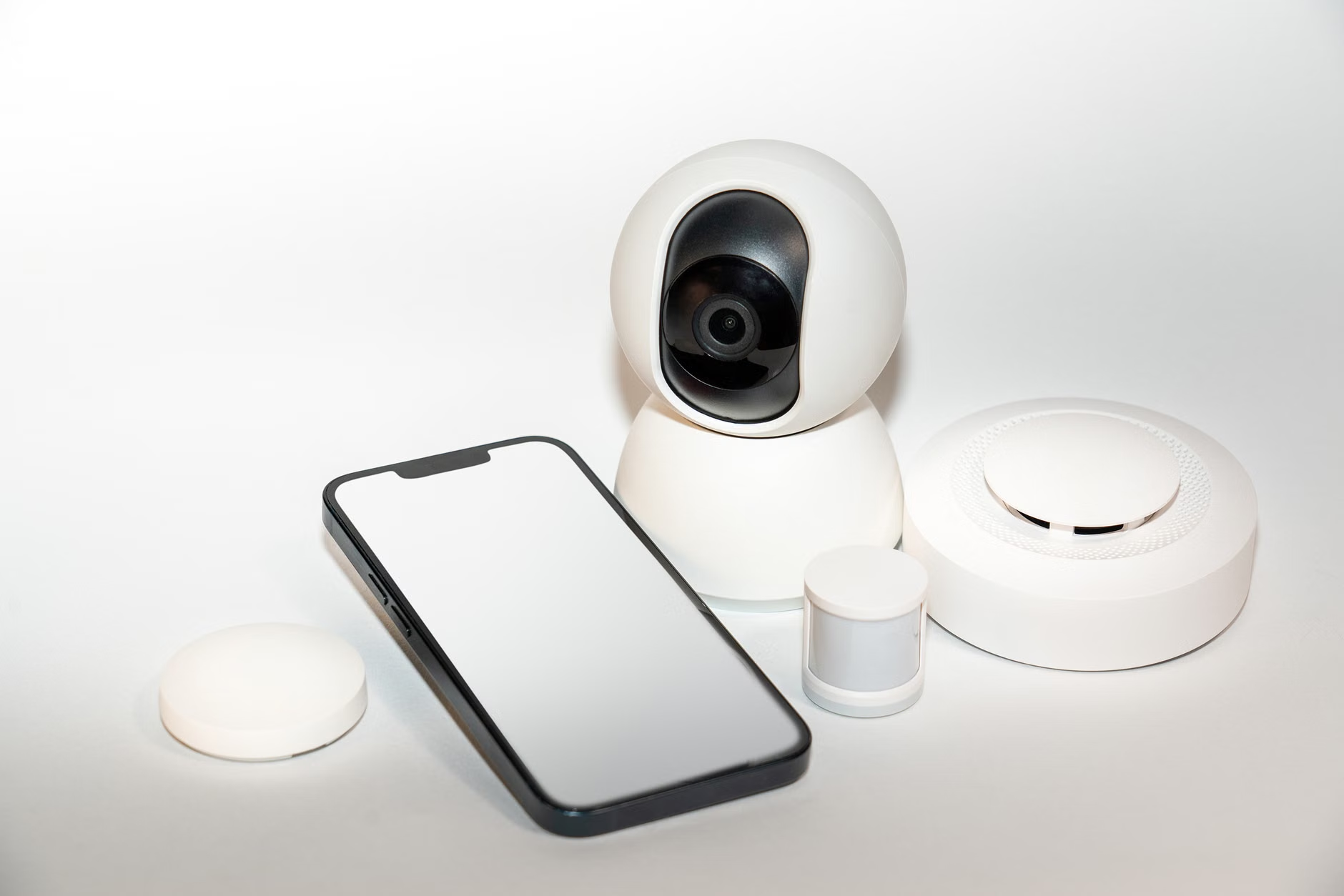
The Practical Path: How to Start Building Your Open-API Setup
You don’t need to be a software engineer to set this up. The ecosystem has matured significantly in the last few years. Here is a step-by-step approach to moving toward an Open-API environment.
Step 1: Choose the Right Hardware
Look for sensors that explicitly mention Local API or MQTT support. Many enthusiasts look for sensors that can be flashed with custom firmware like ESPHome or Tasmota. This effectively “liberates” the device from the manufacturer’s cloud. When shopping, search for the device name followed by “Home Assistant integration.” If you see active community discussions on how to connect it locally, you are on the right track.
Step 2: Establish a Local Hub
You need a “brain” for your home. Home Assistant is the industry standard for open-source home automation. It runs on a simple device like a Raspberry Pi or an old laptop. It acts as the central translator, taking the data from your Open-API sensors and sending commands to your other devices.
Step 3: Define Your “If-This-Then-That” Logic
Once your devices are connected, you start writing “automations.” For example: “If the CO2 level in the living room exceeds 1000ppm for more than 10 minutes, turn on the ventilation fan and send a notification to my phone.” This is where the magic happens. You aren’t just monitoring; you are actively improving your living space.
A common mistake: Many people try to automate everything at once. Don’t. Start with one environmental variable—like humidity in the bedroom—and perfect that before moving on to air quality or temperature. Reliability is better than complexity.
Common Pitfalls and How to Avoid Them
Even with Open-API systems, there are trade-offs. One of the biggest is the learning curve. Because these systems are not “plug-and-play” in the traditional sense, you will have to spend an afternoon (or two) configuring your hub and your automations. If you are looking for an out-of-the-box experience where you just scan a QR code and walk away, this might feel like a hurdle.
Another issue is security. When you open your home network to local APIs, you must ensure your local hub is secure. This means using strong passwords, keeping your software updated, and—most importantly—not exposing your home automation dashboard to the public internet without a secure VPN or a managed access service like Nabu Casa.
Finally, be wary of “fake” Open-API claims. Some companies claim to have an “API,” but it is an official cloud API that requires your device to talk to their server, which then talks back to your hub. This is not the same as a local API. Always check if the device can function when your internet connection is down. If it stops working without the web, it isn’t truly “open” in the way that provides the resilience we are looking for.

The Hidden Value of Data-Driven Parenting
Why go through all this effort? For parents in their 30s and 40s, the answer is often related to health and peace of mind. Indoor air quality (IAQ) is a major contributor to sleep quality and respiratory health, especially for children. Many people don’t realize that common activities—cooking, using cleaning supplies, or even just having a few people in a room—can cause CO2 and VOC (Volatile Organic Compounds) levels to spike significantly.
Having a granular, long-term view of your home’s air quality allows you to identify patterns. You might notice that the air quality in the kitchen consistently drops on Tuesday evenings. Why? Because that’s when you cook a specific meal that produces more smoke. Armed with this data, you can adjust your habits—perhaps by turning on the range hood five minutes before you start cooking, rather than after the air is already poor.
This isn’t just about technology; it’s about making informed decisions. When you see a graph showing that your child’s bedroom humidity is stable throughout the night, you know you’ve created an optimal environment for their sleep. When you see a spike, you know exactly when and why it happened. This visibility is empowering.
Moving Toward a Self-Sustaining Home
The goal of all this is to create a “passive” system. You want your home to be smart enough to handle the mundane tasks of climate control so that you can focus on the things that actually matter. By choosing Open-API hardware, you are investing in a system that won’t become obsolete in two years. You are choosing a path that values your data privacy and gives you total control.
Start small. Buy one high-quality, local-first sensor. Connect it to a local automation platform. Watch the data. Once you see the patterns, you will wonder how you ever managed your home’s health without it. The future of the smart home isn’t about more apps or more subscriptions—it’s about having a home that is truly yours, functioning exactly the way you want it to.
Frequently Asked Questions
1. Does using Open-API devices mean I need to be a programmer?
Not at all. While some technical interest helps, modern platforms like Home Assistant have user-friendly interfaces that allow you to set up automations using simple visual editors. The community support is also massive, meaning there is almost certainly a guide for the specific device you are trying to set up.
2. What is the biggest risk of using local-only smart home devices?
The biggest risk is the “maintenance burden.” Because you are managing your own server or hub, you are responsible for keeping it updated and secure. If you lose your password or your local network goes down, you have to be the one to fix it, rather than calling a customer support line.
3. Are Open-API sensors more expensive than standard smart sensors?
Often, they are actually cheaper. Many “prosumer” sensors that offer local API access are built for developers and enthusiasts, stripping away the high marketing costs of major consumer brands. You are paying for the hardware and the sensor accuracy, not the brand name or the cloud infrastructure.
For further reading on setting up local-first home environments, visit the official Home Assistant documentation to see how they prioritize local control and privacy in smart home automation.