Key Takeaways
- Cloud-free is key: To maximize privacy, prioritize smart lighting systems that use local protocols like Zigbee, Z-Wave, or Matter over Thread, which do not require a constant connection to external servers.
- Isolate your IoT devices: Use a dedicated VLAN or a guest network for your smart home gadgets to prevent them from accessing your primary devices like laptops or phones.
- Control is binary: You don’t have to sacrifice automation for privacy; by hosting your own controller (like Home Assistant), you get 100% of the features without the data harvesting.
The most secure smart light is one that doesn’t know who you are and, more importantly, doesn’t need to tell a server in another country when you flip the switch. If you are in your 30s or 40s, balancing the chaotic schedule of career, parenting, and home maintenance, you probably appreciate the convenience of voice-activated or scheduled lighting. But you likely don’t appreciate the fact that every time you dim the lights for movie night, a tech giant is logging your habits to build a profile of your domestic life.
Privacy-first smart lighting isn’t about living in the dark or going back to manual switches. It is about architectural control. By shifting from cloud-dependent systems to local-first ecosystems, you reclaim your data without losing the “wow” factor of a fully automated home. This guide will walk you through the technical, practical, and strategic steps to build a lighting setup that respects your boundaries.
Why Your Light Bulbs Are Watching You
It sounds like a bad sci-fi movie, but the reality of modern “smart” lighting is rooted in data extraction. Most entry-level smart bulbs operate via a cloud-based architecture. When you press a button in an app, the signal travels from your phone, through your Wi-Fi router, to a manufacturer’s server in the cloud, and then back down to your house to trigger the light. This round trip happens in milliseconds, but it leaves a breadcrumb trail of your behavioral patterns.
Why does this matter? Because metadata is valuable. Knowing when you wake up, when you leave for work, when you put the kids to bed, and when you are away on vacation allows companies to build a high-fidelity map of your life. This data is often used for targeted advertising, but it also creates a massive security surface area. If the manufacturer’s server is breached, your home’s status—whether it is occupied or empty—could theoretically be exposed.
For a parent, this is more than just a privacy concern; it is a safety issue. You want your home to be responsive to your family’s needs, but you don’t want your domestic routines to be a commodity sold to data brokers. The solution is to transition to Local Control.
The Three Pillars of Local-First Smart Lighting
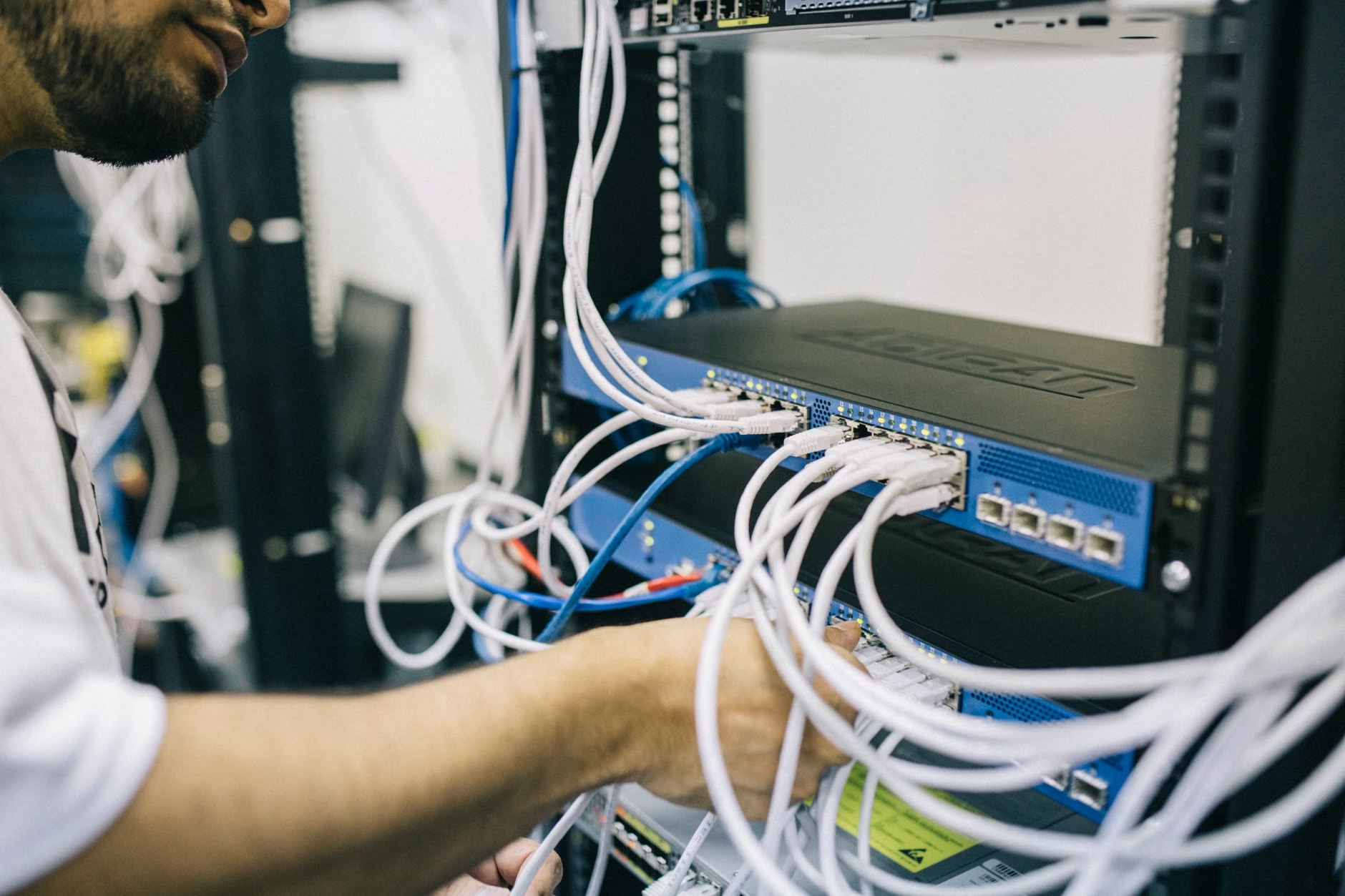
To build a system that doesn’t phone home, you need to understand the three components that define a truly private smart home: the protocol, the controller, and the network isolation.
1. Choosing the Right Protocol
Wi-Fi-based smart bulbs are the most common, but they are generally the worst for privacy because they require an active internet connection to communicate with the manufacturer’s cloud. Instead, look for devices that use Zigbee, Z-Wave, or Matter-over-Thread.
These protocols create a mesh network within your home. They do not talk to your router directly to reach the internet; they talk to a local hub. If your internet goes down, your lights still work. If the manufacturer goes out of business, your lights still work. This is the definition of “future-proofing” and privacy combined.
2. The Local Hub (The Brain of Your Home)
Instead of using the hub provided by a major brand (which usually requires a cloud account), consider an open-source platform like Home Assistant. Home Assistant runs on a small, dedicated computer—like a Raspberry Pi or a dedicated mini-PC—inside your home. It discovers your devices locally and executes your automations without ever sending a packet of data to an external server.
3. Network Isolation
Even with local-only devices, it is a best practice to keep your IoT (Internet of Things) devices separated from your primary computers. Most modern routers offer a “Guest Network” feature. Move all your smart lighting, smart plugs, and sensors onto this isolated network. This way, even if a device were to be compromised, it cannot “see” your personal laptop or the sensitive data on your main home network.
Step-by-Step Implementation: Moving from Cloud to Local
Transitioning to a private setup is a project, but it is manageable over a weekend. Here is how to approach it without disrupting your family’s routine.
| Step | Action | Why it Matters |
|---|---|---|
| 1. Audit | List all existing smart devices. | Identify which ones require the cloud and which are “local-native.” |
| 2. Hub Setup | Install Home Assistant on a local server. | Removes the dependency on manufacturer servers. |
| 3. Integration | Pair bulbs with the local hub via Zigbee/Thread. | Ensures data stays within your four walls. |
| 4. Firewall | Configure your router to block IoT internet access. | Prevents accidental “phone home” requests. |
Start by choosing one room—perhaps the living room or the nursery. By limiting your initial migration to one area, you can troubleshoot without plunging the entire house into darkness if something goes wrong. If you encounter a device that must have an internet connection (some high-end smart mirrors or complex cameras), consider if the trade-off is worth it. For lighting, there is almost always a local-only alternative.
Common Pitfalls and How to Avoid Them
One of the most common mistakes people make is assuming that “Matter” support automatically equals privacy. While the Matter standard is designed to improve interoperability, it does not explicitly ban cloud connectivity. You can have a Matter-enabled device that still talks to the cloud. Always check the product specifications for “Local Control” or “Local API” support.
Another pitfall is the “convenience trap.” You might find that a proprietary app offers a fancy feature, like “adaptive lighting based on global weather data.” While this sounds cool, remember that the cost is your data. If you really need that feature, you can replicate it in Home Assistant using open-source weather APIs that don’t track your identity. It requires a bit more setup time, but it keeps your privacy intact.
Do not fall for the “it’s too hard” narrative. While setting up a local hub like Home Assistant has a steeper learning curve than plugging in a Wi-Fi bulb, the community support is immense. There are thousands of pre-built “blueprints” for automations that you can import with a single click. You don’t need to be a programmer; you just need to be willing to follow a guide.
The Hidden Costs of Cloud-Connected Convenience
Let’s talk about the “hidden” price of free apps and cloud services. When a company offers a free, feature-rich app to control your lights, they are essentially paying for the server costs by monetizing your usage data. In your 30s and 40s, your time is often more valuable than the $20 you might save on a bulb that requires a cloud subscription.
Consider the lifecycle cost. A cloud-dependent bulb is essentially a “brick” waiting to happen. If the company is acquired, goes bankrupt, or decides to shut down their servers to cut costs, your smart home becomes a collection of plastic paperweights. Local-first systems are inherently more sustainable because they depend on standard communication protocols, not a corporate bottom line.
Actionable Strategy for Busy Parents
If you are managing a household, you cannot afford a system that breaks every time the internet flickers. One of the primary advantages of a local-first, privacy-focused system is reliability. Since your automations run on a local server, they continue to function even during an ISP outage. Your kid’s nightlight will still turn on at 7:00 PM, and your hallway lights will still respond to motion sensors.
To keep things manageable:
- Prioritize essential zones: Start by automating the areas that provide the most utility—kitchen, hallway, and kids’ rooms.
- Use physical overrides: Always maintain physical switches. If the tech fails, your family should still be able to turn on the lights the old-fashioned way.
- Document your setup: If you are the “tech person” in the house, keep a simple document of your network configuration. If you aren’t around, your partner should know how to reset a hub or bypass a sensor if necessary.
Understanding the Data Flow
To truly grasp why local control is safer, think of your home network as a house. A cloud-connected bulb is like having a delivery person who insists on checking your ID every time they bring a package into your living room. A local-first system is like a self-contained pneumatic tube system—everything moves within the walls of your house. Nothing goes out, and nothing comes in without your explicit permission.
When you look at your router’s traffic logs, you will be surprised at how much “chatter” your average smart device produces. A single smart bulb can attempt to contact servers in multiple countries dozens of times an hour. By using a local hub and isolating your IoT network, you effectively silence this noise. You aren’t just protecting your privacy; you are also reducing congestion on your home network, which can lead to faster internet speeds for your actual work and entertainment.
When to Compromise (And When Not To)
There are very few scenarios where you *must* use a cloud-connected lighting product. If you are renting and cannot change the wiring, or if you are using specific, high-end architectural lighting systems that are proprietary, you might be forced into a cloud-based ecosystem. In these cases, the best strategy is containment.
Use a hardware firewall or a router-level DNS blocker (like Pi-hole or AdGuard Home) to restrict the outgoing traffic of those specific devices. This acts as a digital leash, allowing the device to function while preventing it from sending detailed telemetry back to the manufacturer. It is not as perfect as true local control, but it is a significant step up from leaving the door wide open.
Remember that privacy is not an all-or-nothing game. It is a series of small, intentional choices. Every time you choose a Zigbee bulb over a Wi-Fi one, or a local hub over a cloud-linked one, you are voting for a future where your home remains your sanctuary.
Final Thoughts: Taking Back Your Home
Building a privacy-first smart home is a journey that pays dividends in both security and long-term reliability. By moving away from the “cloud-at-all-costs” model, you stop being a data point and start being the true administrator of your own living space. You gain a home that is more responsive, more resilient, and—most importantly—truly yours.
Don’t be overwhelmed by the technical jargon. Start small, focus on local protocols, and remember that the best smart home is the one that works for you, not for the company that made the hardware. If you are ready to take the next step, start by looking into the documentation for Home Assistant or researching Zigbee-compatible hubs that don’t require an account to operate.
Frequently Asked Questions
1. Does moving to local control mean I lose the ability to control my lights from my phone while I’m away?
Not at all. You can still control your lights remotely, but you do it securely. By setting up a VPN (like WireGuard) or a secure reverse proxy (like Nginx Proxy Manager) on your home network, you create a private tunnel back to your house. You get the convenience of remote access without exposing your devices to the public internet or relying on a third-party cloud.
2. Is Zigbee or Thread better for a privacy-first home?
Both are excellent. Zigbee is a mature, widely adopted standard with a massive range of compatible devices. Thread is the newer, more modern successor that is part of the Matter standard. For most people today, a Zigbee setup is easier to find and cheaper to implement, but Thread is the direction the industry is heading. Both allow for fully local, cloud-free operation.
3. Can I still use voice assistants like Alexa or Google Home if I want privacy?
This is the biggest trade-off. Voice assistants inherently rely on cloud processing to understand natural language. If you use them, your voice data is being sent to a server. To maintain privacy, you can use a voice assistant but keep it isolated from your lighting control. Use the voice assistant for timers or music, but rely on physical sensors or local-only automations for your lighting. Alternatively, look into privacy-focused local voice control projects like Rhasspy or Wyoming Protocol, which allow for voice control that stays entirely on your local hardware.
For further reading on securing your home network and understanding IoT vulnerabilities, you can consult the Cybersecurity & Infrastructure Security Agency (CISA) guidelines on IoT security.