If you want to keep your family’s digital life truly private, the most effective step you can take today is to move your core data—your photos, videos, and documents—away from centralized public cloud services and onto a “local-first” storage system.
- Data Sovereignty: Local-first storage ensures you own the physical hardware and the encryption keys, meaning no third party can scan, analyze, or monetize your family’s personal media.
- Performance Benefits: By keeping your data on your home network, you eliminate latency and bandwidth issues, allowing for near-instant access to high-resolution files without relying on an internet connection.
- Security Trade-offs: While local-first systems remove the risk of third-party data breaches, they shift the responsibility of hardware maintenance and off-site backups directly to you.
The Hidden Cost of “Free” Cloud Storage
We have all become accustomed to the convenience of “syncing” everything. You take a photo of your child’s first steps, and within seconds, it’s floating somewhere in a massive server farm in another state or country. It’s effortless, it’s automatic, and it feels free. But as many of us in our 30s and 40s have realized, “free” usually means you are paying with something else—your data.
Major cloud providers operate on a business model that relies on data harvesting. Even if they don’t sell your specific photos, they use metadata, facial recognition, and behavioral patterns to build a profile of your household. For parents, this is a significant privacy concern. Do you want your children’s developmental milestones being fed into an algorithm that determines what ads you see or how your digital identity is categorized? Probably not.
Local-first storage, or “Personal Cloud,” is the antithesis of this. It shifts the center of gravity from a massive data center back to your living room. Instead of sending your data out, you keep it in. You are not just a user of a service; you are the administrator of your own digital infrastructure.
Defining “Local-First” in a Connected World
When we talk about “local-first,” we don’t mean disconnecting from the internet entirely. We mean that the primary source of truth for your data resides on a device you own and control. If the internet goes down, your photos remain accessible. If a tech giant changes its terms of service or decides to shut down a product you rely on, your data stays exactly where you left it.
Think of it like the difference between renting a storage unit in a facility across town versus having a high-security safe in your own home. The former is managed by someone else, subject to their rules, their hours, and their security protocols. The latter is yours. You decide who has the key, and you decide what goes inside.
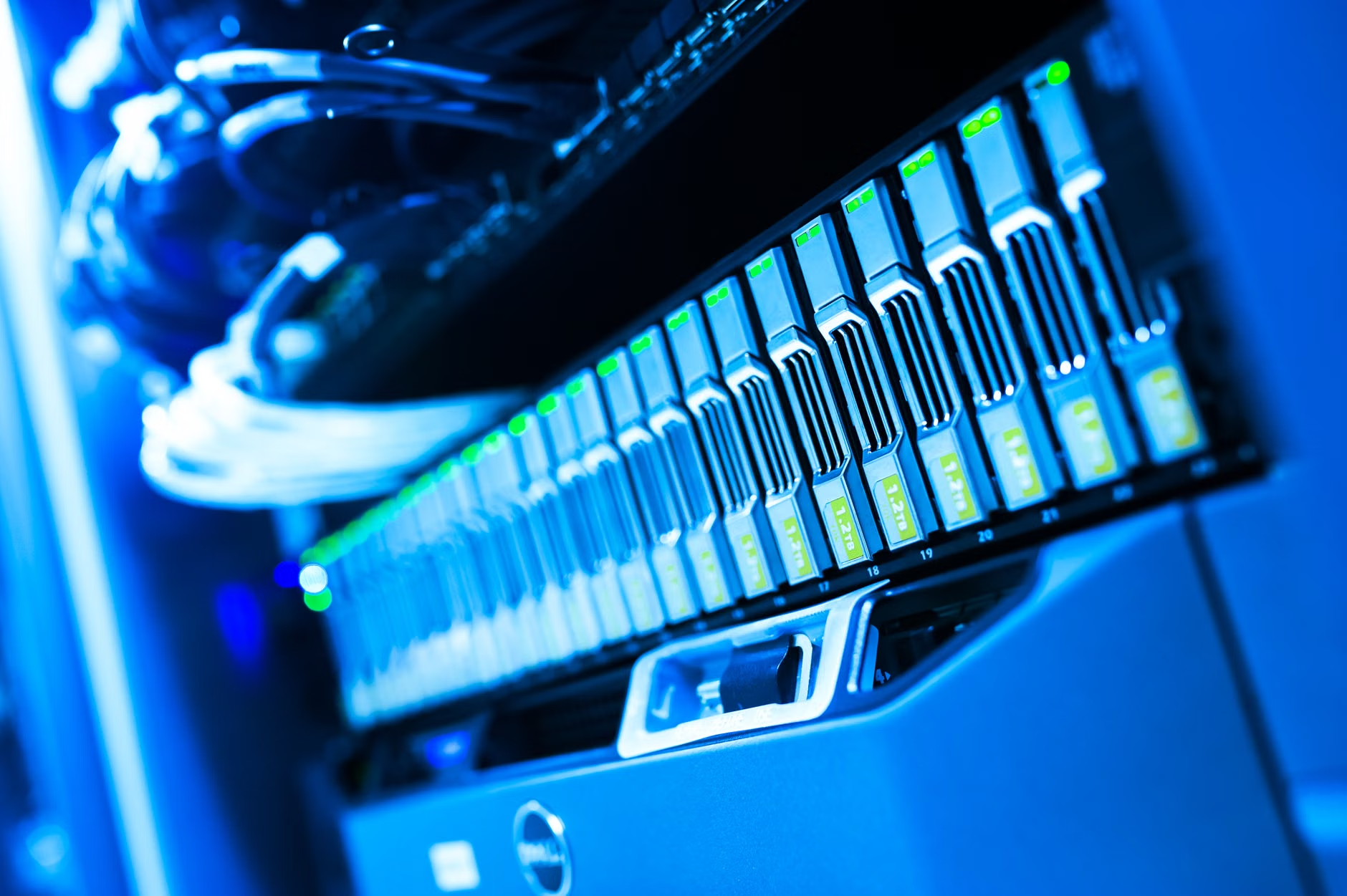
In practice, this is often achieved through a Network Attached Storage (NAS) device or a dedicated “home cloud” server. These are compact, quiet, and power-efficient computers that plug directly into your home router. They act as a private hub for your home network.
Why Your Family Needs a Privacy-First Strategy
Beyond the philosophical argument of data ownership, there are three practical reasons why local-first storage is a superior choice for a busy family.
1. Total Control over Access
Public clouds often have “AI-assisted” features that automatically organize your photos. While convenient, this requires your data to be processed on their servers. When you use a local-first system, you can use similar AI tools that run locally on your device. Your data never leaves your home, yet you still get the benefits of face recognition and smart searching.
2. Eliminating Recurring Subscription Fees
If you have a growing family, you know the “storage tax.” You start with a free 15GB or 50GB plan, but before long, you are paying a monthly fee just to keep your photos accessible. Over a decade, that adds up to hundreds, if not thousands, of dollars. A one-time investment in a NAS or a dedicated home server pays for itself within two to three years.
3. Future-Proofing Your Memories
What happens if your account is locked? It’s a nightmare scenario that happens more often than we like to admit. Whether it’s a payment issue, a suspected violation of terms, or a forgotten password, losing access to a decade of family photos is a risk you shouldn’t have to carry. With local-first, there is no “account” to lock. You have the hardware; you have the files.
The Reality of Implementation: What It Looks Like
Transitioning to local-first isn’t as difficult as it sounds, but it does require a shift in mindset. You are moving from a “set it and forget it” model to a “set it and maintain it” model. Here is how it typically looks in a modern household.
The Hardware Setup
You purchase a NAS device (brands like Synology or QNAP are common, but there are also open-source alternatives like TrueNAS). You insert hard drives, plug it into your router, and follow the setup wizard. Most modern systems have mobile apps that look and feel just like Google Photos or iCloud, making the transition seamless for other family members.
The Backup Strategy: The 3-2-1 Rule
One common mistake people make is assuming that because they have a local server, their data is safe forever. Hardware can fail. Therefore, you must follow the 3-2-1 backup rule:
- Keep 3 copies of your data.
- Store them on 2 different types of media (e.g., your NAS and an external hard drive).
- Keep 1 copy off-site (e.g., a secondary drive kept at a family member’s house or a secure, encrypted cloud backup).
This is the “hidden” trade-off. While you gain privacy, you also gain the responsibility of ensuring your data isn’t lost to a fire, theft, or hardware failure. However, this level of control is exactly what provides long-term peace of mind.
Comparing Your Storage Options
To help you decide which path is right for your family, let’s look at how these systems compare across key metrics.
| Feature | Public Cloud (e.g., iCloud, Google) | Local-First (NAS / Home Server) |
|---|---|---|
| Data Privacy | Low (Data is scanned/analyzed) | High (You own the encryption keys) |
| Ongoing Cost | Monthly Subscription (Forever) | One-time Hardware Cost |
| Internet Dependency | High (Constant access needed) | Low (Works on local network) |
| Maintenance | None | Requires periodic updates/backups |
| Scalability | Easily upgrade plans | Upgrade by adding physical drives |
If you prioritize convenience above all else and aren’t concerned about third-party data access, public cloud remains the easiest path. However, if you are concerned about the long-term privacy of your family’s digital footprint and want to stop paying “rent” for your own files, local-first is clearly the superior choice.

Common Pitfalls and How to Avoid Them
The most common mistake beginners make is ignoring the “maintenance” aspect of local storage. Think of a NAS like a car; it runs beautifully, but you shouldn’t drive it for 100,000 miles without changing the oil. Similarly, you should check your drive health status once every few months and ensure your software is updated to patch any security vulnerabilities.
Another pitfall is “over-complication.” You don’t need a massive enterprise-grade rack to store family photos. Start small with a two-bay consumer-grade NAS. These are designed specifically for home users and offer user-friendly interfaces that don’t require an IT degree to operate.
Lastly, don’t try to be too clever with your network security. Many people try to “expose” their home servers to the open internet so they can access files from anywhere. This is a security risk. Instead, use a VPN (Virtual Private Network) to tunnel into your home network securely. Most modern NAS devices have built-in VPN server features that make this relatively simple to set up.
Taking the First Step
If you are ready to make the switch, start by auditing your current data. How much storage are you actually using? Do you have photos spread across three different services? Consolidating your digital life is the first step toward reclaiming it.
Research the specific hardware that fits your technical comfort level. If you are tech-savvy, consider building your own server using open-source software like Unraid or TrueNAS. If you prefer a “plug and play” experience, look at dedicated consumer NAS brands. The goal is to find a system that you will actually use and maintain.
The move to local-first storage is about more than just technology; it is about setting a boundary. In a world where every digital action is tracked and monetized, choosing to keep your family’s memories in your own home is a powerful act of digital autonomy. It requires a bit more effort, but the long-term rewards—privacy, cost savings, and true ownership—are worth every minute of setup.
Frequently Asked Questions
Is local-first storage really more secure than a big tech cloud provider?
It depends on your security habits. A big tech provider has world-class physical security and automated patching. However, they also have full access to your data. Local-first storage is more secure in terms of privacy (no one else can see your data), but it is only as secure as your home network and your backup strategy. If you use strong passwords, update your firmware, and keep off-site backups, you are effectively immune to the mass data leaks that plague cloud providers.
What happens if I lose my local storage device or it gets stolen?
This is why you must follow the 3-2-1 backup rule mentioned earlier. If your primary device is stolen, your off-site backup (which should be encrypted) ensures your data is safe. Without a secondary, off-site backup, a house fire or theft could result in total data loss. Always treat your local storage as a primary copy, not your only copy.
Do I need to be a tech expert to manage a home server?
Not anymore. Modern consumer-grade NAS devices come with intuitive web-based dashboards that function similarly to a desktop operating system. If you can navigate a smartphone settings menu, you can manage a modern home server. Most manufacturers offer extensive online documentation and community forums that can help you troubleshoot almost any issue you might encounter.
For more information on data security and managing your digital privacy, you can refer to resources from the Electronic Frontier Foundation (EFF), which provides comprehensive guides on protecting your digital life.
Disclaimer: This article is for informational purposes and does not constitute technical advice. Always research specific hardware and software compatibility before making a purchase.