Key Takeaways
- Direct Financial Benefit: Demand response (DR) programs can shave 10–20% off your peak-hour cooling and heating costs, but require surrendering some control over your thermostat settings during high-demand events.
- The “Pre-Cooling” Trade-off: To maintain comfort during a DR event, your smart system often “pre-cools” or “pre-heats” your home, which can occasionally lead to higher energy consumption if not managed properly.
- Equipment Compatibility: Not every smart thermostat is compatible with every utility provider’s DR program; check your specific model’s integration capabilities before signing up.
You’ve likely seen the emails from your local utility company: “Join our program, save money, and help the grid.” It sounds like a win-win, especially when you’re staring at a high energy bill after a particularly hot or cold month. But when you’re balancing the school run, work deadlines, and keeping the house at a temperature that doesn’t make the kids complain, the idea of giving a utility company control over your thermostat feels a little invasive.
The reality of “Smart-Grid Demand Response” (DR) is far less sci-fi than it sounds and significantly more practical for the average homeowner. It isn’t about the power company “turning off” your AC; it’s about subtle, automated adjustments to your home climate control during peak strain on the power grid. Let’s look at how this works, what it actually costs you in comfort, and whether the math truly works out for your household budget.
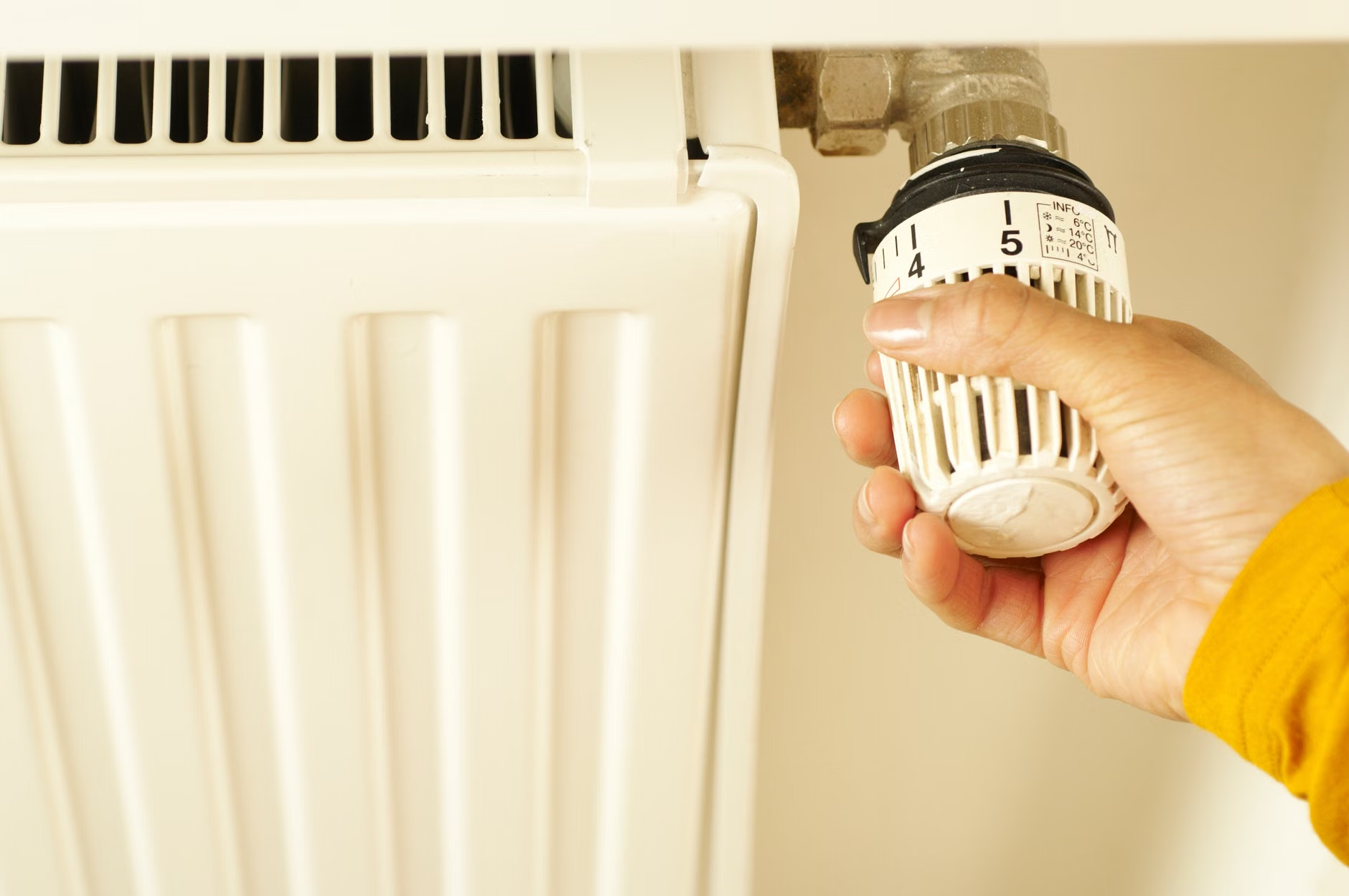
How Demand Response Actually Works in Your Living Room
At its core, a smart-grid demand response program is a partnership between you and your utility provider. When electricity demand spikes—say, on a blistering afternoon when everyone in the city has their AC running at full blast—the power grid reaches a critical limit. Instead of risking a blackout or turning on expensive, polluting “peaker” power plants, the utility asks your smart thermostat to nudge your temperature settings by a few degrees.
This is where the term “Demand Response” comes in. Your thermostat receives a signal from the utility’s server. It then automatically adjusts your HVAC system—perhaps raising your cooling setpoint by 2 to 4 degrees for an hour or two. This small change, multiplied by thousands of homes, reduces the total load on the grid instantly.
The Life-Cycle of a Demand Response Event
To understand if this is right for you, you need to see the lifecycle of an event. It usually follows a predictable pattern:
- The Alert Phase: You receive a notification via your thermostat app or email that an event is scheduled. Some systems do this silently, while others give you an “opt-out” button.
- The Pre-Conditioning Phase: Many smart systems anticipate the event. If they know your AC will be restricted at 3:00 PM, they might “pre-cool” the house at 2:00 PM when electricity is cheaper and demand is lower.
- The Event Phase: Your thermostat shifts to the “DR mode.” Your HVAC system runs less frequently. During this window, you might notice your home heating or cooling slightly slower than usual.
- The Recovery Phase: Once the grid stabilizes, your thermostat returns to your normal schedule.
The Catch: The “pre-conditioning” phase is where many homeowners get tripped up. If your home isn’t well-insulated, that pre-cooled air might dissipate before the event even starts, leaving you with a warmer-than-expected house during the peak period. If you have older windows or poor attic insulation, the energy saved during the event might be offset by the extra energy used to “over-cool” beforehand.

Is the Financial Incentive Worth the Minor Inconvenience?
Utility companies typically offer incentives to keep you enrolled. These can take several forms, and understanding the structure is vital to deciding if the program fits your lifestyle.
| Incentive Type | How It Works | Best For |
|---|---|---|
| Annual Rebate | A flat check or bill credit ($50–$100) for staying enrolled all season. | Families who prefer a “set it and forget it” approach. |
| Pay-Per-Event | Small credits for every hour you allow the utility to control your thermostat. | Those who want to maximize earnings and don’t mind manual overrides. |
| Time-of-Use (TOU) Rates | Higher prices during peak hours, lower prices during off-peak. | Families who can shift heavy tasks (laundry, dishwashing) to late night. |
If you are a parent with young children or elderly family members, the “comfort factor” is non-negotiable. The most important question isn’t “How much can I save?” but rather, “Can I override this?” Almost all modern DR programs allow you to manually override the thermostat if you feel the temperature has become uncomfortable. However, doing this too often may disqualify you from specific performance-based rebates.
The Hidden Variables That Determine Your Success
Not every home is a good candidate for demand response. Before you sign up, look at these three overlooked variables that often dictate whether you save money or just end up frustrated.
1. Your Home’s Thermal Envelope
If your home is drafty, the “smart” nature of the thermostat is effectively canceled out. Your HVAC system will fight the outside air infiltration, leading to constant cycling. In a poorly insulated home, a DR event can make the temperature swing feel extreme. If you feel cold drafts in winter or hot spots in summer, focus on weather-stripping or insulation before relying on a smart thermostat to manage your climate.
2. HVAC System Age and Type
If you have an older, single-stage HVAC system, these units are either “on” or “off.” They aren’t designed for the subtle, incremental adjustments that modern smart grids prefer. If you have a multi-stage or variable-speed heat pump, your system is much better suited for demand response because it can adjust its output without fully shutting down, keeping the temperature consistent even during an event.
3. The “Recovery” Spike
This is the most common misconception. Many users think that by letting the utility manage their thermostat, they are saving energy. In reality, the utility is managing grid load, not necessarily your total energy consumption. When the DR event ends, your thermostat will attempt to return to your desired temperature as quickly as possible. If it’s 95°F (35°C) outside, your AC will run at 100% capacity to recover, potentially negating the savings you gained during the event. This is known as the “rebound effect.”

How to Setup Your Smart-Grid Strategy Like a Pro
If you decide to participate, don’t just sign up and hope for the best. You need to configure your home to handle these events without causing a domestic crisis.
- Audit Your Smart Thermostat Settings: Look for “Eco” or “Savings” modes within your thermostat app. Ensure that the “maximum allowed shift” (how many degrees the utility can change your temp) is set to a level you are comfortable with—usually 2 to 3 degrees.
- Use Smart Sensors: If your thermostat is in the hallway, it doesn’t know if the kids’ bedrooms are sweltering. Place smart sensors in high-traffic rooms so the system understands the climate of the entire house, not just the hallway where the thermostat lives.
- Coordinate with Other Appliances: If your utility has a Time-of-Use (TOU) plan, don’t stop at the thermostat. Coordinate your dishwasher and dryer to run after 9:00 PM or before 7:00 AM. This is often where the real savings are found, far exceeding the small credits from thermostat adjustments.
- Set Up Manual Overrides: Teach everyone in the house how to manually adjust the thermostat. If the house gets too hot and the kids are struggling to nap, you should be able to override the event instantly. Knowing how to do this prevents the “I hate this new system” feeling that leads to early unsubscription.
Common Mistakes to Avoid
One of the biggest mistakes users make is joining multiple programs that conflict with each other. For example, you might have a manufacturer-specific savings program (like the one offered by your thermostat brand) and a separate utility-based program. If these two programs trigger at the same time, they can send conflicting commands to your HVAC system, causing it to short-cycle—a process that is hard on your equipment and doesn’t actually save you money.
Another mistake is assuming that “smart” means “intelligent.” Your thermostat is only as smart as the data it has. If you haven’t set up a proper schedule, the thermostat might be pre-cooling your home at 2:00 PM when you are actually at the office, wasting energy that you intended to save. Always review your schedule twice a year—once when you switch to cooling, and once when you switch to heating.
Addressing Your Questions
Does participating in a demand response program damage my HVAC system?
Generally, no. Modern HVAC systems are built to handle cycling. However, if your system is already on its last legs, the increased frequency of adjustments during a very hot week could be the “final straw.” If your unit is over 15 years old, consult an HVAC technician before joining a program that heavily relies on frequent cycling.
Can I opt out if I have guests or a special occasion?
Yes. Almost all residential demand response programs are voluntary. You can opt out of a specific event via your app or by simply turning the dial on your thermostat. While you might lose the specific credit for that event, you won’t be penalized or removed from the program for the occasional override.
Utility companies are highly regulated regarding data privacy. They generally use your data in the aggregate to predict grid demand. They aren’t looking at your daily routine to see when you are home; they are looking at thousands of data points to ensure the grid doesn’t collapse. However, always review the privacy policy of your specific utility provider to ensure you are comfortable with their data-sharing practices.
Final Thoughts: Is It Worth the Effort?
Demand response is a practical tool for the modern, tech-savvy household, but it is not a “get rich quick” scheme for your utility bills. It is a way to shave off the edges of your energy costs while helping stabilize the power grid. For a family in their 30s or 40s, the best approach is to start slow. Enroll in a program that offers a flat annual rebate rather than a complex per-event system. This allows you to test the waters without the stress of monitoring your phone for every energy alert.
If you find that the temperature shifts are unnoticeable and the bill credits are consistent, you can then move toward more aggressive TOU plans. Remember, your home is your sanctuary. If a technology—no matter how “smart”—starts to make your home less comfortable, you have every right to pull the plug. Start with a trial, keep an eye on your comfort levels, and let the tech work for you, not the other way around.
Official Resources for Further Research: