The most effective way to secure your smart kitchen is to treat every appliance as a mini-computer that requires regular maintenance, specifically through mandatory firmware updates that patch known security holes.
- Firmware is the software heart of your appliance: Outdated firmware is the primary entry point for hackers to access your home network.
- Network Segmentation is your best defense: By isolating your kitchen appliances on a “Guest” or IoT-specific Wi-Fi network, you prevent a compromised fridge from accessing your main computer or banking data.
- Automatic isn’t always active: Many smart appliances require you to manually toggle “Auto-Update” settings within their specific companion apps, even after the initial setup.
You probably didn’t think you’d need a cybersecurity strategy just to make a cup of coffee or keep your leftovers fresh. Yet, here we are. When we bring smart appliances into our homes—the Wi-Fi-enabled air fryer, the fridge that tracks your grocery list, or the kettle you can trigger from your bed—we are essentially inviting small, often under-protected computers into our private living spaces.
For those of us juggling careers, school runs, and the general chaos of life in our 30s and 40s, “cybersecurity” sounds like a task for an IT professional. But the reality is that the threat isn’t usually some high-level espionage; it’s automated bots scanning the internet for devices with weak, default passwords or outdated, unpatched software. Let’s break down how to lock down your kitchen without needing a degree in computer science.
Why Firmware Security Matters More Than You Think
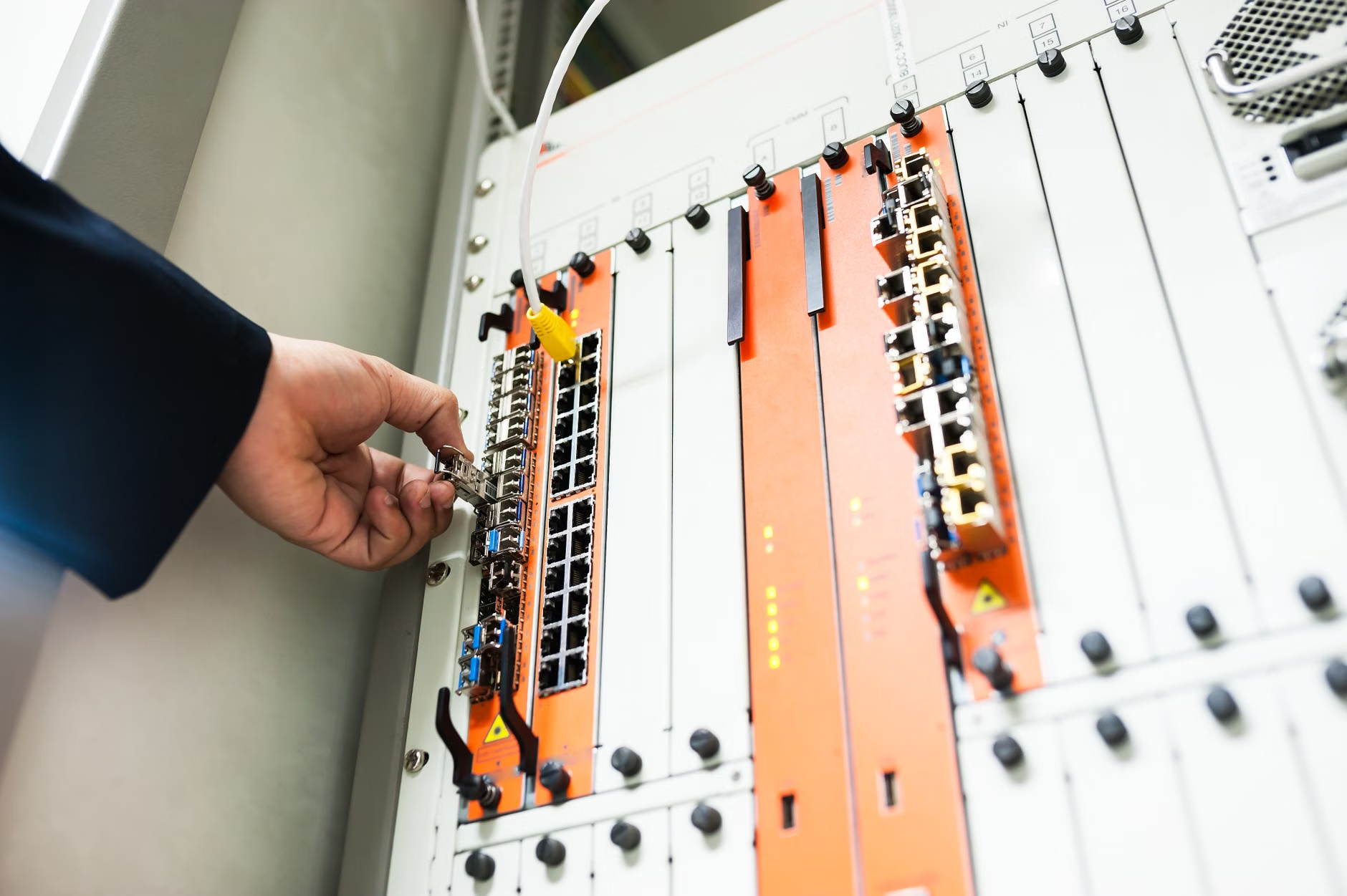
Firmware is the permanent software programmed into your device’s hardware. Unlike the app on your phone that updates automatically when you sleep, your smart oven or dishwasher often relies on the manufacturer to release patches when a security flaw is discovered. If that firmware is outdated, it’s like leaving the window of your house unlocked because you forgot to check the latch.
Why would a hacker care about your toaster? It’s rarely about the appliance itself. Once a hacker gains entry into your smart kitchen device, they use it as a “bridge.” Because that device is connected to your home Wi-Fi, it can potentially scan your network to find more valuable targets—like your laptop where you do your online banking or the home office computer where you store sensitive work documents.
The Life Cycle of an Appliance Vulnerability
Most manufacturers aren’t trying to leave you exposed, but they are often focused on the next shiny product. When a vulnerability is found in a specific chip or software library used by your smart fridge, the manufacturer releases a firmware update. If you don’t install it, your device remains a “zombie” device—a perfect, quiet node for a botnet (a collection of hijacked devices) to conduct attacks on other websites.
In real-life terms, this means your internet speed might suddenly plummet because your smart fridge is busy sending spam emails or participating in a Distributed Denial of Service (DDoS) attack to a bank halfway across the world. You’ll be left wondering why your Netflix is buffering, while your appliance is unknowingly breaking the law.
The Three-Step Strategy for a Secure Kitchen
You don’t need to be a tech genius to handle this. You just need to be systematic. Security is about layers. If one layer fails, the next one stops the intruder.
1. Isolate Your Devices (The “Guest Network” Rule)
Most modern routers allow you to create a “Guest Network.” This is a separate Wi-Fi connection that shares your internet access but keeps those devices away from your main network. Move all your kitchen appliances, smart bulbs, and sensors onto this Guest network. Even if your smart coffee maker gets hacked, the intruder will be trapped in that isolated network, unable to “see” your home office or personal laptop.
2. The “Set and Forget” Audit
Once a month, spend ten minutes checking your appliance apps. It’s a chore, yes, but it’s a necessary one. Check for these three things in every app:
- Firmware Version: Does it say “Up to Date”?
- Auto-Update Toggle: Is it set to “On”?
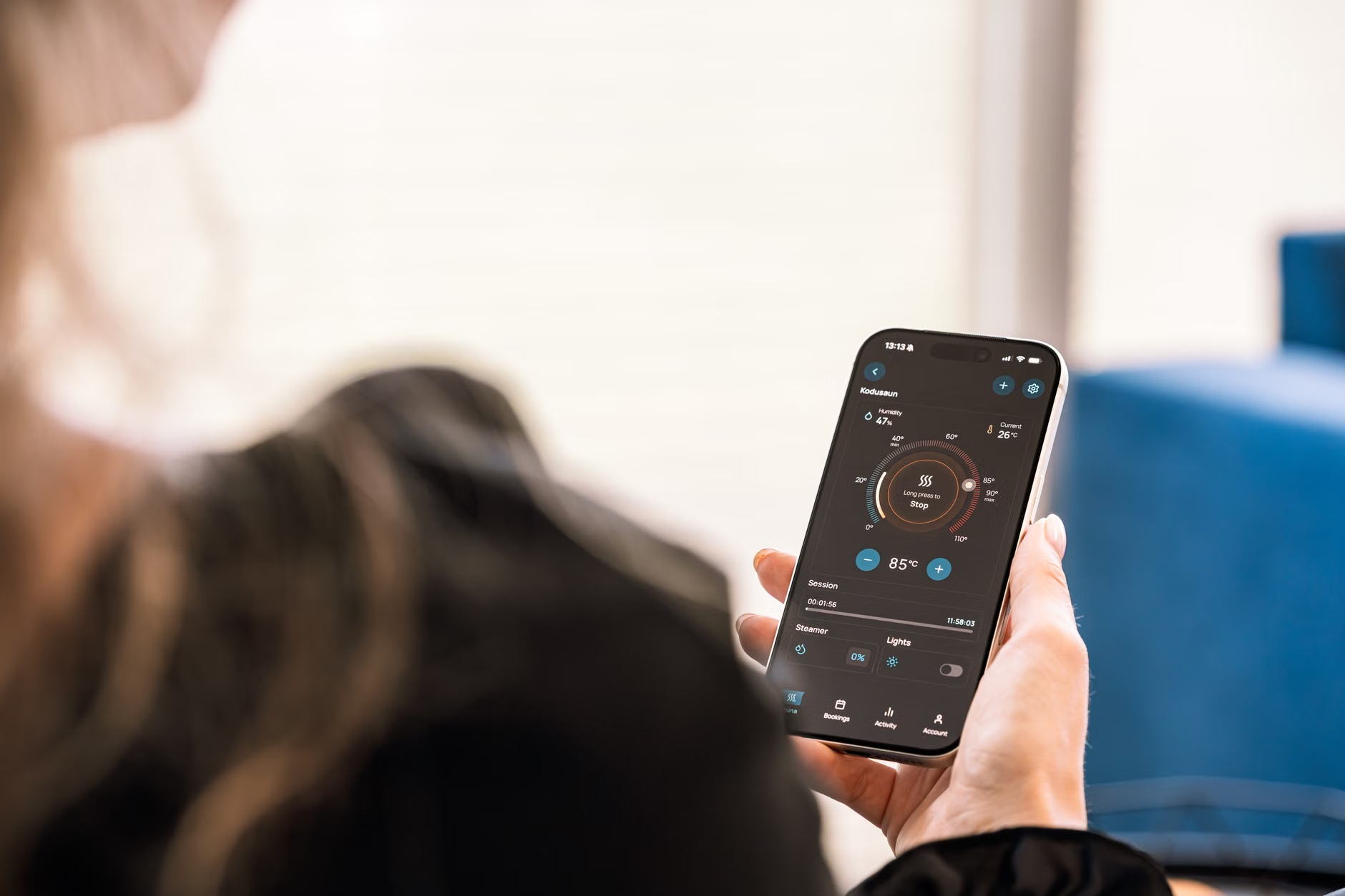
- Remote Access: Do you actually need to control your oven from the office? If not, turn off remote access features.
3. Change Default Credentials Immediately
Many smart devices come with a default username and password (like “admin/admin” or “1234”). Hackers have a list of these common defaults. If you don’t change them, you are essentially leaving the front door wide open. If a device doesn’t allow you to change the password, it is a significant security risk and should be removed from your network or strictly firewalled.
Comparing Security Features: What to Look For Before You Buy
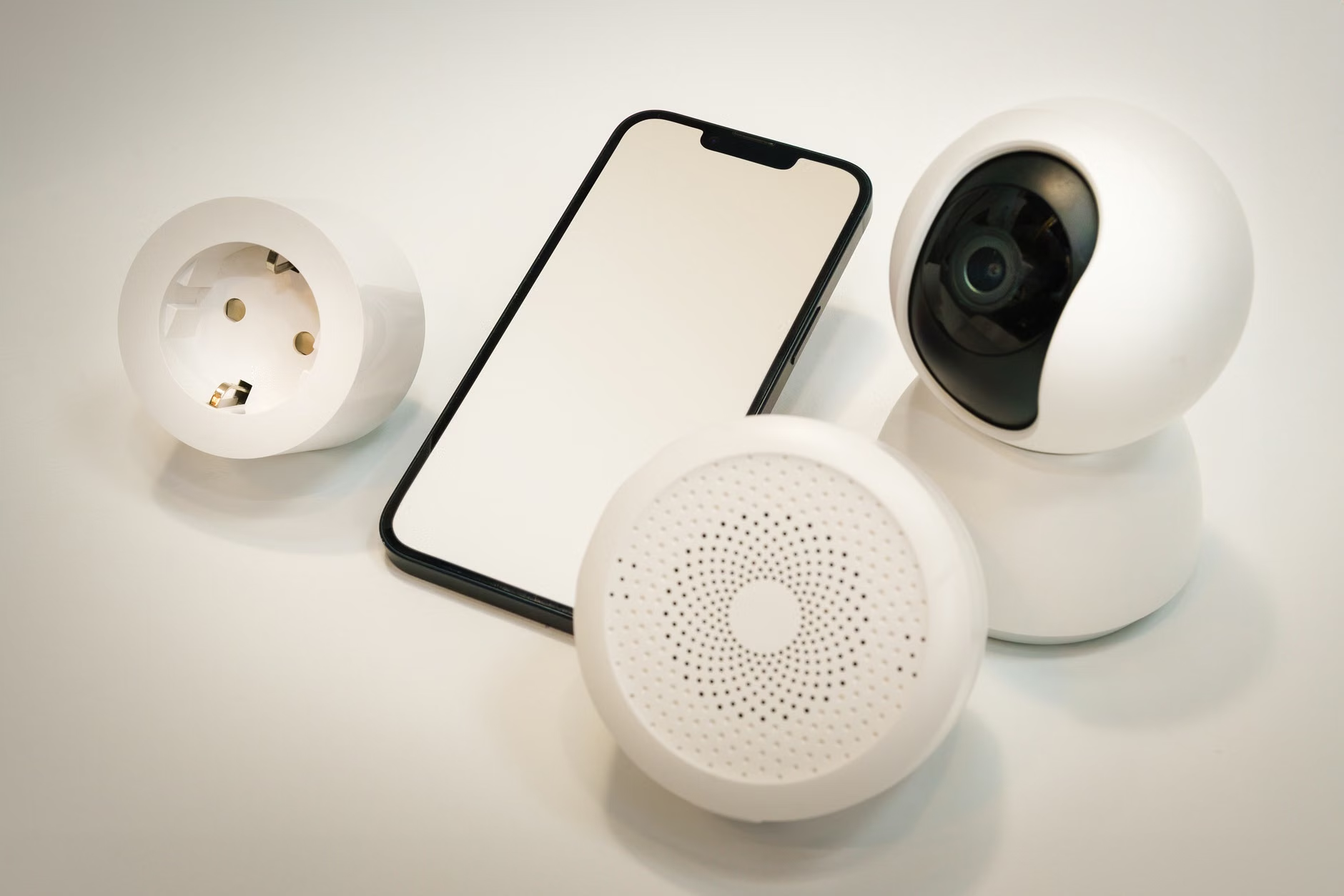
Not all smart appliances are created equal. When you are upgrading your kitchen, security should be a factor in your purchase decision. Use the table below to evaluate potential purchases.
| Feature | Low Security Risk | High Security Risk |
|---|---|---|
| Update Policy | Guaranteed support for 5+ years | No mention of update support |
| Password Policy | Forces unique, strong password setup | Allows default/weak passwords |
| Data Privacy | Offers local-only control options | Requires cloud-only connectivity |
| Security Certs | Compliance with standards (e.g., Matter, UL) | No security certifications |
If you are buying a high-end appliance, look for the “Matter” standard. Matter is a new industry standard that ensures devices are built with security and interoperability in mind. Appliances that support Matter are generally more likely to receive consistent, standardized updates compared to proprietary, “no-name” budget smart devices.
Common Mistakes That Compromise Your Kitchen
The most common mistake is the “set it and forget it” mentality. We treat appliances like they are inanimate objects—like a cast-iron skillet. But a smart fridge is more like a smartphone. It needs attention. Another common error is using the same password for your appliance app that you use for your email or banking. If the appliance manufacturer suffers a data breach, your password for everything else could be exposed.
Always use a unique, complex password for every single device app. If you aren’t using a password manager, start now. It’s the single most effective thing you can do for your digital safety.
What to Do If You Suspect a Compromise
If your smart appliance is acting weird—it’s unresponsive, it’s making strange noises, or your internet is acting up—take these steps immediately:
- Disconnect it: Pull the plug or turn off its Wi-Fi connection in your router settings.
- Factory Reset: Most devices have a pinhole reset button. Use it to wipe the device to its original factory state.
- Update: Once reset, connect it to the network and immediately check for a firmware update before you do anything else.
- Change Credentials: Change the password for the app and the Wi-Fi network itself if you suspect the credentials were compromised.
If the device continues to behave strangely after a factory reset and a firmware update, it may be time to consider retiring the device. Sometimes, the cost of a device’s security vulnerability outweighs the convenience it provides.
Understanding the “Smart” Trade-off
We often talk about the convenience of smart homes, but we rarely talk about the “maintenance tax.” The convenience of pre-heating your oven on the drive home comes with the responsibility of managing that device’s software. For a busy parent, this might seem like just another task on an endless to-do list. However, viewing it as a routine household chore—like changing the air filter in your HVAC or cleaning the dryer vent—makes it much more manageable.
Consider the trade-off: Is the ability to check if you left the oven on worth the risk of a compromised network? For many, the answer is yes, provided they take the necessary steps to secure it. If you find the maintenance too burdensome, there is absolutely no shame in choosing “dumb” appliances. A high-quality, non-connected appliance will last longer, won’t need firmware updates, and will never be a security risk. In many cases, the “smart” version of an appliance offers very little real-world utility for the average family.
Frequently Asked Questions
1. Do I really need to update my smart fridge, or is it just a marketing tactic?
It is not a marketing tactic. Firmware updates are almost exclusively released to fix bugs, improve performance, or—most importantly—close security vulnerabilities. Just like your phone, the software inside your fridge is constantly evolving, and keeping it updated is the only way to ensure it isn’t being used as a gateway into your home network.
2. How can I tell if my smart appliance is actually “secure”?
Look for manufacturers that provide a clear “End of Support” date. If a company doesn’t publish how long they will provide security updates for a product, you should assume they will provide them for as little time as possible. Additionally, check if the device supports two-factor authentication (2FA). If an app doesn’t offer 2FA, it is significantly less secure than one that does.
3. If I don’t use the app, is my appliance still a security risk?
Yes. Even if you don’t use the app, the appliance is likely still connected to your Wi-Fi network to check for updates or sync data. If it’s connected to your network, it’s a potential entry point. If you aren’t using the smart features, the safest option is to keep the device disconnected from your Wi-Fi entirely.
Final Thoughts
Securing your smart kitchen isn’t about living in fear of hackers; it’s about being a responsible steward of your home technology. By isolating your devices on a guest network, keeping your firmware updated, and being mindful of the credentials you use, you can enjoy the convenience of a modern kitchen without leaving the digital back door open. Start by checking your router settings today—it’s the most important step you can take for your home’s security.
For further reading on IoT security standards and best practices, you can refer to the CISA Secure by Design guidelines and the NIST Cybersecurity framework resources, which provide a broader look at protecting your connected environment.