If your smart home hub has stopped responding, the most cost-effective solution is often a simple power-cycle or network reset rather than a complex hardware repair. Most “broken” smart hubs are actually suffering from software glitches or connectivity timeouts that can be resolved in minutes, saving you the expense and hassle of a full device replacement.
- Software over hardware: Over 80% of smart hub issues are firmware-related; always exhaust factory reset options before opening the casing.
- Warranty awareness: Opening the chassis of most modern smart hubs will immediately void your manufacturer warranty, making professional repair impossible.
- The “Cost-to-Repair” threshold: If the cost of replacement parts and your time exceeds 40% of the device’s current market value, replacement is objectively the smarter financial move.
We’ve all been there. You walk into the kitchen, ask your smart hub to play some morning jazz, and instead of music, you get the dreaded “I’m having trouble connecting to the internet” or, worse, absolute silence. In our 30s and 40s, when we are juggling school runs, work deadlines, and the endless mental load of household management, a piece of tech failing can feel like the straw that breaks the camel’s back. But before you impulsively order a new unit, let’s look at the reality of “repairing” these devices.
The Anatomy of a Smart Hub Failure: Why Things Stop Working
To fix something, you need to understand how it fails. Smart hubs—whether they are voice-controlled speakers, bridges for your lights, or central security controllers—are essentially miniature computers. Unlike a mechanical toaster, they have very few moving parts. When they “break,” it is usually due to one of three categories: Power delivery, Network handshake, or Firmware corruption.
Power delivery issues are the most common physical failure. The power adapter (the “brick” that plugs into the wall) is the most stressed component. It is constantly converting high-voltage AC current into low-voltage DC current, generating heat in the process. If your hub is dead, do not start by prying it open. Start by testing the power supply with a multimeter or, if you have a compatible spare, swapping it out. Many users discard perfectly functional hubs simply because a $15 power adapter failed.
Network handshakes are the “invisible” failures. Your router might have assigned a new IP address, or the hub’s Wi-Fi radio might be struggling with interference from your microwave or a neighbor’s router. This isn’t a hardware failure; it is a communication error. Before you reach for a screwdriver, you must perform a “power cycle”: unplug the hub, wait at least 60 seconds (to allow capacitors to discharge), and plug it back in. This simple step clears the volatile memory and forces the device to re-establish a fresh handshake with your router.
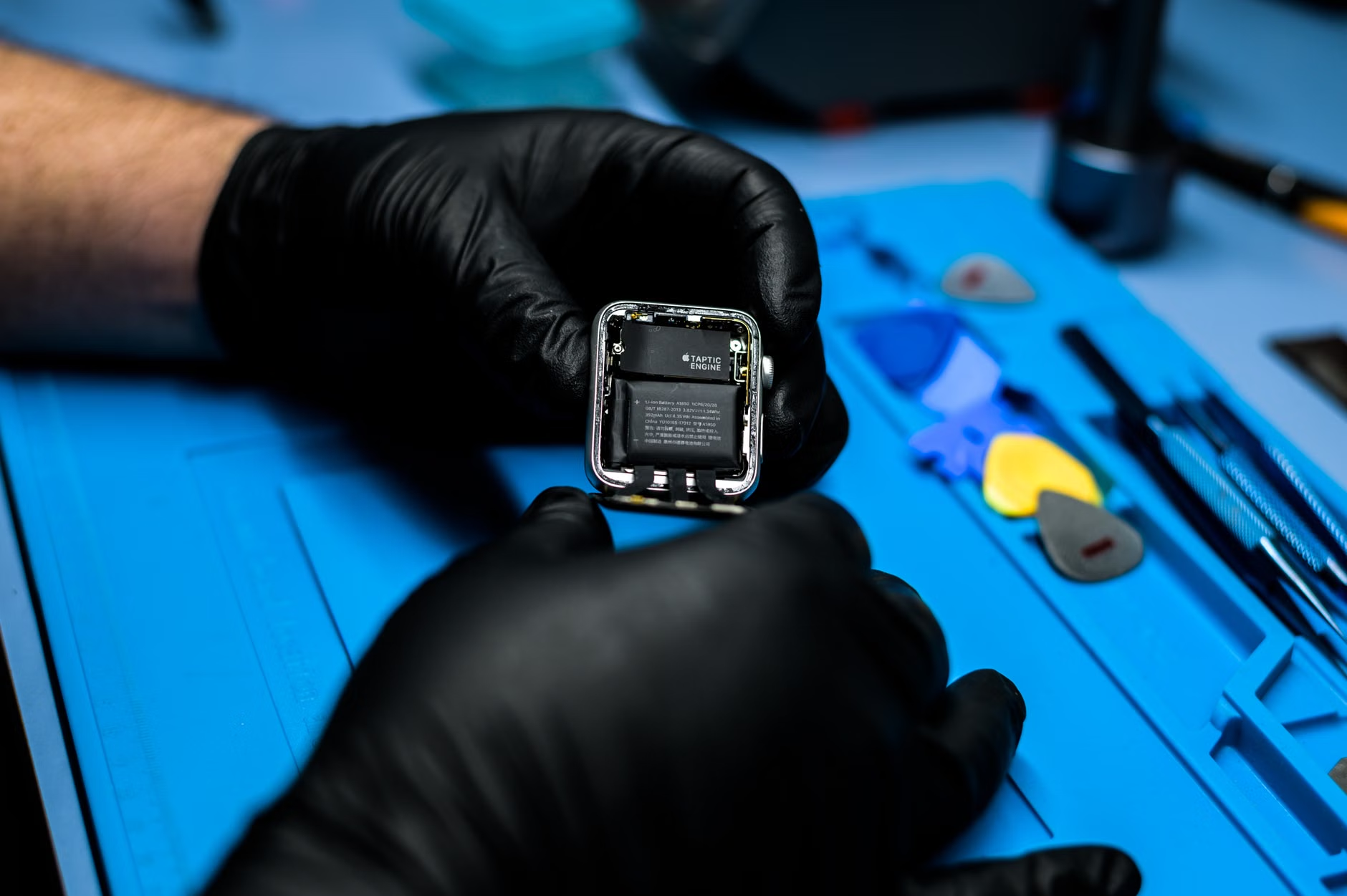
When to Keep Your Screwdriver in the Drawer
There is a dangerous misconception that because a device is “smart,” it is meant to be repaired like a vintage radio. The reality is that modern consumer electronics are designed for longevity, not serviceability. Manufacturers use strong adhesives, proprietary screw heads (like Pentalobe or Torx security bits), and tightly packed ribbon cables that are notoriously easy to tear.
If you are considering opening your device, ask yourself these three questions:
- Is the device still under warranty? If it is less than a year old, opening it is a mistake. Contact the manufacturer. Most companies have a replacement policy that is far cheaper than your time spent troubleshooting.
- Are replacement parts actually available? You can find replacement batteries for laptops, but you will rarely find internal logic boards or proprietary speakers for a smart hub. If the main board is fried, the “repair” is effectively impossible.
- Do I have the right tools? Using a standard Phillips head on a specialized screw will strip it, rendering the device impossible to open without damaging the plastic casing.
The “hidden cost” of DIY repair is often the damage caused during the opening process. If you snap a plastic clip or tear a delicate antenna wire, you have turned a $100 device into a $0 piece of e-waste. If you are not comfortable working with tiny, delicate electronics, the “repair” is not worth the risk.
Diagnostic Steps: The Professional Approach to Troubleshooting
If you have decided that the device is worth saving, approach it like a technician would. Don’t start by taking it apart. Follow this logical hierarchy of diagnostics:
| Diagnostic Step | What it Checks | Risk Level |
|---|---|---|
| Power Cycle | Clears temporary memory glitches | None |
| Router/Network Reset | Checks for IP conflicts or signal drops | Low |
| Factory Reset | Wipes corrupt firmware/settings | Medium (Data loss) |
| External Inspection | Checks for cable/port damage | Low |
| Internal Inspection | Checks for physical corrosion/loose parts | High (Warranty void) |
The Factory Reset is the “nuclear option.” It will erase all your paired devices, routines, and preferences. For a family hub, this means you will have to re-link your smart lights, thermostats, and locks. This is a significant time investment. Only perform this if you have ruled out network issues and power supply failures. Always check the manufacturer’s documentation for the specific “button combo” required to perform a factory reset, as it varies by model.
When Hardware Repair is Actually Feasible
There are specific scenarios where a physical repair is viable. The most common is a damaged charging port. If you have a hub that uses a standard micro-USB or USB-C port, these can sometimes be re-soldered if they become loose from the board. However, this requires a steady hand, a fine-tip soldering iron, and a magnifying lamp. If you have never soldered before, do not start on a smart hub.
Another scenario is dust accumulation. If your device has a fan or an exposed speaker grille, dust can cause overheating or muffled audio. Using a can of compressed air or a soft anti-static brush to clean the intake vents can significantly extend the life of the internal processor by preventing thermal throttling. This is a “maintenance” task, not a “repair” task, and it should be part of your annual home tech hygiene routine.
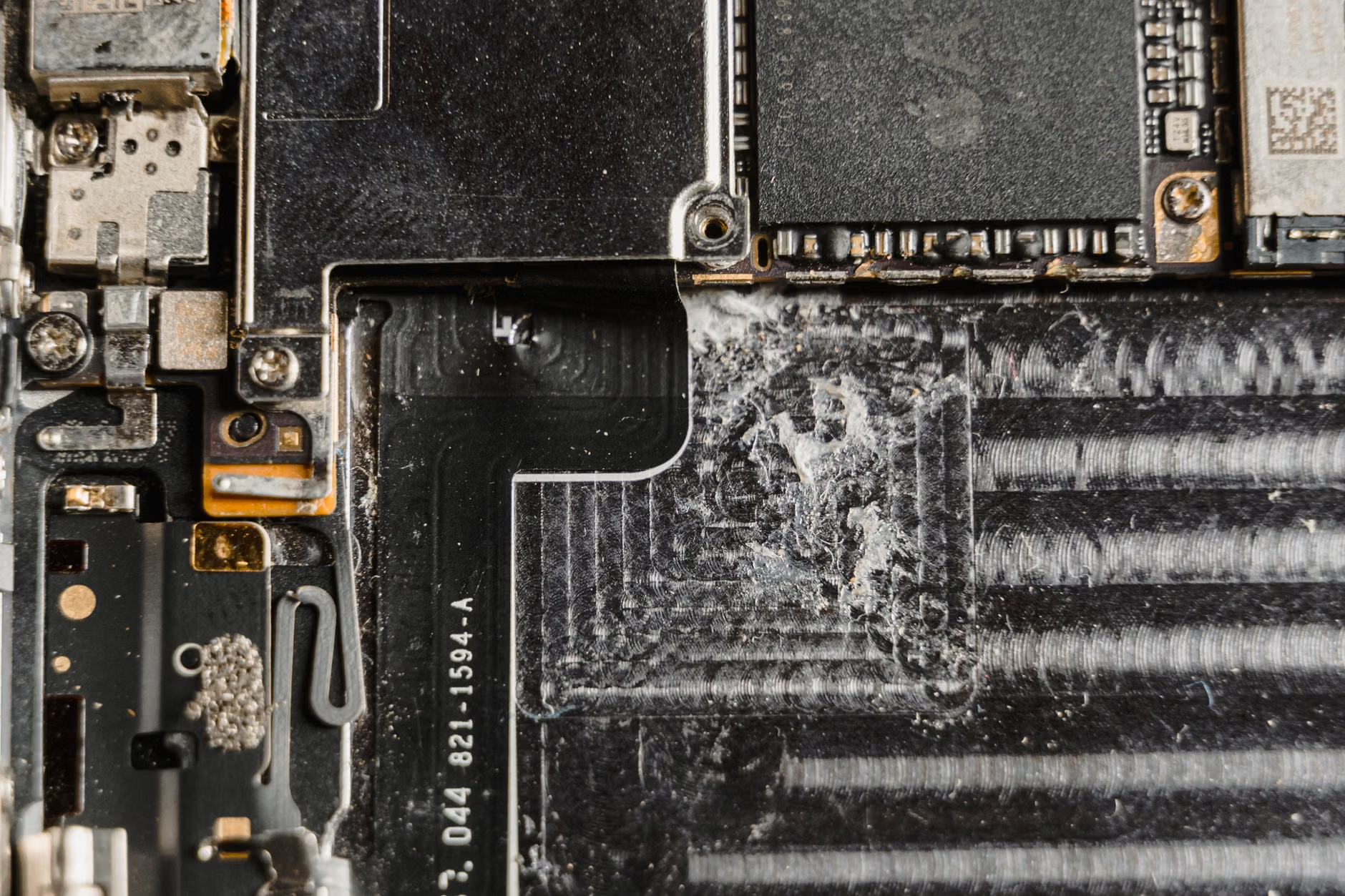
The “Repair vs. Replace” Decision Matrix
Let’s say you have diagnosed a hardware fault. Maybe the speaker is crackling, or the hub refuses to connect to Wi-Fi even after a factory reset. How do you decide if it is worth the effort?
Use the 40% rule. If the estimated cost of the repair (including your hourly value of time) is more than 40% of the cost of a brand-new, modern equivalent, you should replace the unit. Why 40%? Because smart home tech depreciates and upgrades rapidly. A three-year-old hub is likely slower, has less secure encryption, and is nearing the end of its software support life. Spending money to fix old hardware often results in a “sunk cost” scenario where you end up with a device that is functionally obsolete shortly after you fix it.
Consider the trade-offs:
- Repair: You save money, keep waste out of landfills, and learn a skill. Trade-off: You lose the warranty, the device may be less secure, and you risk total failure during the process.
- Replace: You get the latest security patches, better processing speed, and manufacturer support. Trade-off: It is an immediate financial hit and contributes to electronic waste.
Common Misconceptions About Smart Home Hardware
One of the biggest mistakes people make is assuming that “hardware failure” is the cause of all problems. We live in an age of “Software-Defined Hardware.” This means that the behavior of the device is controlled almost entirely by the software living on its chips. If the software has a bug, the hardware might behave as if it is broken. For example, a device that fails to boot might be stuck in a “boot loop” caused by a failed over-the-air (OTA) update. This is not a hardware problem; it is a software state that requires a specific recovery mode to fix.
Another misconception is that all smart hubs are built to be long-term investments. Unlike a high-end stereo system that can last 20 years, smart hubs are closer to smartphones. They are designed for a 3-to-5-year lifecycle. Expecting them to last a decade is unrealistic given the pace of security updates and protocol changes (like the shift to Matter, the new universal smart home standard).
Sustainable Disposal: What to Do With the “Dead” Hub
If you have decided that the device is truly beyond repair, do not throw it in the general trash. Smart hubs contain lithium-ion batteries, rare earth metals, and circuit boards that can be toxic if they reach a landfill. Most local waste management facilities have specific drop-off points for e-waste. In many countries, retailers like Best Buy, Apple, or local electronics shops have “take-back” programs where they will recycle the device for you, often regardless of where you bought it.
Before you recycle it, ensure you have “deregistered” the device from your account. This is a critical security step. If you donate or recycle a device without removing it from your smart home app, the next person (or the recycling facility) might technically still have access to your account data or device logs. Always perform a final factory reset and remove the device from your cloud account settings.
Final Thoughts: Prioritizing Your Time
As a parent or a busy professional, your time is your most valuable asset. While there is a certain satisfaction in fixing a broken device, we must be honest about the trade-offs. If you are spending three hours troubleshooting a $50 hub, you are essentially paying yourself less than minimum wage to perform a task that carries a high risk of failure.
Focus your energy on maintenance: keep your devices updated, ensure they have good airflow, and use high-quality surge protectors. When things do break, perform the logical software resets first. If that doesn’t work, give yourself permission to replace the device and move on. Your smart home is meant to serve you, not become a source of stress or a DIY project that never ends.
For more information on the environmental impact of your electronics, you can visit the EPA’s official guide on electronics recycling, which provides a clear framework for how to handle old tech responsibly.
Frequently Asked Questions
- Q: Does opening my smart hub really void the warranty?
A: Yes, in almost every case. Most manufacturers include “tamper-evident” seals or use construction methods that show clear signs of entry. Unless you are in a jurisdiction with specific “Right to Repair” laws that override these manufacturer policies, opening the device will nullify any remaining support or replacement options. - Q: How do I know if the problem is my internet and not the hub?
A: The easiest way to isolate the issue is to check other devices on your network. If your phone or laptop is also struggling to connect or showing high latency, the issue is your router or internet service provider (ISP), not your smart hub. Use a network speed test app to confirm your baseline connectivity. - Q: Is it worth buying a “refurbished” hub if mine breaks?
A: Yes, provided it comes from an official manufacturer-certified program. Refurbished units from reputable sources are often tested more rigorously than new units coming off the assembly line. Avoid “used” units from secondary marketplaces unless they come with a clear return policy, as you have no way of knowing if they were previously damaged or are hiding latent software issues.
Keep your tech healthy, but don’t let it consume your weekend. Sometimes, the best repair is simply knowing when to let go.