The most effective way to maintain productivity while working from home with children is not to isolate yourself, but to architecturally manage the sensory input of your environment. By controlling sound, visual clutter, and lighting, you can create a “deep work” zone that remains responsive to the needs of a family without sacrificing your professional output.
- Acoustic Zoning: Use soft furnishings and dedicated sound-absorbing panels to reduce “cognitive load” caused by ambient household noise.
- Visual Boundary Cues: Implementing “work-only” visual triggers—like specific lighting or modular partitions—helps the brain switch into professional mode instantly.
- Dynamic Ergonomics: Rotate between “active” and “focused” zones to prevent sensory fatigue during long remote-work shifts.
If you are a parent in your 30s or 40s, you know the specific, sharp frustration of trying to hold a complex thought while a toddler is playing with plastic blocks or a school-aged child is running through the hallway. It is not just about the noise; it is about the constant, low-level vigilance required to manage both a career and a household simultaneously. This “split-brain” syndrome is a sensory nightmare.
Most home office advice suggests “closing the door,” but for many families, that is architecturally impossible or socially impractical. Instead, we need to treat the home as a sensory-managed space where your nervous system can regulate itself despite the proximity of chaos.
The Science of Sensory Overload in Remote Work
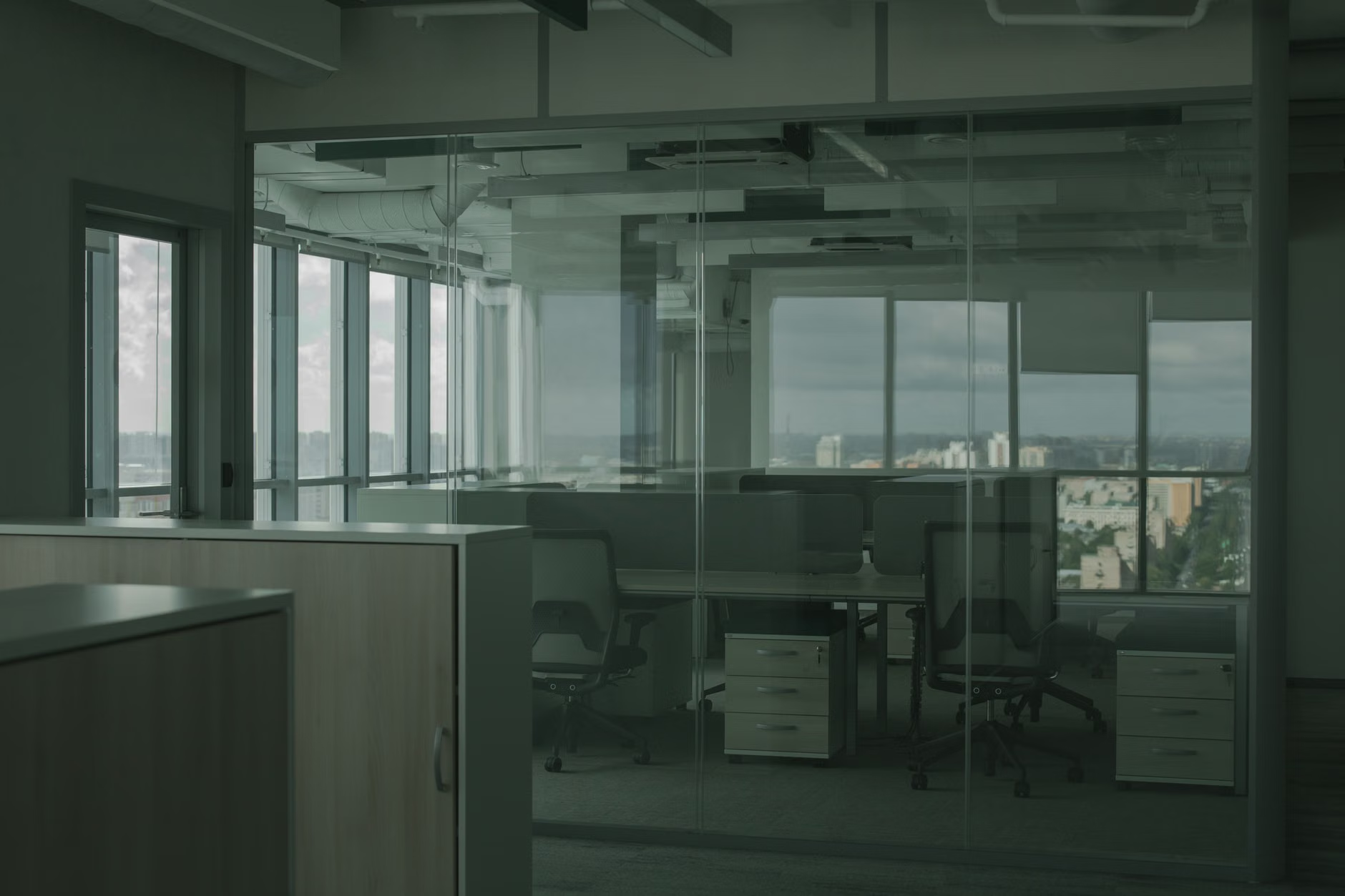
When you work from home, your environment is rarely optimized for deep focus. Offices are designed with acoustic ceilings, specific lighting temperatures, and uniform desk heights. A home is designed for comfort, which often means unpredictable acoustics and visual distractions. For the parent-professional, this creates a state of “continuous partial attention.”
According to cognitive load theory, your brain has a limited capacity for processing information. Every time you hear a door slam, see a toy out of place, or catch movement in your peripheral vision, your brain performs a “threat assessment” or a “distraction check.” This consumes mental energy that should be reserved for your actual tasks. By limiting these sensory inputs, you aren’t just making your office “pretty”—you are physically reducing the metabolic cost of your workday.
Mapping Your Home’s Acoustic Signature
Sound is the primary enemy of the remote-working parent. It is not just the high-decibel crying or shouting; it is the unpredictable rhythm of home life that keeps your brain in a state of high alert. To manage this, you don’t need a soundproof bunker. You need a “dampened” zone.
Start by identifying the “echo points” in your workspace. Hard surfaces—glass desks, hardwood floors, bare walls—reflect sound, turning a simple conversation into a distracting cacophony. The goal is to introduce soft, porous materials that trap sound waves before they bounce back into your ears.
Practical Steps for Acoustic Management:
- The Rug Rule: If you are working on a hard floor, a thick, high-pile rug with a felt underlay is non-negotiable. It acts as a primary sound absorber.
- Wall-Mounted Dampeners: Instead of art, consider installing acoustic felt panels. They are increasingly design-forward and can look like modern geometric wall decor while significantly reducing room echo.
- The “Near-Field” Strategy: Place a soft barrier—like a bookshelf filled with books or a high-backed upholstered chair—directly behind your chair. This creates a “sonic shadow” that blocks direct noise from the rest of the house.
Visual Boundaries: The Power of “Environmental Triggering”
Your brain relies on environmental cues to know when it is time to work. When your desk is also the place where you pay bills, eat dinner, or help with homework, the “work” signal becomes diluted. You need to create a visual threshold that your brain recognizes as the “Professional Zone.”
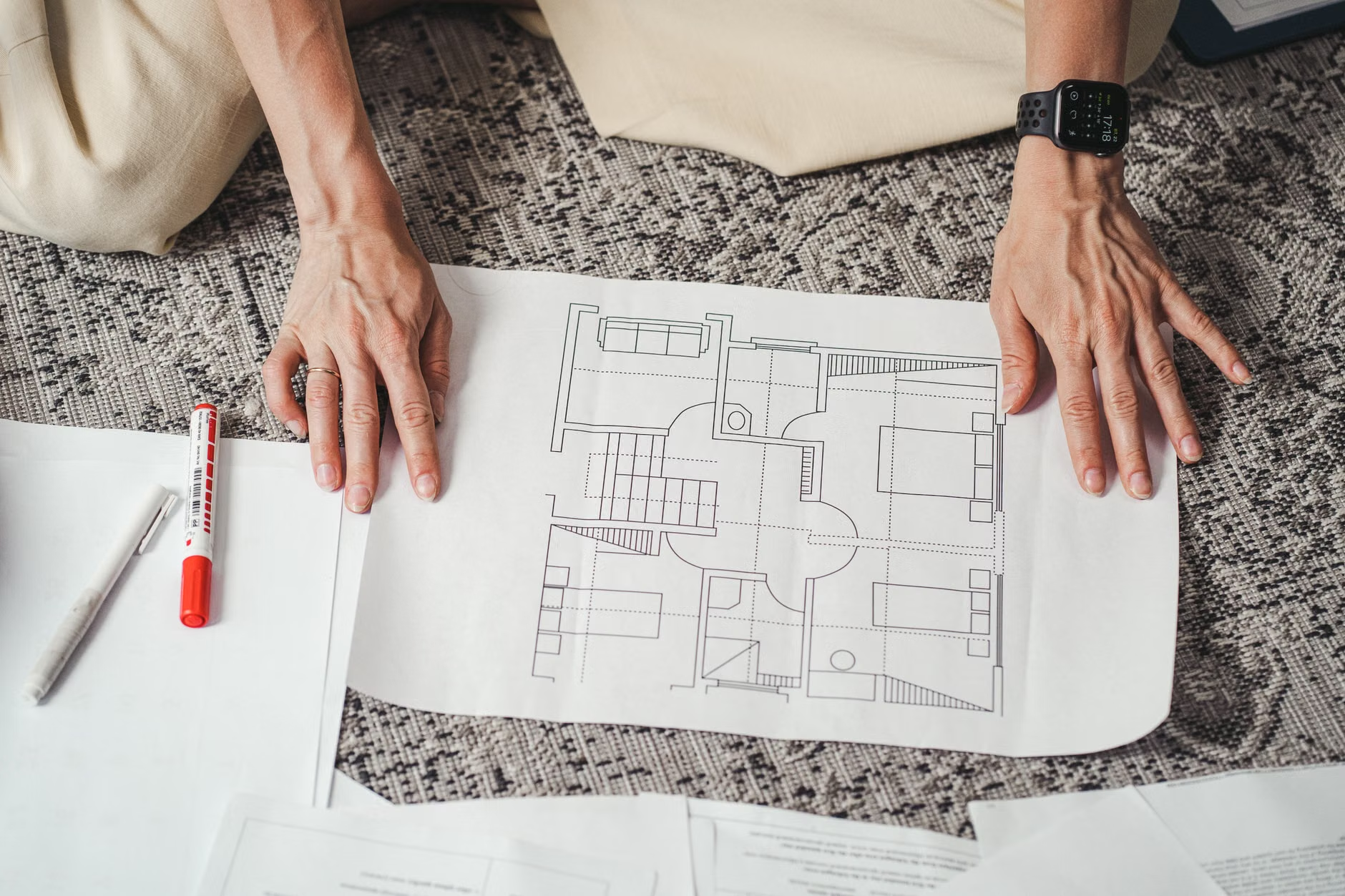
This is where modular architecture comes into play. You don’t need a separate room; you need a “soft boundary.” A piece of furniture, a change in flooring material, or even a specific light color can serve as a psychological divider.
Designing Your “Deep Work” Threshold
Consider the “Transition Zone.” If you have a desk in the corner of a living room, use a floor-to-ceiling shelving unit (open-backed works best to maintain airiness) to visually separate the office from the play area. This creates a physical barrier that, while not soundproof, tells the rest of the family: “The space behind this shelf is for focus.”
Table: Visual Boundary Techniques
| Technique | Effectiveness | Best For |
|---|---|---|
| Lighting Shift | High (Psychological) | Small apartments where space is fixed. |
| Modular Partitions | Very High (Physical/Visual) | Open-plan homes with high traffic. |
| Color Zoning | Medium (Psychological) | Low-budget, non-permanent solutions. |
The lighting shift is perhaps the most underrated tool. Use a smart lamp with a daylight-balanced bulb (5000K-6000K) specifically for your desk. When you turn that lamp on, it is “work mode.” When you turn it off, the work day is over. This simple Pavlovian trigger helps you mentally disconnect, which is often the hardest part of the parent-remote-worker dynamic.
Managing the “Parenting-Work” Overlap
The biggest mistake parents make is trying to hide the work from the child or the child from the work. This creates a “forbidden zone” mentality that often leads to more frequent interruptions. Instead, build a “sensory-friendly” environment that acknowledges the reality of your life.
If you have children under the age of 10, they need to know when you are truly “unavailable.” This is where the concept of a “Visual Signal” comes in. A red smart-light or a specific physical object—like a pair of noise-canceling headphones placed on the desk—can act as a universal, non-verbal “Do Not Disturb” sign. It removes the need for you to repeatedly say “not now,” which is itself a sensory disruption.
The “Sensory-Safe” Kids’ Zone
You cannot effectively work if the space adjacent to you is chaotic. Designate a “low-sensory” play area for your children near your workspace. Use bins for toys to reduce visual clutter, and avoid high-contrast, loud-colored rugs or decor in this area. Neutral tones—soft greens, blues, and greys—actually have a calming effect on children, reducing the likelihood of high-energy outbursts that disrupt your focus.
The Hidden Costs of “Quick Fix” Home Offices
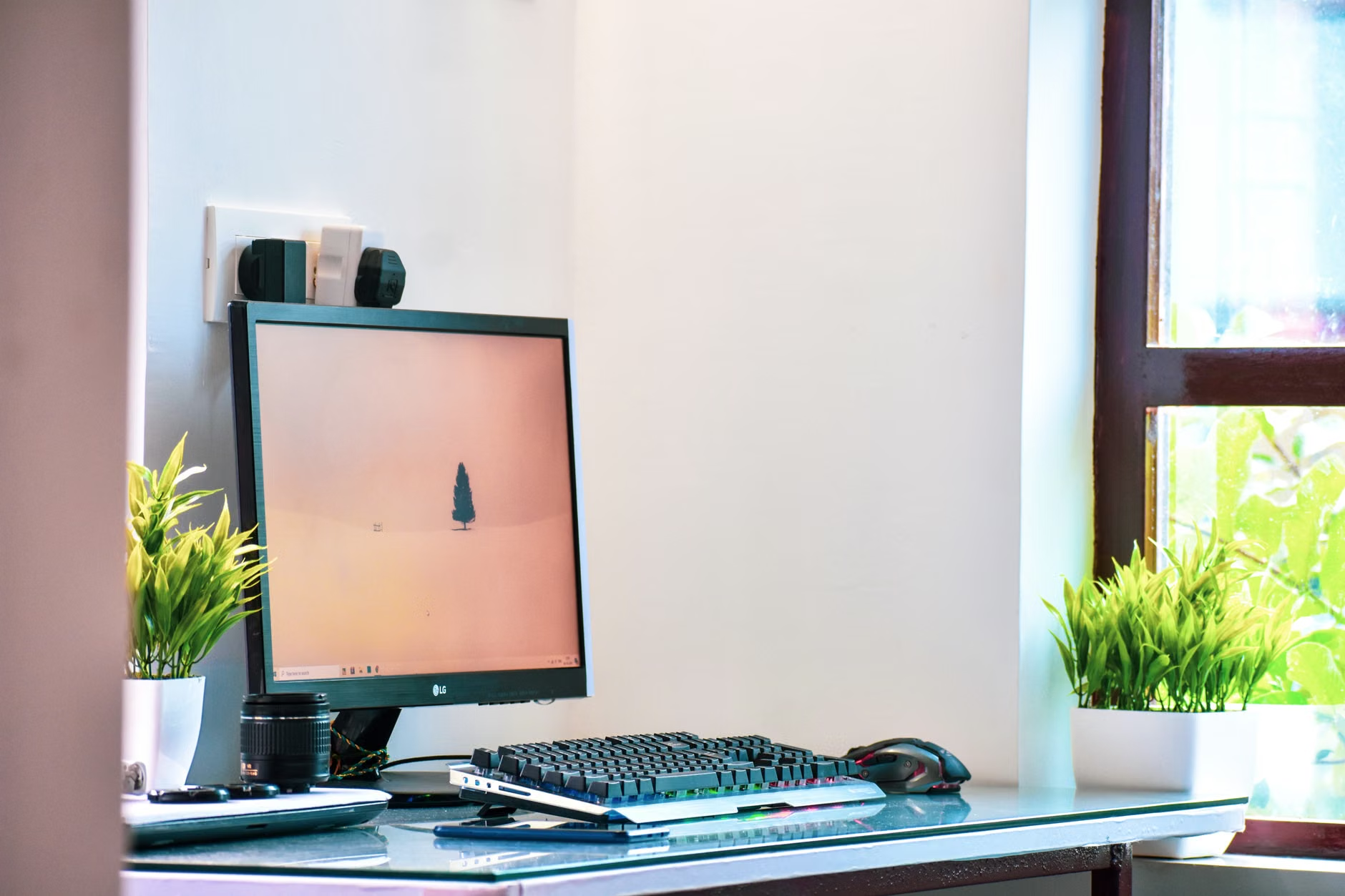
Many parents fall into the trap of using a dining chair for 8+ hours a day. This is a sensory-physical mistake. When your body is uncomfortable—when your lower back aches or your wrists are strained—your brain is receiving constant “pain signals.” This is a form of sensory noise that prevents deep work.
The “Sensory-Physical” Audit:
- The 90-Degree Rule: Your elbows, hips, and knees should all be at 90-degree angles. If they aren’t, your body is using energy to maintain a posture, which is energy stolen from your cognitive tasks.
- Lighting Glare: If you see a reflection of a window or light fixture on your screen, your eyes are constantly adjusting to the contrast. This causes “eye fatigue,” which mimics the feeling of exhaustion. Use a monitor hood or shift your desk position by 90 degrees relative to the window.
- Temperature Regulation: If your home office is too warm, you become lethargic. If it is too cold, you become tense. Aim for a consistent 20-22°C (68-72°F). If you share the space, use a personal fan or a heated desk mat to manage your own micro-climate.
The hidden cost here is not just the price of an ergonomic chair; it is the cost of your “burnout rate.” If you end every day physically depleted, you will have no patience left for the parenting portion of your day. The goal of a sensory-friendly architecture is to conserve your energy so you can be a parent when the work is done.
Implementing Your Sensory-Friendly Plan: A Step-by-Step Guide
If you are ready to overhaul your space, do not try to do it all in one weekend. Start with the “Acoustic Audit.” Walk into your office while the house is busy. Close your eyes. What is the most distracting sound? Is it the echo of footsteps? The hum of the refrigerator? The sound of the TV in the next room?
Phase 1: Sound Dampening (Week 1)
Focus on soft surfaces. Add a rug, a heavy curtain, or a tapestry to the wall. If you have a hard ceiling, consider a decorative “cloud” or acoustic foam tiles. These are non-permanent and often renter-friendly.
Phase 2: Visual Zoning (Week 2)
Establish your “deep work” threshold. This could be a physical room divider, a change in lighting, or even a specific scent (like peppermint or rosemary) that you only use during work hours. Scent is a powerful, often overlooked, sensory trigger for focus.
Phase 3: The Ergonomic Reset (Week 3)
Invest in your chair and your lighting. If you have to choose between a better desk or a better chair, always pick the chair. Your chair is where you spend the most time; it is the foundation of your sensory experience throughout the day.
Common Misconceptions About “Sensory-Friendly” Spaces
One common mistake is the belief that “sensory-friendly” means “sensory-deprived.” You don’t need a white-walled, silent room. In fact, for many, total silence can be just as distracting as loud noise. If you find absolute silence unnerving, use “brown noise” or “pink noise”—not white noise, which can be too shrill. Brown noise has a lower, warmer frequency that mimics the sound of a distant waterfall or a heavy rainstorm. It is excellent for masking the erratic, high-frequency sounds of children playing.
Another misconception is that you need to be an interior designer to achieve this. You do not. The principles are functional, not aesthetic. If a stack of cardboard boxes acts as an effective sound-dampening barrier, it is a “sensory-friendly” architectural feature. Focus on the function first; the aesthetics can follow as your budget and time allow.
The Long-Term Impact on Your Professional Life
By treating your home as an architectural project rather than a collection of rooms, you are building a career-resilient environment. As your children grow, your needs will change, but the principles of sensory management will remain the same. You will be able to pivot your “work zone” as needed, knowing that you have the tools to maintain focus regardless of the ambient chaos.
The ultimate goal is to reach a state of “flow” where the boundary between your professional needs and your family responsibilities feels manageable. It will never be perfect, but it can be significantly more intentional. Start by making one small change—perhaps just moving your desk to avoid the glare or adding a rug—and observe how your focus shifts over the next few days.
For more official guidance on ergonomic standards and workspace health, you can refer to the OSHA Computer Workstation eTool, which provides comprehensive advice on setting up a workspace that minimizes physical strain.
Frequently Asked Questions
Q: Does “sensory-friendly” mean I need to soundproof my walls?
A: No. True soundproofing requires construction, mass, and airtight seals. Most remote workers only need “acoustic treatment,” which involves absorbing sound waves within the room to reduce echo and ambient noise levels. This is much cheaper and easier to implement.
Q: I live in a very small apartment with no room for a divider. What can I do?
A: Focus on “sensory layering.” Use noise-canceling headphones for your ears and a desk lamp with a high-color-rendering index (CRI) light for your eyes. By controlling the direct sensory input to your eyes and ears, you can effectively “zone” your workspace even without physical walls.
Q: How do I get my children to respect my “work zone” boundaries?
A: Consistency is more important than the barrier itself. Use a consistent, non-verbal signal (like a specific lamp or a sign) and pair it with a routine. If you are consistent with your “work” and “non-work” transitions, children will eventually learn the rhythm of your day and understand when they can and cannot interrupt.
Take charge of your environment today. Your productivity and your peace of mind depend on it. Start by auditing your workspace for one hour this weekend—you will be surprised at how much “noise” you have been ignoring.