The most effective way to engage a teenager in family history is to shift the focus from a “lecture on the past” to a “digital detective project” that leverages their existing tech fluency. By building an ‘Ancestral-Roots’ digital scrapbook, you transform dusty, static genealogy into an interactive, multimedia narrative that mirrors the way teens consume content today.
- Focus on Story, Not Just Data: Teens are more interested in the “why” and “how” of their ancestors’ lives than in long lists of names and dates.
- Leverage Personal Tech: Use tools they are already familiar with, such as Canva, Notion, or private Instagram/TikTok-style layouts, to maintain interest.
- The 80/20 Rule: Spend 80% of your time on curating stories and media, and only 20% on traditional genealogy research to keep the project fun and fast-paced.
We have all been there: you try to share a story about a great-grandparent, and within thirty seconds, the eyes of your fourteen-year-old have glazed over. It is not that they are disinterested in their roots; it is that the traditional format—a paper tree or a dry recitation of names—feels disconnected from their reality. The ‘Ancestral-Roots’ project is a framework designed to bridge this gap by treating family history as a digital content creation project rather than a chore.
Why Digital Scrapbooking Resonates With Modern Teens
In a world where identity is often shaped through digital curation, teens are naturally drawn to the process of storytelling. When you frame family history as a “digital scrapbook,” you are tapping into skills they already possess: photo editing, narrative sequencing, and digital organization. The project is less about preserving information and more about creating a cohesive identity narrative.
Consider the difference between a physical box of photos in an attic and a searchable, interactive digital file. The latter is accessible, shareable, and adaptable. For a teenager, the ability to add music, edit clips of interviews, or design a clean, modern layout is what makes the history “theirs.” It removes the barrier of “old stuff” and replaces it with “my story.”
Furthermore, this project provides a unique opportunity for intergenerational bonding. It moves the conversation from one-way teaching to two-way collaboration. You might know the history, but they know how to make it look professional, engaging, and relevant. This power shift is crucial for keeping a teen involved over the long term.
The Technical Framework: Setting Up Your Digital Workspace
Before you dive into the deep end of genealogy databases, you need a digital “home” for your project. Do not choose a platform that requires a steep learning curve; if it feels like work, they will drop it. The best tools are those that allow for drag-and-drop media organization.
For most families, a combination of a cloud-based folder system (like Google Drive or Dropbox) and a design platform (like Canva or a private Notion page) is the ideal setup. Below is a comparison of platforms based on the specific goals of the project.
| Platform | Best For | Key Feature |
|---|---|---|
| Canva | Visual scrapbooking & storytelling | Drag-and-drop design templates |
| Notion | Database-driven timelines | Linked pages and galleries |
| Google Sites | Private family “wiki” | Easy, secure web-page creation |
If you have a teen who loves design, Canva is almost always the winner. It allows them to create “magazine-style” pages where they can combine scanned images, text, and even embedded audio clips of family interviews. If your teen is more of a developer or organizer type, Notion allows for complex tagging—you can tag an ancestor by location, occupation, or personality trait, making the database highly searchable.
Step-by-Step: Turning Research into Digital Content
The biggest mistake parents make is starting with the 1800s. That is too far back for a teenager to grasp. Start with the “three-generation rule.” Focus on your parents, your grandparents, and yourself. This is the “living memory” zone where you can still find photos, documents, and people who can tell stories.
Step one is the “Scan-a-thon.” Do not try to scan every document you own. Pick 20 high-impact items: a birth certificate, a letter from a war, a recipe card, a ticket stub, or a photo from a key life event. Use a high-quality scanning app (like Adobe Scan or Google PhotoScan) to ensure the quality is high enough for digital display.
Step two is “The Narrative Hook.” For every item you scan, ask, “What is the story here?” If you have a photo of a great-grandparent in a uniform, do not just label it “Great-Grandpa at 20.” Work with your teen to research the context. Where were they? What was happening in the world? Use this as an excuse to look at Wikipedia, historical archives, or news sites from that era. This makes the ancestor feel like a real person living through real challenges, not a historical ghost.
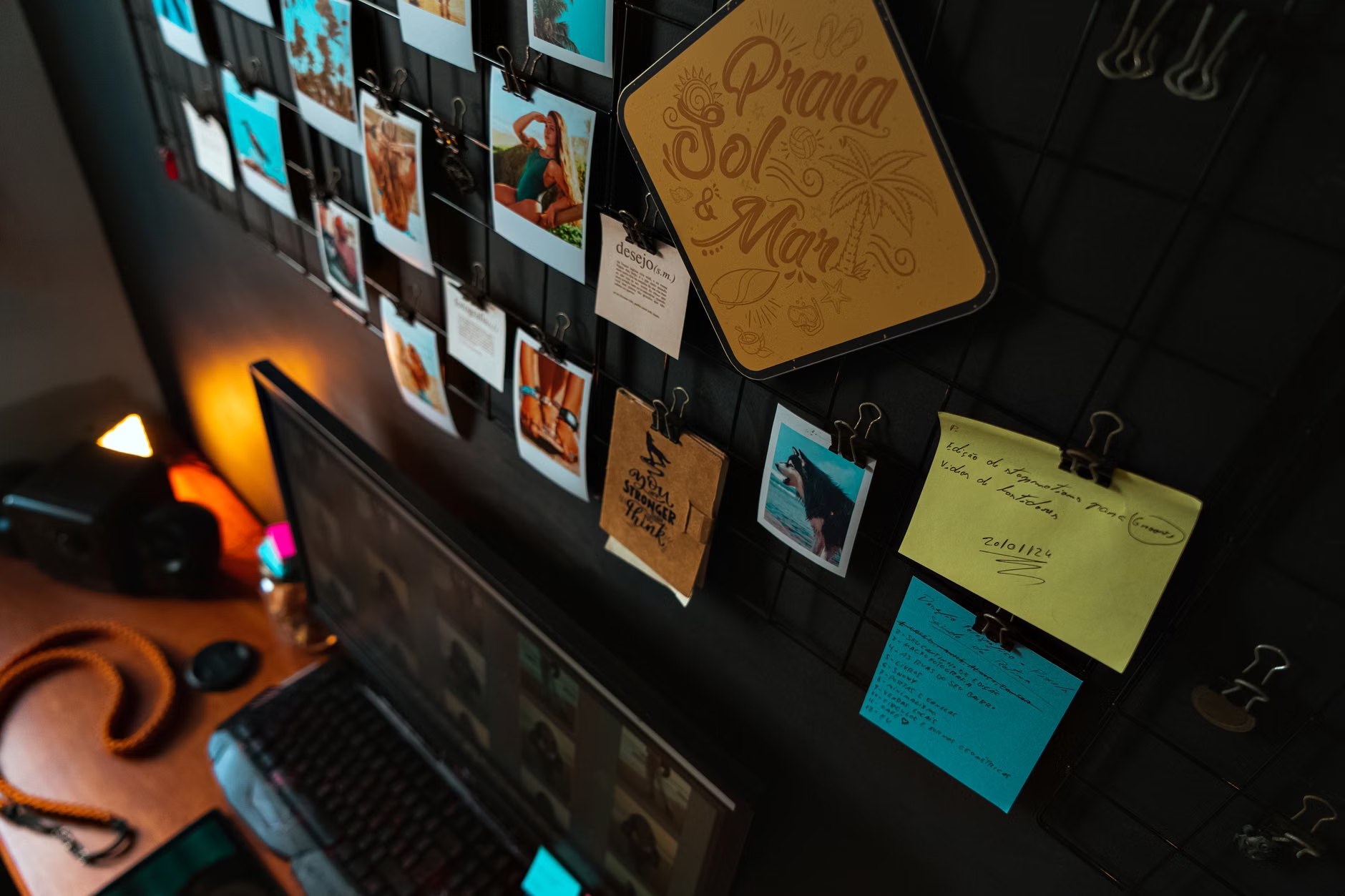
Step three is “Digital Assembly.” This is where your teen takes the lead. Let them choose the layout, the fonts, and the color palette. If they want to add a playlist of music from that decade, let them. If they want to write a short “bio” in a modern, conversational tone, encourage it. The goal is engagement, not historical perfection.

One of the most common mistakes is “The Perfectionist Trap.” You might want every date verified and every name spelled correctly. While accuracy matters, forcing a teen to spend hours correcting minor data points in a genealogy software will kill the project instantly. Accept that some details might be fuzzy. Treat the scrapbook as a work-in-progress, not a final academic paper.
Another pitfall is “The Privacy Barrier.” Teens are often hyper-aware of digital privacy. They may be uncomfortable putting family information on the open web. Always ensure that the project is hosted in a private environment—a password-protected site, a shared folder with restricted access, or a local file that is not published to the public internet. Discussing why this is private and who gets to see it is a great lesson in digital citizenship.
Finally, avoid the “Lecture Mode.” If you find yourself giving a long speech about how life was “back in your day,” stop. Instead, frame the information as a question: “I wonder why they decided to move to this city in 1940? What would we do if we had to move today?” Turn the history into a hypothetical scenario that you can debate or analyze together. This invites them to think critically about the choices their ancestors made.
The Hidden Value: Beyond Just “Family History”
What you are actually teaching here is much more than genealogy. You are teaching research skills. When you ask a teen to find the ship manifest for an immigrant ancestor, you are teaching them how to use primary sources, how to cross-reference data, and how to verify information. These are high-level critical thinking skills that translate directly into their schoolwork and future careers.
Moreover, you are teaching digital legacy management. By organizing these files, you are showing them that “digital” does not have to mean “disposable.” Many teens believe that everything online disappears or is irrelevant after a week. By curating a family digital archive, you are demonstrating the value of long-term digital preservation and the importance of organizing one’s own digital life.
Consider the unexpected insight: families who discuss their history often show higher levels of resilience. Researchers have found that children who know more about their family history—the ups, the downs, and the struggles—tend to have a stronger sense of self and better coping mechanisms. This is not about building a perfect family image; it is about showing your teen that they come from a line of people who faced challenges, made mistakes, and kept going.
Making the Project Sustainable for Busy Families
Let’s be realistic: you have work, they have school, and everyone has a busy social schedule. Do not try to finish this in a weekend. Treat the Ancestral-Roots project like a monthly ritual. Set a “Family History Hour” once a month, perhaps over a pizza or a weekend morning coffee.
Create a “Task Backlog.” Just like in a professional project management environment, keep a simple list of things you want to do: “Scan the wedding photos,” “Interview Grandma,” “Find the map of the old neighborhood.” When you have an hour, pick one task from the list and knock it out. This prevents the feeling of being overwhelmed and keeps the project moving forward in manageable chunks.
Use “Micro-Interviews.” You do not need a two-hour sit-down interview with a relative. If you are visiting family, record a five-minute clip of a specific story using your phone. The audio quality is usually good enough, and the informality often leads to better, more authentic stories than a formal, sit-down interview would. Once you have the audio, drop it into your digital scrapbook. It adds a human dimension that text simply cannot capture.
Final Considerations for Your Digital Journey
If you reach a dead end in your research, do not panic. Use these moments to teach your teen about the limitations of records. Sometimes, people didn’t keep records, or they were lost in fires or wars. This is a valuable lesson in historical uncertainty. It teaches that history is a construction, not a fixed, immutable truth.
Ensure that you are backing up your work. A digital scrapbook is only as good as its last backup. Use the “3-2-1 rule”: keep three copies of your data, on two different media types, with one copy stored off-site (cloud storage). This is a vital lesson in digital maintenance that every teen should learn early in their digital life.
Remember that the goal is the connection, not the output. If the project changes form, if the design evolves, or if the focus shifts from one branch of the family to another, that is okay. The Ancestral-Roots project is a living document. It should grow and change as your teen grows and changes. Keep the focus on the dialogue, the shared discovery, and the stories that define who you are as a family.
For further reading and tools, you can explore resources like the National Archives Genealogy guide or the FamilySearch blog, which provides excellent, non-technical advice on starting your research journey. While these sites are vast, focus only on the sections that pertain to the specific ancestors you are researching to avoid overwhelm.
Frequently Asked Questions
Q: What if my teen is just not interested in the “history” part?
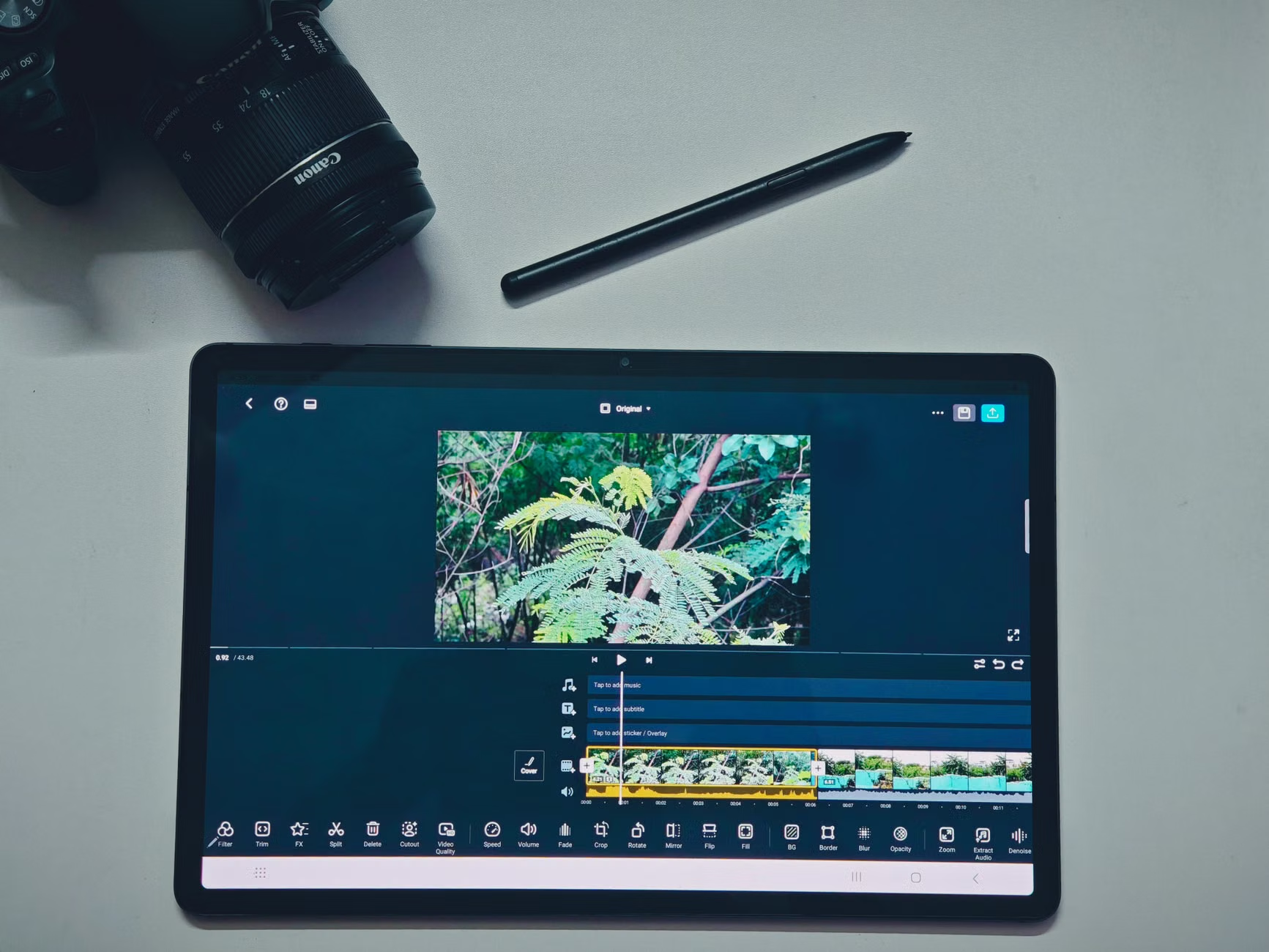
A: Focus on the “tech” part. If they like video editing, have them make a short, high-energy trailer for a specific ancestor’s life story. If they like UI/UX design, have them build the most beautiful, user-friendly family tree interface possible. Appeal to their current interests, and the history will follow naturally.
Q: How do we handle family secrets or “difficult” history?
A: This is a great opportunity to discuss nuance. History is rarely black and white. Use these moments to talk about the context of the times and the complexity of human choices. You don’t have to include every detail, but you can use it to teach empathy and critical thinking about how we judge people from the past.
Q: How much does this project cost to maintain?
A: It can be done for free. Most of the tools mentioned (Canva, Notion, Google Drive) have robust free tiers that are more than sufficient for a family project. The only real cost is your time and potentially small fees for ordering specific records or prints, which you can choose to do only when necessary.
Note: This guide is intended for informational purposes and does not constitute professional genealogical advice. Always verify important legal or medical records through official government or hospital channels.