You can achieve a high-functioning smart home without turning your living space into a data-harvesting node by prioritizing local processing over cloud-dependent automation. Most modern privacy concerns in smart homes stem from unnecessary data transmission to remote servers, which you can mitigate by choosing hardware that operates within your own four walls.
- Local Control is King: Opt for hubs and sensors that support protocols like Zigbee, Z-Wave, or Matter (local-only mode) to ensure data never leaves your home.
- Data Minimization: Disable cloud-sync features for sensors that don’t require them, such as basic motion or contact sensors.
- Network Segmentation: Place all IoT devices on a dedicated “Guest” or “IoT” VLAN to isolate them from your primary computers and personal data.
We’ve all been there: you buy a smart sensor to automate your hallway lights, and suddenly you’re receiving notifications about “personalized ad suggestions” based on your movement patterns. It feels intrusive, and frankly, it is. The promise of the “smart home” shouldn’t come at the cost of your family’s privacy. The good news is that you don’t need a degree in computer science to lock down your home. By shifting your configuration strategy, you can reclaim control over your digital environment while keeping the convenience of automated lighting, climate control, and security.
Understanding the “Cloud-First” vs. “Local-First” Divide
The primary reason your smart sensors feel “creepy” is that most off-the-shelf devices are designed to report back to a central cloud server. When a motion sensor in your kitchen triggers, the signal often goes: Sensor → Your Wi-Fi → Manufacturer’s Cloud Server → Your Smartphone. This round trip introduces latency (the delay you feel when a light doesn’t turn on immediately) and creates a massive privacy hole because your behavioral data is being processed on someone else’s infrastructure.
Local-first automation changes the path to: Sensor → Your Hub → Your Light. The data never leaves your house. This is the gold standard for privacy-conscious households. Not only is it faster, but it also means that if your internet goes down, your smart home keeps working. For parents in their 30s and 40s, this reliability is a major advantage during those inevitable ISP outages.
When selecting hardware, look for these three keywords: Zigbee, Z-Wave, and Matter. These protocols require a local hub and do not rely on your home’s Wi-Fi or the manufacturer’s cloud to communicate. Wi-Fi-based sensors, while convenient to set up, are almost always cloud-dependent. If you have existing Wi-Fi sensors, you can still secure them by using a firewall, but migrating to a local hub is a much more robust long-term strategy.
Step-by-Step: Configuring Your Network for Privacy
Even if you buy the most privacy-focused sensors, your home network is the foundation of your security. Most standard ISP-provided routers do not offer advanced security features, which is why creating a separate network for your IoT devices is your first line of defense.
1. Implementing Network Segmentation (VLANs)
If you have a router that supports VLANs (Virtual Local Area Networks), you should create a separate network specifically for smart home devices. This acts as a digital firewall. If a cheap, unpatched smart lightbulb is compromised, the attacker cannot “see” your laptop, your NAS (Network Attached Storage), or your phone on the main network. If your current router doesn’t support this, consider upgrading to a mesh system like Eero, Ubiquiti, or ASUS that offers “Guest Network” or “IoT isolation” features.
2. Disabling Remote Access Where Possible
Do you actually need to control your kitchen lights from halfway across the world? For most of us, the answer is no. If you only need control while at home, disable the “Remote Access” or “Cloud Connectivity” toggle in your smart home app. If you do need remote access, use a VPN (Virtual Private Network) to tunnel into your home network rather than relying on the manufacturer’s insecure cloud portal.
3. The “Three-Question” Audit for Every Device
Before adding a new sensor to your home, ask these three questions:
| Question | What to Look For |
|---|---|
| Does it need the internet? | If it’s a temp/humidity sensor, it shouldn’t need cloud access to log data locally. |
| What permissions does the app demand? | If a bulb app asks for your contacts or GPS location, delete it immediately. |
| Is there a local API? | Check sites like Home Assistant to see if the device can be integrated locally. |
This audit prevents “feature creep,” where you end up with dozens of devices reporting unnecessary telemetry to third-party servers. If a device fails this audit, it’s better to look for an alternative rather than trying to “fix” it later.

The Role of Hubs: Centralizing Control for Better Security
Centralization sounds like a privacy risk, but in the context of a smart home, a local hub is actually a privacy tool. By using a hub like Home Assistant, Hubitat, or even a local-only Apple HomeKit setup, you consolidate your devices under one roof. Instead of having 15 different apps (one for bulbs, one for blinds, one for the thermostat) each with its own privacy policy, you have one hub that acts as a gatekeeper.
Common Mistake: Many users set up a smart home and then add every single integration available. This is a security nightmare. Only install integrations you actively use. If you have an integration for a service you haven’t opened in six months, remove it. Each integration is a potential vulnerability, and reducing your “attack surface” is essential for long-term security.
Another overlooked variable is the firmware update process. While we want to avoid the cloud, we also need to ensure devices are patched against vulnerabilities. Some manufacturers force cloud connections to push updates. The best compromise? Use a firewall to block the device’s internet access, but temporarily disable that rule once a month to check for and apply security patches. It’s a bit of manual labor, but it keeps your devices secure without leaving them exposed 24/7.
Real-Life Scenarios: Balancing Convenience and Privacy
Let’s look at two hypothetical scenarios to understand how these choices play out in a family home.
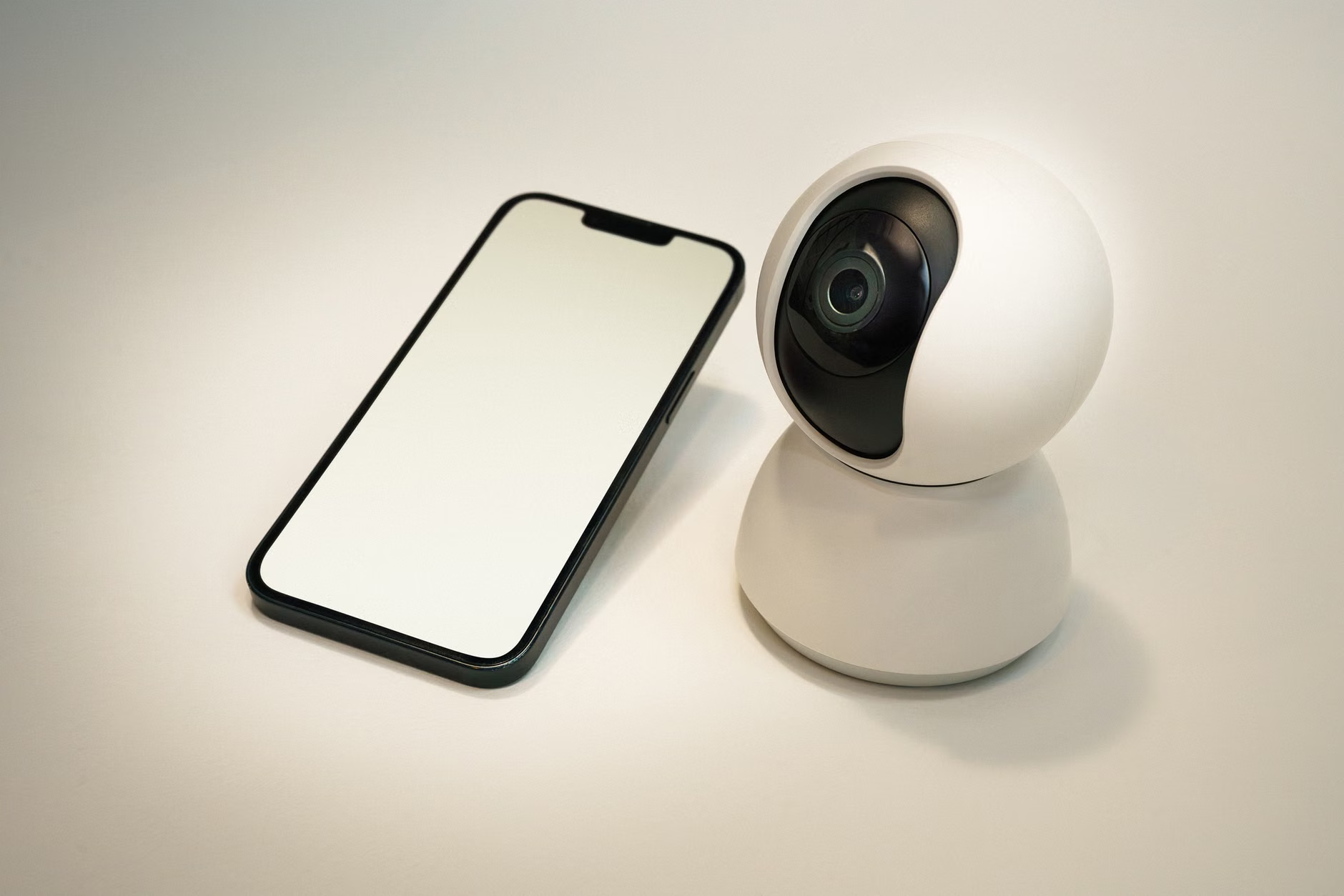
Scenario A: The “Convenient” Setup (High Privacy Risk). The family uses a popular Wi-Fi-based smart camera and sensor system. Every movement is uploaded to a cloud server to allow for “AI-based person detection.” The app requires full account access and location tracking. While the alerts are fast, the family has no idea who has access to their video feeds or how long their behavioral data is stored. They are trading their privacy for a slightly better notification system.
Scenario B: The “Privacy-First” Setup (Low Privacy Risk). The family uses a local-only hub (e.g., Home Assistant) with Zigbee sensors. The camera system is an NVR (Network Video Recorder) that stores all footage on a hard drive in the garage. No video ever leaves the house. When the parents are away, they use a secure VPN to check the feed. It took an afternoon to set up, but they have complete confidence that their home data remains private.
The difference between these two isn’t intelligence or technical skill; it’s the initial configuration strategy. By choosing systems that support local storage and local processing, the family in Scenario B avoids the hidden costs of data harvesting.
Actionable Steps for Immediate Improvement
If you are already deep into a “cloud-heavy” smart home, don’t panic. You don’t need to throw everything away. Start with these steps to tighten your security today:
- Review App Permissions: Go into your phone’s settings and check what your smart home apps are allowed to access. Revoke access to contacts, microphone, and precise location. Most of these apps do not need these permissions to function.
- Audit Your Integrations: Open your primary smart home app (Alexa, Google Home, HomeKit, etc.) and look at the “Linked Services.” Remove anything you don’t actively use.
- Change Default Passwords: If you haven’t changed the default login credentials for your router or your smart hub, do it now. This is the single most common way smart homes are compromised.
- Enable 2FA (Two-Factor Authentication): If your smart home accounts offer 2FA, turn it on immediately. Use an authenticator app rather than SMS if possible, as SMS-based 2FA is susceptible to SIM-swapping attacks.
Privacy is not a destination; it’s a process. As you add new devices to your home, make it a habit to check their privacy policy specifically regarding “third-party data sharing.” If a company’s business model relies on selling data, no amount of configuration will fully protect you. Stick to hardware manufacturers that make their money from selling hardware, not from selling your information.
Beyond the Basics: Overlooked Variables
There is one hidden aspect of smart home privacy that rarely gets discussed: Metadata leakage. Even if your devices are encrypted, the amount of data and the frequency of the signals they send can reveal a lot about your habits. For example, a smart power meter might show exactly when you wake up, when you cook, and when you go to bed, even if the content of the message is encrypted. This is why local-only processing is so vital. When the signal stays on your local network, the metadata is never visible to the ISP or the device manufacturer.
Additionally, beware of “smart” features that require a subscription. Subscriptions are often the hook that keeps you tied to a cloud-based ecosystem. If you find yourself paying a monthly fee for “enhanced security” or “advanced alerts,” that is a red flag that your privacy is being leveraged for profit. Seek out alternatives that offer these features natively through your hub.
Frequently Asked Questions
1. Is it possible to have a smart home without using any Wi-Fi devices?
Yes, it is entirely possible. By using protocols like Zigbee or Z-Wave, your sensors communicate with a local hub rather than your Wi-Fi router. While your hub will still need to be connected to your router, the individual sensors remain on their own isolated network protocol, which significantly reduces your exposure to Wi-Fi-based vulnerabilities.
2. Does disabling cloud connectivity make my devices “dumb”?
It depends on the device. For most sensors (motion, contact, temp), disabling the cloud makes them smarter because they become faster and more reliable. For complex devices like smart displays or voice assistants, disabling the cloud will indeed render them largely useless. The key is to use cloud-dependent devices only where the trade-off is worth it to you, and keep everything else local.
3. How do I know if my smart home devices are “phoning home”?
If you have a router that allows for traffic monitoring (like some models from Ubiquiti or those running OpenWrt), you can see the volume of traffic each device is sending. A device that is constantly sending large amounts of data to an external IP address is likely uploading logs or telemetry. If you don’t have this equipment, the best rule of thumb is to assume that any Wi-Fi-connected device without a local-only mode is likely sending some form of telemetry.
Securing your smart home is a rewarding project that pays off in both privacy and system performance. Start by isolating your devices, prioritizing local control, and being intentional about what you connect to the internet. You have the power to create a home that is truly smart, without the unwanted digital footprints. Take it one device at a time, and don’t hesitate to replace hardware that doesn’t respect your family’s privacy.
For more information on managing your home network security, you can refer to the CISA Guidance on Securing IoT Devices, which provides a comprehensive framework for maintaining a resilient and private home infrastructure.