If your smart home stops working the moment your Wi-Fi goes down or the manufacturer’s cloud server experiences an outage, you don’t really own your smart home—you’re just renting a service that requires a constant internet tether.
- Cloud-dependency is a security risk: Relying on external servers means your data is constantly leaving your home and your devices can be bricked by a simple server outage.
- Local-first means local control: By using protocols like Matter, Zigbee, or Z-Wave, your commands stay inside your four walls, ensuring speed and privacy.
- Offline resilience: A local-first setup ensures your lights, locks, and sensors continue to function even if your internet service provider (ISP) goes offline.
We’ve all been there: it’s 7:00 PM on a Tuesday, the kids are finally down for a nap, and you want to dim the lights for a bit of downtime. You tap your phone, and… nothing. The app is spinning, the server is “unreachable,” and you’re left standing in the dark. It’s a minor inconvenience, but it highlights a fundamental flaw in the modern smart home: the reliance on the cloud.
For parents in their 30s and 40s, the smart home is often sold as a way to save time. But when that “convenience” is tied to a remote server thousands of miles away, it becomes a point of failure. If you care about keeping your home running smoothly and your family’s data out of the hands of big tech companies, it is time to shift your perspective toward a “local-first” philosophy.
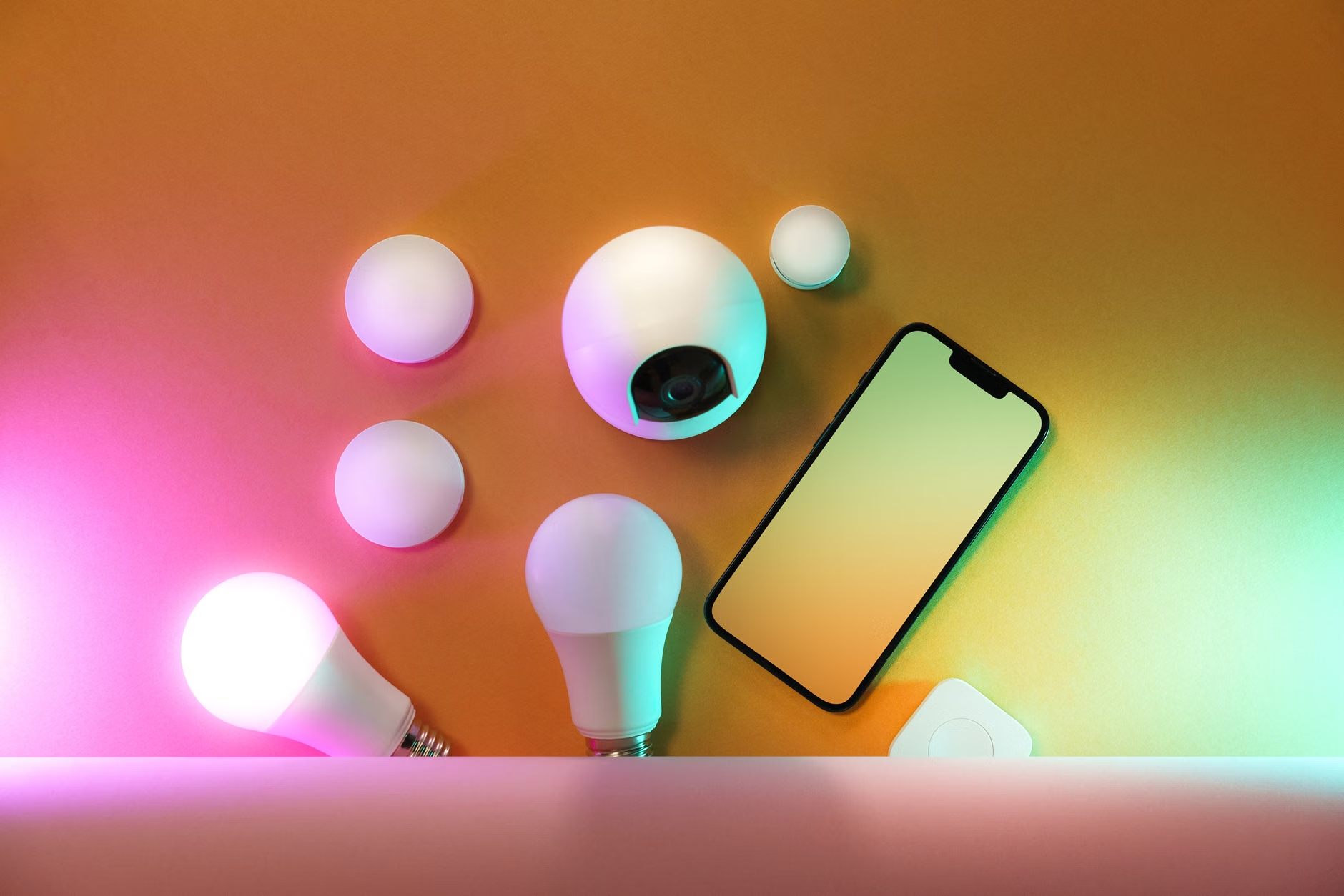
What Does ‘Local-First’ Really Mean for Your Devices?
In the world of smart home technology, “local-first” refers to a system where communication between your devices (like light switches, motion sensors, and smart locks) occurs within your home’s private network, rather than hopping out to the internet to be processed. Most entry-level smart home devices use a “Cloud-to-Cloud” architecture. When you press a button to turn on a light, the signal travels from your phone, through your router, to the manufacturer’s server, and then back down to your lightbulb.
This process introduces latency—that split-second delay between tapping your screen and the action happening. More importantly, it introduces a “single point of failure.” If the manufacturer’s server goes down for maintenance, or if they decide to sunset a product line, your perfectly functional hardware becomes expensive paperweights. This is known as “bricking,” and it is a common frustration for people who have invested hundreds of dollars into smart home ecosystems.
A local-first system, by contrast, relies on a central hub or controller that lives in your home. When you send a command, it goes from your phone to your hub, and directly to the device. The data never leaves your house. This is not just faster; it is fundamentally more secure. Your motion sensor data, your lock activity, and your daily routines remain private, stored on a device you own, rather than being uploaded to a corporate database for analytics or advertising purposes.
The Security and Privacy Trade-off
Why does this matter for your family? Think about the sensitivity of the data generated in your home. If you have smart cameras, smart locks, and sensors that track when your children leave for school or when you are away on vacation, that is a massive amount of personal information. When you use cloud-based services, you are essentially granting a third party full access to your home’s “rhythm.”
Data breaches are a reality of the digital age. Even if a manufacturer has the best intentions, their servers are targets. By keeping your smart home traffic local, you effectively shrink your “attack surface.” If your system isn’t constantly talking to an external server, there is significantly less opportunity for an outsider to intercept your data or gain unauthorized access to your devices.
Furthermore, there is the issue of “forced updates.” Many cloud-based smart devices receive firmware updates automatically. While this sounds good for security, it can also lead to features being removed or interfaces being changed without your consent. In a local-first environment, you often have more control over when and how your systems are updated, allowing you to maintain a stable, predictable home environment.
Comparing Cloud-Dependent vs. Local-First Systems
To understand the difference, let’s look at how these two approaches stack up in a typical household scenario. The following table highlights the trade-offs you should consider when deciding which smart home path to take.
| Feature | Cloud-Dependent (Standard) | Local-First (Advanced) |
|---|---|---|
| Internet Outage | System stops working | System continues working |
| Data Privacy | Data sent to manufacturer servers | Data remains on your local network |
| Latency | Noticeable delay | Instant response |
| Setup Complexity | Very easy (Plug & Play) | Requires more configuration |
| Maintenance | Automatic updates | You manage updates |
The “Setup Complexity” is the one area where cloud-based systems win. They are designed to be easy—you download an app, scan a QR code, and you are done. Local-first systems often require a bit more legwork. You might need to set up a dedicated hub (like Home Assistant, Hubitat, or a Matter-enabled controller) and pair your devices manually. However, for most people in their 30s and 40s who are already managing complex household logistics, this is a manageable trade-off for a system that actually works when you need it to.
Real-Life Scenarios: Why Local Control Wins
Consider the scenario of a smart security system. You have a smart lock on your front door and a contact sensor on your nursery door. If you are using a cloud-based system, and your internet goes down (perhaps due to a storm or a cable line being cut in your neighborhood), your smart lock might fail to register your entry, or your security alerts might stop triggering.
In a local-first scenario, the hub in your living room continues to communicate with the lock and the sensor. Your automated alerts, such as a light flashing if a door is opened at night, will still function because the “intelligence” of your home lives in the hub, not in the cloud. This reliability is critical when the technology is responsible for the safety and security of your family.
Another example is lighting automation. Many people want their lights to turn on based on motion sensors. If the cloud server is slow, you might walk into a room and wait two or three seconds for the lights to trigger. In a local-first system, the trigger is near-instantaneous. It makes the technology feel like a seamless part of your home rather than a clunky gadget you have to fight with.
How to Start Transitioning to a Local-First Setup
You don’t have to rip out all your existing smart devices and start over. Transitioning is a gradual process. Here is how you can start moving toward a more local-first architecture:
1. Choose the Right Protocol
Look for devices that support Zigbee, Z-Wave, or Matter. These protocols are designed to communicate locally. Unlike Wi-Fi devices, which often try to force a connection to the cloud, Zigbee and Z-Wave devices connect to a central hub. Matter is the new industry standard, and it is specifically designed to work locally, making it a great future-proof choice for your next purchase.
2. Invest in a Robust Local Hub
The hub is the “brain” of your local-first home. Devices like the Home Assistant Green, Hubitat Elevation, or even Apple’s HomePod (when used with HomeKit-compatible devices) act as local controllers. Research which hub aligns with your technical comfort level. If you are tech-savvy, Home Assistant offers unparalleled control. If you want something more “plug-and-play” but still private, look for dedicated hubs that prioritize local processing.
3. Audit Your Existing Devices
Take an inventory of your smart home. Which devices are “Wi-Fi only” and require an app to function? These are your biggest liabilities. You don’t necessarily have to replace them today, but when they break or when you decide to expand your system, prioritize replacements that support local control. Check if your current devices have an “integration” option that allows them to be added to a local hub without using the manufacturer’s cloud app.
4. Set Boundaries
Be skeptical of devices that *require* a cloud account to even turn on. If a simple lightbulb demands your email address, your location, and a constant internet connection just to dim, it is not a good candidate for a local-first home. Ask yourself: “Does this device need the internet to perform its primary function?” If the answer is no, but it forces it anyway, it’s a red flag.
Common Misconceptions and Hidden Costs
A common mistake is thinking that “local” means “no internet.” You still need an internet connection for things like weather updates, remote access (if you want to control your home while on vacation), or streaming services. The goal isn’t to disconnect your house from the world; it’s to ensure that your home’s internal operations don’t depend on that connection.
Another misconception is that local-first is always cheaper. In reality, you may spend more upfront on a high-quality hub and compatible devices. However, you are paying for reliability and longevity. A cheap Wi-Fi bulb might cost $5, but if it dies in a year or the company goes bankrupt, you have to buy another one. A high-quality Zigbee bulb might cost $15, but it could last for five years and work with any hub you choose to use in the future. Over the long term, the “cheap” option is often more expensive.
Finally, consider the “remote access” trade-off. If you want to control your house while you are at work, you will need to open a “tunnel” (like a VPN or a secure remote access service) to your hub. This requires a bit of configuration, but it is a one-time setup that keeps you in control of your data, rather than handing that control over to a massive corporation.
Why Your Next Purchase Should Be ‘Matter’ Certified
If you are looking to add a new device to your home, look for the Matter logo. Matter is the first industry-wide effort to unify local-first communication. It allows devices from different manufacturers (like Apple, Google, Amazon, and Samsung) to talk to each other locally. This means you are no longer locked into one “ecosystem.” If you buy a Matter-certified smart plug today, you can change your hub or your phone in three years, and that plug will still work perfectly.
This interoperability is a huge win for consumers. It means you can choose the best hardware for the job rather than being forced to buy the brand that happens to work with your current app. It is the single most important development in the smart home space in the last decade for anyone who values independence and longevity.
Moving Forward with Confidence
Transitioning to a local-first smart home isn’t about becoming a network engineer. It’s about taking responsibility for the digital infrastructure of your home. It’s a shift from being a passive consumer of a service to being the owner of your own home automation system. Start small—replace one light switch or one sensor with a local-first alternative. See how much more responsive and reliable it feels. You will quickly realize that the “convenience” of the cloud was never really worth the trade-off in privacy and reliability.
By prioritizing local control, you are building a home that works for you, regardless of whether the internet is up or down, and regardless of what a corporation decides to do with their servers. That is the true peace of mind that smart home technology should provide.
Frequently Asked Questions
Q: Do I need to be a programmer to set up a local-first smart home?
A: Absolutely not. While some advanced systems like Home Assistant have a learning curve, there are many “local-friendly” hubs like those from Hubitat or Apple’s HomeKit ecosystem that are designed to be user-friendly while still keeping your data local. You don’t need to write code to enjoy the benefits of local control.
Q: Will my smart home still work when I’m away from home?
A: Yes, but it requires a slightly different setup. Instead of relying on a manufacturer’s server to bridge your home to your phone, you use a secure, private connection (like a VPN or a built-in remote access feature of your hub). This ensures you can still control your house from anywhere, but you are the only one with the “keys” to that connection.
Q: Is it really worth the effort to switch if my current devices work fine?
A: If you are happy with your current system, there is no immediate rush. However, start by looking at your most critical devices—like security cameras or locks. If those are cloud-dependent, those are the ones you should prioritize replacing first. Think of it as an insurance policy: you are building a system that won’t fail you when you need it most.
For further reading on the technical standards mentioned, you can visit the official resource for the Matter protocol: https://csa-iot.org/all-solutions/matter/