- Centralize, don’t scatter: A digital legacy vault is not just about cloud storage; it’s about creating a single, accessible “master key” for your family’s critical accounts, legal documents, and sentimental media.
- The “Dead Man’s Switch” is essential: You must configure automated access protocols (like Google’s Inactive Account Manager or a trusted contact in a password manager) so your family doesn’t get locked out when you aren’t there to provide credentials.
- Hybrid storage is the gold standard: Relying solely on the cloud is a risk. Maintain an offline, encrypted backup (physical drive or secure paper copy) to ensure that if platforms change or accounts are shuttered, your data remains yours.
If you are in your 30s or 40s, you are likely the primary custodian of your family’s digital footprint. You hold the passwords to the utility bills, the cloud storage for the last decade of baby photos, the investment account logins, and the access to the kids’ school portals. But what happens to that data if you suddenly cannot access it? Most of us operate under the assumption that our spouses or children will “figure it out.” In reality, they face a wall of two-factor authentication (2FA) and encrypted accounts that can take years of legal wrangling to unlock.
Building a digital legacy vault is not about planning for the worst in a morbid sense; it is about administrative housekeeping that saves your loved ones from digital purgatory. It is the modern-day equivalent of keeping a fireproof box with a house deed and a will. Let’s break down how to build one that is functional, secure, and actually useful.

The Architecture of a Digital Vault: Why One App Isn’t Enough
The most common mistake people make is thinking that saving everything to a single cloud service—like iCloud, Google Drive, or Dropbox—constitutes a “vault.” It doesn’t. Cloud services are accounts, not vaults. If the account is tied to a phone number you no longer control, or if it requires a 2FA code sent to a device that is locked, that data is effectively gone.
A true digital legacy vault uses a redundancy model. You need to categorize your data into three distinct tiers: Access (passwords/keys), Assets (financial/legal), and Archives (sentimental media/documents). Each tier requires a different strategy for storage and retrieval.
Tier 1: Access (The Master Key)
You cannot give your family access to individual accounts one by one. You need a password manager that allows for “Emergency Access” or “Legacy Contacts.” Services like Bitwarden, 1Password, and Dashlane have built-in features that allow a pre-designated contact to request access to your vault after a set period of inactivity. This is the single most effective way to ensure your family can get into your digital life without you having to hand over every single password on a piece of paper.
Tier 2: Assets (The Legal Buffer)
Financial institutions are notoriously difficult to work with after a death or incapacitation. You need a centralized folder—physically or digitally—that lists your banking institutions, investment platforms, and crypto-wallets. If you hold digital assets like cryptocurrency, you must ensure your family knows where the “seed phrase” or private key is stored. This is not something you keep in a standard cloud folder. It belongs in a physical safe, or a highly secure, encrypted offline storage device.
Tier 3: Archives (The Sentimental Keepsakes)
We all have terabytes of photos sitting on servers. If you die, those photos could be deleted if the subscription lapses. Your vault should include an offline “Cold Storage” backup—a high-quality external hard drive or an M-Disc (archival-grade optical media)—that contains the “Greatest Hits” of your family’s life. Do not assume the cloud will keep your photos forever.
Building Your Workflow: A Step-by-Step Implementation
If you try to do this all in one weekend, you will burn out. Think of this as a project that takes one hour per week for a month. Here is your roadmap to building a system that works.
| Phase | Task | Goal |
|---|---|---|
| Week 1 | Audit Accounts | Identify all “essential” logins (Bank, Email, Tax, Utilities). |
| Week 2 | Configure Legacy Access | Set up “Trusted Contacts” in Apple, Google, and your password manager. |
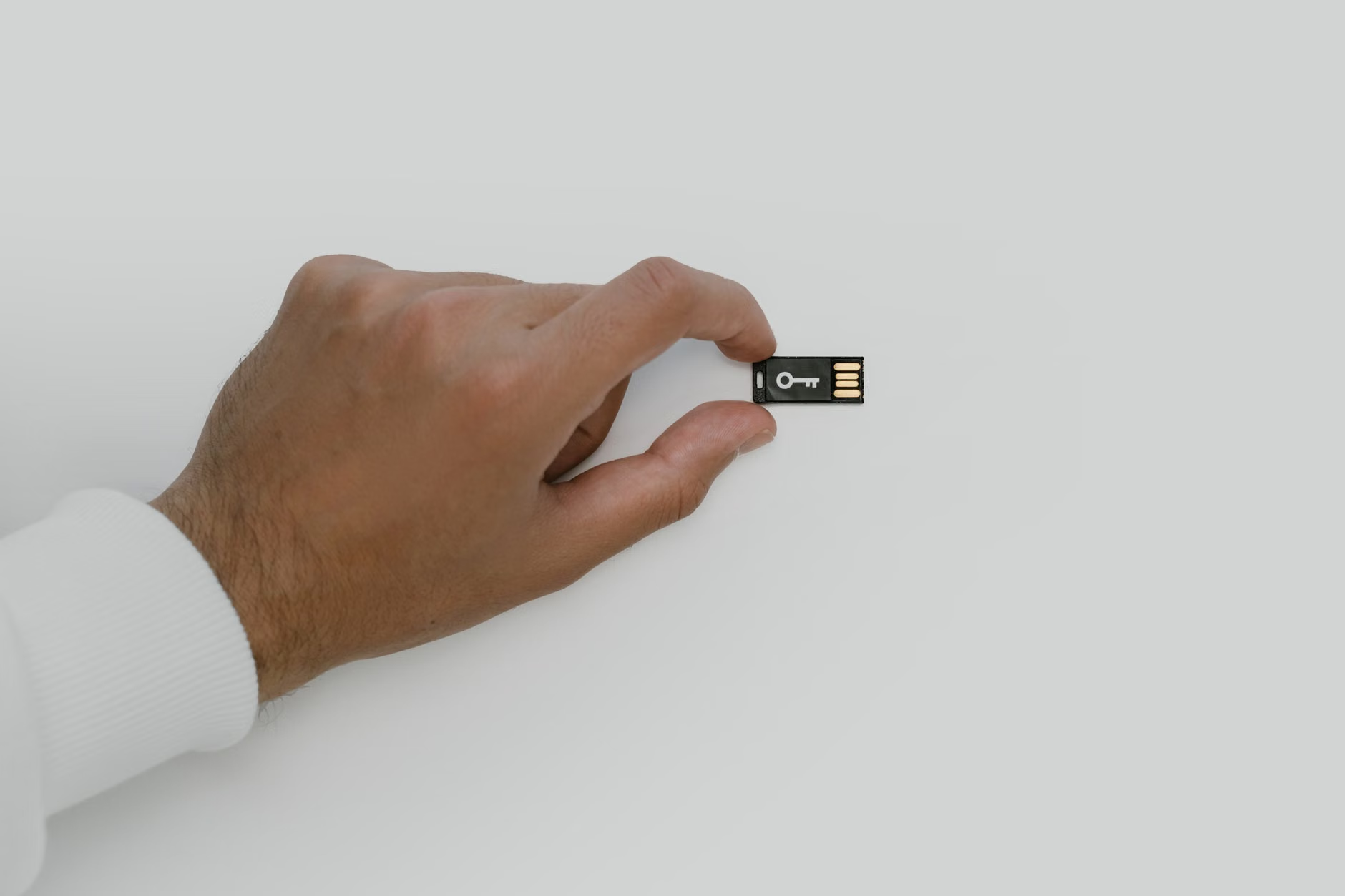
| Week 3 | Secure the “Master Key” | Create a physical document or secure USB with recovery keys. |
| Week 4 | Archive Media | Download high-res copies of essential photos to a physical drive. |
The goal of this table is to move you from “I need to do this” to “I have a system.” If you find yourself stuck, start with the Password Manager. Once that is set up, everything else becomes significantly easier because the passwords to your bank, your email, and your cloud storage are already consolidated.
The Hidden Trap: Why 2FA is Your Family’s Greatest Enemy
Two-Factor Authentication (2FA) is a security professional’s dream, but an executor’s nightmare. If you have 2FA enabled on your email account (which you should), and your family doesn’t have access to your phone, they are stuck. Most companies will not grant access to an account, even with a death certificate, if they cannot verify the user via 2FA.
You must address this by using Recovery Codes. Almost every service that uses 2FA provides a set of one-time-use recovery codes. Print these out. Keep them in a physical location that your trusted family members know about. This is the “break glass in case of emergency” solution that bypasses the need for your specific mobile device.
Another common mistake is relying on email-based password resets. If your spouse doesn’t have the password to your primary email account, they cannot reset the password for your bank account. Therefore, your email password is the most important password in your vault. It must be accessible to your designated representative.
Comparing Your Storage Options: Where to Keep the Keys
You have three main options for where to store the “Master Key” to your digital life. Each has specific trade-offs regarding security and accessibility.
- Digital-Only (Cloud Password Manager): High convenience, but reliant on the service provider’s “Legacy Contact” features. Best for: Daily passwords.
- Physical-Hybrid (Fireproof Safe): Highest security. Requires physical presence. Best for: Recovery codes, seed phrases, and legal documents.
- Third-Party Legal Services: Some estate planning services offer digital vaults. Best for: Individuals with complex assets who want a legal layer between their family and the data.
For most families, the Physical-Hybrid model is the most practical. It ensures that even if the internet goes down or a company goes out of business, the physical record exists. When choosing a safe, look for one that is fireproof and waterproof. A cheap plastic box is not enough to protect a USB drive or a stack of printed recovery codes from a house fire.
The “Digital Executor” Conversation
You need to designate a “Digital Executor.” This doesn’t have to be the same person as your legal executor. It should be the person in your life who is most tech-savvy and trustworthy. This person needs to know three things: where the physical access points are, how to use the password manager, and what the “emergency” plan is if you are incapacitated.
Do not be vague. Say, “If something happens to me, go to the safe in the office. The key is in [Location]. Inside, you will find a folder titled ‘Digital Access.’ Follow the instructions on the first page.” This takes the burden of decision-making away from them during a time of grief. You are giving them a manual, not a scavenger hunt.

Laws regarding digital assets vary significantly by region. In the United States, for instance, the Revised Uniform Fiduciary Access to Digital Assets Act (RUFADAA) provides a framework for how executors can access your digital accounts. However, many tech companies still have their own internal policies that override these laws. They are not required to grant access if it violates their Terms of Service (ToS).
This is why explicit permission in your digital records is so important. When you set up a legacy contact in Google or Apple, you are explicitly granting them permission to access your data. This overrides the “privacy” barriers that tech companies often put up. If you don’t set this up, even with a court order, you may find yourself in a multi-month battle with a support department that has no human to talk to.
Addressing Common Misconceptions
A frequent misconception is that “the bank will just give my family my money.” They won’t. They will freeze the account. Another misconception is that “the cloud is forever.” It is not. If you stop paying for your iCloud or Google One subscription, your data will be purged after a period of inactivity. Your family needs to know the billing cycle and the payment method for these accounts.
Another point: don’t over-complicate the security. If your vault is so secure that you never update it, it is useless. Every time you change a major password, update your master list. Every time you buy a new device, check your 2FA settings. This is a living document, not a “set it and forget it” project.
Final Recommendations for Action
If you take nothing else away, do these three things this weekend:
- Set up a “Legacy Contact” in your primary email and cloud accounts (Google/Apple).
- Export your recovery codes for your top 5 most important accounts (Bank, Email, Investment, Password Manager, Primary Cloud).
- Buy a fireproof document folder and put those codes inside. Tell your partner exactly where it is.
Being the “digital gatekeeper” for your family is a responsibility, but it is also a gift. By doing this work now, you are ensuring that your family’s memories stay preserved and their financial security remains intact, regardless of what the future holds. It is a quiet, practical act of care that pays dividends in peace of mind.
Frequently Asked Questions
1. Should I include my cryptocurrency seed phrases in my digital vault?
Yes, but never in a digital-only format. Seed phrases should be written on paper or etched onto metal and stored in a physical, fireproof location. If you store them in a password manager, you are creating a “honey pot”—a single point of failure that, if breached, allows a hacker to steal everything. Keep physical assets physical.
2. What if I don’t trust a single person to be my “Digital Executor”?
You can split the responsibility. You can provide one person with the password to the password manager and another person with the physical key to the safe that contains the master recovery code. This “two-key” system ensures that no single person has total control until an emergency occurs, providing an extra layer of security and accountability.
3. Do I need to update my will to include digital assets?
Yes. While a digital vault handles the *access*, your will should handle the *ownership*. Explicitly mention your digital accounts and your intent to grant your executor the authority to manage or close them. Consult with a legal professional in your specific country or state to ensure that your digital legacy plan aligns with your broader estate planning.
For further reading on the legal aspects of digital assets, you can review the Uniform Law Commission’s RUFADAA resources (US-focused) or your local government’s guidelines on estate administration.