Key Takeaways for Power Resilience
- Verify Wattage Needs: A standard CPAP or home oxygen concentrator requires a power station with at least 500Wh of capacity to survive an average 8-hour overnight outage.
- Prioritize Pass-Through Charging: Ensure your battery system supports “UPS mode” or “pass-through charging” so the medical device remains powered instantly during a grid failure.
- Calculate Solar Recovery: Solar panels are for refilling, not running; you must store enough battery capacity to bridge the gap between sunset and the next day’s solar production.
If you rely on home medical devices—whether it’s a CPAP machine for sleep apnea, an oxygen concentrator, or a home dialysis unit—a power outage is not just an inconvenience; it is a significant medical risk. Relying solely on the public power grid is a gamble that becomes increasingly risky as extreme weather events become more frequent globally.
The most reliable solution isn’t a loud, gas-guzzling generator that you can’t run indoors. Instead, it is a combination of a high-capacity portable power station and high-efficiency solar panels. This setup provides silent, emission-free, and automated backup that can keep life-sustaining equipment running when the lights go out.
Understanding Your Device’s True Power Appetite
Before you spend a cent on batteries or panels, you must know exactly what your equipment consumes. Manufacturers often list “average” power usage, but medical devices can spike in wattage when they start up or when they are working at maximum capacity. Relying on average numbers is a common mistake that leads to systems shutting down exactly when you need them most.
To calculate your needs, look for the “Power Consumption” or “Input” label on the back or bottom of your medical device. It will usually be expressed in Watts (W). If it only lists Volts (V) and Amps (A), multiply them (V x A = W). For example, a device labeled 120V and 2A consumes 240 Watts.
You need to consider the duty cycle. A CPAP machine might be rated at 60W, but it doesn’t pull 60W every second. It fluctuates based on your breathing pressure. However, for backup planning, always use the maximum wattage listed to ensure your battery inverter doesn’t trip its safety circuit.
| Device Type | Approx. Peak Wattage | Critical Backup Strategy |
|---|---|---|
| CPAP/BiPAP | 60W – 100W | Use DC adapter to save 15-20% battery loss |
| Home Oxygen Concentrator | 250W – 400W | Requires large 1000Wh+ capacity unit |
| Nebulizer | 50W – 80W | Short duration; small power bank is sufficient |
If you find that your device is particularly power-hungry, you might need to reconsider your goal. Is it to run the device for 24 hours, or just to bridge the gap until you can get to a hospital or a relative’s house with power? Setting realistic expectations is the difference between a successful safety plan and a frustrating equipment failure.
The Anatomy of a Reliable Solar-Battery Backup
A solar-battery system for medical use is composed of three distinct parts: the energy storage (battery), the power inverter (which converts battery DC to AC for your device), and the solar input (the recharge method). In the world of portable power, these are all integrated into a single “Portable Power Station.”
When shopping for these units, ignore the marketing fluff about “cool design” or “fast phone charging.” Focus on three critical technical specifications:
1. Battery Chemistry: LiFePO4 vs. Lithium-Ion
You should prioritize LiFePO4 (Lithium Iron Phosphate) batteries. While they are slightly heavier than traditional Lithium-Ion batteries, they offer 2,000 to 3,000 charge cycles before their capacity drops significantly. Lithium-Ion batteries usually degrade after 500 cycles. For a medical device that you may need to charge and discharge frequently during a long power outage, the longevity of LiFePO4 is non-negotiable.
2. The “UPS” (Uninterruptible Power Supply) Function
This is the most critical feature for medical devices. A standard power station requires you to manually switch cables when the power goes out. A unit with UPS functionality sits between your wall outlet and your medical device. If the grid fails, the unit switches to battery power in under 20 milliseconds—so fast that your medical device won’t even flicker or reboot. Always check the manual for “UPS mode” or “Pass-through charging.”
3. Inverter Pure Sine Wave
Medical devices are sensitive. Cheap power inverters produce a “Modified Sine Wave,” which creates electrical noise that can damage the delicate motors or sensors in medical equipment. Ensure your power station specifies Pure Sine Wave output. This mimics the clean power from your wall outlet and prevents motor hum and overheating in your medical equipment.
Step-by-Step Implementation Strategy
Implementing this system is not a “set it and forget it” task. You must treat it like a fire drill. Follow this sequence to ensure your system is ready for an emergency.
- The Dry Run: Once you receive your power station, charge it to 100%. Unplug your medical device from the wall and plug it into the power station. Run it for the duration of a standard night or your typical usage cycle. Did the battery drain faster than expected? If the unit shows 50% left after your test, you have a 50% safety buffer. If it shows 5%, you need a larger battery.
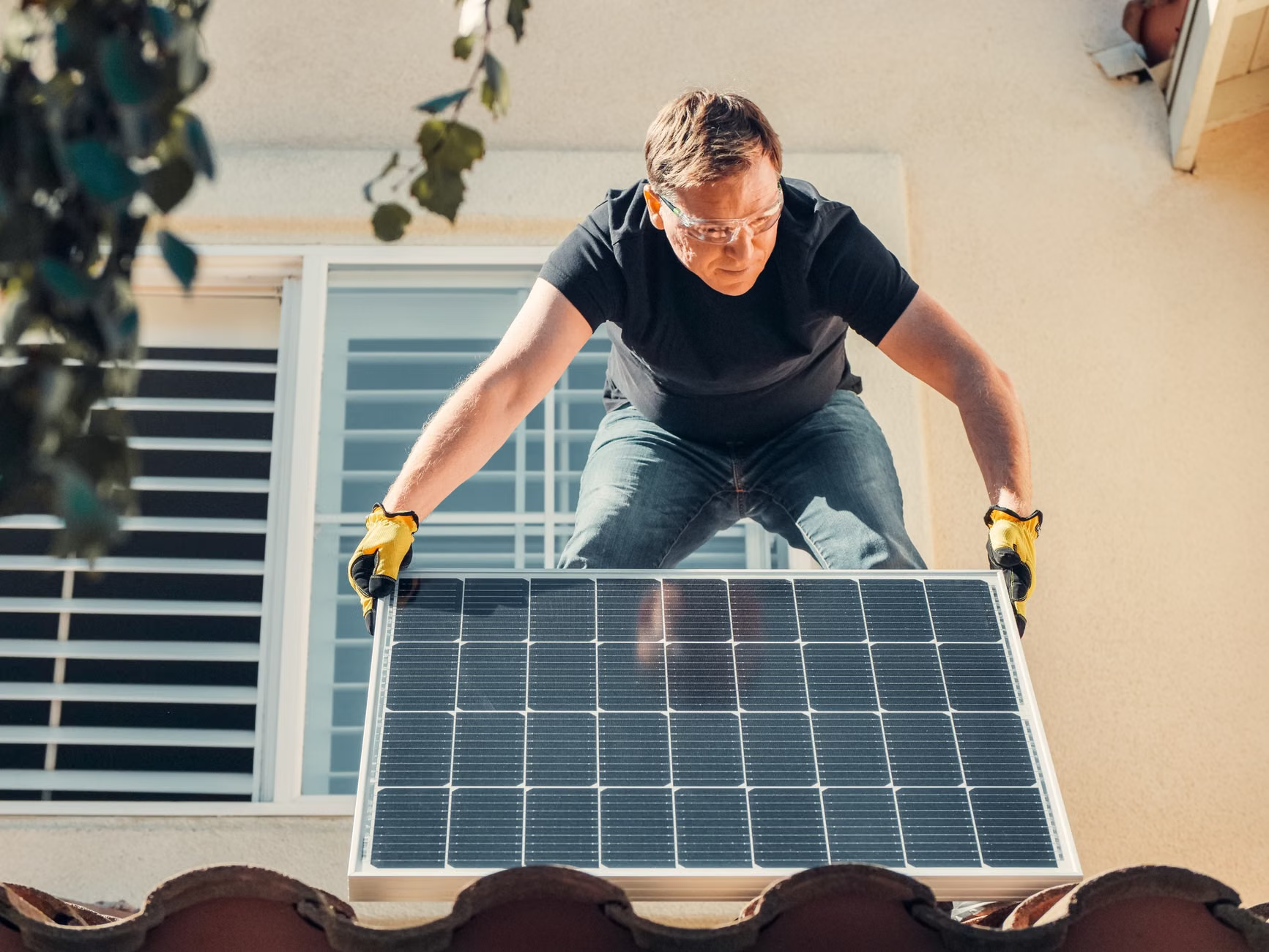
- The Solar Calibration: On a sunny day, test how long it takes to charge the unit from 0% to 100% using your solar panels. Most people overestimate how much power they can generate. If your panels are rated at 100W, they rarely produce 100W due to angle, clouds, and heat. Assume 70% efficiency. If your battery is 500Wh, it will take roughly 7-8 hours of prime sunlight to recharge.
- Cable Management: Keep a dedicated, labeled power cable for your medical device attached to the power station at all times. In the dark of a night-time power outage, you do not want to be searching for cables or reading manuals.
Common Pitfalls and How to Avoid Them
The most common mistake is the “Solar Fallacy.” Many families buy a 500Wh battery and a single 60W solar panel, thinking they have an infinite power supply. In reality, during a multi-day storm, you might get zero solar input for 48 hours. Solar panels are a supplement, not a guarantee. Your primary backup must be the battery capacity itself.
Another overlooked variable is temperature sensitivity. Lithium batteries do not like extreme cold or extreme heat. If you store your power station in an uninsulated garage, its capacity will plummet in the winter. Keep it in a climate-controlled area of your home, such as a closet or under a bed, where it remains between 15°C and 25°C (59°F – 77°F).
Finally, avoid the temptation to use the power station for other household items. If you plug in a coffee maker or a toaster during an outage, you are depleting the precious energy needed for your medical device. Make a household rule: “This battery is for medical equipment only.”

Why Your Location and Local Regulations Matter
The urgency of your backup system depends heavily on your local grid reliability. In regions with frequent “Public Safety Power Shutoffs” (common in parts of California during fire season) or areas with aging infrastructure, a high-capacity system (2000Wh+) is recommended. If you live in a city with a stable grid, a smaller, portable 500Wh unit may suffice for short, infrequent outages.
Furthermore, check if your local utility company offers a “Medical Baseline” program. In many jurisdictions, this allows you to register your home as having a medical necessity, which may provide you with priority power restoration or advance notification of planned outages. This doesn’t replace your solar-battery backup, but it is a critical layer of safety.
If you are in a country with specific electrical safety standards (like the AS/NZS standards in Australia or the CE marking in Europe), ensure your power station meets these certifications. Cheap, uncertified units imported from overseas may lack the safety circuits required to prevent battery fires or electrical surges that could fry your medical equipment.
Advanced Tips for Long-Term Resilience
If you find yourself needing to extend your runtime, look for devices that support “Expansion Batteries.” These are additional battery packs that plug directly into your main power station, effectively doubling or tripling your capacity without requiring you to buy an entirely new inverter system. This is a modular way to build your backup as your budget allows.
Also, consider the DC-to-DC advantage. Most medical devices (like CPAP machines) actually run on DC power internally. They use a “brick” (AC adapter) to convert the wall’s AC power to DC. If you can find a dedicated DC power cable for your specific medical device, you can bypass the inverter in your power station. This is highly efficient because it eliminates the conversion loss, which can be as high as 15% to 20%. Using DC power can extend your battery life by nearly an hour for every five hours of use.
Always keep a physical, printed copy of your medical device manual and the power station manual in a plastic sleeve attached to the unit. When you are stressed during an outage, digital manuals are useless if your phone is dead or the Wi-Fi is down. Simple, low-tech preparation is often the most effective.
The Reality of Maintenance
A battery that is never used will eventually fail. You must cycle your power station at least once every three months. Discharge it to about 20% and charge it back to 80% or 100%. This keeps the battery management system (BMS) calibrated and ensures the cells remain healthy. Set a recurring calendar reminder on your phone for “Medical Battery Check.”
If you notice the battery capacity dropping during these checks—for instance, if it used to take 5 hours to drain but now takes 3—it is time to contact the manufacturer. Most reputable companies offer a 2- to 5-year warranty on these units. Do not wait for a disaster to discover that your battery has reached the end of its life.
Frequently Asked Questions
Can I leave the power station plugged into the wall 24/7?
Yes, provided the unit supports “Pass-through” or “UPS” mode. Most modern LiFePO4 power stations are designed to stay plugged into an AC outlet, acting as a buffer. However, check the manufacturer’s documentation to ensure it doesn’t cause the battery to run hot, which can degrade it over time.
How do I know if my solar panels are working if the sky is cloudy?
Most power stations have a digital screen that shows “Input Wattage.” Even on a cloudy day, you should see a small number, perhaps 10W to 20W. If it reads 0W, your panels are not positioned correctly or the light level is too low to trigger the charge controller. It is a good idea to experiment with panel placement during different times of the day to find the “sweet spot” for your home’s orientation.
Is it safer to use a gasoline generator instead of a solar-battery system?
For medical devices, a battery system is almost always safer. Gasoline generators produce carbon monoxide, which is lethal if used indoors, and they require flammable fuel storage. They also have “dirty” power output that can fluctuate and potentially damage sensitive medical electronics. A battery system is silent, safe to use in your bedroom, and requires no fuel management.
Building your own solar-battery backup is an empowering step toward taking control of your family’s health security. It requires an initial investment of time and money, but the peace of mind knowing that your medical equipment will stay online—regardless of the grid status—is invaluable. Start by calculating your wattage, choose a reliable LiFePO4 system with UPS capabilities, and perform your first test run this weekend. You are not just buying a battery; you are buying a safety net.
For further reading on emergency preparedness and home medical safety, visit the official resources from the U.S. Department of Homeland Security’s Ready.gov disability and medical needs guide or your local national health emergency department guidelines.