If you are looking for a magic bullet to solve your household disorganization or work-life balance, an E-Ink tablet is not it—but it is the closest thing to a “frictionless” bridge between the tactile satisfaction of pen-on-paper and the efficiency of the digital world.
- Distraction-free focus: Unlike iPads or tablets, E-Ink screens lack the notification pull of social media, making them strictly tools for thinking, planning, and drafting.
- The hidden cost of “Paperless”: You trade the physical clutter of notebooks for a dependency on cloud syncing, stylus tips, and battery management.
- Decision Rule: If you love the feel of handwriting but hate losing notes, buy it. If you primarily need to manage complex digital project boards (like Trello or Jira), stick to a laptop or standard tablet.
I see the ads everywhere: a sleek, monochromatic device that promises to replace every notebook you have ever owned. It looks like paper, feels like paper, and yet, it is a computer. For those of us in our 30s and 40s—juggling school drop-offs, grocery lists, project deadlines, and the occasional attempt at a side hobby—the appeal is obvious. We are drowning in scraps of paper, sticky notes on the fridge, and scattered digital files. But does adding another piece of hardware to your life actually help, or does it just add another device that needs charging?
Why E-Ink Isn’t Just Another Tablet
To understand why E-Ink (Electronic Ink) is gaining traction, you have to understand why standard tablets usually fail as planners. When you open an iPad or a Samsung Galaxy Tab, the screen is a backlit, high-refresh-rate window into the internet. It is designed to be vibrant, colorful, and engaging. Unfortunately, it is also designed to be a distraction machine. The moment you open your “planner” app, a notification for a Slack message or a news alert pops up. Your brain switches modes, and the “planning” session is over.
E-Ink screens are fundamentally different. They use physical microcapsules of ink that move when an electrical charge is applied. They are reflective, meaning they use ambient light rather than shining light into your eyes. Crucially, they have a very low refresh rate. This is usually a “bad” thing in tech, but for deep work, it is a superpower. You cannot watch YouTube videos comfortably on an E-Ink tablet. You cannot doom-scroll through social media. The screen is essentially a digital piece of paper that only changes when you tell it to.
For a parent trying to focus on a weekly meal plan or a professional drafting a project roadmap, this lack of “vibrancy” is the point. It forces your brain to stay in one lane. It is the closest thing to a “flow state” device currently available in the consumer electronics market.

The Reality of Moving to “Paperless”
The “paperless” movement is often sold as a way to save the planet and declutter your desk. While true, those are secondary benefits. The real benefit is searchability and portability. I remember the frustration of having a brilliant idea for a project, writing it in a notebook, and then spending 20 minutes flipping through pages three months later trying to find it. With an E-Ink tablet, your handwriting becomes searchable text. You can tag your notes, move them into folders, and sync them to your phone or laptop.
However, we need to address the “hidden” friction. Moving to digital paper is not a one-to-one swap. It requires a workflow change. If you are the type of person who leaves a paper planner open on your desk all day, an E-Ink tablet works similarly. But if you are someone who likes to color-code with five different pens, you will find the current generation of E-Ink tablets lacking. Most are grayscale. You can choose different “pen” thicknesses and shades of gray, but you cannot highlight in neon yellow or write in bright red without the device being a full-color E-Ink model—which are often more expensive and have different display characteristics.
Consider the following comparison table before you commit to the switch:
| Feature | Traditional Paper | E-Ink Tablet |
|---|---|---|
| Tactile Feel | Excellent | Very Good (Matte finish) |
| Searchability | None | High (OCR/Tags) |
| Battery Life | Infinite | Weeks |
| Distractions | None | Near Zero |
The biggest mistake people make is buying an E-Ink tablet thinking it will replace their laptop. It won’t. If your job involves heavy spreadsheet work or complex web browsing, do not try to force an E-Ink tablet to do those things. It will be slow, clunky, and frustrating. Treat it as a dedicated thinking tool.
Life With a Digital Planner: Practical Use Cases
Let’s look at how this fits into a real-life scenario. Imagine it is Sunday evening. You are sitting on the couch, and you need to organize the week ahead. You have a soccer practice for the kids, a dentist appointment, and three major work tasks. With a paper planner, you might scribble this out, but you have to carry the planner with you to the office. If you forget it, you are lost.
With an E-Ink tablet, you write the schedule out. Because it syncs to the cloud, you can access your list on your phone while you are out running errands. You aren’t “carrying” your data; you are accessing it. This is the “aha!” moment for most users. The device acts as a physical anchor for your thoughts, but the digital nature provides the flexibility of a smartphone app.
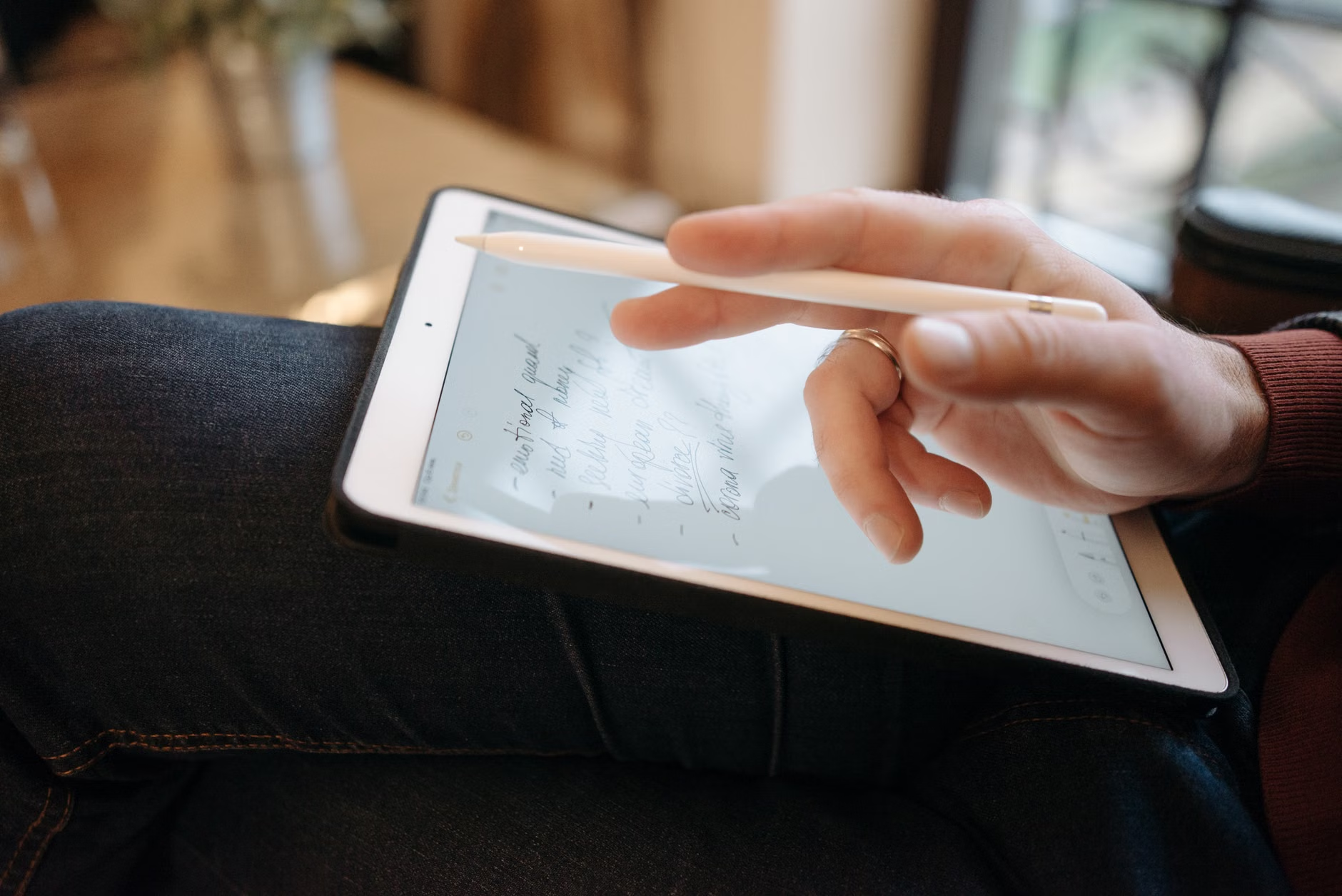
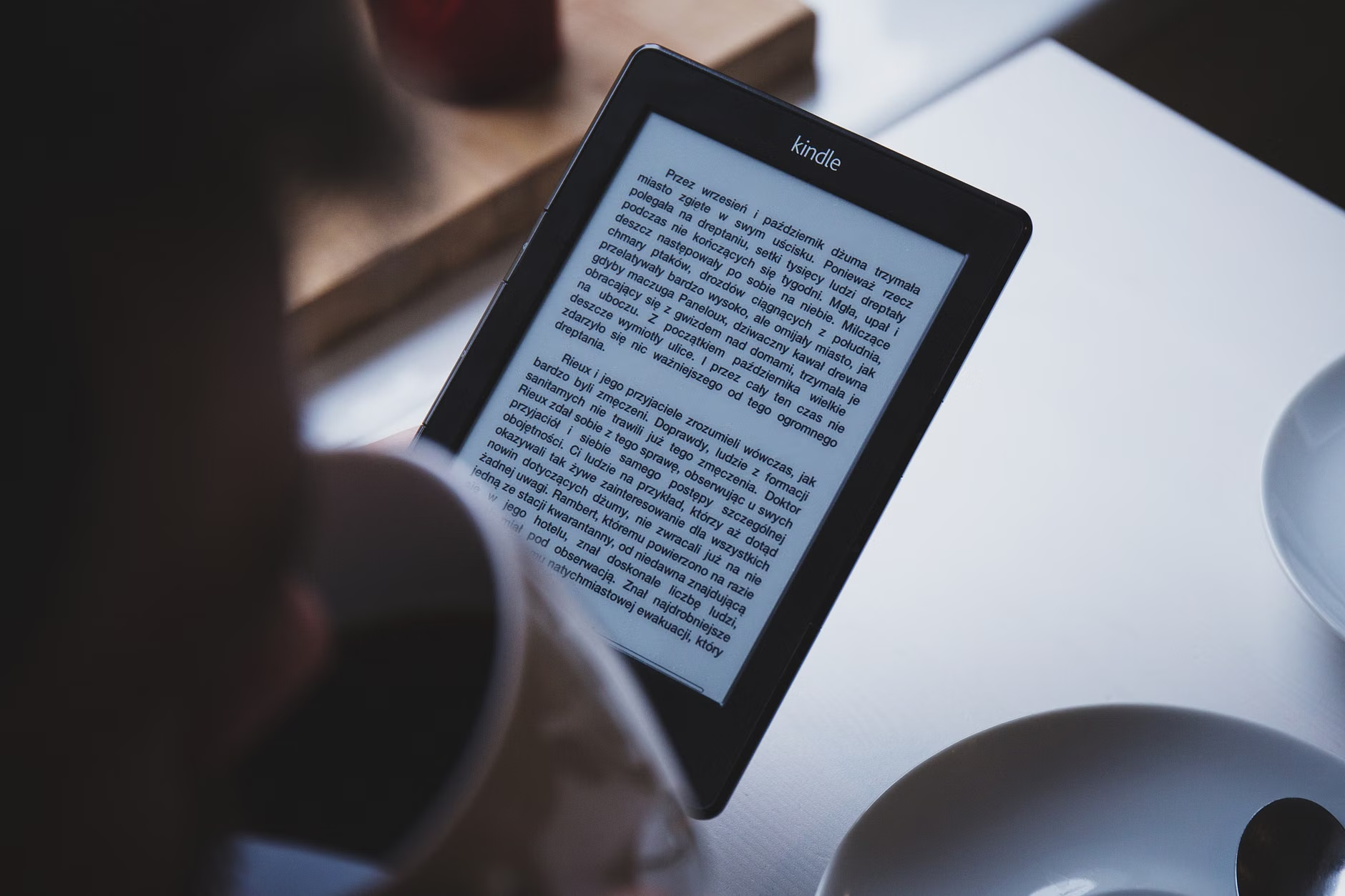
Another area where these devices shine is in long-form reading and annotation. Many of us in our 30s and 40s have a stack of “to-read” articles or PDFs from work. Reading these on a computer screen is tiring. E-Ink tablets mimic the look of a printed page, allowing you to highlight and scribble notes in the margins just like you would with a physical book. This turns passive consumption into active learning.
What to Watch Out For: The “Hidden” Costs
Before you jump on the trend, there are three “hidden” variables that often get overlooked in reviews:
- Stylus Tips: Most E-Ink tablets use a “felt-like” or plastic tip that wears down over time. It is not like a ballpoint pen that lasts for months. Depending on how much you write, you will need to buy replacement tips every few months. It is a small cost, but it is a recurring one.
- Cloud Dependencies: Most manufacturers (like reMarkable, Kobo, or Onyx Boox) rely on their own proprietary cloud services to sync your notes. If the company goes under or changes their pricing model—as some have done by introducing subscription tiers for features that used to be free—you might be forced to pay a monthly fee to keep your own notes accessible.
- Screen Fragility: Because the screens are designed to be thin and feel like paper, they are often less durable than the glass-covered screens of an iPad. If you have young children who might accidentally step on it or drop it, you need a high-quality, rigid case.
If you are a parent, the biggest trade-off is the “always-on” nature of your digital life. Sometimes, the best thing you can do for your mental health is to step away from all screens. If you find that using a tablet makes you feel like you are “working” even when you are just planning the family schedule, you might find that a high-quality paper notebook is actually better for your psychological well-being. There is no shame in sticking to pen and paper if it keeps your stress levels low.
How to Choose the Right Device
The market is currently split into two main camps: “Minimalist” and “Open/Android-based.”
The Minimalist Camp (e.g., reMarkable) focuses entirely on the writing experience. They provide almost no extra features. You can’t browse the web, you can’t install apps, and you can’t check email. This is their greatest strength. It is a tool for people who want to lock themselves in a room and get work done without the “vibration” of the digital world.
The Open/Android Camp (e.g., Onyx Boox) gives you a full Android tablet with an E-Ink screen. You can install Kindle, read emails, use Trello, or even check the weather. This is better for the “all-in-one” user, but it comes with a higher risk of distraction. If you have the willpower to keep your apps minimal, it is incredibly powerful. If you are prone to checking your email every five minutes, this device will just become another screen to manage.
When deciding, ask yourself: “Do I want a tool that helps me focus, or a tool that helps me multitask?” If the answer is focus, go for the minimalist option. If the answer is multitasking, you are probably better off with a standard iPad or a high-end Android tablet, as E-Ink’s slow refresh rate will eventually frustrate you when you try to juggle multiple apps.
Integrating E-Ink Into Your Daily Routine
If you decide to take the plunge, do not try to overhaul your entire system on day one. Start with one specific use case. For example, use the tablet exclusively for “Brain Dumps.” Every morning, spend 10 minutes writing down everything that is bothering you or everything you need to do. Once you have a week of successful brain dumps, move your weekly meal planning or project notes over. If you try to move your entire life to the device in one afternoon, you will likely find it overwhelming and abandon it within a month.
Remember that the device is just a container. The “planning” happens in your brain. A $500 tablet will not make you a better planner if you don’t have a system. Use the tablet to enforce your system, not to create one for you. For instance, if you use the “Getting Things Done” (GTD) method, set up your folders to match your “Next Actions,” “Waiting For,” and “Someday” lists. Let the device’s simplicity be the thing that keeps you honest.
Also, consider the ergonomics. Many of these tablets are very thin, which can actually be uncomfortable to hold for long periods. I highly recommend buying a folio case that allows you to grip the tablet like a book. It makes the experience much more natural and prevents hand fatigue during long writing sessions.
Final Verdict: Is It Worth the Investment?
For most people in their 30s and 40s, the value of an E-Ink tablet comes down to focus vs. convenience. If you are constantly distracted by your phone and find that your paper notes are so disorganized that they have become useless, then an E-Ink tablet is a fantastic investment. It acts as a gatekeeper for your attention.
However, if you are already happy with a paper planner and a digital calendar on your phone, you might not gain enough utility to justify the cost. The best technology is the one that disappears into your workflow. If an E-Ink tablet feels like a “project” to maintain, it is not the right tool for you.
At the end of the day, the goal is to spend less time managing our tools and more time actually doing the things that matter—whether that is finishing a report at work or planning a family weekend. If this device helps you get there faster, it is worth every penny. If it just becomes another gadget on your nightstand, let it go. There is no shame in choosing the reliability of a $5 notebook and a good pen.
For more information on comparing specific models, visit E-Ink Info or check the official support pages of the major manufacturers like reMarkable Support to see if their software features align with your specific planning needs.
Frequently Asked Questions
Q: Can I use an E-Ink tablet to replace my laptop for work?
A: No. E-Ink displays have a slow refresh rate, making them unsuitable for web browsing, video calls, or heavy multitasking. They are designed for reading, writing, and annotation. Use them as a supplemental tool for deep work, not a replacement for your primary computer.
Q: Do these tablets work well in the dark?
A: Most modern E-Ink tablets come with a built-in front light. Unlike the backlights on iPads that shine directly into your eyes, these lights point toward the screen surface, making them comfortable to read even in low-light conditions. You can usually adjust the color temperature to a warmer setting to avoid blue light exposure before bed.
Q: How long does the battery really last?
A: It depends on your usage, but for typical planning and note-taking, most E-Ink tablets last between one to three weeks on a single charge. If you use the Wi-Fi constantly for syncing or have the front light at maximum brightness, the battery will drain faster, but it will still far exceed the battery life of any standard LCD tablet.
Take a moment to evaluate your current workflow. If your desk is a graveyard of half-used notebooks, perhaps it is time to simplify your life with a single, dedicated digital space. Start small, test the waters, and remember that the best tool is the one that actually gets used.