The most effective way to lower your household utility bills isn’t just about turning off lights—it’s about automating your home’s energy consumption so you stop paying for resources you aren’t actually using.
- Smart Thermostats: These devices account for the highest potential ROI by learning your family’s schedule and adjusting temperatures automatically.
- Automated Lighting: Switching to smart LEDs and motion sensors eliminates “forgotten light” syndrome, which can account for up to 10% of your electricity bill.
- Energy Monitoring: Smart plugs provide granular data, helping you identify “vampire devices” that drain power even when turned off.
Do you ever feel like your utility bill is a monthly mystery? You try to keep the kids from leaving every light on in the house, you nag everyone about the thermostat, and yet, the bill arrives, and it’s higher than you expected. It’s a common frustration for parents in their 30s and 40s. We are juggling work, school runs, and household management, and the last thing we want to do is spend our limited free time obsessing over kilowatt-hours.
The good news is that we don’t have to be perfect humans to run an energy-efficient home. We just need to be smart about the tech we bring into our living spaces. Smart home automation has moved past the “gimmick” phase and into the “practical utility” phase. If you’re tired of seeing your hard-earned money disappear into the ether of heating, cooling, and phantom energy usage, here is how you can use automation to take control back.
The Thermostat: Your First Line of Defense
Heating and cooling represent the single largest expense in most homes, often accounting for nearly half of your total energy bill. If you are still using a manual dial or a basic programmable thermostat that requires a degree in engineering to set, you are essentially throwing money out the window.
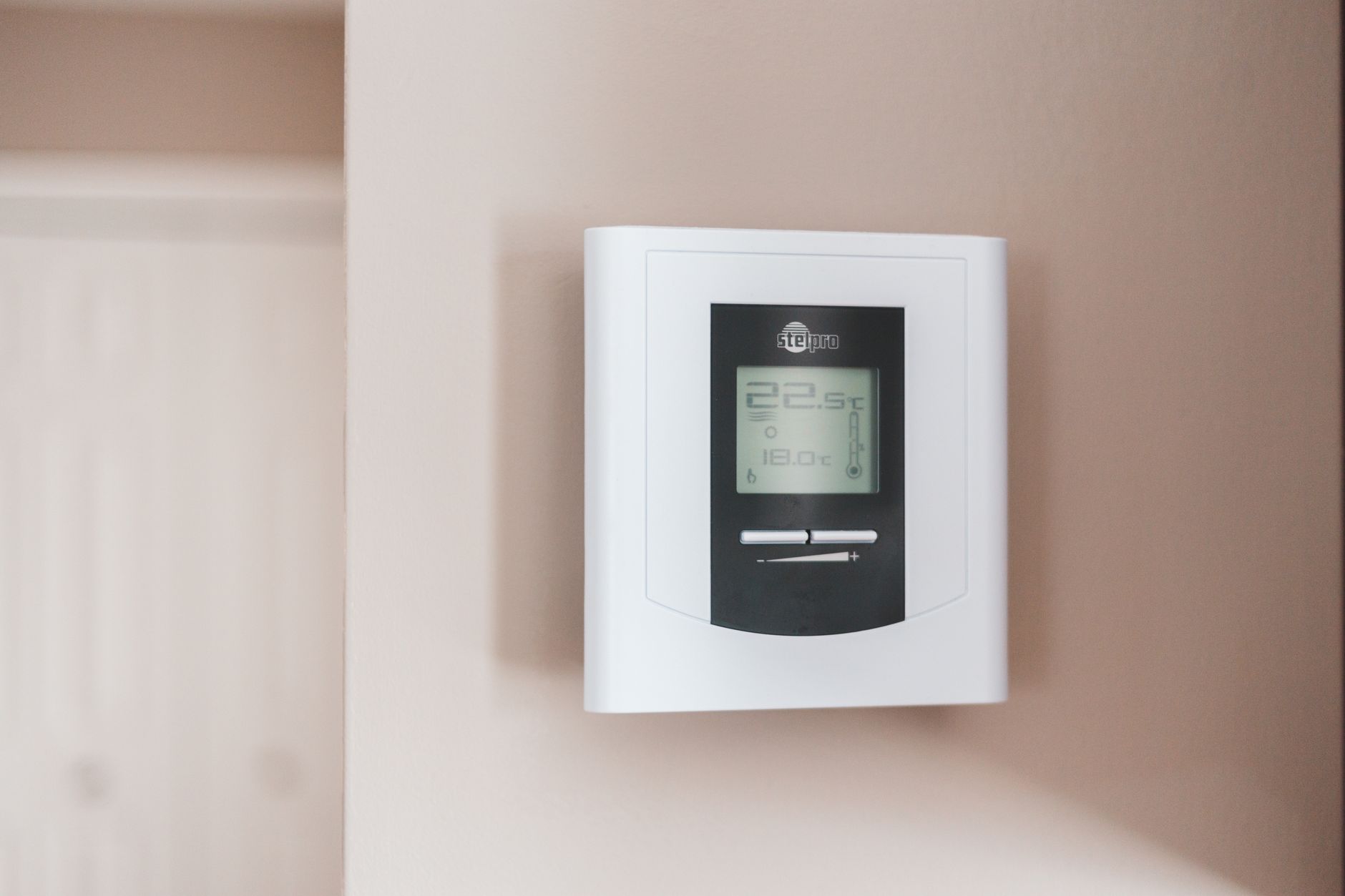
Smart thermostats (like those from Nest, Ecobee, or Honeywell) don’t just follow a schedule; they learn. They use sensors to detect if anyone is actually in the room. If the house is empty because the kids are at school and you are at work, the system automatically enters an “eco-mode.” When you are about to head home, it senses your location via your smartphone and begins to bring the house to your preferred temperature.
Pro-tip: Don’t just install the thermostat in the hallway. If your living room is where the family spends 90% of their time, but your hallway is drafty, the thermostat will get a false reading. Many modern smart thermostats offer remote sensors you can place in high-traffic rooms to ensure the temperature is comfortable exactly where you are, not where the thermostat happens to be.
The Math of Savings
While the initial cost of a smart thermostat might feel like an expense, consider the payback period. Most manufacturers claim savings of 10% to 15% on heating and cooling costs. If your average annual HVAC bill is $1,500, a smart thermostat pays for itself within two years. From there on, it is pure profit in your pocket.
| Feature | Manual Thermostat | Smart Thermostat |
|---|---|---|
| Schedule adjustment | Manual | Automatic/Learning |
| Remote control | No | Yes (Smartphone App) |
| Usage reports | No | Detailed Monthly Analytics |
| Energy saving mode | None | Built-in AI optimization |
Lighting: Killing the “Forgot to Turn it Off” Habit
We’ve all been there: you’re halfway to work, or perhaps even on a weekend trip, when you suddenly realize the basement lights have been on since Friday night. It’s a minor annoyance, but over a year, it adds up. Smart lighting is the easiest entry point into home automation because it’s modular and requires no major renovations.
Smart LED bulbs are significantly more efficient than traditional incandescent or even CFL bulbs. But the real savings come from the automation. Using a hub or a simple app, you can set “scenes.” A “Goodbye” scene can turn off every light in the house with a single tap or a voice command. Or, better yet, set up geofencing so that the moment your phone leaves the house radius, the lights automatically shut down.
Motion Sensors and Logic
For areas like laundry rooms, garages, or children’s bathrooms, motion sensors are a game-changer. These sensors detect occupancy and turn lights off after a set period of inactivity (e.g., 5 minutes). This is particularly useful for families with younger children who haven’t quite mastered the concept of “flip the switch when you leave the room.”
The Invisible Thief: Managing Vampire Power
Have you ever heard of “vampire power” or “standby power”? It’s the electricity consumed by electronics—TVs, gaming consoles, coffee makers, chargers—even when they are turned off. This can account for up to 5% to 10% of your total residential electricity usage. It’s called “vampire” because it slowly drains your bank account while you sleep.
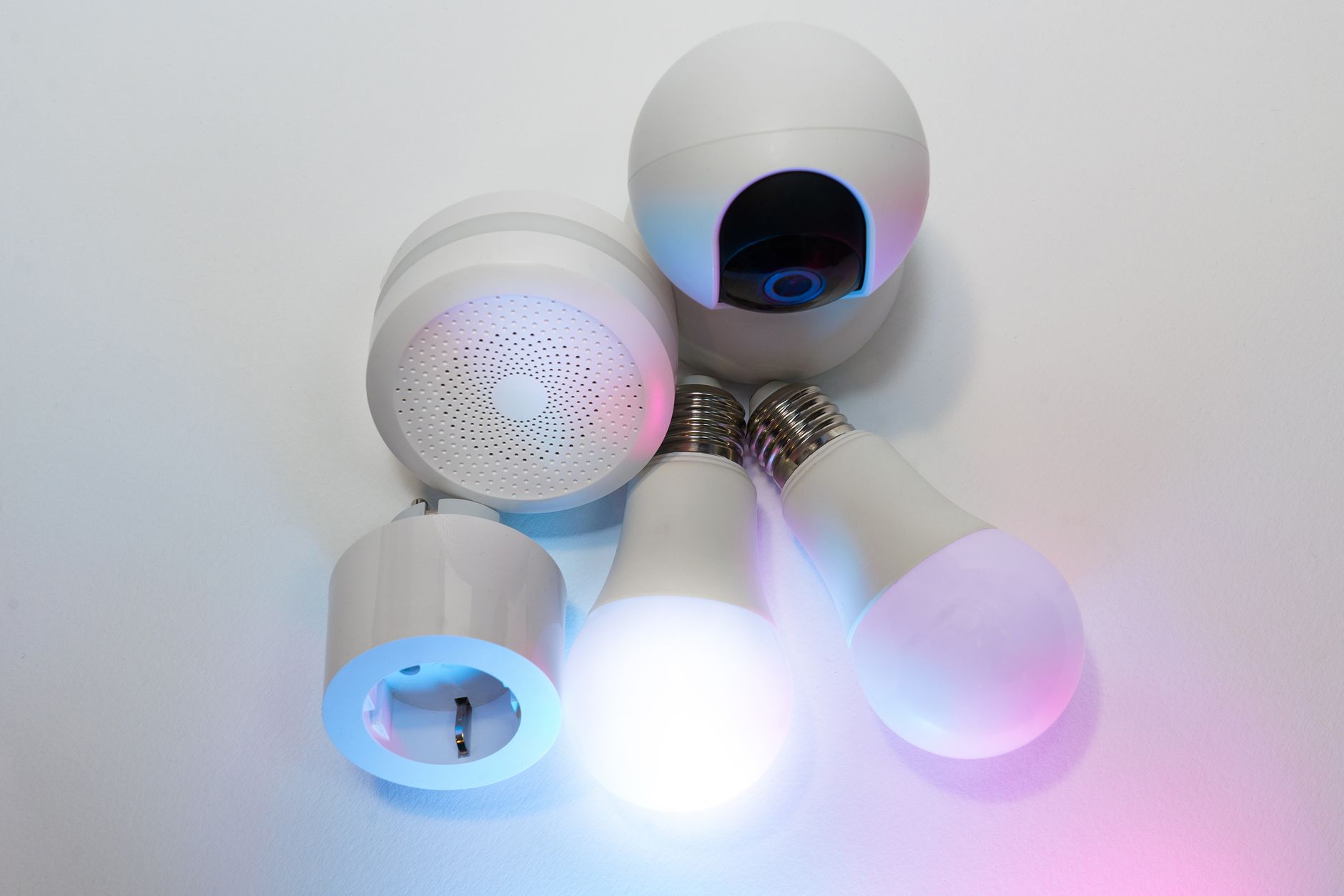
Smart plugs are the cure for this. You plug your “always-on” devices into a smart plug, and you can schedule them to kill the power completely during the hours you know you won’t be using them. For example, if you know your home office setup (monitor, printer, speakers) isn’t used between 8 PM and 7 AM, a smart plug can cut the circuit entirely during those hours.
Safety Note: Be careful not to put critical devices—like a router or a security system—on a smart plug that might accidentally cut power when you need it. Use these for non-essential electronics that have a high standby draw.
Data is Power: Understanding Your Consumption
One of the most overlooked benefits of smart home technology is the data it provides. Most smart devices come with an app that tracks your usage over time. When you see a graph that shows your energy consumption spikes between 4 PM and 7 PM, it suddenly becomes very obvious why your bill is high. This is usually when everyone is home, dinner is cooking, and multiple screens are running.
By identifying these peak times, you can make informed decisions. Maybe you choose to run the dishwasher at night, or perhaps you adjust your smart thermostat to pre-cool the house slightly before the peak rate hours kick in (if your utility provider offers time-of-use pricing). You can’t change what you can’t measure, and these apps turn your home into a transparent, manageable system.

A Balanced Approach: Cautions and Considerations
Before you run out and automate everything, a quick word of caution: don’t overcomplicate your life. The goal of automation is to reduce your burden, not add to it. If you spend three hours every week troubleshooting your smart home hub, you aren’t saving time or money.
1. Compatibility is Key: Before buying devices, ensure they work with your existing ecosystem (e.g., Apple HomeKit, Google Home, or Amazon Alexa). Mixing and matching different brands can lead to “app fatigue,” where you have to open five different apps just to turn off your house.
2. Security: Always change default passwords on your smart devices. A smart home is essentially a network of computers. While the risk of a major hack is often overstated, it’s still best practice to keep your firmware updated and your home network secure.
3. The “Manual Override” Rule: Technology fails. Wi-Fi drops, servers go down, and batteries in sensors die. Always ensure your smart devices have a manual override. If your smart light switch stops working, you should still be able to flip it like a normal switch. If you can’t, don’t install it.
Integrating Automation into Family Life
For families, the transition to a smart home should be collaborative. Get the kids involved. When they see the “energy savings” dashboard on the tablet, it becomes a game. Challenge them to see who can keep the “energy points” the lowest during the week. When technology is framed as a fun, shared goal rather than a series of strict rules, it’s much easier to implement and maintain.
Start small. Don’t try to automate the entire house in one weekend. Start with the thermostat, then move to the high-usage lighting zones, and finally, address the phantom energy draw in the media room. By taking a phased approach, you can learn what works for your specific family rhythm without feeling overwhelmed.
Ultimately, smart home tech is just a tool. It won’t fix bad habits, but it can provide a safety net for when we forget to be perfect. By letting the tech handle the mundane, repetitive tasks of energy management, you can focus on what actually matters—spending time with your family without the looming stress of an unnecessarily high utility bill.
Frequently Asked Questions
Q: Will smart home devices work if my internet goes down?
A: Most basic functions will still work locally, but you may lose app control, voice commands, and remote access. It is important to choose devices that support local control, which ensures your home doesn’t become “dumb” the moment the Wi-Fi drops.
Q: Are smart home devices difficult to install for a beginner?
A: Many devices, such as smart plugs and light bulbs, are “plug and play.” Smart thermostats can be more involved, often requiring a “C-wire” (common wire) for constant power. If you aren’t comfortable with basic home wiring, it is always worth hiring a professional to ensure it’s done safely.
Q: How do I know which smart devices are actually energy-efficient?
A: Look for products that are Energy Star certified. Furthermore, check the app’s capability to provide detailed energy reports; if a device doesn’t tell you how much energy it’s helping you save, it’s likely just a remote-control device rather than an energy-management tool.
For further reading on residential energy efficiency, you can visit the U.S. Department of Energy’s guide on Smart Home Technology or explore local energy provider websites for rebates on smart thermostats and other energy-saving devices.