The most effective way to save your back and neck while working a hybrid schedule is to treat your home office as a dedicated professional workstation rather than a temporary landing pad for your laptop.
Key Takeaways for Hybrid Parents
- Prioritize the “Neutral Position”: Your joints should be in their most relaxed state, with your elbows, hips, and knees at 90-degree angles.
- Invest in Peripherals: A laptop screen is rarely at eye level; an external monitor, keyboard, and mouse are non-negotiable for long-term health.
- Movement is Medicine: No chair is perfect if you sit in it for eight hours straight. Implement the 20-20-20 rule and frequent micro-breaks to reset your posture.
If you are a parent juggling school runs, grocery shopping, and the demands of a high-pressure job, the last thing you want to deal with at 3:00 PM is a throbbing tension headache or a lower back that feels like it’s been through a spin cycle. We’ve all been there: hunched over the kitchen island, laptop balanced on a stack of cookbooks, wondering why our shoulders feel like they belong to a gargoyle by the end of the day.
Hybrid work was supposed to be the “best of both worlds,” but for many, it has turned into a logistical nightmare where our physical health pays the price. When you’re at the office, you likely have a standardized desk setup. At home, you’re often fighting for space with a toddler’s coloring books or a pile of laundry. Let’s break down how to fix this without needing a five-figure renovation budget.
The Physics of Sitting: Why Your Setup Matters
Ergonomics isn’t just a corporate buzzword used to sell expensive chairs; it is the science of designing the workspace to fit the worker. When your body is forced to adapt to a poorly designed workspace, it compensates through muscle tension, spinal compression, and repetitive strain. Over months, this manifests as chronic pain.
Think of your spine as a stack of building blocks. When you hunch over a laptop, you are essentially shifting those blocks out of alignment. Gravity then does the rest of the work, pulling your head forward and rounding your shoulders. This “text neck” phenomenon puts immense pressure on your cervical spine. To combat this, we need to focus on the “Neutral Position.”
The 90-Degree Rule
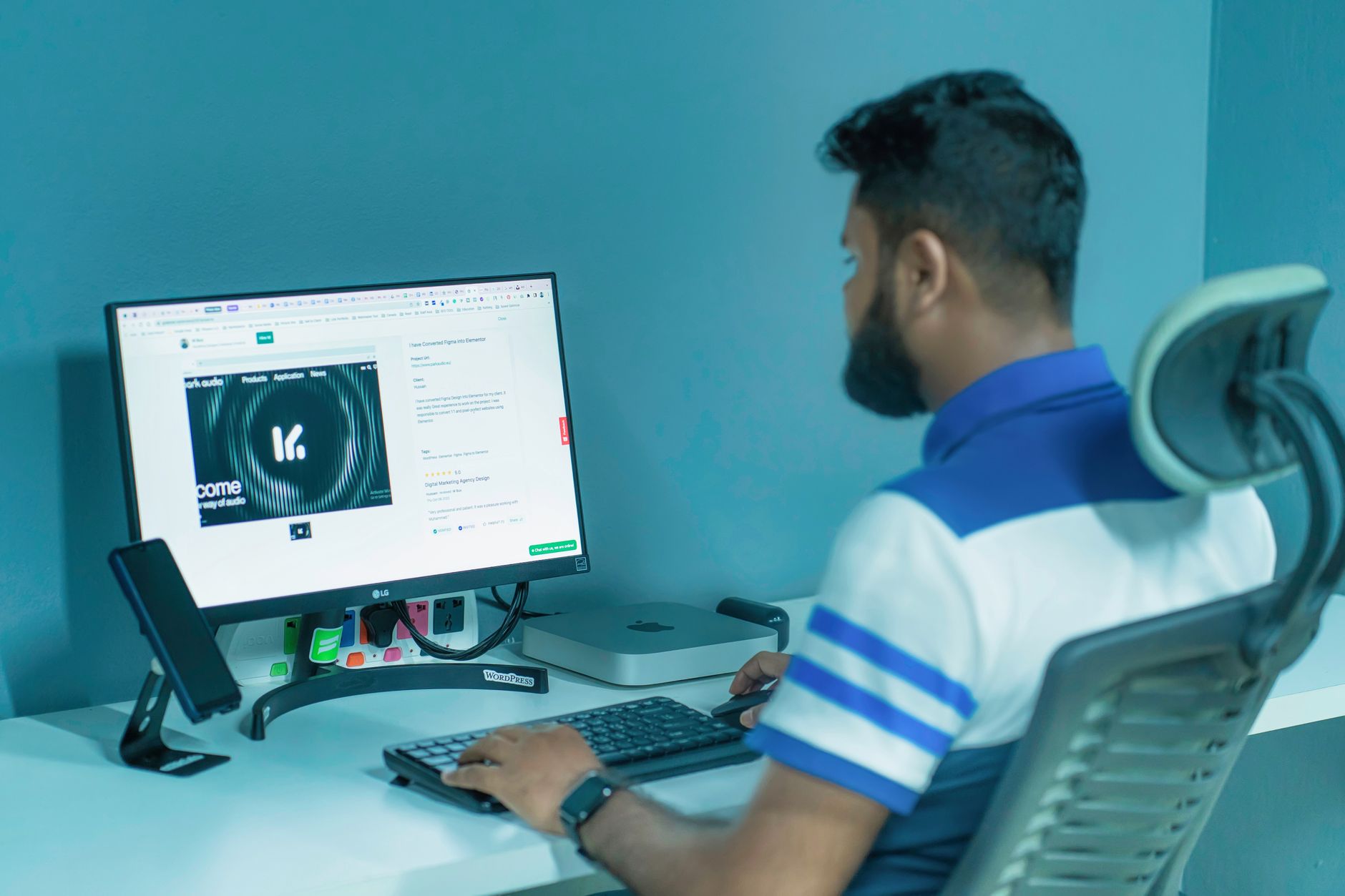
The golden rule of ergonomics is the 90-degree principle. When you are seated, your feet should be flat on the floor, your knees should be at a 90-degree angle, your hips should be at a 90-degree angle, and your elbows should be at a 90-degree angle while typing. If your feet are dangling or your wrists are bent upward, your muscles are constantly engaged, leading to fatigue.
The Screen-Eye Alignment
Your eyes should be level with the top third of your monitor. If you are looking down at a laptop screen, you are inviting neck strain. This is why a laptop stand is arguably the most important purchase you can make. If you don’t want to buy one, a stack of sturdy books will do the trick just as well. The goal is to bring the screen up to your natural line of sight.
Equipping Your Home Office on a Budget
You don’t need a $1,500 chair to be ergonomic. While high-end chairs are great, there are several budget-friendly hacks that can make a massive difference in your daily comfort.
| Component | Pro Solution | Budget-Friendly Hack |
|---|---|---|
| Monitor | Adjustable arm mount | Stack of books or a sturdy box |
| Keyboard | Mechanical ergonomic keyboard | External USB/Bluetooth keyboard |
| Back Support | High-end lumbar chair | Rolled-up towel behind your lower back |
| Lighting | Smart LED desk lamp | Positioning your desk near natural light |
The biggest mistake parents make is trying to work from the kitchen table. While it feels convenient, kitchen chairs are designed for dining, not for eight hours of focus. If you must work at the kitchen table, prioritize a chair cushion to add height and a lumbar pillow to support the natural curve of your spine. If your chair is too high, use a footrest or a small storage box to ensure your feet are firmly planted.
The “Parental Paradox”: Balancing Kids and Ergonomics
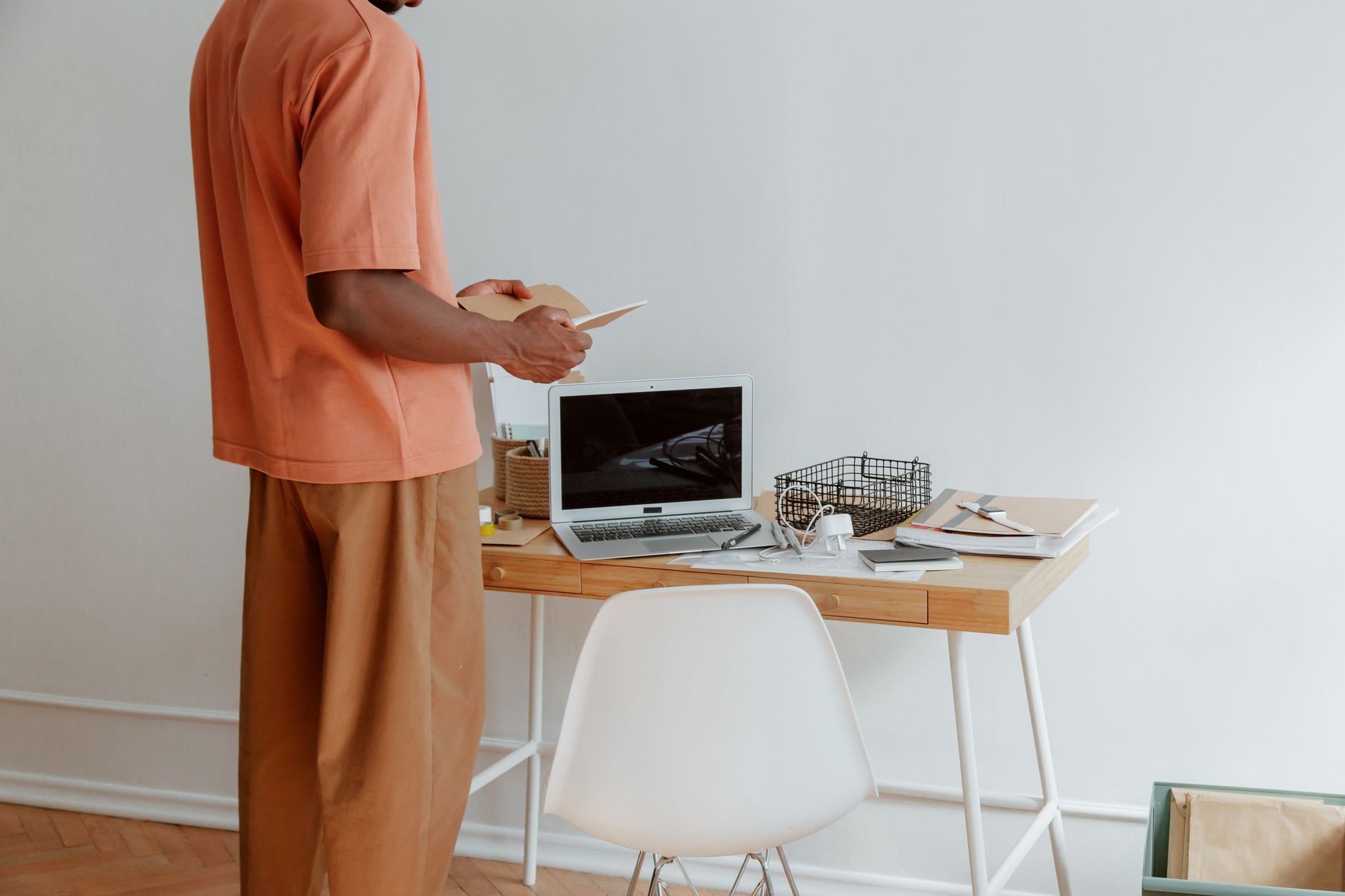
Working from home with children adds a layer of complexity that corporate ergonomics experts rarely address. You aren’t just managing your posture; you are managing interruptions. Sometimes, you have to move your workspace to the kitchen or the living room to keep an eye on the kids. This constant shifting is the enemy of ergonomic consistency.
If you have a hybrid schedule, try to create a “mobile ergonomic kit.” This could include your external keyboard, mouse, and a small lumbar cushion in a dedicated tote bag. By having these items ready, you can transform any surface into a semi-ergonomic station in seconds. Consistency is better than perfection. Even if your setup isn’t ideal, having your keyboard at the right height and your feet supported is better than nothing.
The Hidden Secret: Movement as the Ultimate Ergonomic Tool
There is a common misconception that if you buy the “right” chair, you won’t get tired. This is false. The human body was designed to move, not to sit for 40 hours a week. Even in a perfectly ergonomic setup, static posture is harmful.
Enter the “Micro-break.” Every 30 to 60 minutes, you need to stand up. Not just to grab a coffee, but to reset your entire musculoskeletal system. Try these three simple moves:
- The Chest Opener: Interlace your fingers behind your back and gently pull your shoulders down and back. This reverses the “hunch” position.
- The Neck Release: Slowly tilt your head from side to side, keeping your shoulders relaxed. Do not roll your head in a full circle, as this can strain the neck joints.
- The Calf Pump: Stand on your tiptoes and lower yourself back down. This helps circulate blood flow, which often pools in the legs after hours of sitting.

Managing Digital Eye Strain
Since we are talking about ergonomics, we cannot ignore the eyes. When you spend all day staring at screens, your blink rate decreases, leading to dry, irritated eyes. Furthermore, the blue light emitted by screens can disrupt your circadian rhythm, making it harder to wind down after a long day of “parenting-work-parenting” cycles.
The 20-20-20 rule is your best friend here. Every 20 minutes, look at something 20 feet away for 20 seconds. This simple act forces your eye muscles to relax and refocus. Additionally, adjust your screen brightness to match the ambient lighting of the room. If your room is dark and your screen is at 100% brightness, your eyes are working overtime to compensate for the contrast.
Setting Boundaries: The Mental Side of Ergonomics
Ergonomics isn’t just about the physical; it’s about the mental space. When your office is your dining table, work never truly ends. This constant state of “being at work” increases cortisol levels, which keeps your muscles tense. Even if you have the perfect chair, you won’t feel physically comfortable if you are mentally stressed.
Try to create a “shutdown ritual.” When your workday ends, close your laptop, put your keyboard away, and physically clear the desk. This acts as a signal to your brain that the “work” portion of the day is over. It allows your body to drop that subconscious muscle tension that builds up when we are in work mode. If you have kids, involve them in this process. Maybe they help “put the computer to bed.” It creates a clear boundary that helps everyone in the house transition to family time.
Common Misconceptions About Home Office Setups
Let’s debunk a few myths. First, the “standing desk” is not a magic bullet. While standing is better than sitting, standing for too long can lead to foot, knee, and hip issues. The best posture is the “next” posture. Aim for a mix of sitting and standing throughout the day. If you don’t have a motorized standing desk, you can simulate this by placing your laptop on a high kitchen counter for 30 minutes at a time.
Second, don’t over-rely on “ergonomic” marketing. Many items labeled “ergonomic” are just standard products with a higher price tag. Always look for adjustability. If a chair, desk, or monitor arm doesn’t allow you to adjust it to fit your body, it’s not ergonomic for you.
Conclusion: The Long-Term View
Optimizing your home office is an ongoing process of refinement. You don’t need to change everything overnight. Start by checking your monitor height, then look at your chair support, and finally, focus on your movement habits. Being a parent with a hybrid schedule is hard enough; don’t let your workspace make it harder.
Listen to your body. If you feel a dull ache in your lower back or a tingling in your wrists, that is your body asking for a change. Pay attention to those signals early. Small, consistent adjustments are the secret to staying productive and pain-free for the long haul. You’re doing a great job balancing it all; just make sure you’re taking care of the most important tool you have—yourself.
Frequently Asked Questions
1. Does a standing desk really help with back pain?
Yes, but only if used correctly. Standing for too long can cause just as much pain as sitting. The key is to alternate between sitting and standing, and to ensure your screen is at eye level regardless of which position you are in.
2. What is the most important piece of ergonomic equipment for a hybrid worker?
An external keyboard and mouse. Because you likely use a laptop, the screen is attached to the keyboard. By separating them, you can raise the screen to eye level while keeping your hands at the correct typing height, which is the single biggest improvement you can make for your posture.
3. How often should I take a break to prevent fatigue?
Aim for a micro-break every 30 to 60 minutes. Use these moments to stand up, stretch, and look away from your screen. Even a two-minute break can significantly reduce muscle tension and eye strain.
For further reading on workplace health and safety, you can visit the official guidelines provided by the Occupational Safety and Health Administration (OSHA) on computer workstation ergonomics.