- The most effective paperless system is not about “zero paper,” but about “zero friction”—digitizing only what matters and recycling the rest immediately.
- By 2026, AI-integrated scanning apps and automated cloud tagging have made document management faster than ever, allowing you to categorize receipts and school notices in seconds.
- A successful household workflow requires a “landing strip” for physical mail, a weekly “digital clearing” session, and a unified family cloud drive for shared access.
You can achieve a truly paperless household in 2026 by focusing on the “input-to-trash” pipeline, where every piece of paper entering your home is either scanned and shredded or recycled within 60 seconds of arrival. If your kitchen counter looks like a graveyard of permission slips, takeout menus, and medical bills, you aren’t alone. Balancing the administrative load of parenting with a career is a full-time job in itself, and physical paper is the silent enemy of your mental bandwidth.
The goal isn’t to live in a sterile, futuristic void; it’s to reclaim the space on your surfaces and the time in your brain. Let’s walk through the exact workflow that works for busy families in the current digital landscape.
The Philosophy of ‘Input-to-Trash’
Many parents fail at going paperless because they treat it as an archiving project. They buy a heavy-duty scanner, spend a weekend digitizing 10 years of tax returns, and then burn out. That is a project, not a workflow. A workflow is a habit. To succeed, you must adopt the “input-to-trash” mentality. Every piece of mail or paper that crosses your threshold has exactly two destinations: the scanner (if it’s vital) or the recycling bin (if it’s not).
Think of your physical mailbox as a temporary holding area that should be cleared daily. If you let it sit, it becomes “clutter,” which is just a fancy word for “decisions deferred.” By making the decision to keep or toss immediately, you are essentially offloading the cognitive weight of that document onto a system rather than your memory.
Establishing Your ‘Landing Strip’
Every household needs a physical “landing strip”—a specific, small area near the entryway where mail is processed. This is not for storage; it is for triage. You need a dedicated, slim recycling bin right next to this area. If you have to walk to the kitchen to throw away a credit card offer, you won’t do it.
Your landing strip should contain:
- A small shredder (or a “to-shred” bin if you prefer to batch this task).
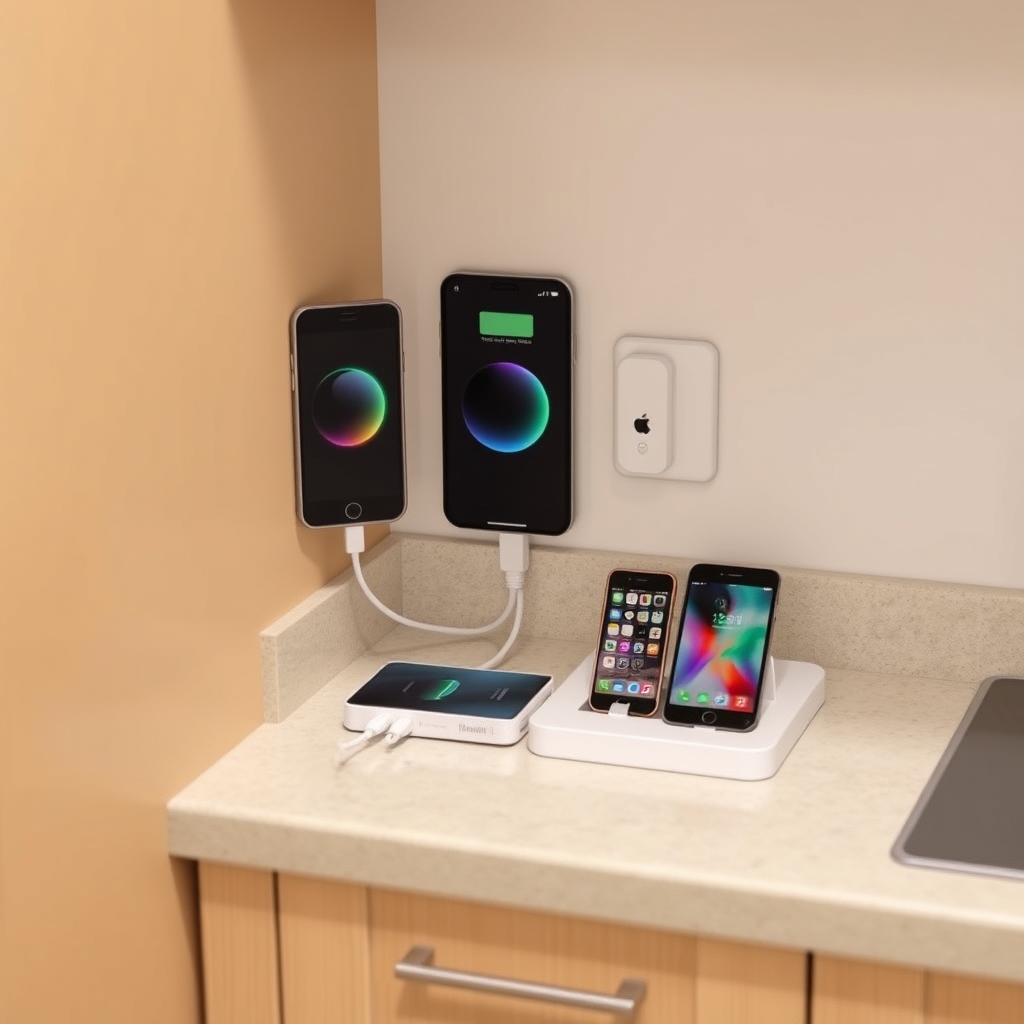
- A mobile phone charging port.
- A small basket for items that require a physical response (like a gift card or a physical event ticket).
When you walk in with the mail, stand at this station. Junk mail goes directly into the recycling bin. Bills and school notices are scanned immediately. If it doesn’t need to be kept for legal or sentimental reasons, it never enters the house. It stays at the door, and it leaves the house as trash or recycling.
The Technology Stack: What You Actually Need in 2026
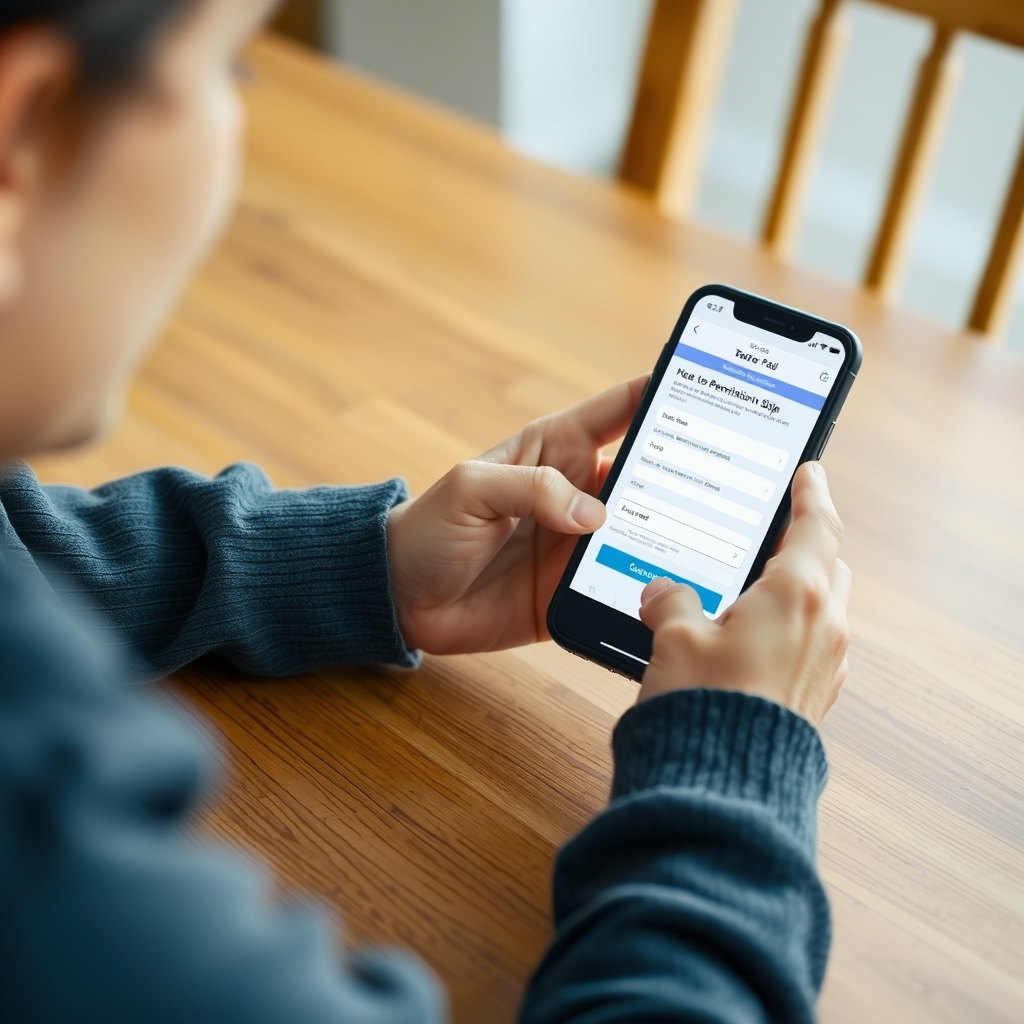
By 2026, the technology has evolved to a point where “scanning” is no longer a chore involving a flatbed scanner. Your smartphone is your most powerful tool. Using AI-driven scanning apps, you can now automatically detect document borders, auto-straighten, and even use OCR (Optical Character Recognition) to make the text within your documents searchable.
Recommended Software Tools:
| Tool Category | Purpose | Why it matters |
|---|---|---|
| Mobile Scanner | Captures physical paper | Fast, portable, and creates high-quality PDFs. |
| Cloud Storage | Centralizes your life | Accessible from any device by both parents. |
| Password Manager | Secures digital accounts | Essential for accessing online portals for schools/banks. |
| AI Task Managers | Processes information | Can summarize long school newsletters into action items. |
The “Cloud” is no longer a vague concept; it is your digital filing cabinet. Services like iCloud, Google Drive, or OneDrive offer robust search features. If you name your files using a consistent naming convention—for example, YYYY-MM-DD-Description—you will never lose a document again. Searching for “2026-05-12-Medical-Bill” is infinitely faster than digging through a drawer in your filing cabinet.
Managing the ‘School Paperwork’ Avalanche
For parents, the biggest source of paper clutter is school. Newsletters, permission slips, health forms, and calendar invites. Many schools have moved to digital portals, but many still rely on paper folders. How do you handle this?
The trick is to treat the school folder like a “process” folder. When your child brings home a paper, scan it immediately. If it requires a signature, sign it, scan it, and put it back in the folder. Do not store the physical copy unless it is a legal document (like a birth certificate or a passport). If you scan it, you have a digital record. If the school loses their copy, you have the proof.
Use a shared digital calendar for all family events. If a school notice mentions an upcoming field trip, add it to the calendar immediately after scanning the permission slip. This creates a “digital twin” of your family’s schedule, removing the need to keep the paper for “reminder” purposes.
The Weekly ‘Digital Clearing’ Ritual
Even with a perfect system, digital clutter happens. You will have a “Scan” folder on your desktop or phone that accumulates files. You need a weekly “digital clearing” ritual. Pick a time—maybe Friday afternoon or Sunday evening—to sit down for 15 minutes.
During this time, move your scanned files from your “Inbox” folder into their permanent homes. Rename files that don’t follow your naming convention. Delete screenshots you took of temporary information. This 15-minute maintenance prevents your cloud storage from becoming a digital junk drawer. It’s the equivalent of doing the dishes so you don’t wake up to a dirty kitchen.
Security and Privacy in the Digital Age
When you digitize your life, you are creating a concentrated target for data breaches. You must treat your digital files with the same security as your physical ones. Use two-factor authentication (2FA) for your cloud storage accounts. If you are handling highly sensitive documents like tax returns or social security documents, consider using an encrypted storage service or a local encrypted drive.
Don’t be paranoid, but be prudent. A strong, unique password for your cloud account, coupled with 2FA, is significantly safer than a cardboard box in the back of your closet that could be lost in a fire or flood. Digital files are backed up; physical files are vulnerable.
Common Pitfalls and How to Avoid Them
One common mistake is “over-saving.” Do you really need to keep the receipt for a $5 grocery run? Probably not. Do you need to keep the manual for a toaster you bought three years ago? No, you can find that online in seconds. Only keep documents that are difficult to replace (legal documents) or that you might need for tax/warranty purposes.
Another pitfall is “system complexity.” If your filing system requires 15 sub-folders to find a file, you won’t use it. Start with simple, broad categories: Medical, Financial, School, Home, Personal. You can always add sub-folders later if one category becomes too crowded.
The Psychological Benefit of Less Paper
There is a tangible sense of relief that comes with clearing physical clutter. Research in environmental psychology suggests that physical clutter competes for your attention, which increases stress levels and decreases your ability to focus on the task at hand. By moving that clutter into a digital, searchable format, you aren’t just cleaning a surface; you are freeing up mental space.
When you no longer worry about “where I put that form,” you have more energy for the parts of parenting that actually matter. You aren’t just “going paperless”; you are building a system that supports your family’s well-being.
When to Keep the Paper
It is important to acknowledge that some things should stay physical. Legal documents like birth certificates, passports, marriage licenses, and property deeds should be kept in a fireproof safe. These are not “clutter”—they are essential records. The goal is to eliminate the 99% of paper that is just noise, so you can clearly see the 1% that requires physical preservation.
Summary of the Workflow
To recap, your 2026 paperless workflow consists of these core habits:
- The Landing Strip: Process mail the moment it enters the door.
- The Scan: Use your phone to capture what is needed; recycle the rest.
- The Naming Convention: Use YYYY-MM-DD-Description for every file.
- The Weekly Clearing: Spend 15 minutes organizing your digital files.
- The Security Layer: Enable 2FA on your cloud storage and use a password manager.
By shifting your perspective from “filing” to “processing,” you turn an overwhelming administrative burden into a manageable daily habit. It takes time to build these muscles, but the result is a home that feels lighter, calmer, and significantly more organized.
Frequently Asked Questions
How do I handle documents that others send me, like bank statements or medical records?
Most institutions in 2026 offer “paperless billing” options. Log in to your various accounts—utility, banking, insurance—and toggle the “go paperless” setting. For those that don’t, treat them as you would any other piece of mail: scan, file, and recycle.
What if I am afraid of losing my files due to a technical glitch?
The “3-2-1” backup rule is your best friend here. Keep 3 copies of your data, on 2 different types of media, with 1 copy stored off-site (the cloud). If you use a reputable cloud provider, your data is generally safer there than in a physical filing cabinet subject to fire, water damage, or loss.
Is it really worth the time to scan everything?
The time you spend scanning is a fraction of the time you spend searching for lost papers. If you scan as you go, it takes less than a minute per document. That minute saves you hours of searching later. It is an investment in your future sanity.
For further reading on digital organization and security, you can visit the following resources:
- FTC: How to Protect Your Privacy Online
- Ready.gov: Collecting Vital Documents
- CISA: Secure Our World (Cybersecurity Best Practices)
Building a paperless household isn’t about being perfect; it’s about making your life easier. Start small, stay consistent, and don’t let the pile at the door win. You’ve got this.