Key Takeaways:
- Utility vs. Distraction: Wearables are excellent for peace of mind in high-density areas, but they are not a substitute for active supervision or safety education.
- The Privacy Trade-off: Every GPS device collects data; understand the privacy policy and data storage practices of the manufacturer before syncing it to your child’s identity.
- Feature Overload: Focus on core safety features—real-time location and SOS calling—rather than gamified distractions that turn a safety tool into a toy.
The most important thing to realize about safety wearables is that they are tools for mitigation, not prevention. If you are looking for a digital leash that guarantees your child’s safety while they are out of your sight, you are setting yourself up for disappointment. However, if you view these devices as one layer in a broader strategy of communication and safety awareness, they can be remarkably effective pieces of kit.
We’ve all been there. Your child starts that new extracurricular activity, or perhaps they’re finally walking home from school alone for the first time. The anxiety is palpable. You want to know they’ve arrived safely, but you also don’t want to be the parent who is texting them every five minutes, effectively hovering through a screen. This is where the current wave of “kid-safe” wearables enters the fray. But with so many options—from dedicated GPS watches to repurposed fitness trackers—it’s easy to get lost in the marketing.
Understanding the Ecosystem: What Are We Actually Buying?
When we talk about safety wearables for kids, we are generally talking about three distinct categories: dedicated GPS smartwatches, app-enabled fitness bands, and tracking tags (like AirTags or Tiles). Each serves a different purpose, and choosing the wrong one can lead to frustration or, worse, a false sense of security.
Dedicated GPS smartwatches are the “gold standard” for younger children (typically ages 6 to 11). These devices usually feature a cellular connection, meaning they function independently of a phone. They allow for voice calls, SOS buttons, and geofencing—where you get an alert if your child leaves a pre-set “safe zone,” like their school or home. The downside? They require a monthly data plan, and they often come with a monthly subscription fee for the app, which can add up quickly.
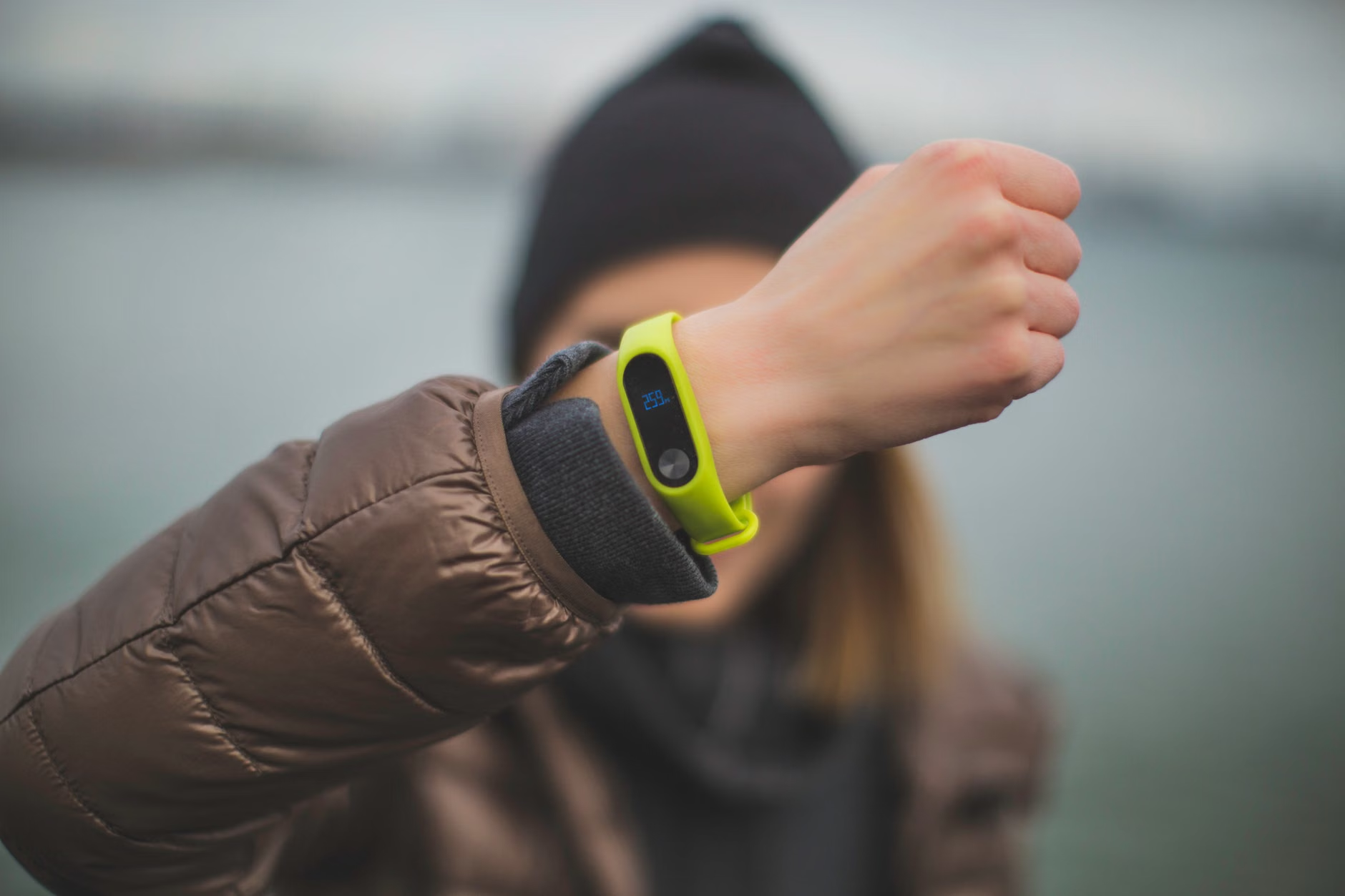
Then you have fitness-focused bands. These are great for keeping kids active, but their safety features are often secondary. They might track location, but they rarely offer two-way voice communication. If you are looking for a way to actually talk to your child in an emergency, these are usually insufficient.
Finally, we have tracking tags. These are not wearables in the traditional sense; they are passive trackers. They don’t provide real-time updates in the way a cellular watch does, and they rely on the proximity of other people’s devices to update their location. For a child on a bike in a rural area, an AirTag might not update for hours. They are excellent for tracking a backpack, but they should never be your primary “safety” device for a human being.
The Data Privacy Elephant in the Room
It’s tempting to ignore the fine print when you’re just trying to make sure your kid gets to soccer practice on time. But we need to be clear: these devices are collecting location history, voice data, and potentially contact lists. As parents in our 30s and 40s, we are the first generation to navigate this “surveillance parenting” landscape, and we need to be critical consumers.
When evaluating a device, ask yourself these three questions: Where is the data stored? Who has access to it? And can I delete it? Many of the cheaper, generic wearables flooding the market have abysmal security protocols. There have been documented instances where hackers have intercepted data from insecure kids’ watches, exposing real-time location data to strangers. Always stick to reputable brands that provide clear information about their encryption standards.
If a company’s privacy policy is vague or non-existent, walk away. Your child’s daily routine—where they go to school, where they play, when they leave the house—is highly sensitive information. It shouldn’t be treated as a commodity to be sold to advertisers.
The “Geofencing” Fallacy
Geofencing is arguably the most marketed feature of these devices. You draw a digital circle on a map, and your phone pings you when the watch enters or leaves that circle. It sounds perfect, but the technology is not infallible. GPS drift is a real thing. If the signal bounces off a tall building or the battery dips below a certain percentage, the device might report your child is “out of bounds” when they are perfectly safe, leading to unnecessary panic.
Conversely, a device might fail to trigger an alert if the child moves quickly or if the network coverage is spotty. Never rely exclusively on a geofence notification to confirm your child’s whereabouts. Use it as a secondary check, not as a primary source of truth.
Practical Decision Criteria: How to Choose
Before you commit to a purchase, you need to map out your specific needs. Not every child needs a $200 smartwatch with an integrated camera and a high-resolution display. In fact, the more features a watch has, the more it becomes a distraction in the classroom.
| Feature | Importance | Why it matters |
|---|---|---|
| Real-time GPS | High | The baseline requirement for safety. |
| Two-way Calling | High | Vital for immediate communication. |
| SOS Button | High | Allows the child to signal for help instantly. |
| “School Mode” | Medium | Disables features to prevent classroom distraction. |
| Camera | Low | Often a privacy risk and a source of distraction. |
Look for devices that offer a “School Mode” or “Do Not Disturb” function. Teachers are increasingly frustrated by smartwatches that buzz or light up during lessons. If your child’s device is a constant source of disruption, it will eventually be confiscated, rendering your safety investment useless. A good device is one that is invisible when it needs to be and functional when it matters.
The Human Element: Technology is Not a Substitute for Education
We need to talk about the “parenting gap.” There is a dangerous tendency to think that because we can see where our child is on a map, we don’t need to have the “safety talk.” This is a mistake. The best safety wearable in the world won’t prevent a child from making a poor decision if they haven’t been taught how to assess risk.
Use the wearable as a conversation starter. When you see your child’s location change on the app, talk to them about it later. “I saw you walked home via the main road today, that was a smart choice because it’s better lit.” This builds trust. If you use the device as a way to “catch” them doing something wrong, they will quickly learn how to take the watch off or leave it behind. The goal is to create a sense of shared responsibility, not a sense of being monitored.
Also, teach your child how to use the SOS function properly. Many kids are afraid to use an emergency button because they don’t want to get in trouble or they think it’s “just for the police.” Explain that the SOS button is for whenever they feel unsafe, uncomfortable, or just plain lost. It is a tool for them to reach you, not a tool for them to get in trouble.
Managing Battery Life and Connectivity
The most common failure point for safety wearables is not the software—it’s the battery. Most of these devices are small, and they have limited battery capacity. If your child forgets to charge their watch, or if they play with the features too much during the day, the device will be dead by the time they need it most.
Create a charging routine. Just like the backpack goes by the front door, the watch goes on the charger at a specific time every evening. Make it a non-negotiable part of their daily routine. If you have a child who struggles with consistency, look for devices with longer battery life, even if it means sacrificing some of the fancy screen features.
Connectivity is another hurdle. If you live in an area with poor cellular coverage, a 4G/LTE watch will be useless. Check the coverage maps of the service provider that the watch uses before you buy. Some watches are locked to specific carriers, while others allow you to choose your own SIM card. If you have a choice, pick a provider that you know works well in your specific neighborhood or school zone.
Common Mistakes Parents Make
One of the biggest mistakes I see is parents buying a device that is too complicated for their child’s age. A 7-year-old doesn’t need a watch with a complex menu system or a touchscreen that requires high dexterity. They need a simple, single-button interface that they can operate under stress. If they have to swipe through three menus to call you, they won’t use it in an emergency.
Another mistake is failing to test the device. Don’t just set it up and assume it works. Take it for a walk. Test the SOS feature. See how long it takes for a location update to appear on your phone. If the device takes 10 minutes to update, it’s not really “real-time,” is it? Knowing the limitations of your hardware is just as important as knowing its capabilities.
Finally, avoid the “stealth” mentality. Some parents hide the fact that they are tracking their child. This is a recipe for broken trust. If you are going to use tracking technology, be honest about it. Explain it as a safety tool, like a seatbelt. “I use this so I can make sure you’re safe, just like I make sure you have your helmet when you ride your bike.”
When Should You Stop Using Them?
There isn’t a magic age where you should stop using safety wearables. It depends on your child’s maturity and the environment they move in. However, as children enter their teenage years, the conversation should shift. If you are still tracking their every move when they are 15 or 16, you are likely stifling their independence.
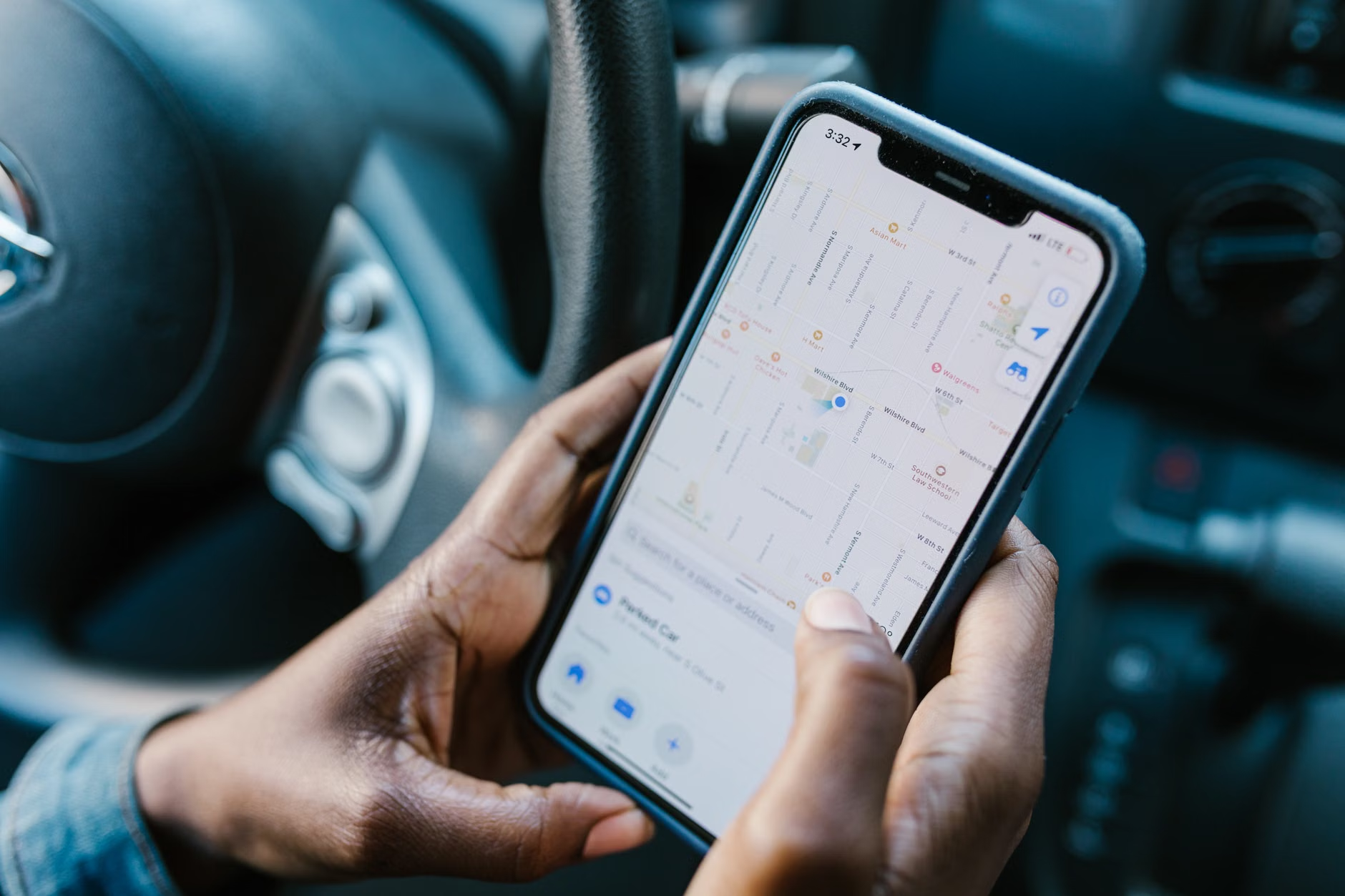
The transition from a “safety wearable” to a smartphone is a natural evolution. By the time they are in middle school, many kids will want a phone anyway. At that point, you can use built-in family sharing features (like Apple’s Find My or Google Family Link) rather than a dedicated watch. These tools are often more reliable and offer more privacy controls than third-party tracking apps.
The Future of Safety Tech
As we look ahead, we are seeing a shift toward more integrated, less obtrusive technology. We are moving away from “gadgets” and toward systems that are built into the devices kids already use. While the market is currently saturated with standalone watches, the future likely lies in better software integration within our existing ecosystem of devices.
However, the core principle remains the same: the tech is only as good as the family culture surrounding it. If your family values open communication, the tech acts as a safety net. If your family relies on the tech to avoid communication, it becomes a crutch that can eventually fail.
Remember that safety is a multi-layered approach. It’s the conversations you have, the routes you plan together, the “what-if” scenarios you discuss, and yes, the occasional peace-of-mind check on a map. Don’t let the device become the primary parent. Use it to enable your child’s freedom, not to restrict it.
Ultimately, these devices are here to stay. They offer a level of connectivity that our parents never had, and in a fast-paced, urbanized world, that can be a genuine benefit. Just be smart about what you choose, be diligent about your privacy settings, and most importantly, keep talking to your kids. The best safety feature your child will ever have is their own judgment, and no amount of GPS tracking can replace that.
Frequently Asked Questions
Q: Will using a GPS watch make my child too dependent on me?
A: It can, if it’s used as a way to constantly “helicopter” over them. To avoid this, frame the device as a safety tool for emergencies, not a way to monitor their social interactions or whereabouts 24/7. Use it to give them the confidence to go further, rather than using it to pull them back.
Q: Are the cheaper generic GPS watches on sites like Amazon safe to use?
A: Generally, proceed with extreme caution. Many of these low-cost devices have poor data security, which can leave your child’s location data vulnerable. If you’re going to buy a wearable, it’s worth paying a bit more for a reputable brand that has a transparent privacy policy and regular software updates.
Q: My child complains that the watch is “uncool” or “for babies.” How do I handle this?
A: This is a common hurdle as kids hit the pre-teen years. Try to involve them in the selection process. If they have a say in the design or the features, they are more likely to wear it. Also, frame it as a condition for their independence—if they want to walk to the park or go to a friend’s house, they need to carry a way to stay in touch.
For more information on digital safety for families, check out these resources:
Stay grounded, keep those lines of communication open, and remember that no technology can replace the trust you build with your children every single day. A safe child is a well-informed child, not just one with a device on their wrist.